I just unboxed my Flint 6 (GL-AX1800)
Plugged in a computer to the rear port labeled LAN1 but I don’t see any status lights.
John
I just unboxed my Flint 6 (GL-AX1800)
Plugged in a computer to the rear port labeled LAN1 but I don’t see any status lights.
John
Hello,
The Ethernet port has no indicator light.
You can check on your PC whether it has obtained the LAN IP for the Flint1.
BTW, make sure the router is powered on.
so. no status lights. why not?
The network port hardware does not design a status LED.
seems funny as every other network device in the world does this.
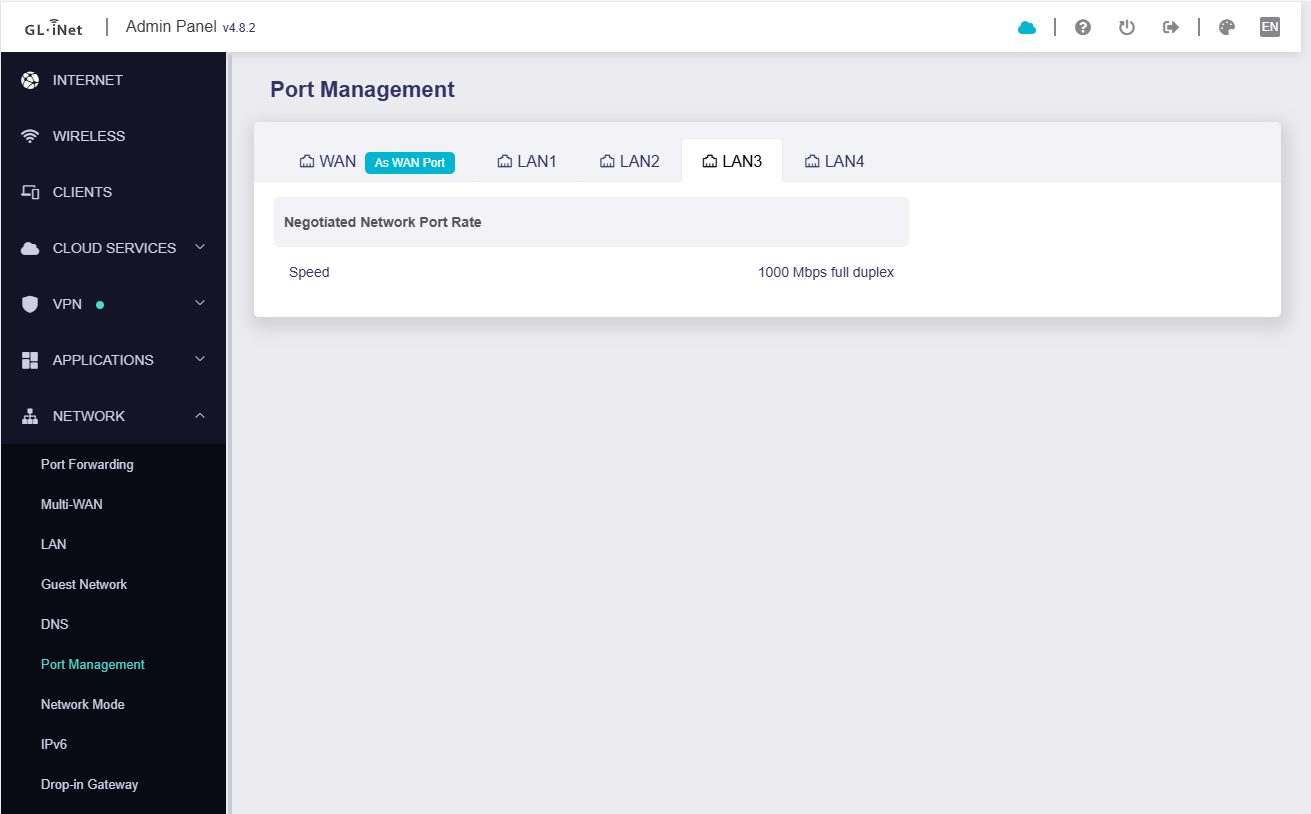
So. how do I tell in the GUI which port I’m plugged into?
For example if my cable in is the port labeled LAN1 how do I see that in the GUI? either the GL iNet GUI or Luci?
Hello,
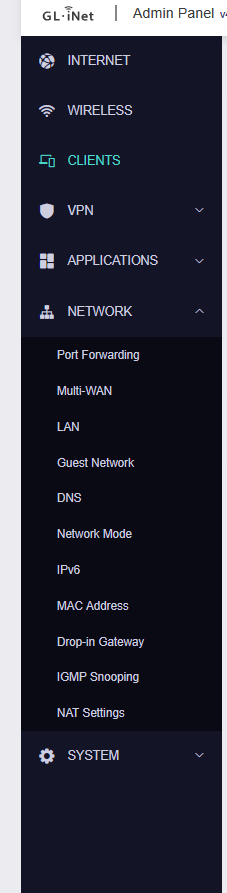
Please check for a firmware update.
This feature is supported on firmware version v4.7 and later.
You can manually upgrade to v4.8.3 beta version: