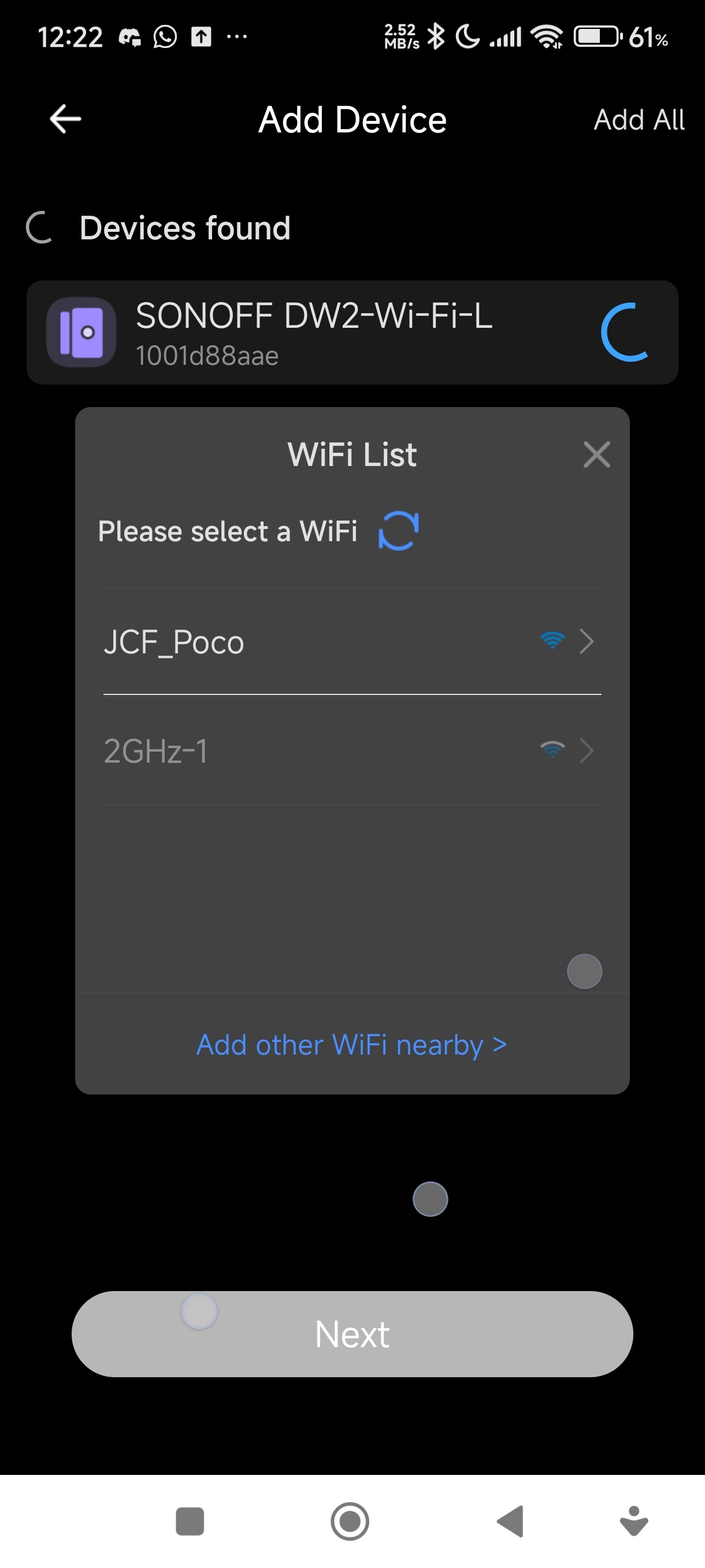
I getting disappointed with GL-iNet products, Seriously my Sonoff DW2 Wifi can not connect to Flint2 only can connect to Flint1. If using mobile hotspot DW2 can connect. Can Gl-iNet people and staffs just buy Sonoff DW2 Wifi can try connect to Flint2 to fix this problem!!??!!!
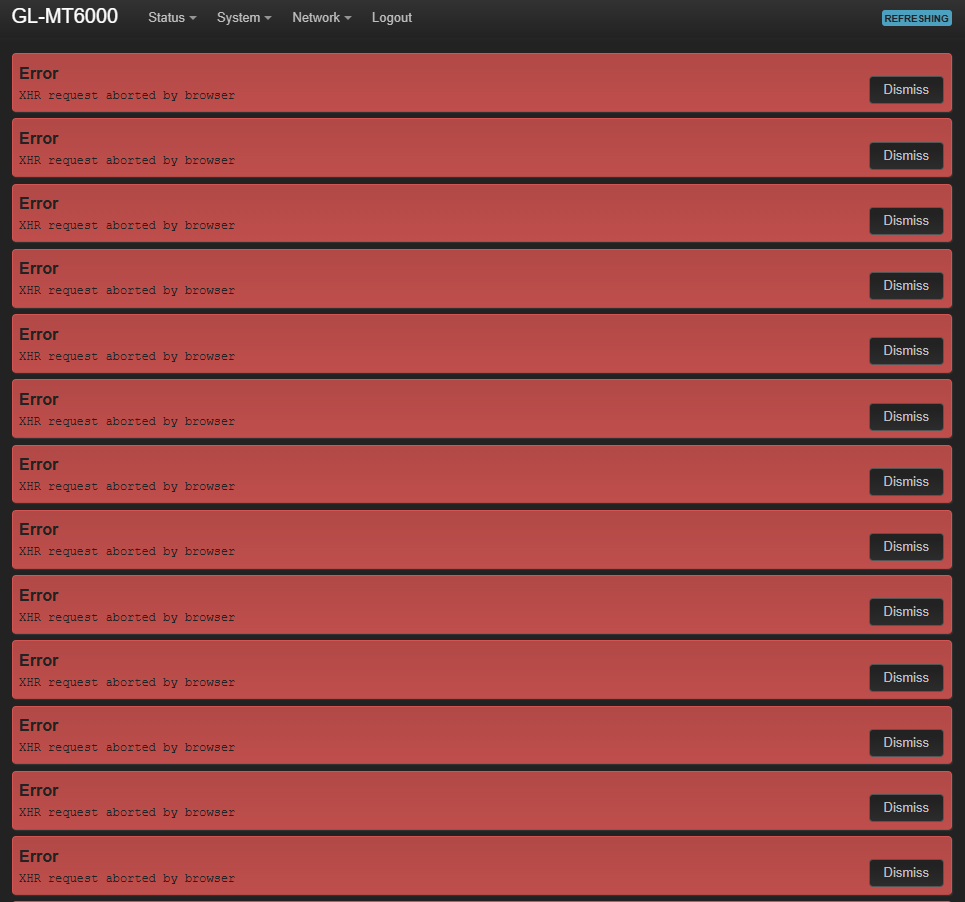
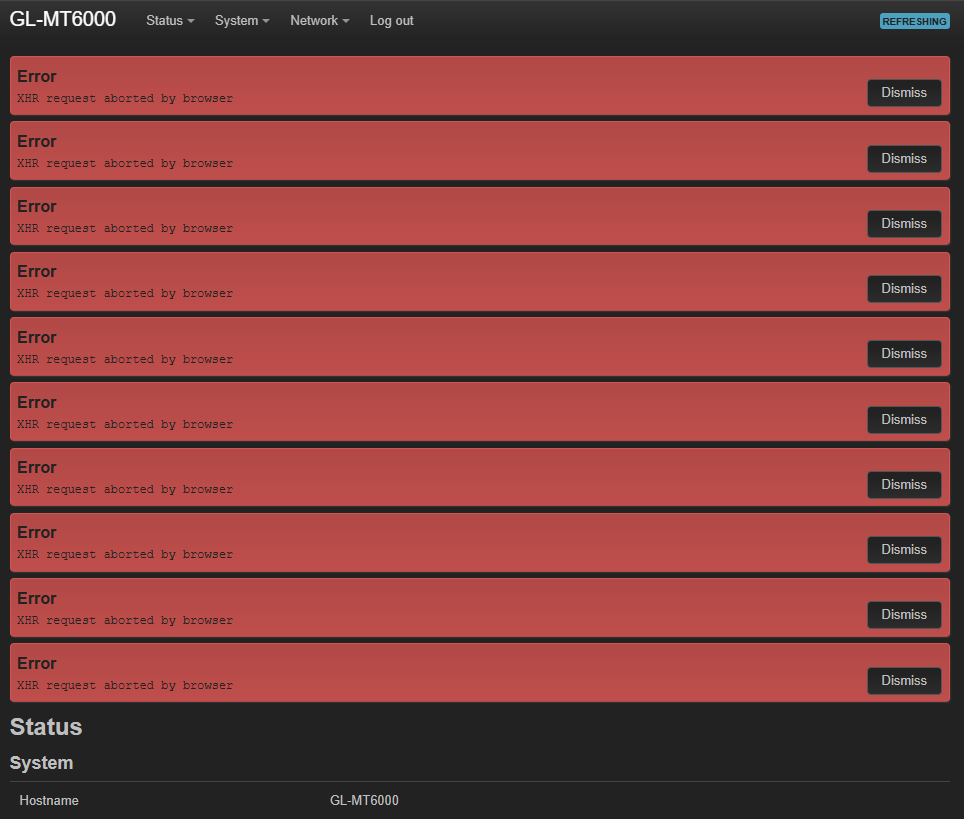
Since you’ve already raised the XHR issue in a separate post, we won’t cover it here.
Regarding the Sonoff DW2 Wi-Fi device, feedback from other users suggests it may have Wi-Fi compatibility issues. To improve stability, the following settings are required.
Please try the configuration below and let us know if it resolves the issue:
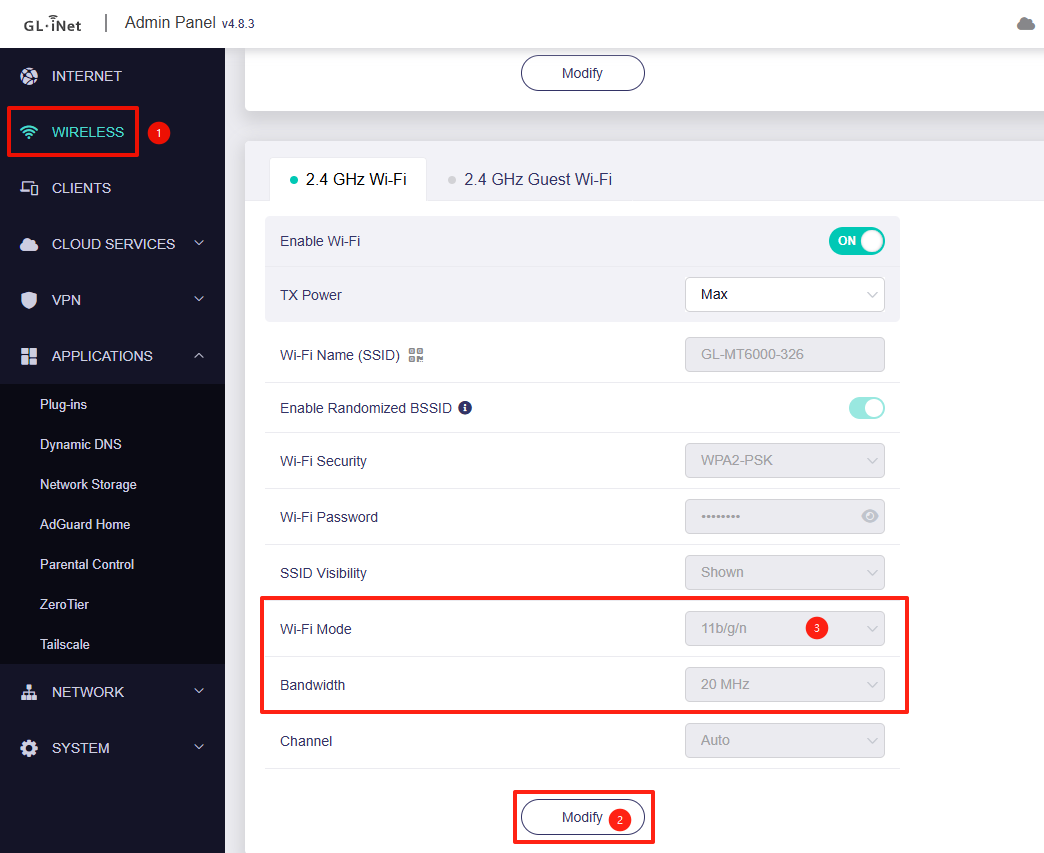
Set the 2.4 GHz Wi-Fi mode to 11b/g/n and the bandwidth to 20 MHz.
Still not able to connect. With open without security also can't correct. Please buy DW2 and try to connect yourself. This issue not been resolved since flint 2 release until now.
We think the main issue is that the Sonoff DW2 Wi-Fi device only supports 802.11b, which is a very old standard released in 1999. This can lead to compatibility issues with newer Wi-Fi configurations.
To help us investigate further, could you please:
Export the syslog after attempting to connect the Sonoff DW2 Wi-Fi to the MT6000 several times and send it to us via private messgae, so we can analyze the connection process in more detail.
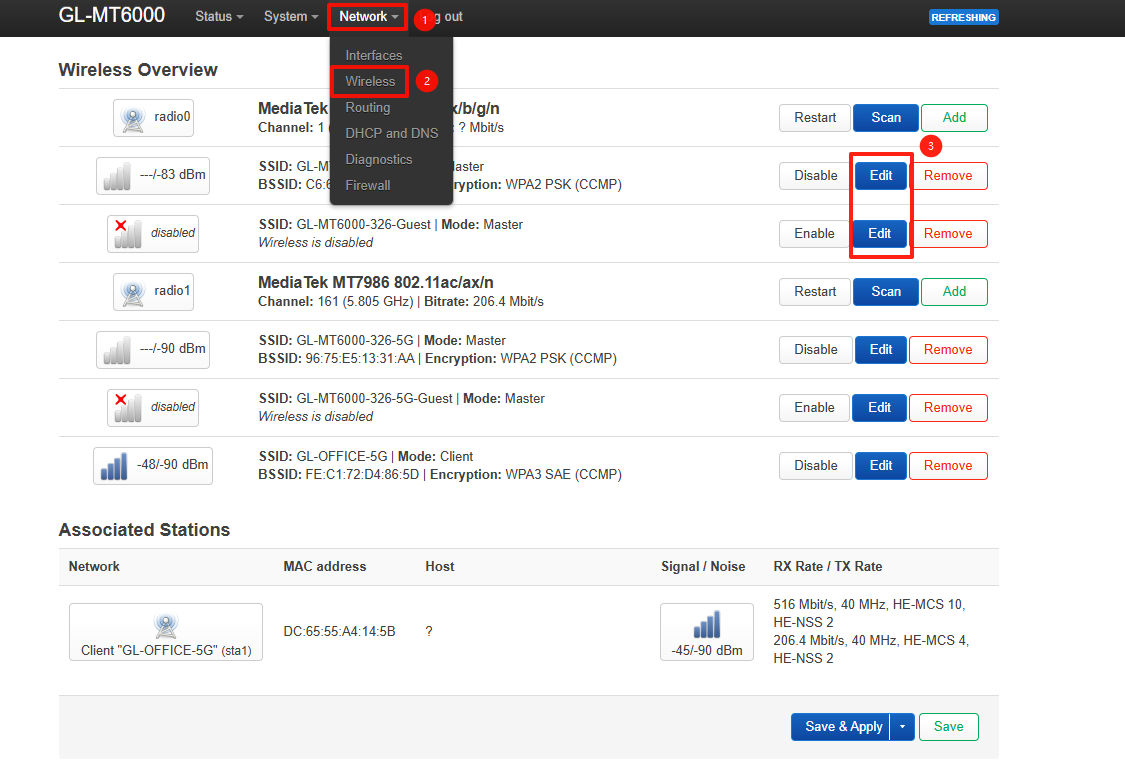
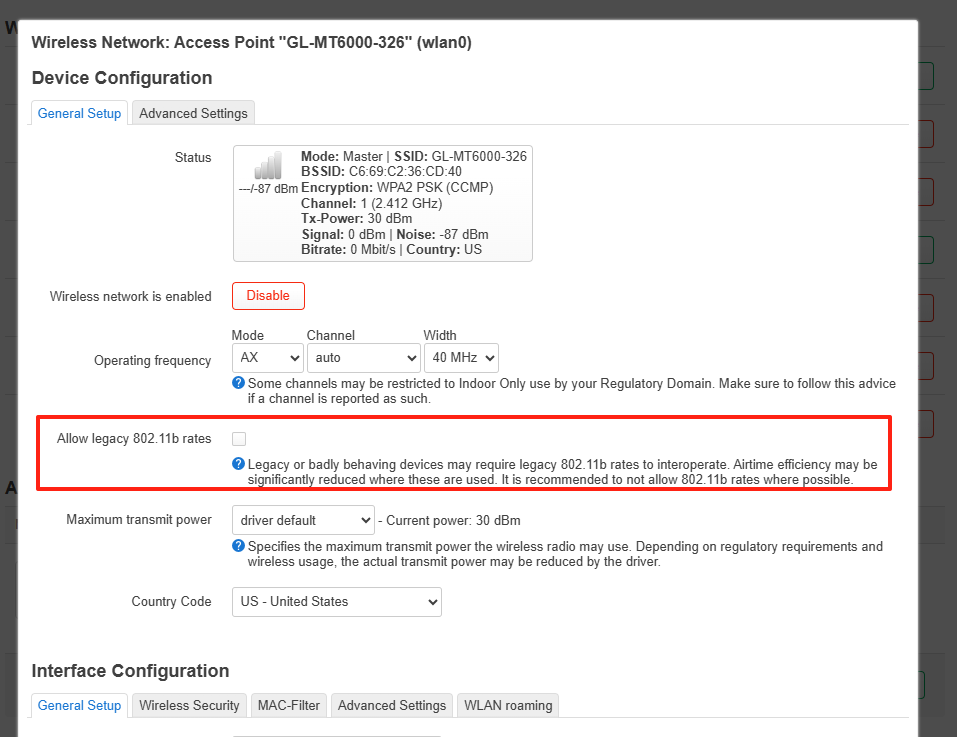
Install firmware 4.8.3-op24, then enable “Allow legacy 802.11b rates” under LuCI → Network → Wireless → 2.4 GHz SSID, and check whether this resolves the issue.
If the problem persists after these steps, we will escalate the case to our R&D team and consider purchasing a Sonoff DW2 Wi-Fi device for local testing.
Yes, with firmware 4.8.3-op24, after enabling “Allow legacy 802.11b rates,” the issue is resolved. Based on the results, the stable release is the recommended version to work with.
What I did was flash this firmware, keep the setting enabled, and then reconnect the DW2. It connected successfully without any issue.
This confirms that the issue has been resolved in the current stable firmware, as the “Allow legacy 802.11b rates” option was not available in any previous Flint 2 firmware. I was not aware that this option had been introduced in op24.
Ideally, newer standards should remain backward compatible with older standards, without compromising connectivity, while also providing better optimization and performance.
Hello @will.qiu kindly please check the the Network Storage USB function for user authentication on this firmware 4.8.3-op24. It doesn't work. I tried many times the authentication password is denied on the client users.
If using as "Anonymous Access" is fine. Which I don't want "Anonymous"
Please take note, I been using SB Network Storage fine in previous firmware.
No it was from stable v4.8.3 and now using your v4.8.3-op24.
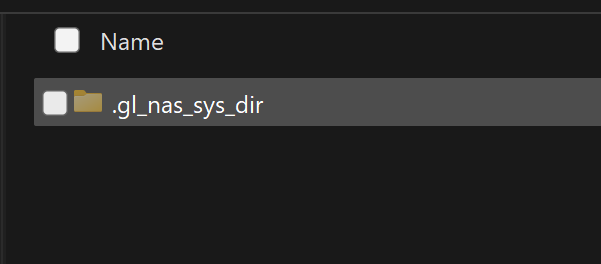
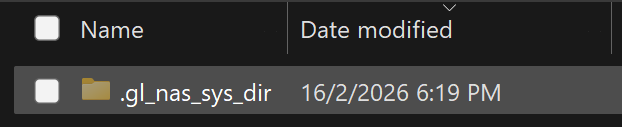
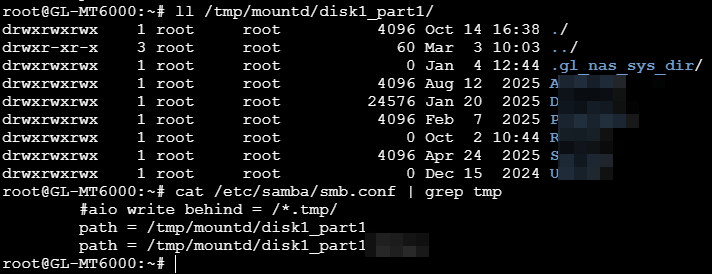
However it seem no longer issue, but my USB drive plug in frequencly become like this and I need to unplug and plug in back the USB drive to restore the content. why so?
Based on the current symptoms, it appears that poor connectivity with the USB drive is causing it to disconnect after a period of time.
Could you please check the following once the issue recurs:
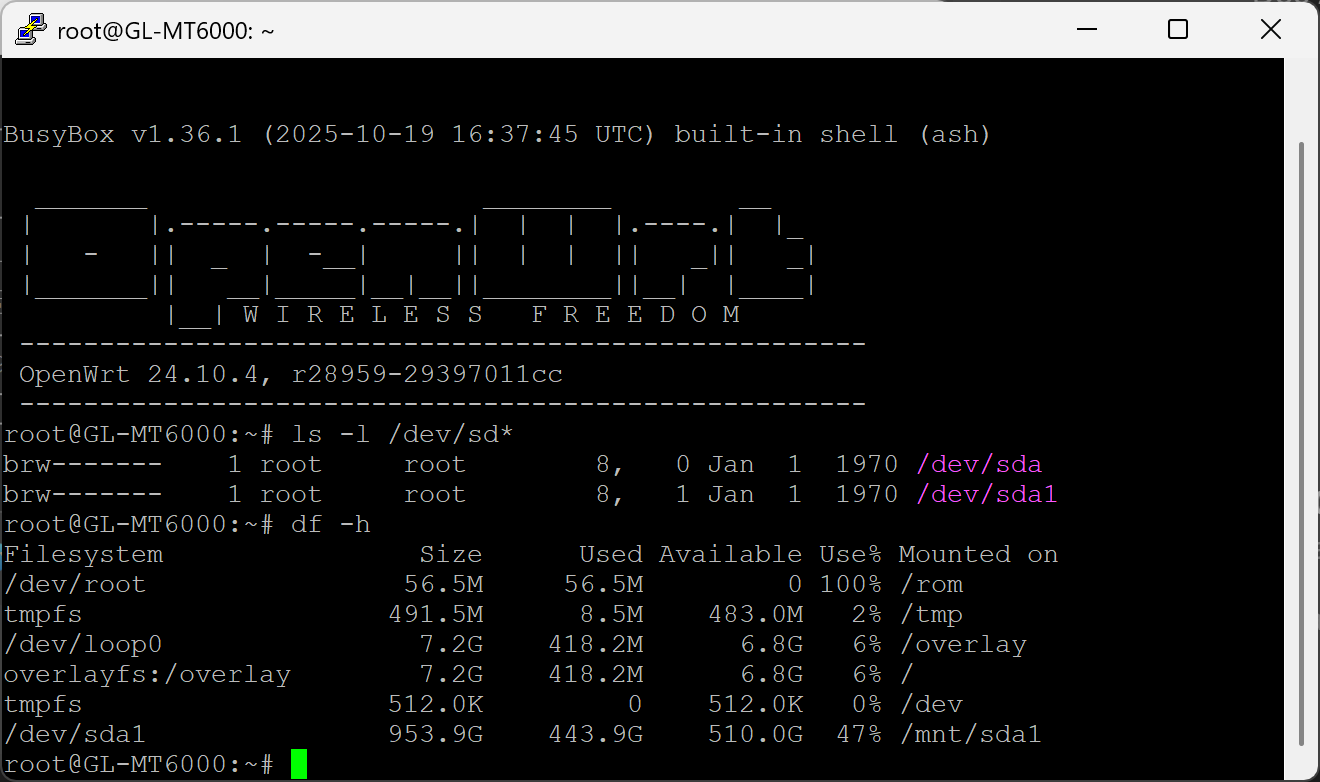
Verify Mount Status : SSH into the router and run the following commands to check if the USB drive is still recognized and mounted:
ls -l /dev/sd*
df -h
Physical Connection: If no /dev/sd* devices are listed, the issue is likely due to a poor connection. Please ensure the drive is plugged in securely, or consider using a USB extension cable to improve stability and reduce physical stress on the port.
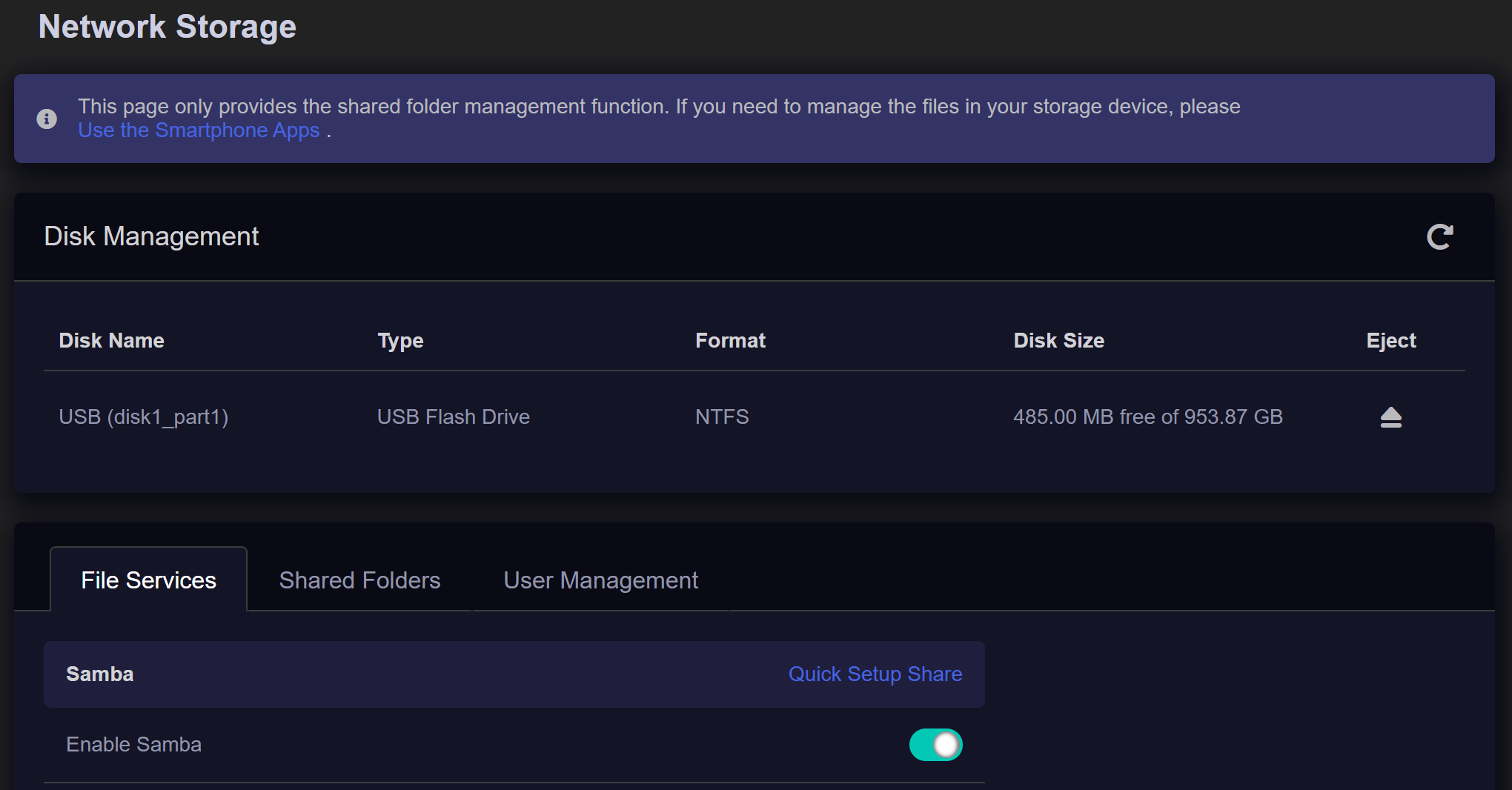
The disk listed on GUI or SSH, but not appearing on the windows or android when I browse it. if unplug and plug in back the disk appear again. Please advise how to fix this forever?
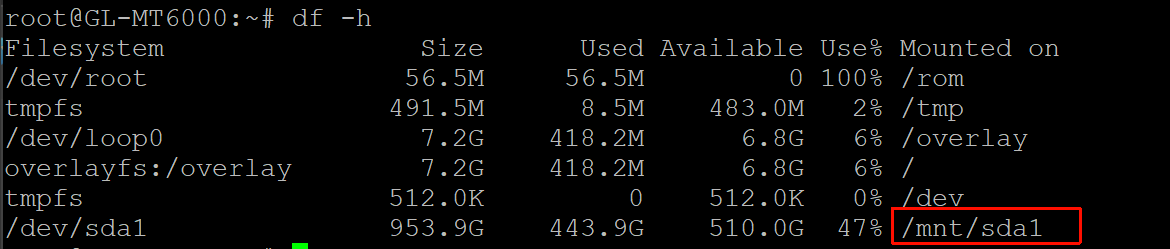
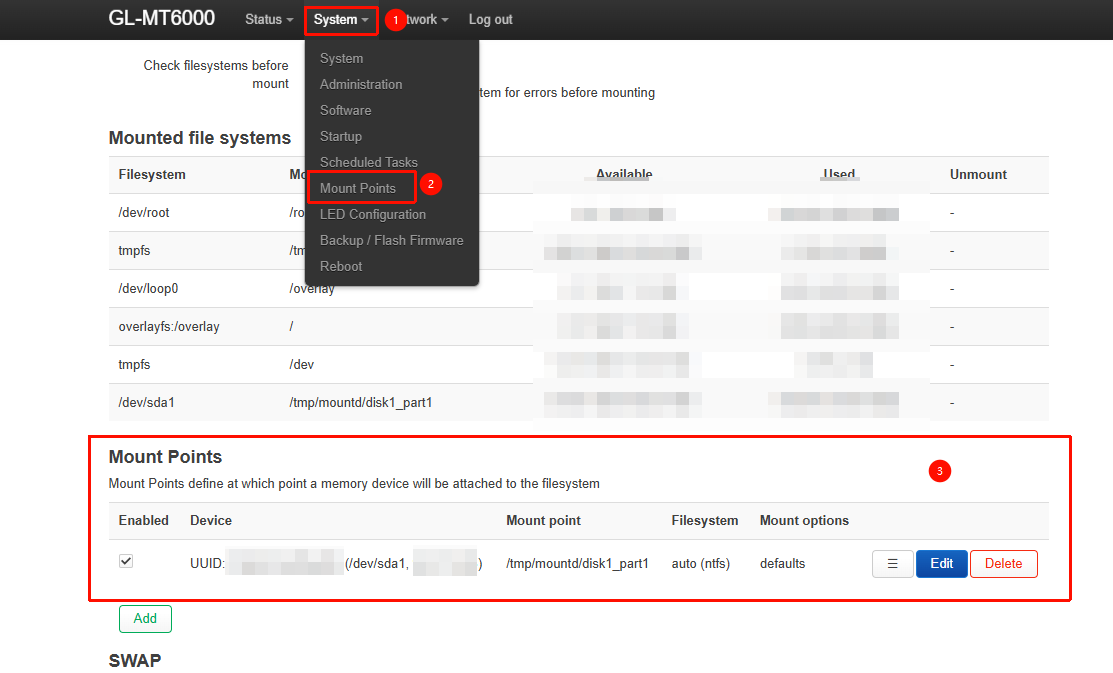
After conducting a remote check via GoodCloud, we found that the USB drive was mounted at /mnt/sda1 instead of the required path for Network Storage, /tmp/mountd/disk1_part1.