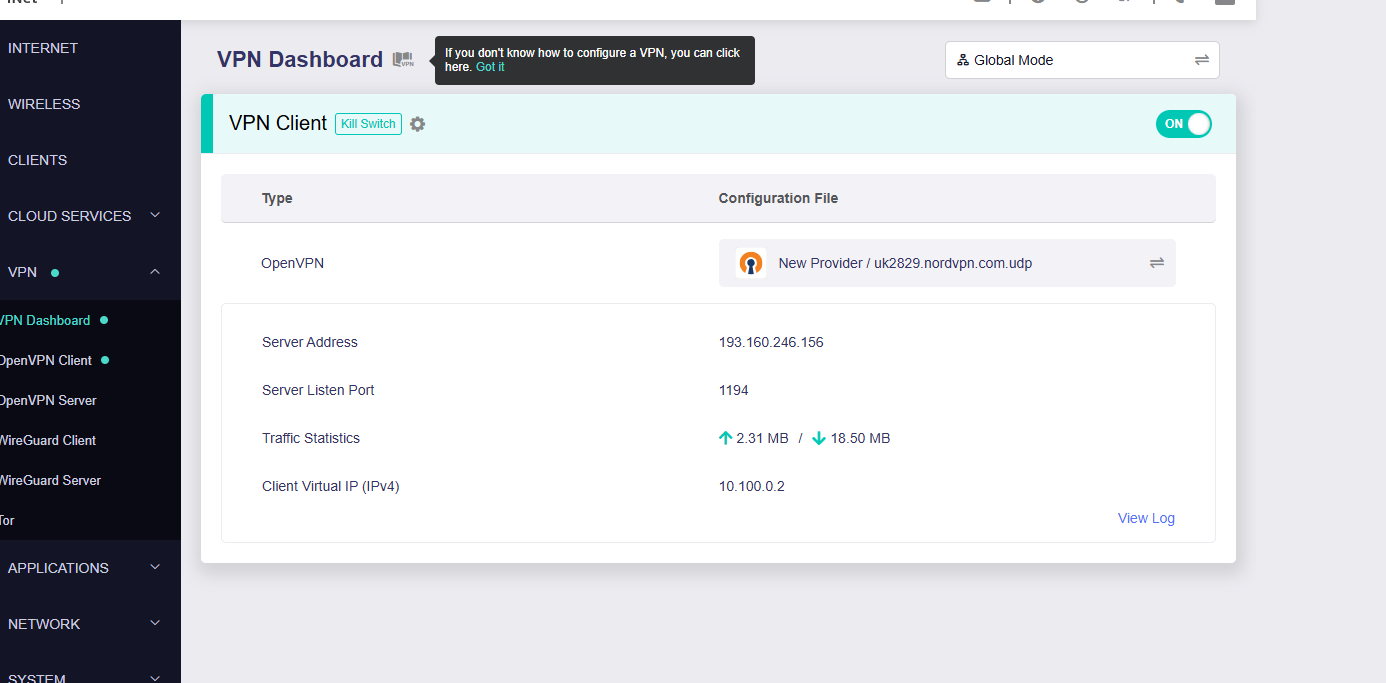
I am currently using NordVPN for the main tunnel, everything is awesome (insert LEGO theme song,) however when I visit Channel4/Channel5 my connection is blocked as I am using a VPN.
OK, no problem, let’s get a dedicated IP and that should sort it, right? Sort of. Using the Native Android or Windows App, Yes! it is sorted, adding to the Flint3, not so much. It is not detected as a VPN, Bonus! however i then see the message that the video is not available outside of the UK???
The reason I want to use it on the Flint3 is due my Wife watching C4 and 5 on the TV, and the only way she can do this currently is by my switching the VPN off.
The IP is a Dedicated UK IP, works on the native App, not in the OpenVPN connection on the Flint3. I have tested the UDP connection, and the TCP connection, all no joy.
Has any one else seen the issue? I am new to the OpenWRT interface and LUCI, so please be gentle when asking for Logs or more information.
Thank you, however you missed the part where I said I did that, I gain the Dedicated IP, however with specific Streaming services I am still blocked as they suggest I am outside of the UK, yet when I use the NordVPN app with the same configuration it works fine.
I spoke to a colleague who uses the Flint2 and they had the same issue. For the most part the Dedicated IP VPN worked fine, however some services not so much.
Looking at the router software, I am going to hazard a guess, the issue looks to the Flints OS, although uses ‘date’ does not ‘localtime’ on the OS and I have a feeling, when connected to the VPN, some providers are looking for this and if not found, it causes the error.
Localtime sets the Region being used: ie: Europe/London