I hope someone can help me. I have a GL-AR750S router and recently bought a microsd card for it, which is a Western Digital Purple 128GB. I seem to be having difficulties accessing this storage over the network. Most likely I don’t know how to set it up. i thought it would be more plug and play.
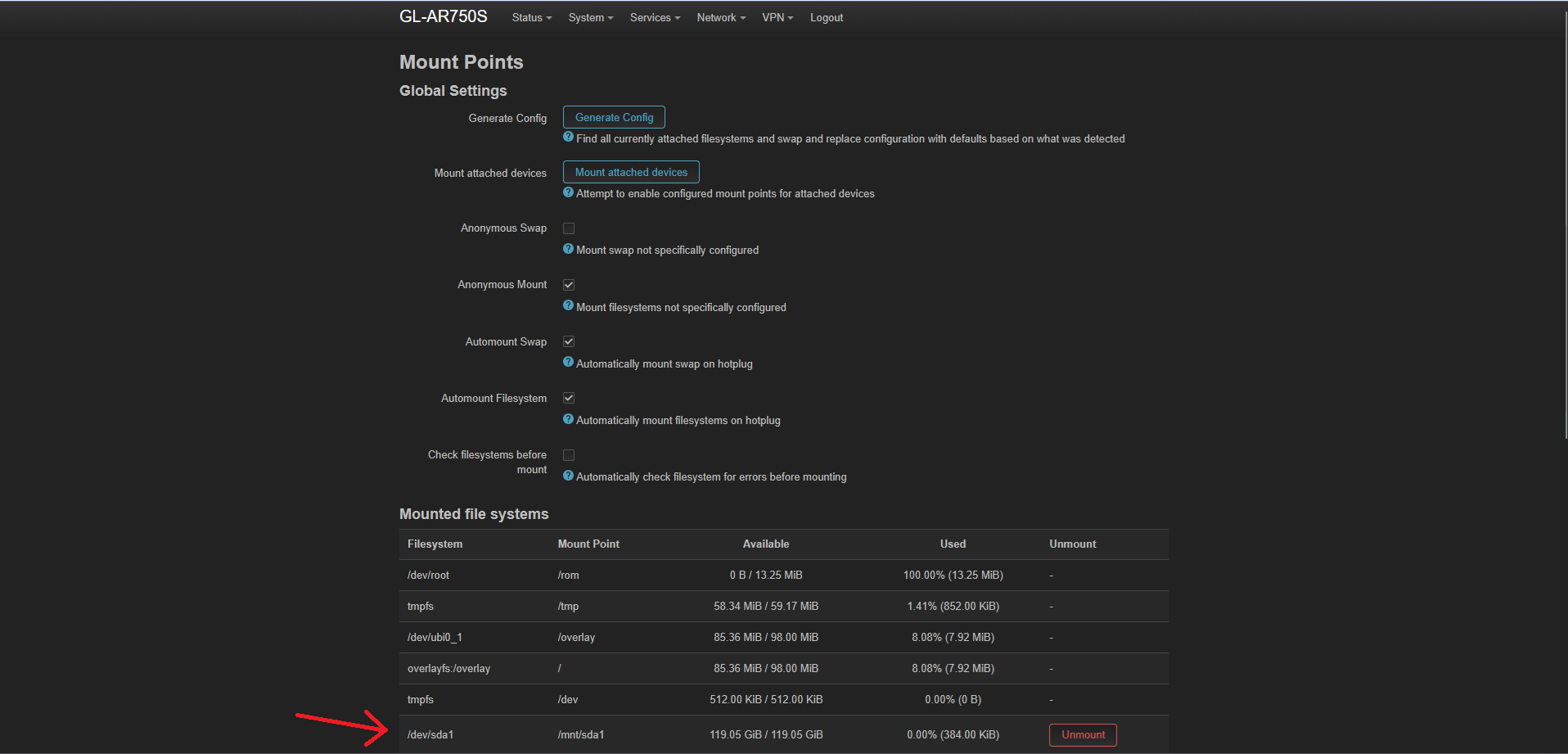
the microSD card is shown in the router admin panel
I would need to access this storage from Linux (CachyOS), from Windows, and from Android over the network.
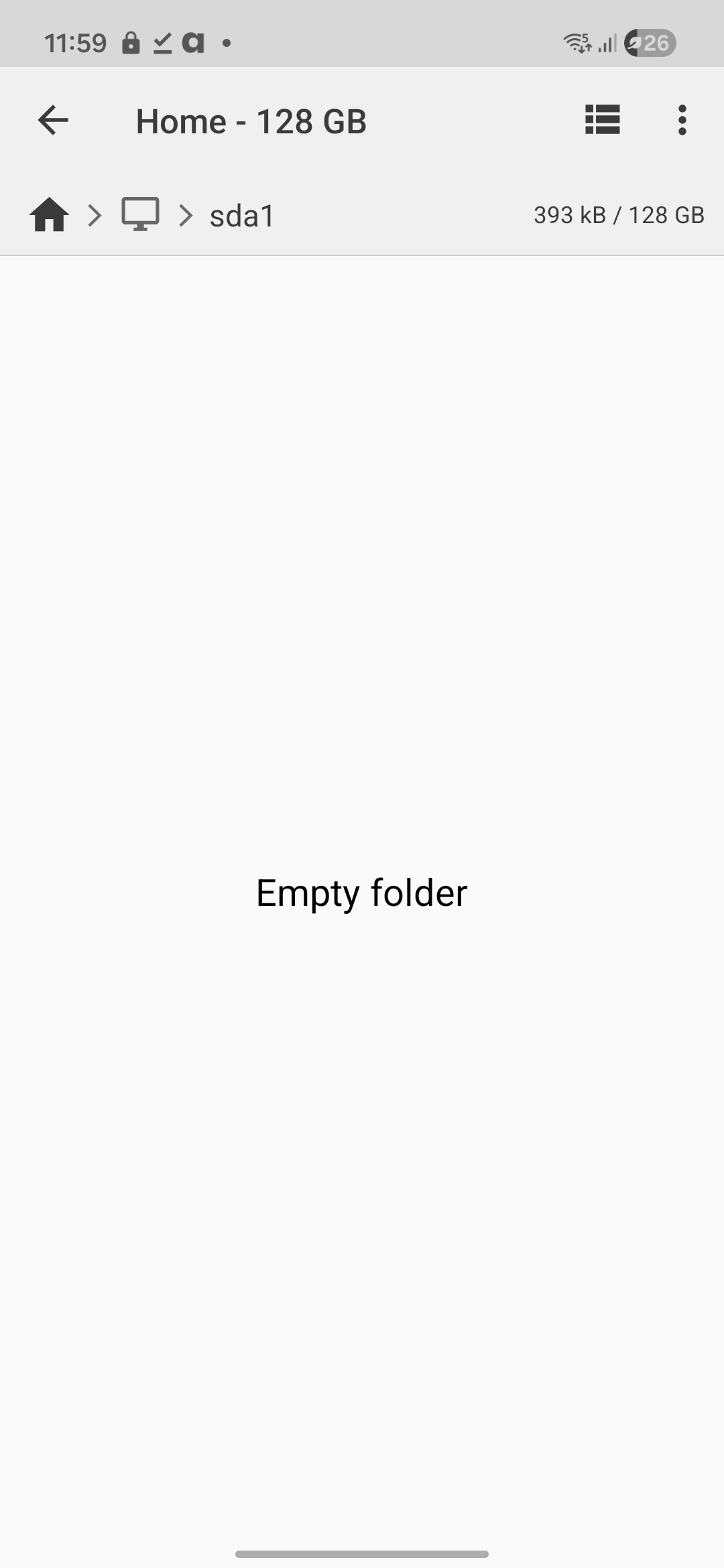
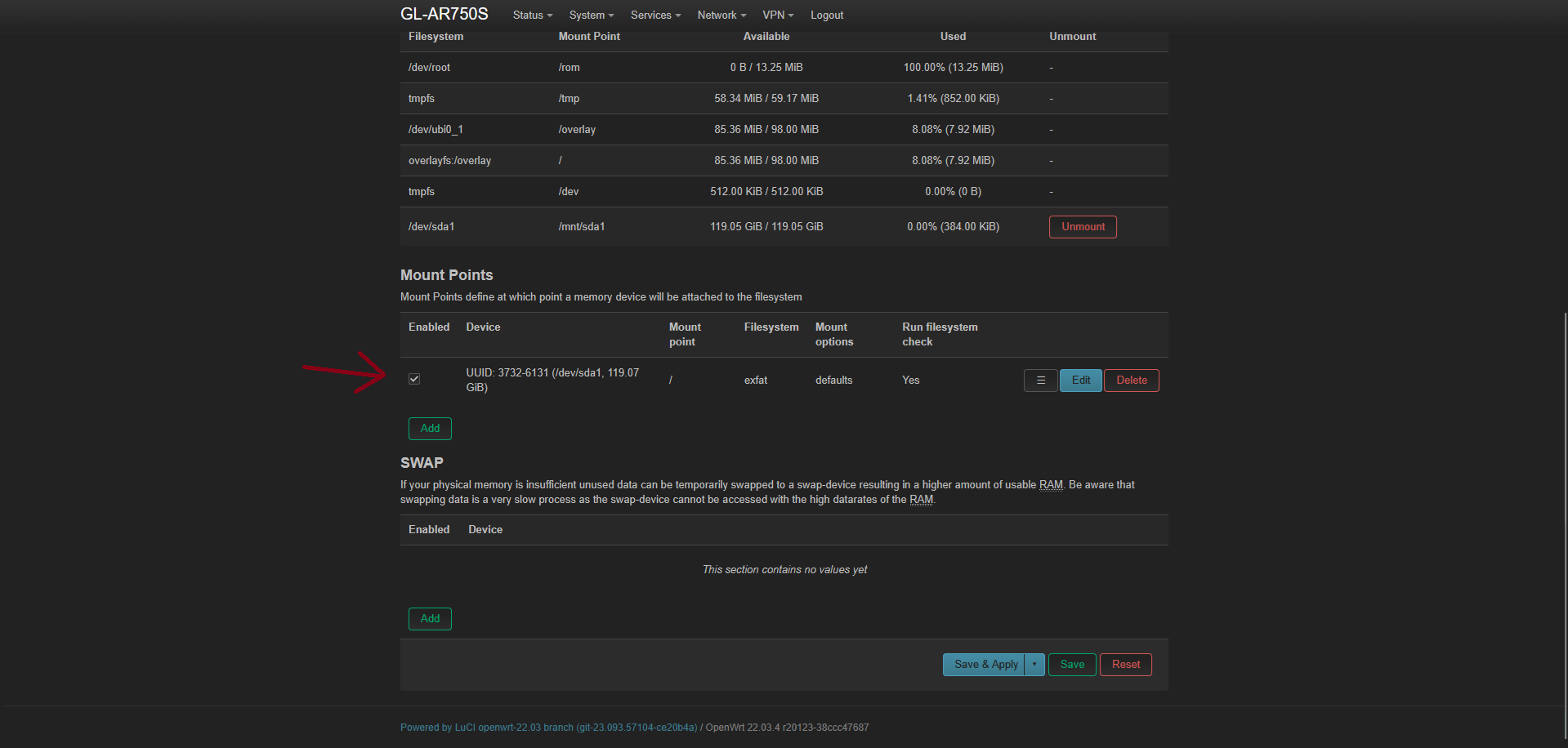
Did i configure this right ? i don’t seem to be able to access or see this storage. I tried to check the documentation
I don’t seem to have the same settings in the config panel… Any help is appreciated. Thank you !
Fpr example. I don’t have Admin Panel -> APPLICATIONS -> File Sharing -> File Sharing in the router admin panel.
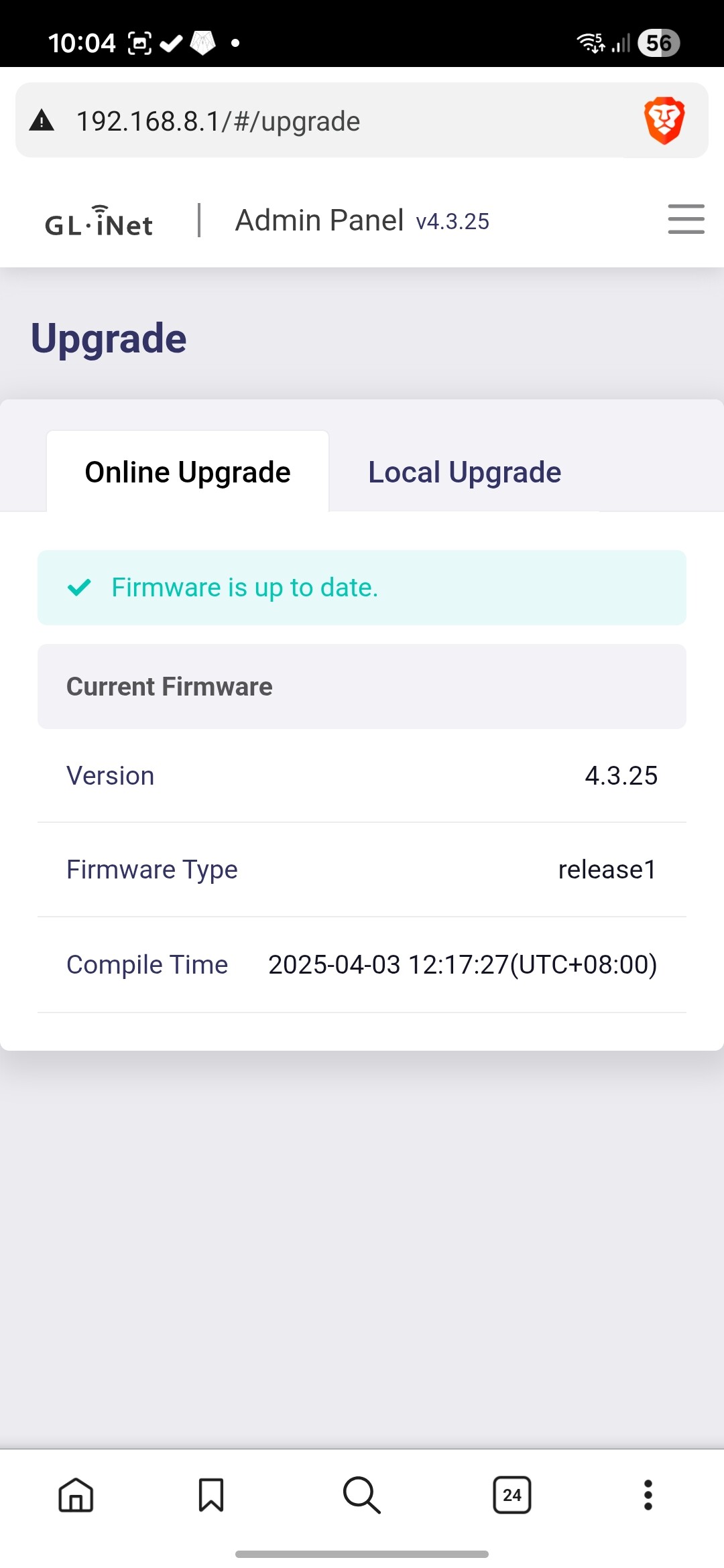
What version of firmware are you running? My guess is if the interface is not matching the docs, you may be running 4.x firmware and you are looking at the 3.x docs.
If you look at the Current Firmware box, you are running firmware version 4.3.25
NOTE: I am not an employee of GL iNet. I am just a user who owns an AR750S and used to be passionate about this router and about GL iNet.
I feel the 4.x firmware for this router is a mess. They removed a lot of features, including file sharing. Before I retired my AR750S, I was still running firmware 3.212 because it was stable. My testing of various 4.x versions did not go well on any GL iNet products I own.
They claim they support SAMBA in the beta 4.7.2 firmware for the AR750S. This is beta software that has not been updated in almost a year, and since the AR750S is well past End of Life, I do not think it will ever be released as production firmware. Maybe @alzhao or @bruce from GL iNet will comment once the Chinese New Year shutdown is over. For more information on 4.x firmware for the AR750S, see this post: GL-AR750S-EXT Slate update firmwaare - #30 by alzhao
My recommendation is to load the Legacy 3.216 firmware and follow the documentation you were looking at. You can find it here: https://dl.gl-inet.com/
For the AR750S, you can upgrade to the beta v4.7.2 firmware, it supports Samba. Even though a beta firmware, but I think it is acceptable stability and fine for daily use.
BTW, you can also install the v3.216 firmware, it supports Samba, but the UI is a bit outdated.
I just have now one last question and then the topic can be closed.
Regarding the protocol, SMB. What version does the router use? Is it SMB1?
I am afraid to open SMB1 in Windows because it was used for attacks from ransomware like Wanna cry. I hope i can safely enable sharing in Windows and Android without fear of attacks.