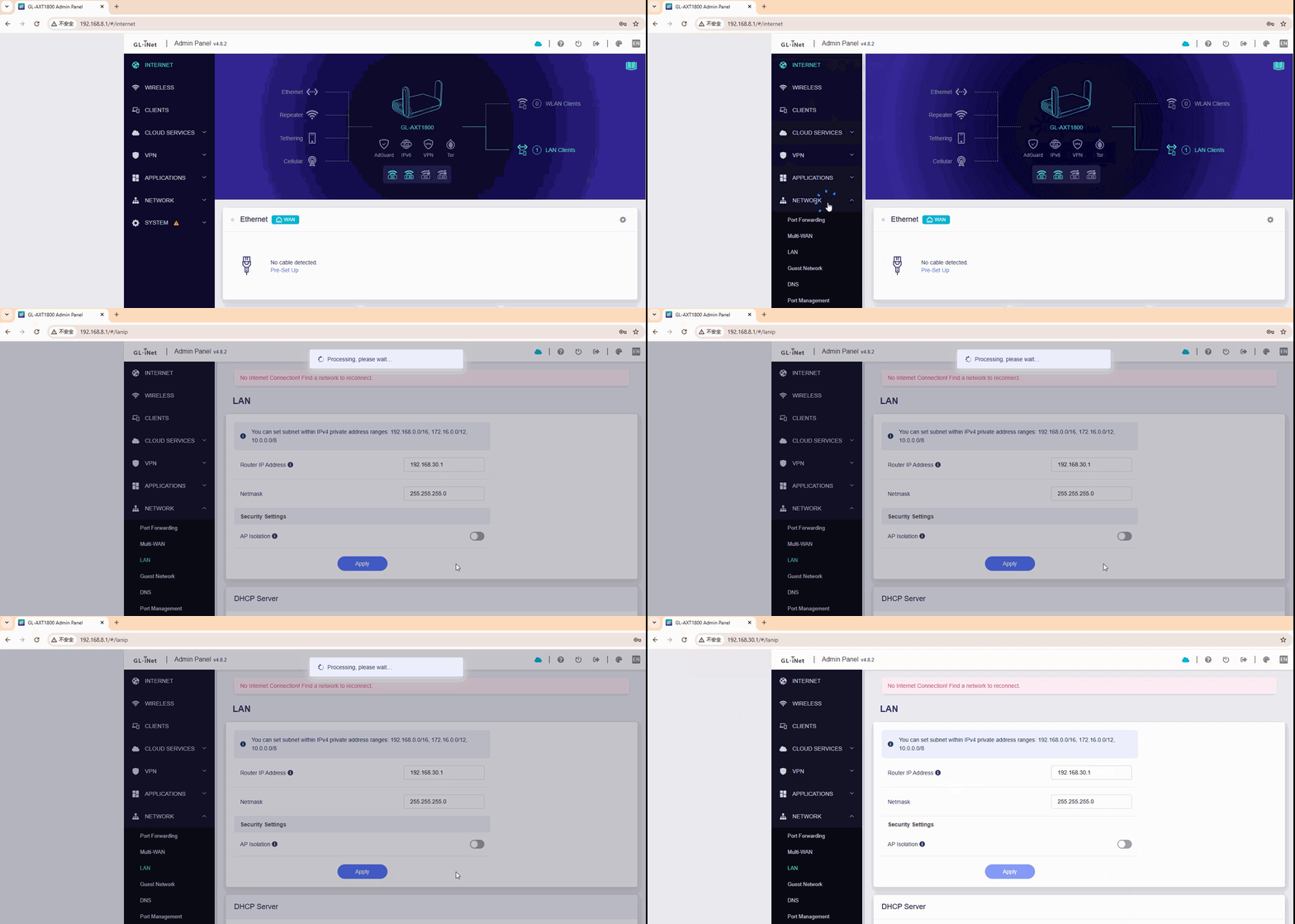
After trying to setup a reverse proxy on my router, I can no longer get to the UI if I change the router’s IP address to anything but the default 192.168.8.1
I have reloaded the latest firmware, version 4.8.2, and this allows me to access the UI. However, as soon as I change the default IP address, the router attempts to load /cgi-bin/luci/ but fails.
The router is still running correctly in the background, I just can’t get to the UI.
I had ChatGPT help me setup a reverse proxy. It recommended NGINX, saying it was perfect for my router, GL-AXT1800 Slate AX. However, after lots of manual configuration via SSH, the reverse proxy still didn’t work. So, I asked it to tell me how to undo what we had done, and it told me to delete NGINX. After that, the UL wouldn’t open.
When I enter the router’s IP in the browser, it instantly redirects to: /cgi-bin/luci/, but doesn’t load LuCi; instead, I get 403 forbidden.
Reloading the firmware does allow the UI to work, but as soon as I set the router’s IP address, it breaks again.
I have also tried to downgrade to firmware version 4.6.11, because ChatGPT said the problem was a firmware bug in v4.8.2. I didn’t believe it, but v4.6.11 changed the error. After setting my IP address, the UI still didn’t load, but this time it redirected to a working LuCi.
Currently, I am back to a clean copy of firmware v4.8.2, but with no UI, as I have to set my router IP address to operate my LAN.
We have tested this locally on the Slate AX (GL-AXT1800) running firmware v4.8.2 and were unable to reproduce the issue. In our tests, changing the LAN address did not prevent access to the GL.iNet Admin Panel or LuCI.
If you are experiencing a loss of access after modifying the LAN IP, please try the following steps:
GL UI Modification: After the reset, modify the LAN address specifically through the GL.iNet Admin Panel (Network > LAN) rather than using LuCI or manual SSH commands. This ensures that all internal system dependencies are updated correctly.
Access Verification: Attempt to access the Admin Panel using the new IP address (e.g., http://192.168.x.x).
If the problem persists, please provide the following to help us investigate further:
The exact steps you took before losing access.
Screenshots of your LAN settings and any error messages you receive.
The specific browser you are using (we recommend testing in an Incognito/Private window to rule out cache issues).
Some forum users employ Nginx/Caddy for reverse proxying, but we're not experts in this area and may not be able to provide specific guidance.
Perhaps you could ask on relevant forums?