Not sure why, but I’ve tried many USB devices, flash drives, powered USB storage devices, but no love. Just the same message: “No Device Detected(Please Ensure That The Power Supply Voltage Exceeds 9V3A”.
It is complicated enough to set up network drives, but I cannot get past the very first step.
Please let us know the exact device model (I assume BE3600?) and the current firmware version (you can find it in Admin Panel → System → Upgrade).
As shown, could you confirm whether the device is currently powered by the original power adapter, or another adapter that supports 9V/3A, or 12V/2.5A? If not, please try using the original adapter or another one that meets these specifications and test again.
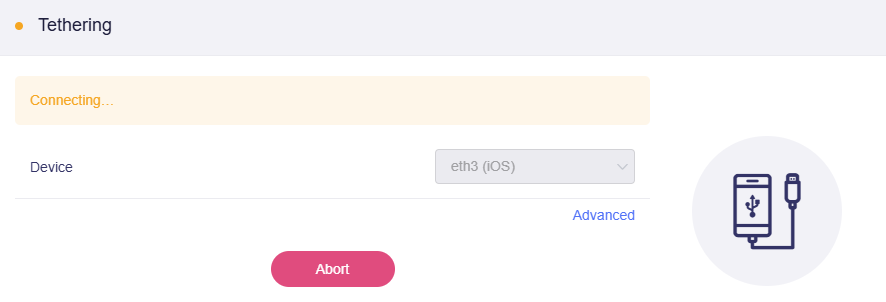
If it still doesn’t work, please try using USB tethering from an iPhone or Android device, then access the Admin Panel - Internet - Tethering to see whether the router can detect it.
The “No Device Detected” error isn’t about the USB drives—it means the unit isn’t getting enough power. You need a proper adapter and cable that can deliver at least 9V/3A, and ideally plug devices directly instead of through a hub. Once the power supply is stable and meets the required spec, your USB storage should be recognized normally.