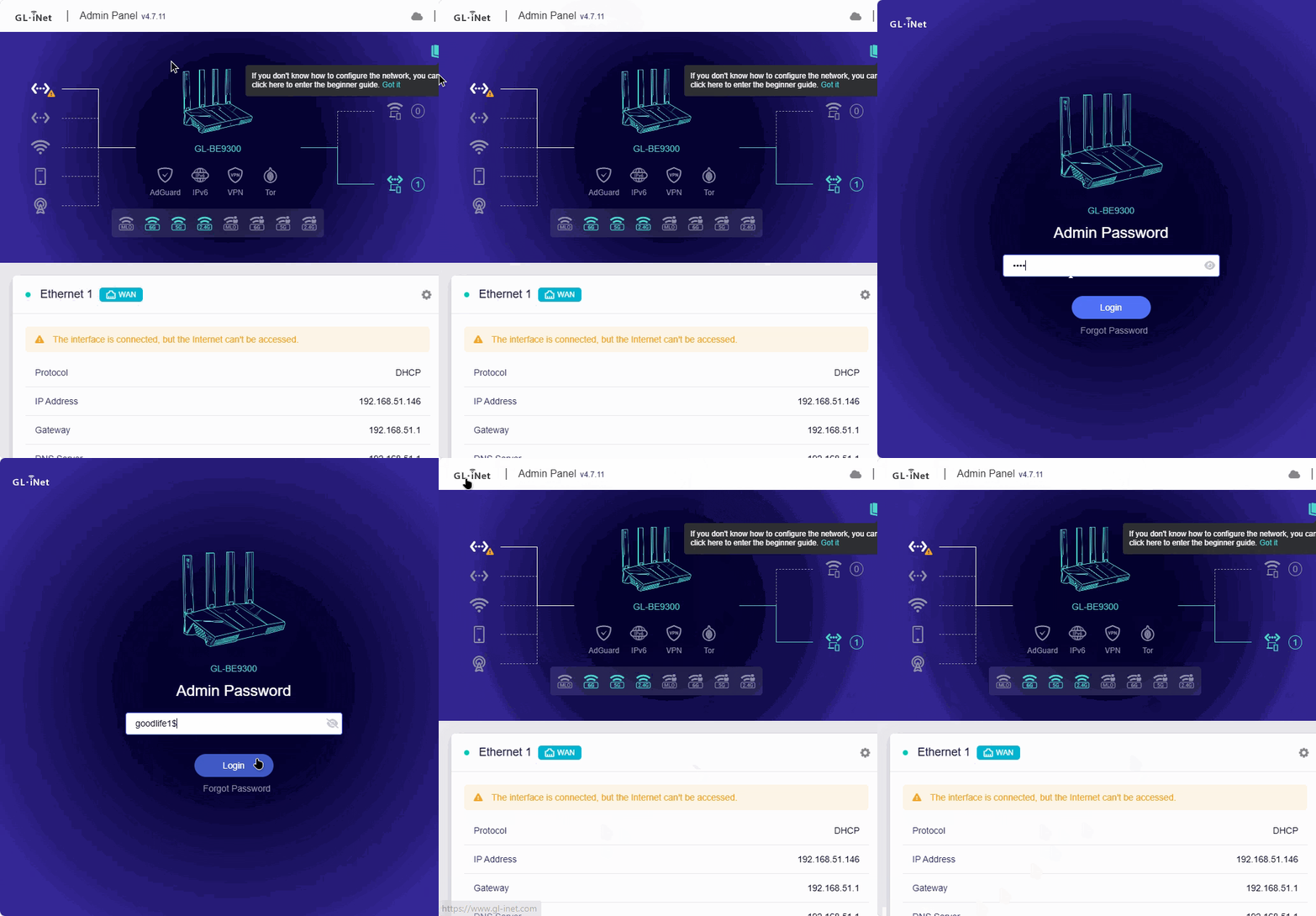
I purchased the GL-BE9300 on release and found it a good router. But after updating the Bios I was not able to access after a reboot so look about but found no info so I had to factory reset to gain access . Then waited for a later version Bios thinking it might be a bug but still the same so left it until this latest BIOS v4.8.3 but still the same after upgrade no access so have to factory reset so maybe im missing something, if anyone could help with this would be great
HI admon, yes I did check keep settings. I have factory reset twice today using 1 laptop on windows 11 and on the other laptop with debian linux. firmware version 4.7.11 all functions work for accessing the router upgrade any other version up to latest and then when I go to login nothing happens just the blue screen where you put your password click the blue login button and nothing happens.
I have done the upgrades though BIOS and also downloaded all BIOS versions and done upgrades locally. but still no different.
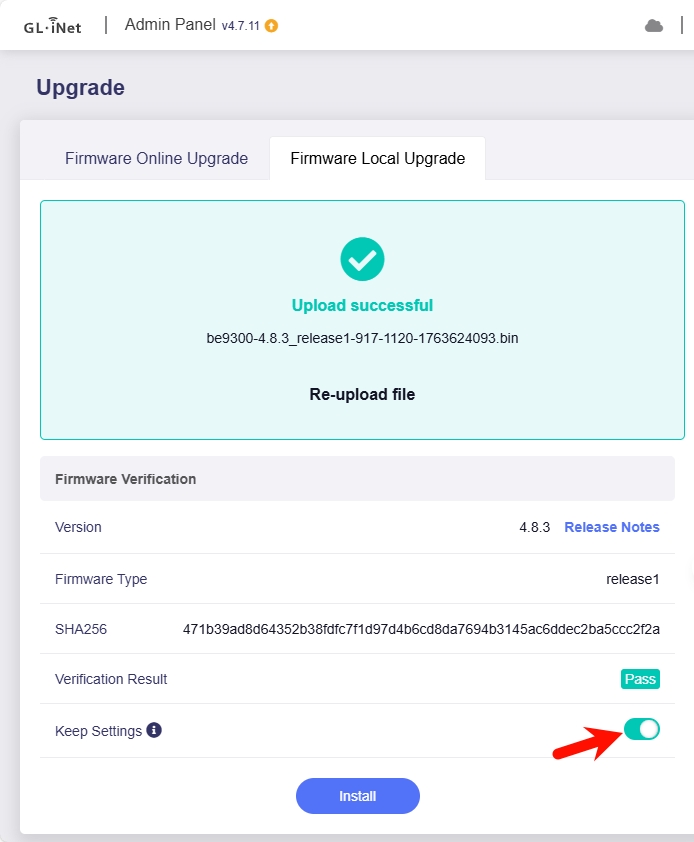
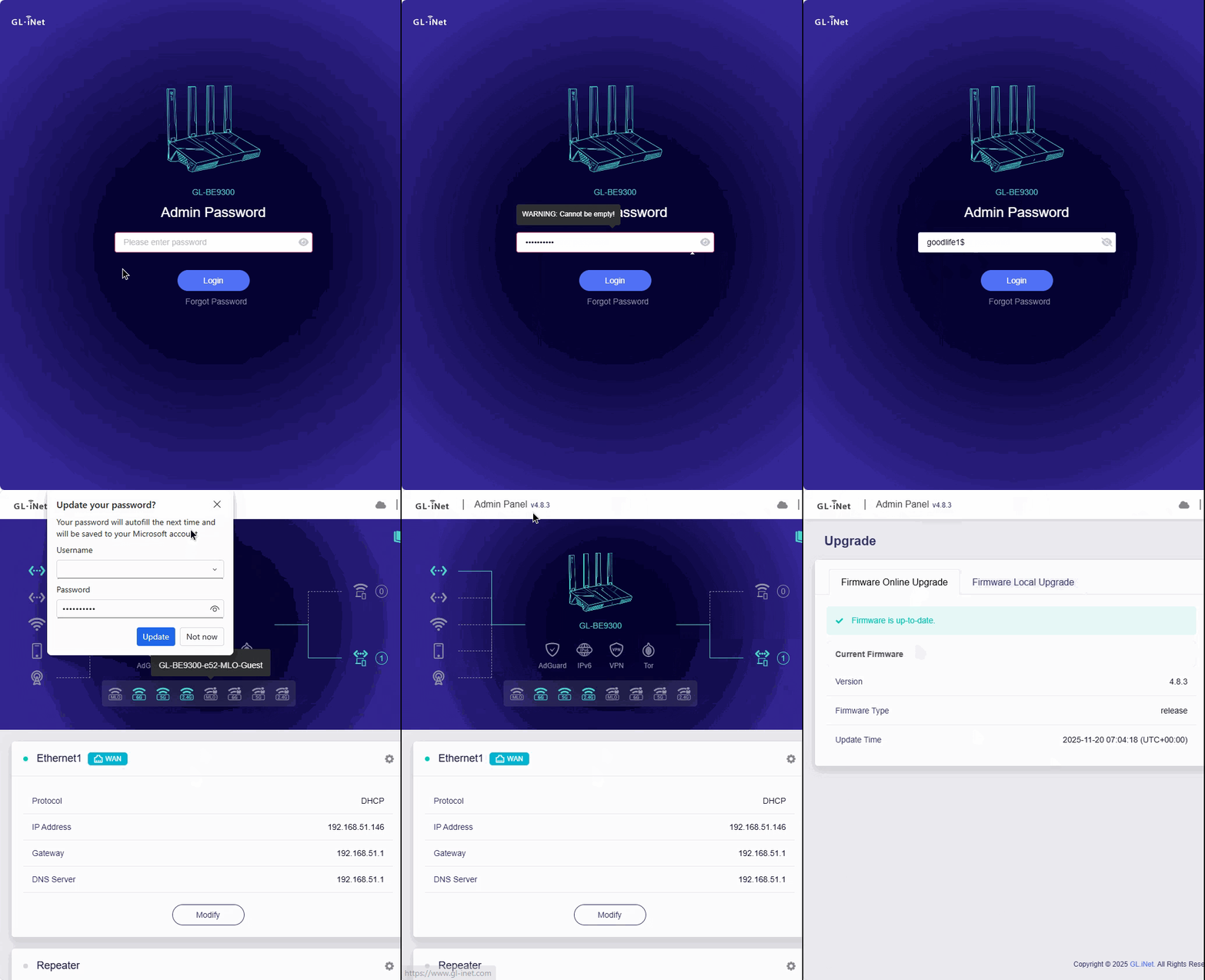
We have not reproduced this issue, downgrade to firmware v4.7.11 without keep settings, brand-new configure the password goodlife1$, and upgrade the firmware to v4.8.3 with keep settings, and the same password login without issue:
Hi bruce, first of all thanks for your help it is appreciated very much.
So I followed your instructions to the letter and all is good, without any configuration and with my configuration. I can login and out as many times as I want, but if I reboot my laptops and try re-login on both linux and windows I cannot.
But what I did find was if I they reset router so I can login again and then upload my config file I made earlier then all is good, so now I have the latest firmware on router all working can reboot laptops and login on both no problems at all