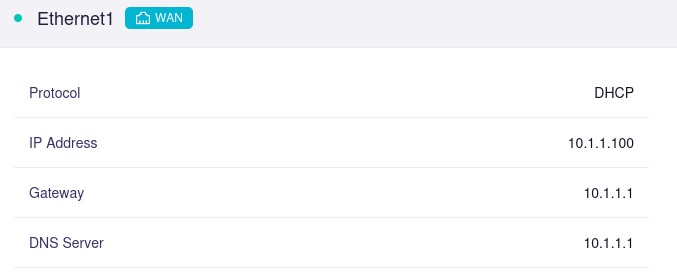
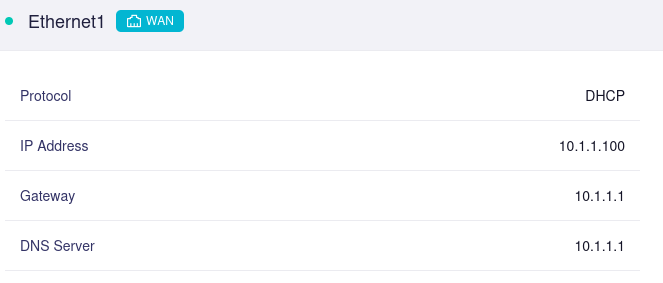
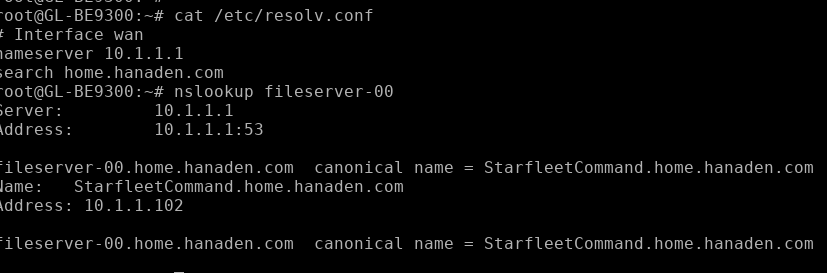
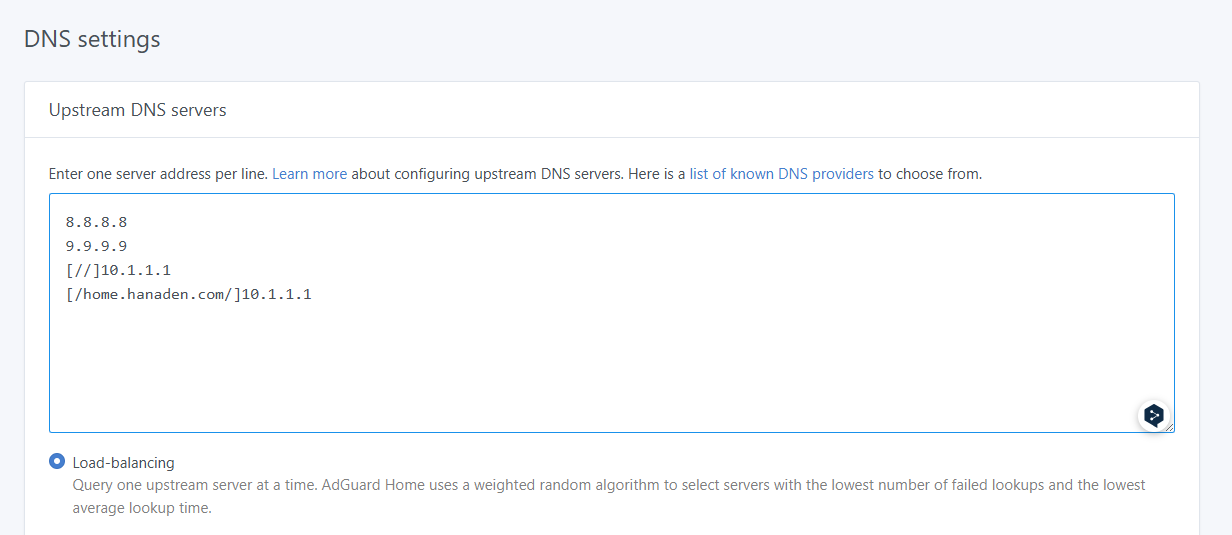
The router gets a DHCP address and upstream DNS server from the WAN port
wifi clients resolve “host IP” fine (IP is in the DNS server provided by DHCP to the router)
wifi clients fail to resolve “host HOSTNAME” even when the hostname is copied directly from what was returned from host IP
==
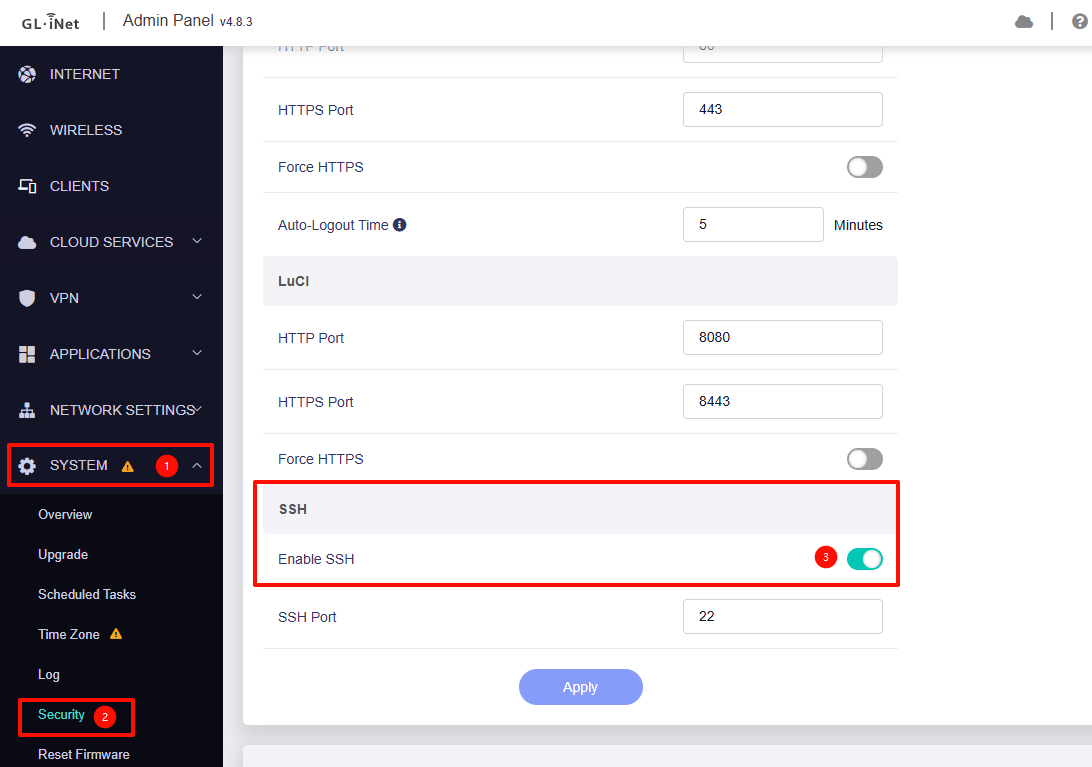
NOTE: i was trying to ssh into the router to check resolve.conf however cannot figure out hot to connect. There is no terminal in the GUI, dropbear is installed, router is not listening on TCP 22.
Could you please confirm whether your upstream network is providing DHCP Options 15 and 119?
These options supply the required information for downstream routers to automatically append DNS suffixes.
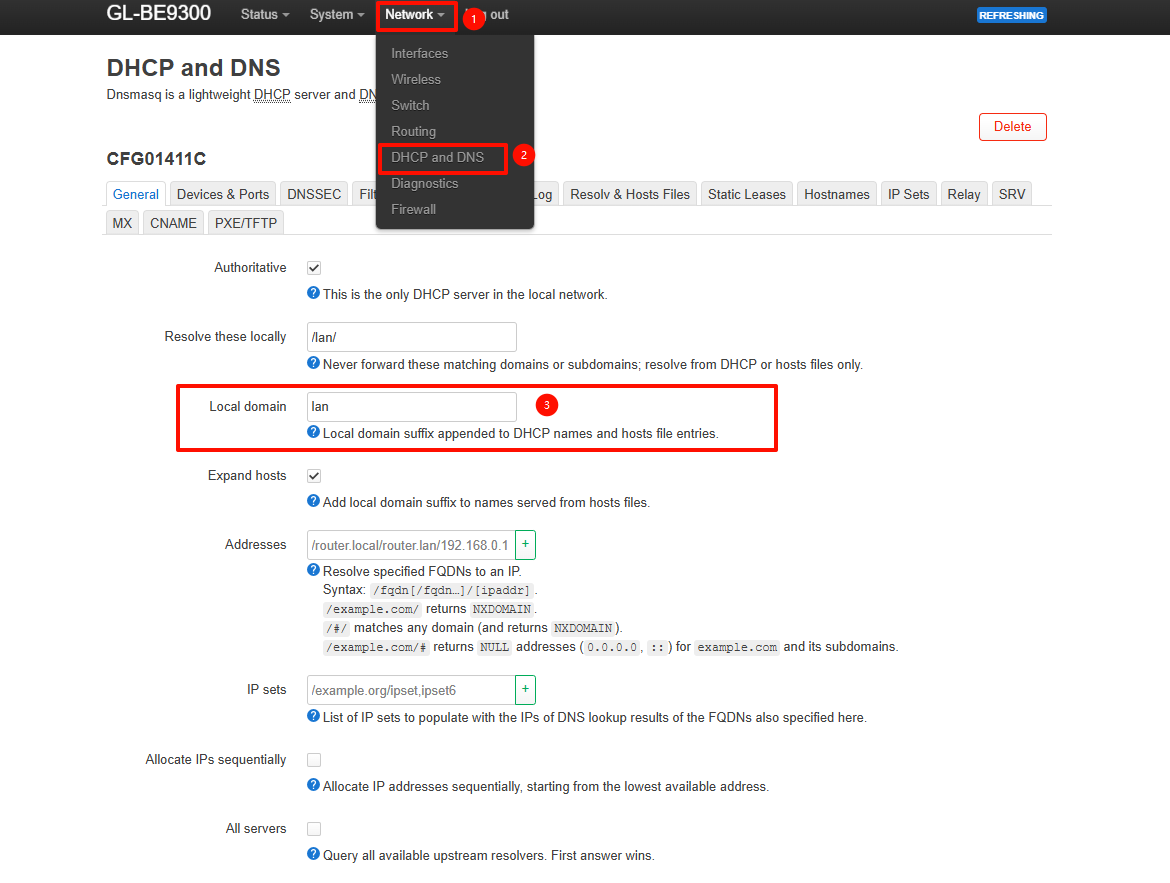
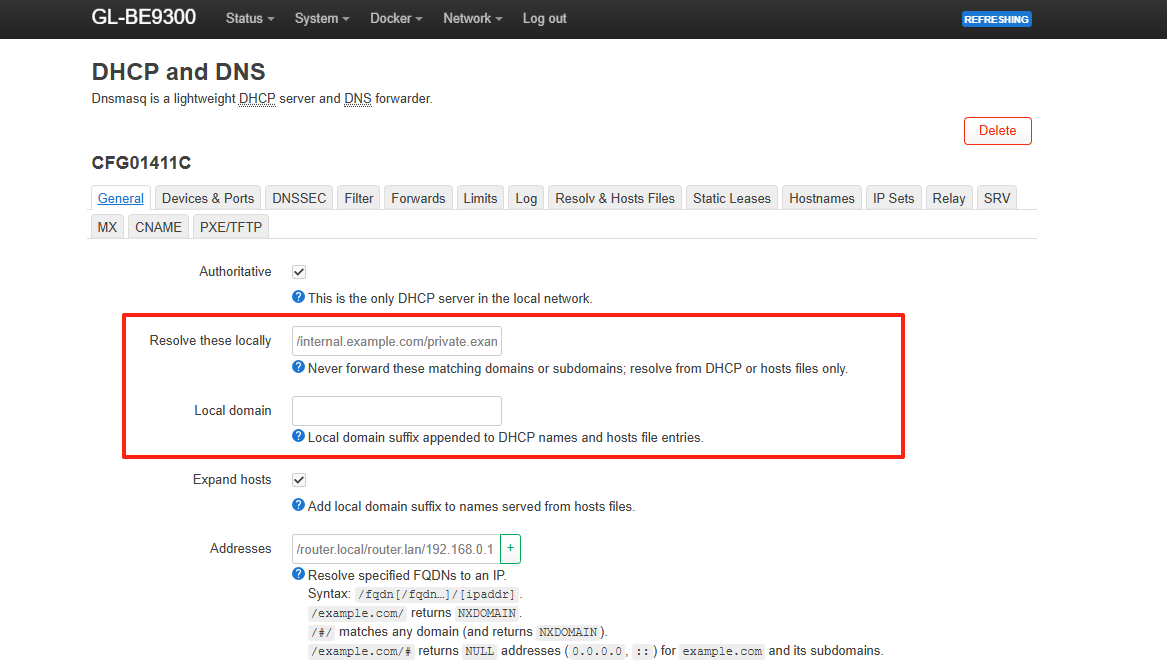
As an alternative, you can manually add the required domain suffixes under LuCI → Network → DHCP and DNS → Local domain.
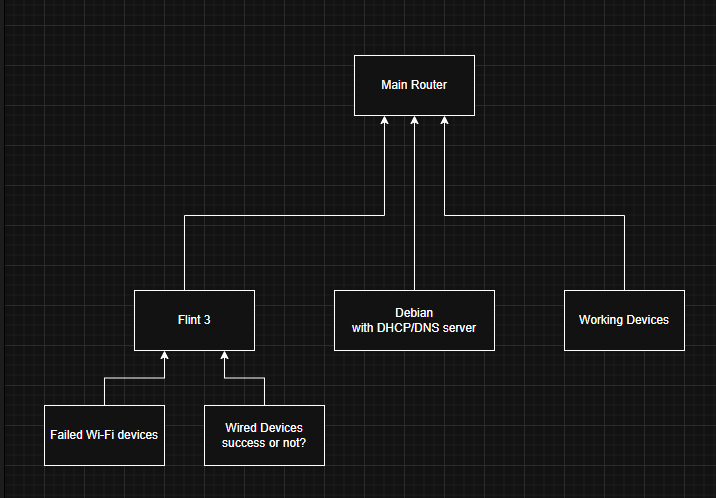
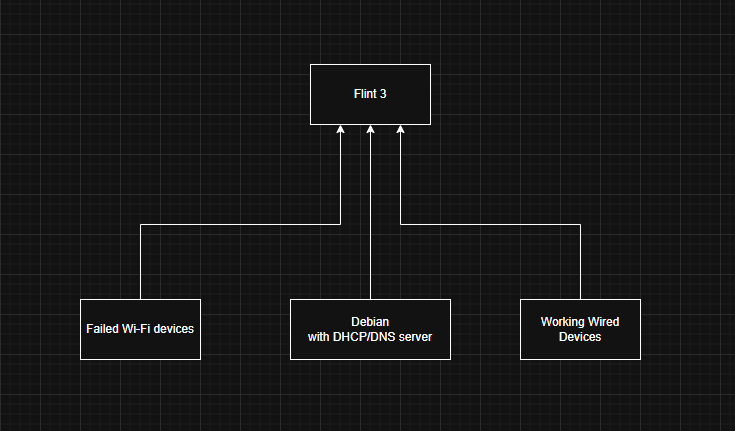
If you still encounter any issues, please try to provide a detailed network topology, including IP addresses and the corresponding search domain locations, so we can better assist you.
OK - SSH issue resolved - It was set to the default of OFF.
Linux clients of the upstream DHCP auto set their domain correctly however the 9300 does not seem to set it. I manually changed it from lan to the correct domain and the linux client has the correct domain. I had done this before contacting you. The issue still persists.
on Linux client of router: host 10.1.1.100 gives the hostname : host HOSTNAME fails. This works fine on a client directly connected via ethernet to the internal server.
To confirm, the BE9300 is currently operating in router mode with DHCP and DNS enabled, and HOSTNAME queries are expected to be resolved by the primary router. Is that correct?
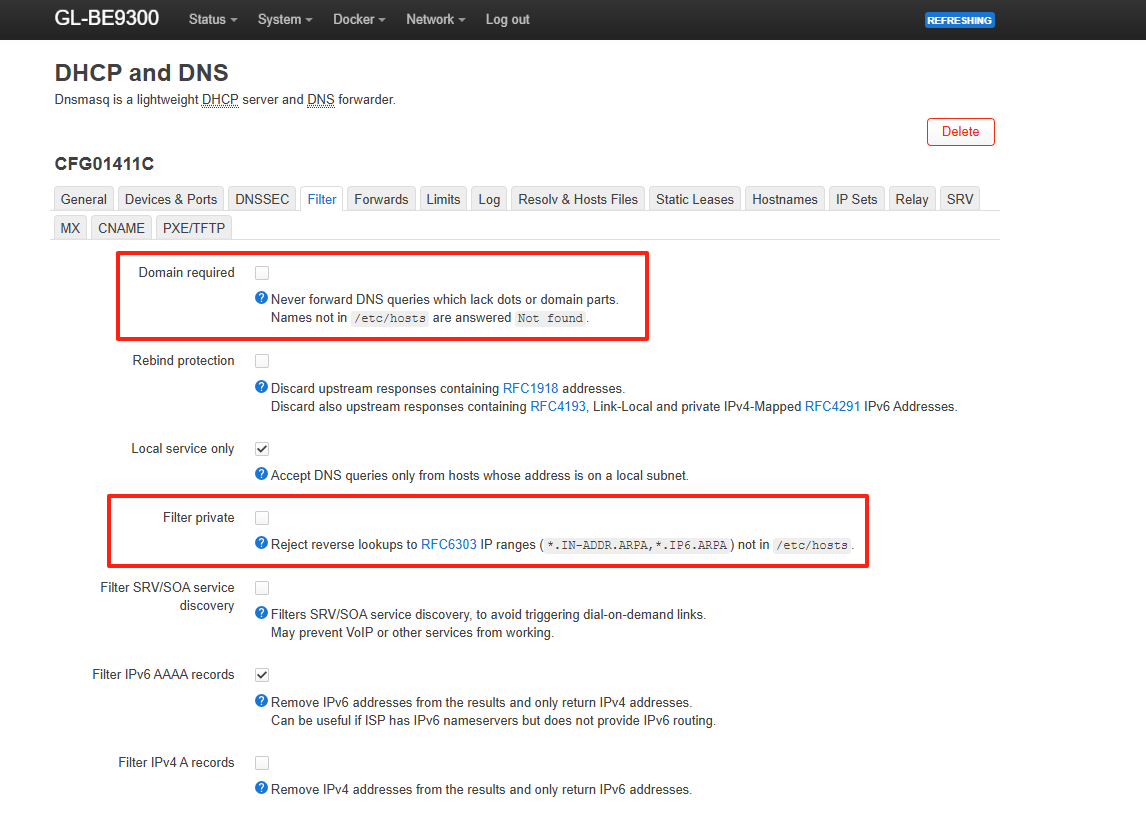
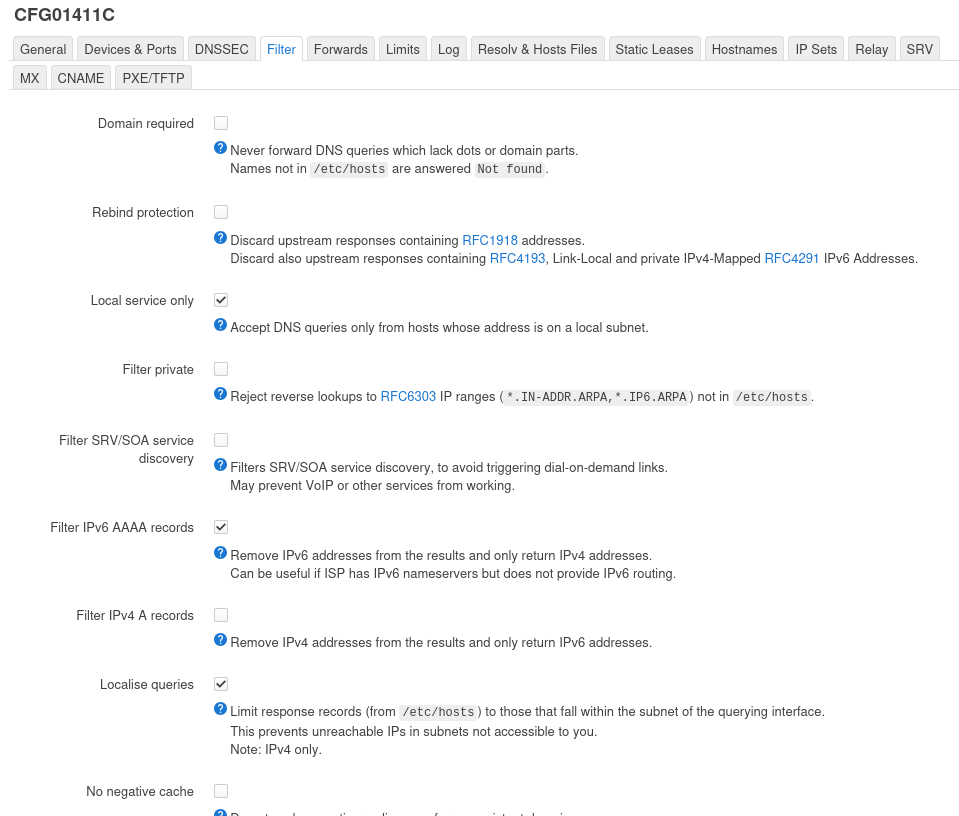
If so, please go to LuCI → Network → DHCP and DNS and check the following:
Make sure no relevant suffixes are configured under “Resolve these locally” or “Local domain”.
Note: the last two error lines in the about output. This is from the linux host connected to the BE9300 on non-guest wifi. Note that bypassing the BE9300 DNS completely has no error, so I believe the issue to be from the BErouter.
The two error lines in the output may be expected behavior and could be caused by the following:
Multiple DNS servers in /etc/resolv.conf
When using the host command, queries are sent to all listed DNS servers, and all responses are shown. If only one server responds successfully, this is normal—the others may return NXDOMAIN.
(Since manually specifying a DNS server works correctly, this is a likely explanation.)
Additional record types queried by host
By default, host queries not only A records but also AAAA and MX records. If these records do not exist for the domain, NXDOMAIN may be shown.