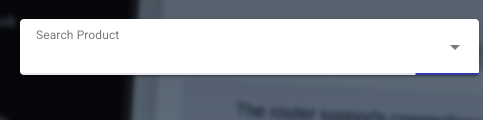
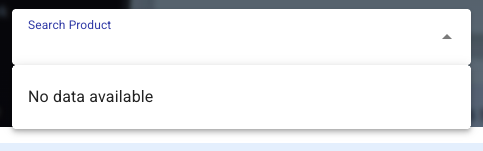
It seems that the GL firmware download site the “select product” pull-down menu is always loading and nothing shows up.
Working absolutely fine here in the UK. Are you running any content blockers in your browser or from within your router? I noticed Hagezi does block some GL-inet addresses for some reason, so have whitelisted the obvious ones in my AGH setup.
1 Like
Most likely some of your addons / security blocks the javascript.
However, you can always use my less scripty-version: https://glinet-firmware.admon.me
3 Likes
Hmm, the ControlD DNS blocked it from being loaded, the Hagea’s Ultimate block list doesn’t like it.
Edit: it seems not related to the DNS blocking, it’s still not working for me.
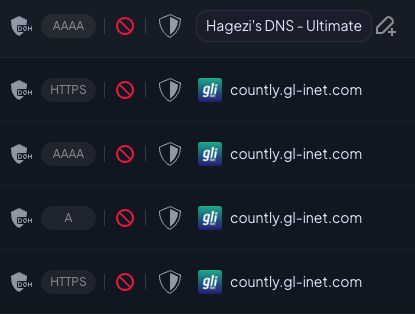
I noticed it briefly last night, but after a few it went away by itself and it's been working without any issues since 
Hi,
Whether the search function works normally if you enter a product model directly in the search box?
You may also try pressing Ctrl + F5 to force refresh the page. If the product list still does not load, please try opening the download page in a private/incognito window or another browser.
Problem with dns is that it is often still cached.
And I noticed myself even if I had also another GL-iNet router in between I need to restart dnsmasq there aswell.
So what works for me is restarting dnsmasq, also restart dnsmasq for a second router if connected to it.
In windows cmd i use ipconfig /flushdns and in chromium i use chrome://net-internals i first click on sockets and close them and then on dns to clear it.
Normally i won't expect for the router to also cache results but it does for me, on vanilla OpenWrt firmware I don't think to recall to see this issue, but I also did not looked to this actively.
I didn’t adjust the DNS blocking list and router, today I found the drop-down menu appears normally.
Weird issue solved by itself.