Hi,
Of course see below
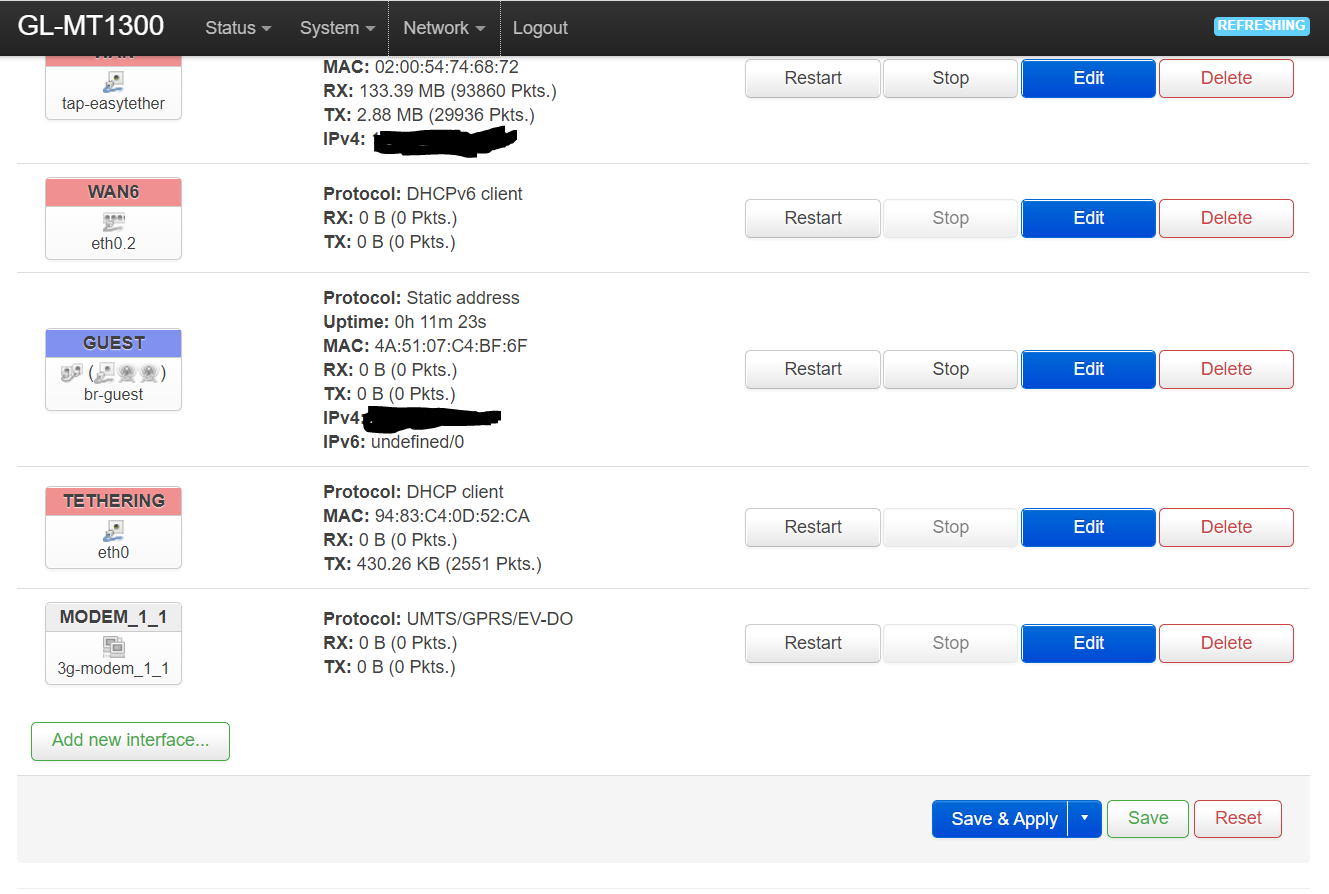
Once you log in to Luci go to Network and select Interfaces, that will send you this first screenshot.
I notice that you can select either WAN or Tethering or probably create a new Interface, once decided which one click on edit and go to the second screenshot below to se next step.

Once on Edit go to Physical Settings Tab, open the Interface select menu and select the adapter marked on the screenshot ( Ethernet Adapter: “tap-easytether” (wan)), then click save, go to the next screenshot below.

Now click Save & Apply, the router will reboot and you should have now internet connection with no issues at all, just don’t touch your phone leave it there connected. the GL-MT1300 (Beryl) wifi signal is surprisingly big enough to cover a full home. This device so far works amazing.