I've been using the Flint 2 router for over a year without any issues on the v4.7.0-op24 firmware. Recently, I updated to v4.7.5-op24 and then v4.8.0-op24 out of curiosity, but since then I've started experiencing problems with WiFi connectivity.
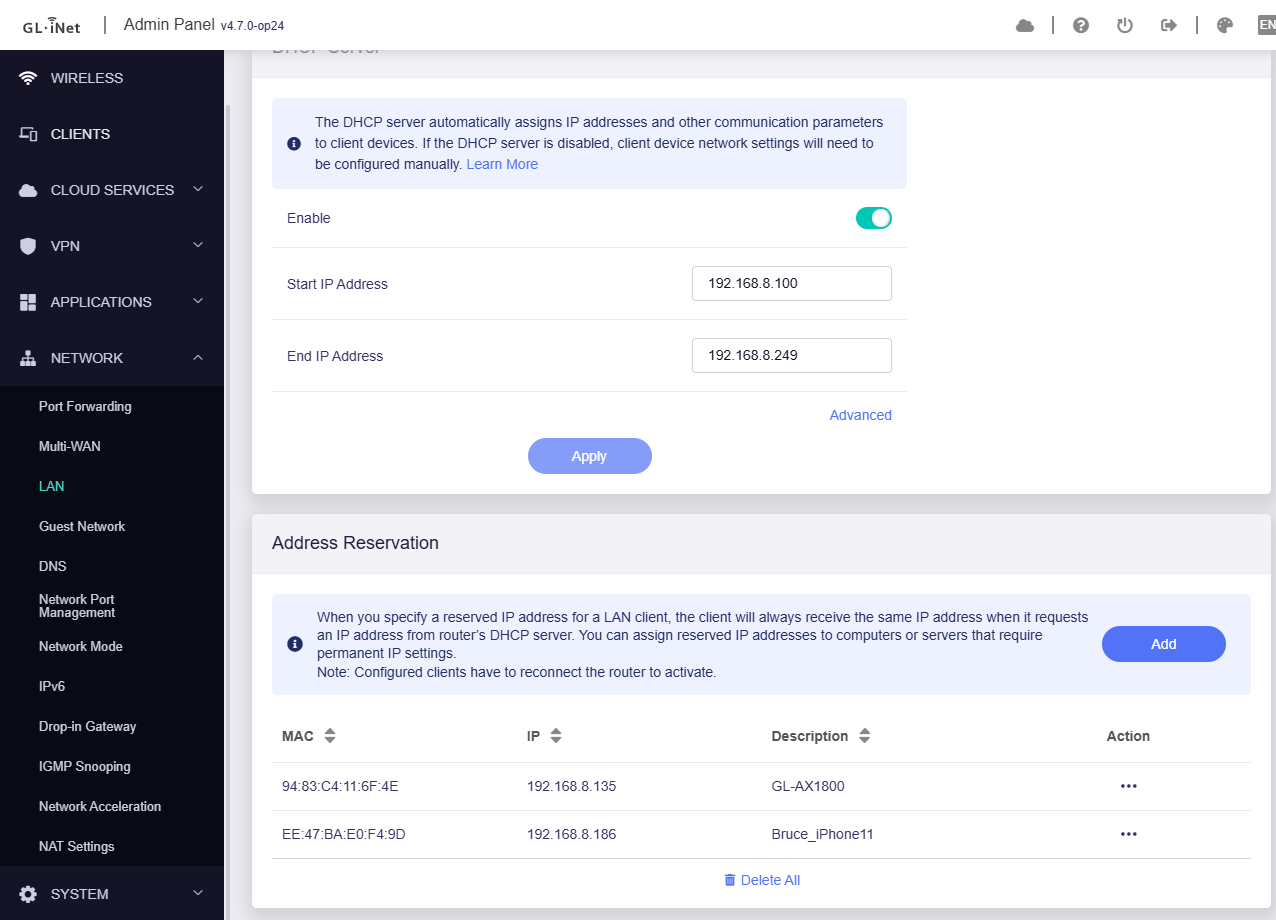
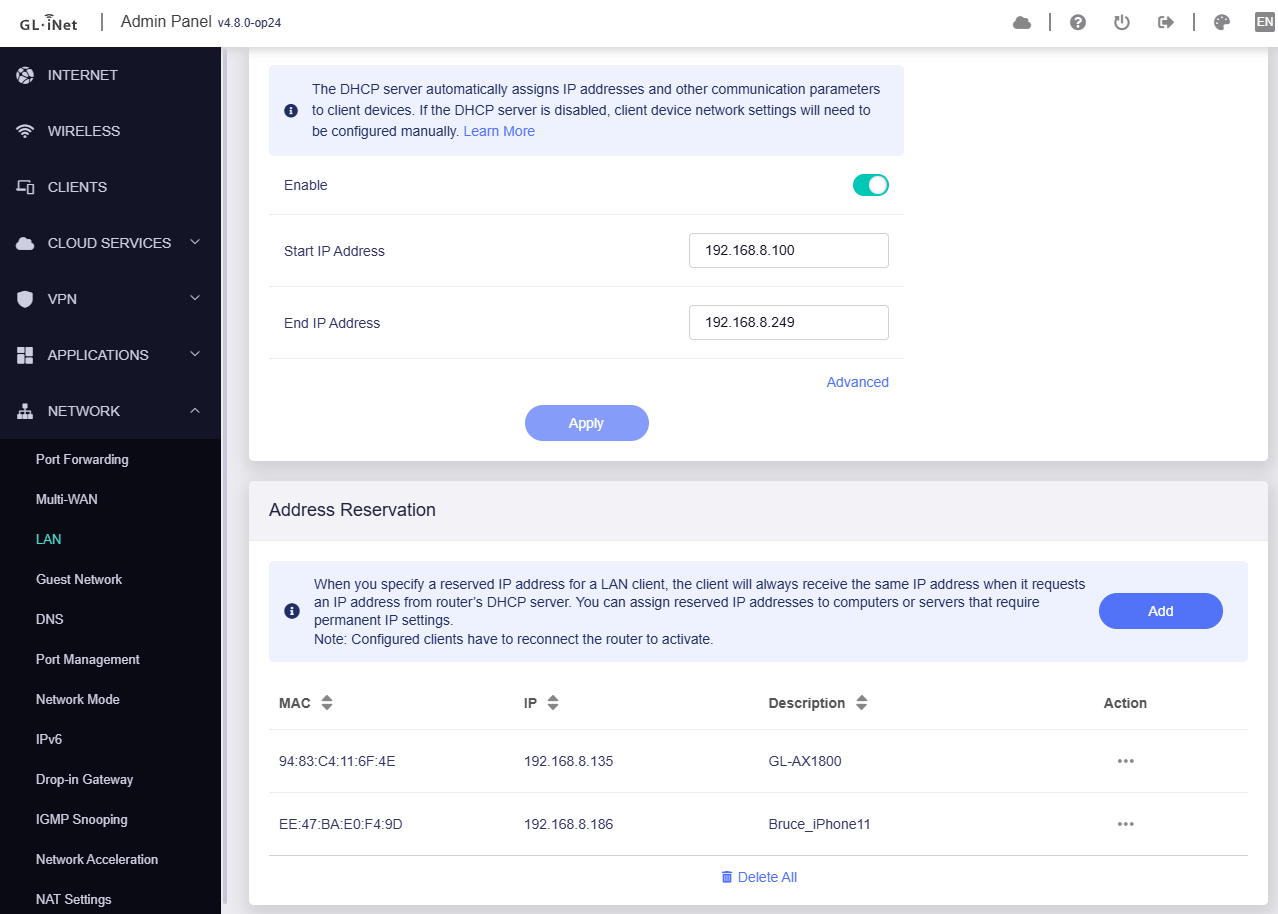
Additionally, after resetting the router, my previous DHCP reservations stopped working. On v4.7.0-op24, I could simply copy and paste my DHCP entries into the OpenWrt DHCP file via SSH, and everything worked fine and the same was visible in Flint UI. However, on v4.7.5-op24 and v4.8.0-op24, the same process doesn't show any DHCP entries in the Flint UI, and the fields for DHCP Start and End IP addresses also go blank once I add the entries via ssh. The only way I can add my DHCP reservations now is through the Flint UI manually.
At this point, I just want to revert back to v4.7.0-op24, but I can't find a download link for that version on the GL.iNet firmware page. Could anyone please share the link for v4.7.0-op24, or upload the firmware if you have it?
i checked the file “dhcp” under etc/config on 470op24 and 480op24. Both files look very similar and “should” be able to transplant sections of your old file into the one from 480op24.
ok so what I mean is, if I try to copy the dhcp reservations etc/config saved from v4.7.0-op24 to 4.8.0-op24 the DHCP Start and End IP addresses go blank when checked on Flint UI
Have you tried a factory reset and a fresh install without keeping settings when upgrading to the 4.8.0-op24 as this gave me the best experience so far with the flint 2? I have also had no issues with copying DHCP reservations from previous installs.
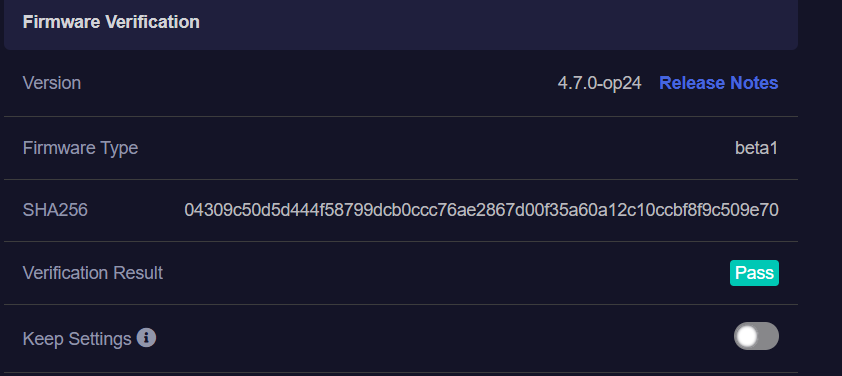
the download naming is modified by my Macbook, LOL (when you upload to your router it will tell you the version detail, you can check at that moment before you press upgrade.)
I have done the check for you, it’s v4.7.0-op24 indeed.
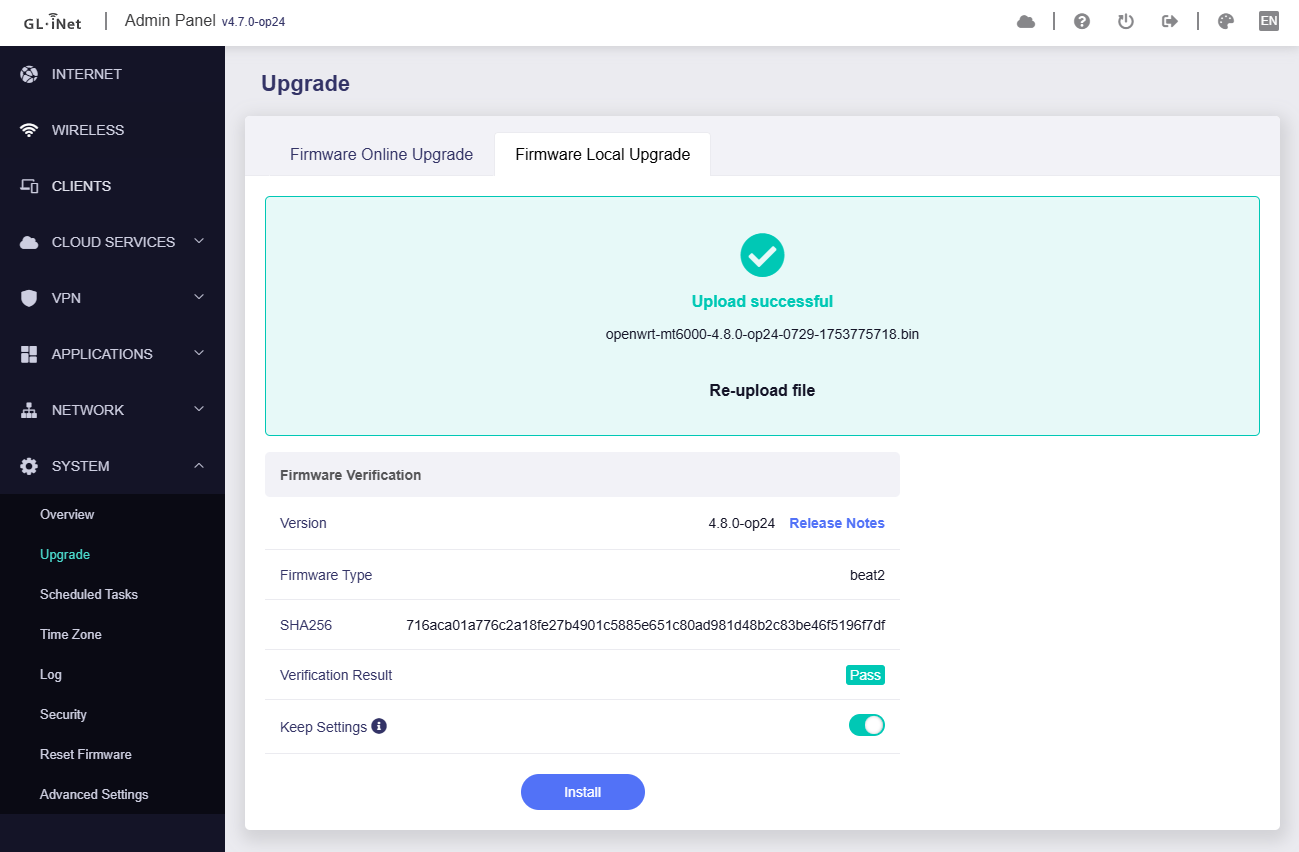
If keep settings to upgrade, there is no issue to reproduce.
I assume that v4.8.0 introduced an update, which the DHCP reservation may not be able to accept configuration imports, but able to keep settings to upgrade.
Configure DHCP address reservation in v4.7.0-op24:
I am talking about Wi-Fi performance on op24 builds (v4-7-5-op24 & v4-8-0-op24), never faced any disconnection but the wireless performance is not consistent/
I am on a 200mbps broadband connection, and randomly when I did a speed test, the speed would drop to 50-60mbps download, I checked this on multiple speed test apps and also on multiple devices and the result was same, the speed awas absolutely fine on wired network.
I also checked wireless performance via iPerf and I noticed the connection was erratic, from one of my rooms the speed would fluctuate from 15 mbps to 250mbps.
2 days back I went back to stable 4.7.7 build and the WiFi performance has been super consistent both Internet and also when checked on iPerf.