ZOTAC ZBOX CI323
GL-RM1 v1.8.1 release1
Memtest86+ v8.00
browser-based and Windows client v1.4.0 release2
GL-RM1 keyboard works in BIOS and Windows, but not memtest86+
A wireless Logitech K270 works in memtest86+
The display works. I can have both the GL-RM1 and the Logitech keyboard connected on boot, and the Logitech will work in Memtest86+ while the GL-KM1 will not, or the Logitech works by itself or the GL-RM1 does not work by itself.
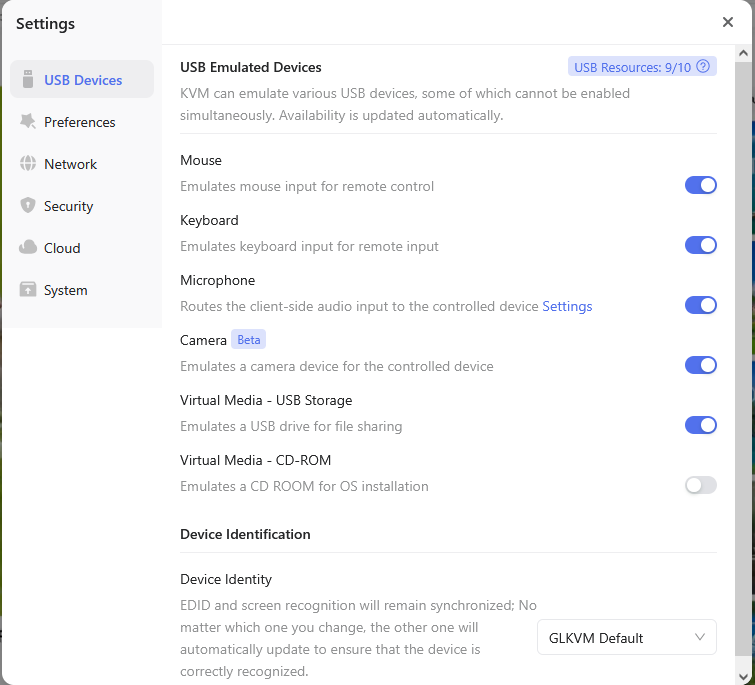
I have tried all 4 combinations of “Legacy USB Support” enabled/disabled and “XHCI Hand-off“ enabled/disabled. The GL-KM1 keyboard will not work in memtest86+
When I connect/disconnect the GL-RM1, the BIOS USB status immediately shows one keyboard and two mice connected/disconnected, if that dual mouse scenario matters at all.
“Bad Link Mode” does not help, and I’ve both applied it and rebooted the machine and also enabled/disabled it once Memtest86+ is already running. Neither scenario has the GL-KM1 keyboard functional. I’ve (un)plugged the USB-C connection multiple times, power cycled the GL-KM1, all to no avail.
Could this be a GL-KM1 USB hub functionality interfering? Maybe an extra option for “keyboard only” and then it’s a seemingly-passthru connection of the keyboard. No USB hub and no need for systems to support or even see that, and the system only sees a keyboard. I’d suggest a warning/hint of “this must be configured before boot” as well as allow it to revert/hotplug to normal keyboard&mouse on the fly. Numerous low-level OSes or software don’t support hotplugging, depending on the device, but do not restrict when it can be changed but simply warn it may not apply without the target system doing at least a warm reboot if not cold reboot, and that the devices may become unresponsive if changed on-the-fly, like reconnecting a keyboard once the OS has booted. Memtest86+ may be one of those as my K270 doesn’t work when hotplugging. I only have a Sidewinder X4 and don’t have a stripped down, truly barebones USB keyboard or PS/2 with a USB adapter to test if it supports hotplugging on a truly “dumb” keyboard to do further troubleshooting.
Same problem here, and I want to confirm it affects the Comet Pro (GL-RM10) too, not just the RM1.
Setup:
Comet Pro (GL-RM10), firmware V1.9.1 release1
Host: AOOSTAR WTR PRO (Ryzen 7 5825U), running Proxmox
Memtest86+ v7.20, booted from the GRUB entry
The keyboard works perfectly in BIOS and inside the OS, but in Memtest86+ not a single keystroke registers — ESC, Ctrl+Alt+Del, any key at all: nothing. Exactly like the RM1 report above.
Since Memtest runs infinite passes and the only input channel I have (the Comet keyboard) is ignored by Memtest, there is literally no way for me to exit it remotely. My whole Proxmox server is effectively stuck in an endless memory test until someone can physically pull the power. A KVM whose entire purpose is remote recovery being unable to send a single ESC to a bare-metal tool is a pretty serious gap.
Is there any known workaround, or a fix planned? Thanks.