Hello, I just recently received a GL-RM1. Upon receiving it I was able to get through the set up and control my PC however the device is constantly going in and out of connection. I have several other PCs connected to the same switch. I have tried swapping out the cables and network ports, but it looks like the device itself is losing connection every few seconds and reconnecting every few seconds. I did the manual unbrick firmware update by downloading the latest firmware and updating it, which took almost 20 minutes to complete. Then after it came back up, it still does the same thing.
Thank you, but I have already returned the product.
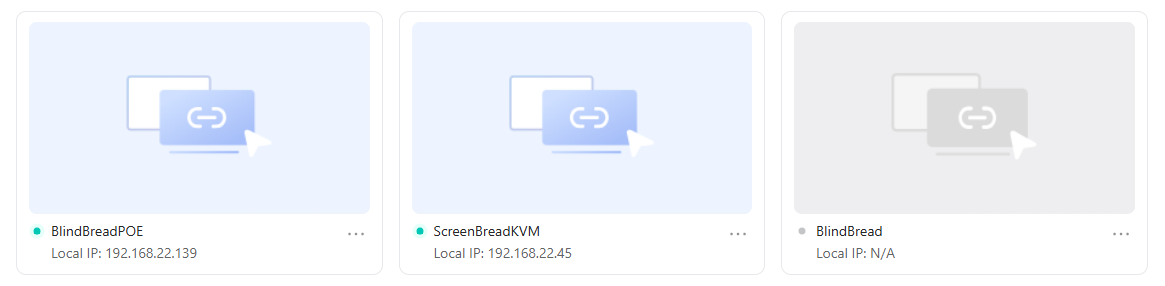
I am having this exact problem with my RM-1. My RM-10 and RM-1PE are both working fine. I installed the new beta firmware and it did not fix the issue.
Hope you can help!
system_logs_20260119_174152.zip (73.9 KB)
Same problem here with GL-RM1
system_logs_20260131_113111.zip (48.6 KB)
Upgraded to V1.8.0 Release 3 – same issue
Where are you located? Your device seems to connect to the Europe server.If you far away from that, it may be a problem.
I’m in the US. I don’t select any server.
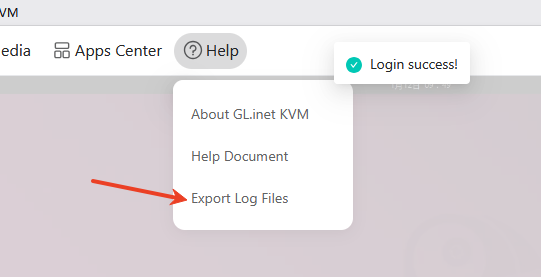
Could you try firmware 1.8? If the problem persists, please export the logs and send them to me.
same problem here. GLRM1PE V1.8.0
system_logs_20260216_170121.zip (47.9 KB)
I believe I'm having the same issue, only other issue is that im off-site from the kvm so when it goes offline im unable to do anything until someone on-site reboots it, which almost defeats the point of its installation. It's currently down, and nobody is on site to reboot, so these are the only logs I have.
I set it as a tailscale exit node, hoping that might make a difference, but clearly not.
RM1 - V1.8.0 release 3
system_logs_20260215_230007.zip (57.9 KB)
So i gave it 2 days to test but it seems to be doing the trick, my current workaround is to (once you can connect to it) access the terminal and set a cronjob for it to reboot, i set mine for twice a day to be sure and that seems to be working well.
Since mine was dropping roughly every 24 hours, I have a feeling it could be an issue locally with the network // router, but I'm not really in a position to start messing with that in this particular install. Hopefully it gets resolved, but I'm happy to keep this workaround since it doesn’t bother me too much.
There needs to be an option in the settings to enable/disable scheduled reboot of the KVM.
I can only see that in your network, connman seems unable to perform proper network reachability detection. We will conduct some tests.
Do some test , just can’t reproduce issue.
Do you have another COMET? Will it have the same issues?
Sorry i only have this one. i did test it at my home address before installing it and noticed a similar issue but didnt think much of it at the time, but in both cases it was the same ISP provided router.
Probably you can try below trick:
- login your KVM via console - either web GUI or ssh
- ethtool --set-eee eth0 eee off
- You can verify the outcome with “ethtool --show-eee eth0”
This will disable the NIC power saving feature on your GL-RM1, but I guess it would keep your connection stable from there. 
I am still having issues with my RM-1 not showing on the desktop app or through the cloud. It will show up every now and then but dops out after about 30 seconds. I can fully access it trough the direct web page. Its staus shows its connected to the cloud.
The RM-10 and RM1PE are both working.
provide debug log to us