T-Mobile gave me a TCL HH515L for my 5G Home internet. It's an ok device for day to day usage, but for whatever reason i would be disconnected from internet every hour or so while connected to my work vpn. Some games also showed weird behavior, as if disconnecting for a second intermittently.
I got GL-X3000 and these issues are gone, but my download speeds are half of what TCL would get. It would top at 85MB/s, averaging at ~60-70MB/s.
GL-X3000 barely breaks 50MB/s. I haven't made any changes to TCL's setup (it's already barebones in its admin panel) and i don't know what to change in GL's settings. I've already used Band masking to force it to use N78 band, which TCL was connecting to, but GL did that from the get go anyway...
Latency while downloading is also way higher than TCL's...
In my experience, TMHI does not require TTL to be changed. I would leave it at default tbh. I would say the same for MTU - there shouldn’t be a reason to change that. My TMHI and my TMo hotspot both come up at 1500.
I changed it as part of troubleshooting, but i didn’t notice any difference so i just left it as that. Setting DNS to Google’s seems to have improved latency while idle.
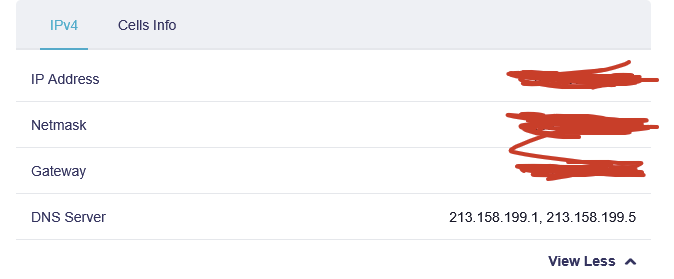
Although Internet tab still shows the default DNS, i assume this is what the router gets by default from the SIM card?