Hello,
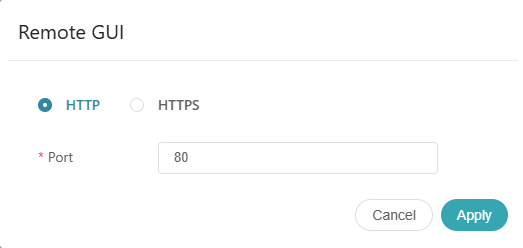
I have an X3000 added to GoodCloud and noticed that after upgrading from 4.7.4 to 4.8.2, when I use the “Remote GUI” option in GoodCloud, it now provides the option of selecting either HTTP or HTTPS to connect, where before it only showed HTTP…
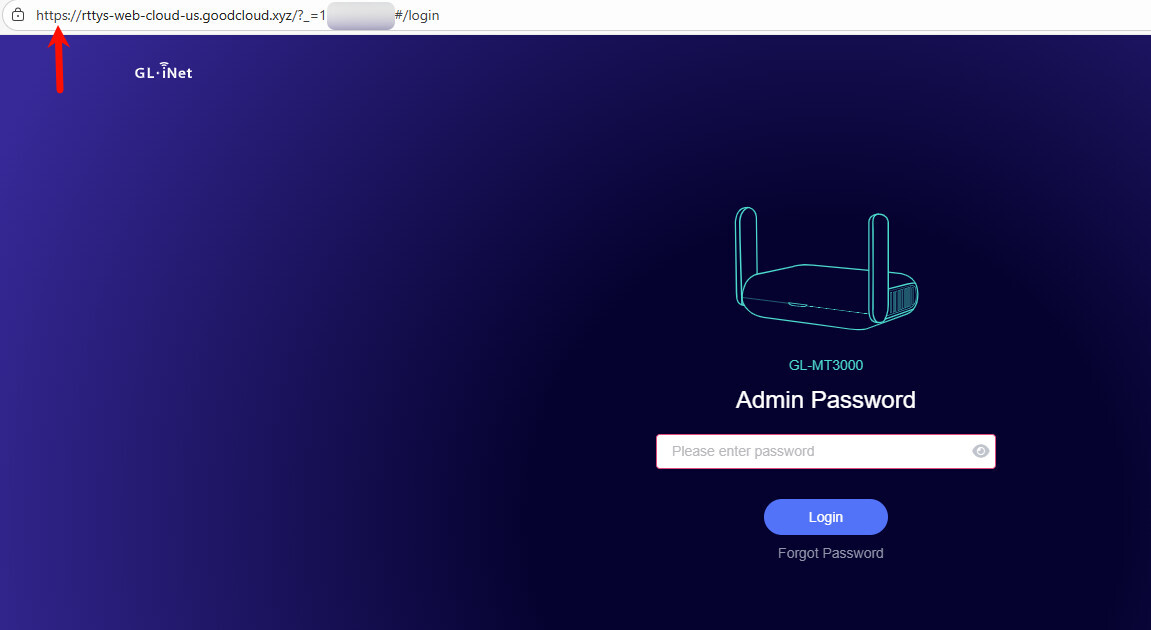
When initially accessing the X3000’s GUI via GoodCloud on 4.7.4 I just accepted the default/only option of HTTP and assumed/hoped that the feature implemented it’s own layer of encryption (eg. VPN) around any supposed HTTP / plain text traffic, to ensure that the connection was fully secure (especially since I’m immediately prompted for the router’s admin password).
Now, since upgrading my X3000 to 4.8.2, when using the Remote GUI feature in GoodCloud, you can choose between HTTP and HTTPS, and I’d like to know if the initial (HTTP) connections I made, as well as any new connections where I proceed with the default (HTTP) option, were/are not secure and private (encrypted from end-to-end)?
It’s honestly quite alarming from a security perspective that the remote access feature has ever hinted at any traffic being transmitted via HTTP / plain text.
Attempting to remotely access LuCI via GoodCloud is similarly concerning… I just enabled LuCI and wish to access it remotely via GoodCloud, but per the KB (Access the LuCI via GoodCloud - GL.iNet Router Docs 4) it states that you must use LuCI’s HTTP port rather than it’s HTTPS port… Again, this raises a red flag for me, and should for any security conscious individual. Am I overreacting and the remote connection created through GoodCloud does create a fully secure and private connection between my browser and the router’s LuCI interface, or are there parts of that connection that can be intercepted by a 3rd party?