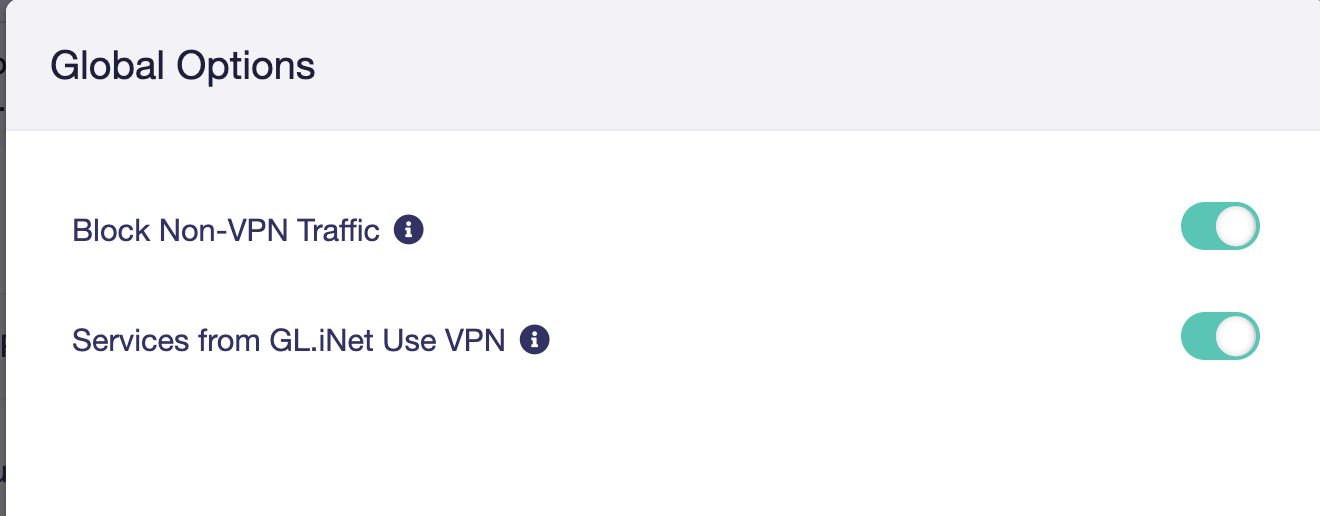
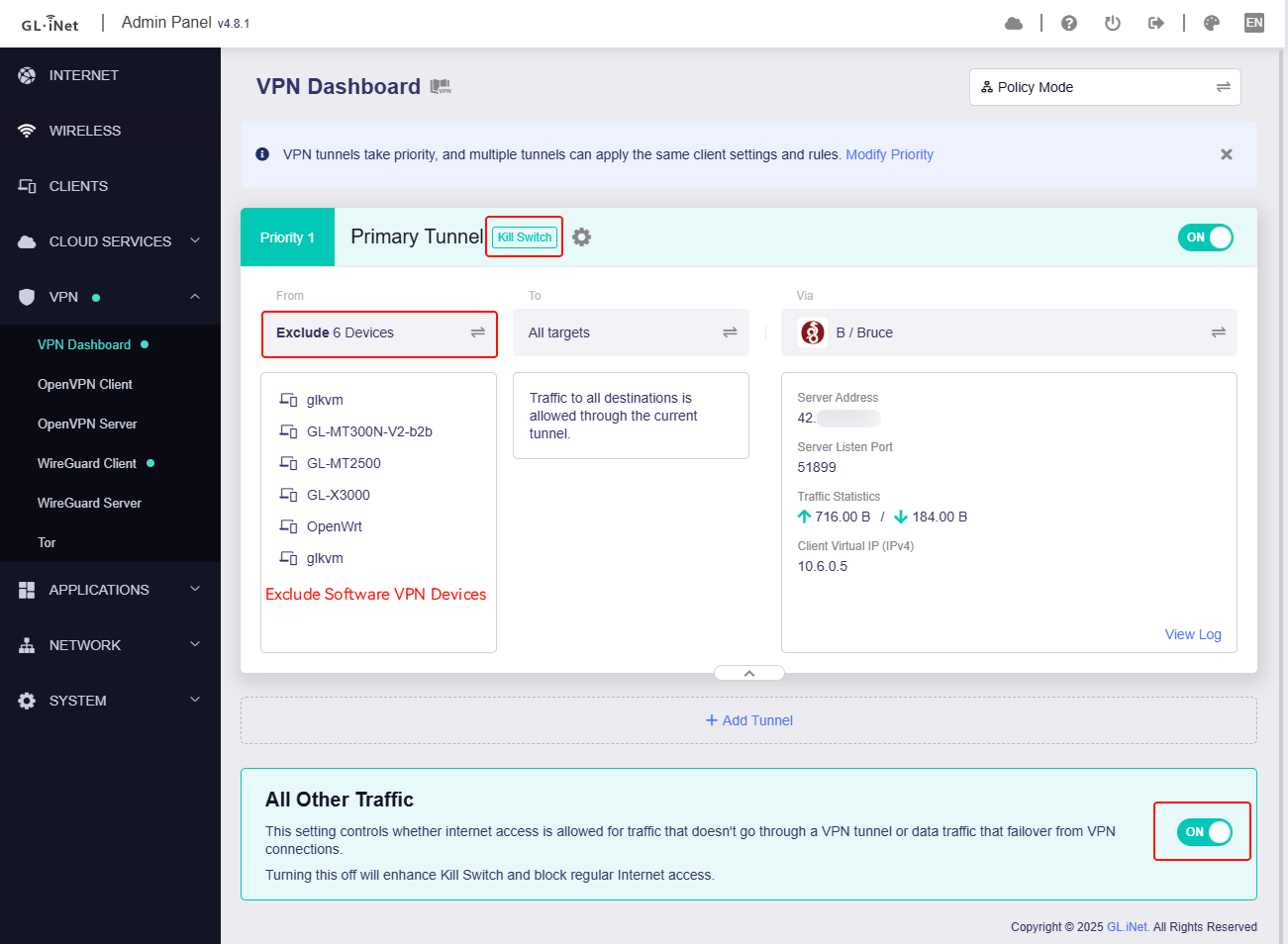
Thus, I have to keep the kill switch disabled, which makes me quite uncomfortable.
Can someone explain in which scenarios traffic could leak from the (B) devices without the kill switch enabled? E.g., what about the below scenarios?
Time window before the VPN connection is established (e.g., after a router reboot)
Temporary VPN connection losses
Firmware upgrades
Manually changing the Wireguard relay in the Flint settings (reconnect time window)
Etc.
Is there still a "kill switch" at least for the devices / destinations that are supposed to go through the Flint VPN, or is there no protection at all and traffic leaks wildly?
I just noticed that the 4.8.0-op24 firmware looks very different.
Would be great if someone could explain how the scenarios I described above would have been handled in 4.7.5-op24 vs. how they are handled now. Thank you.
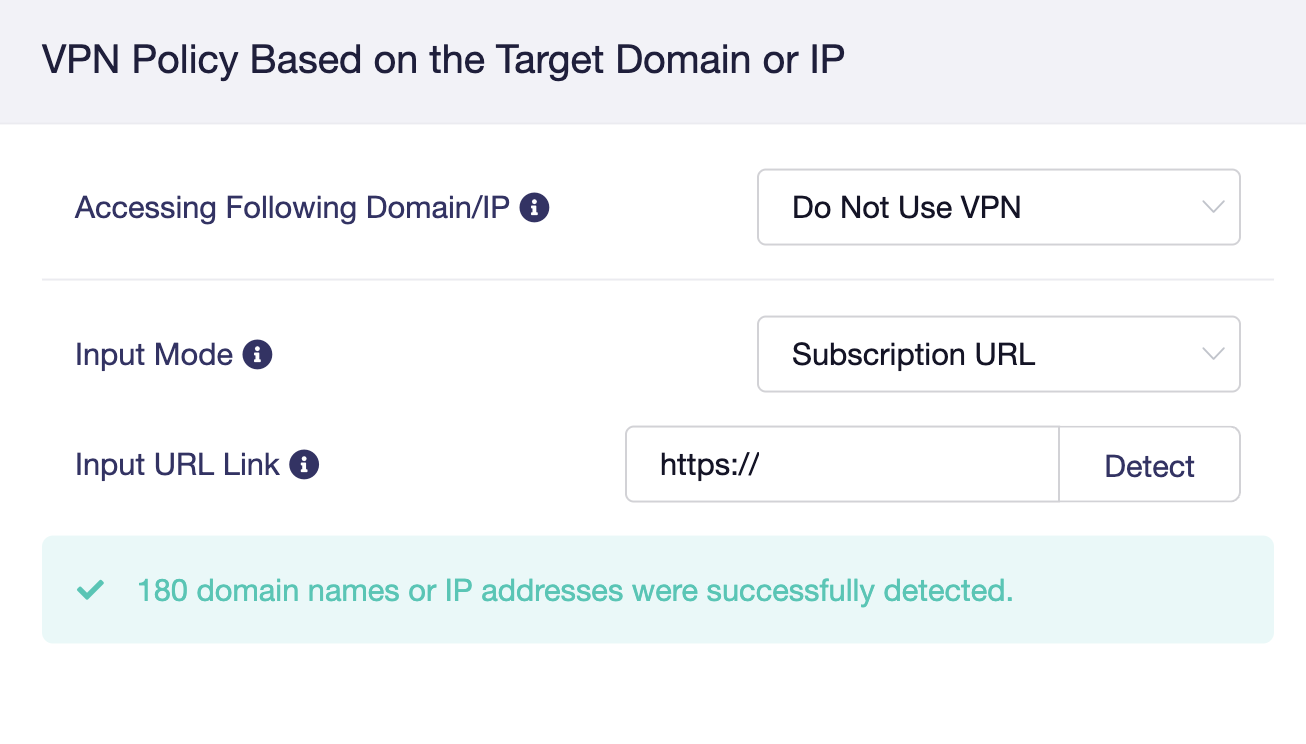
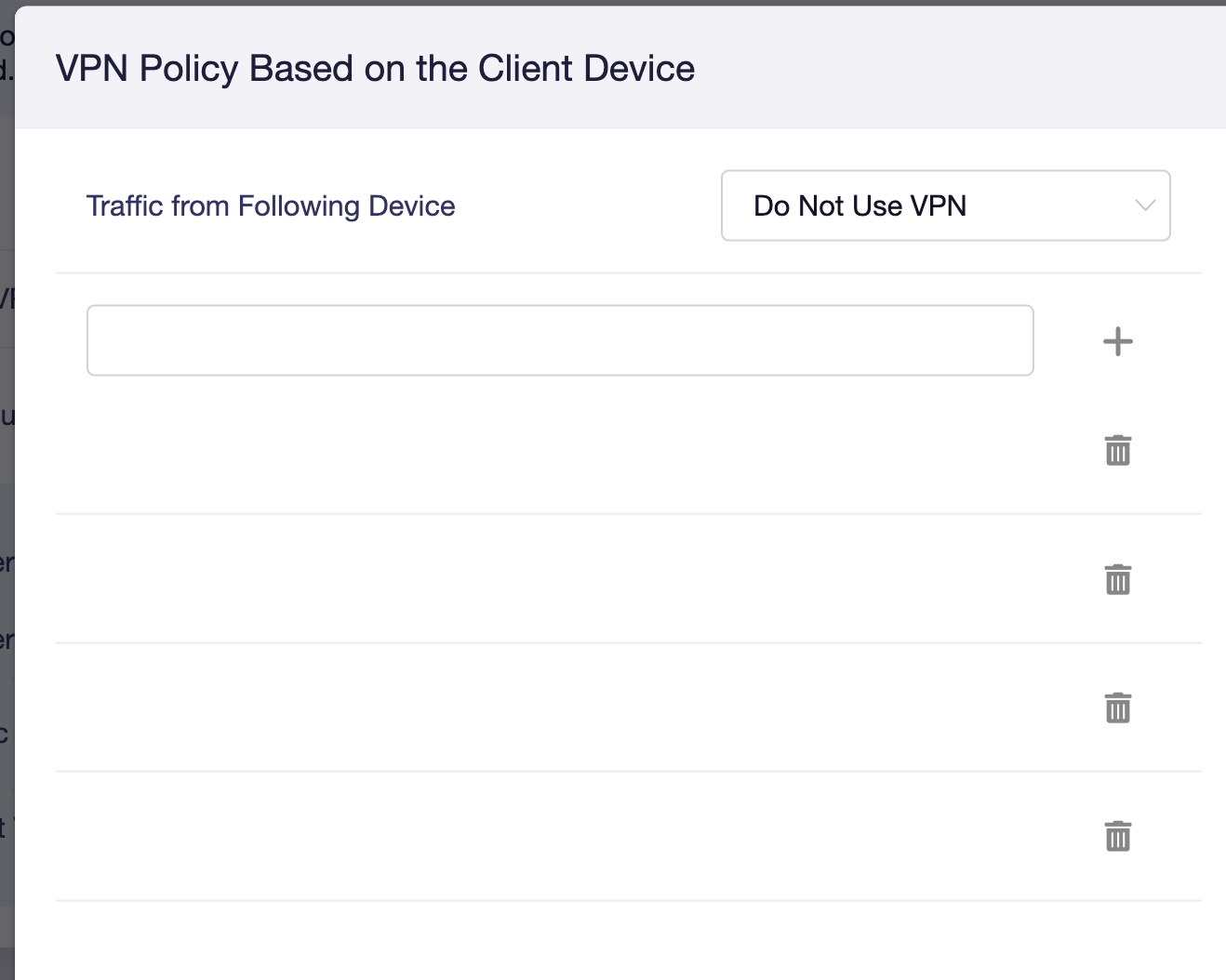
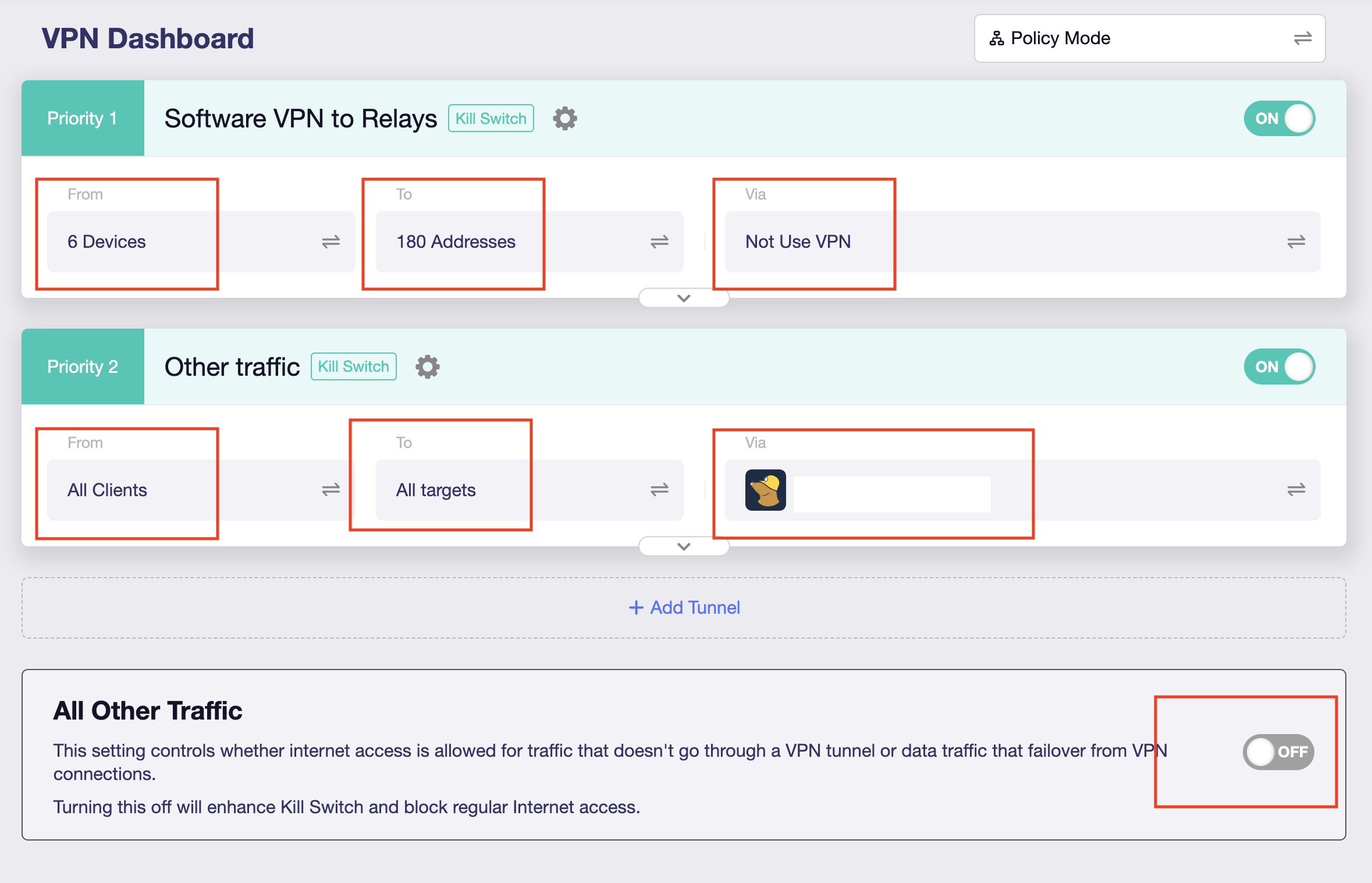
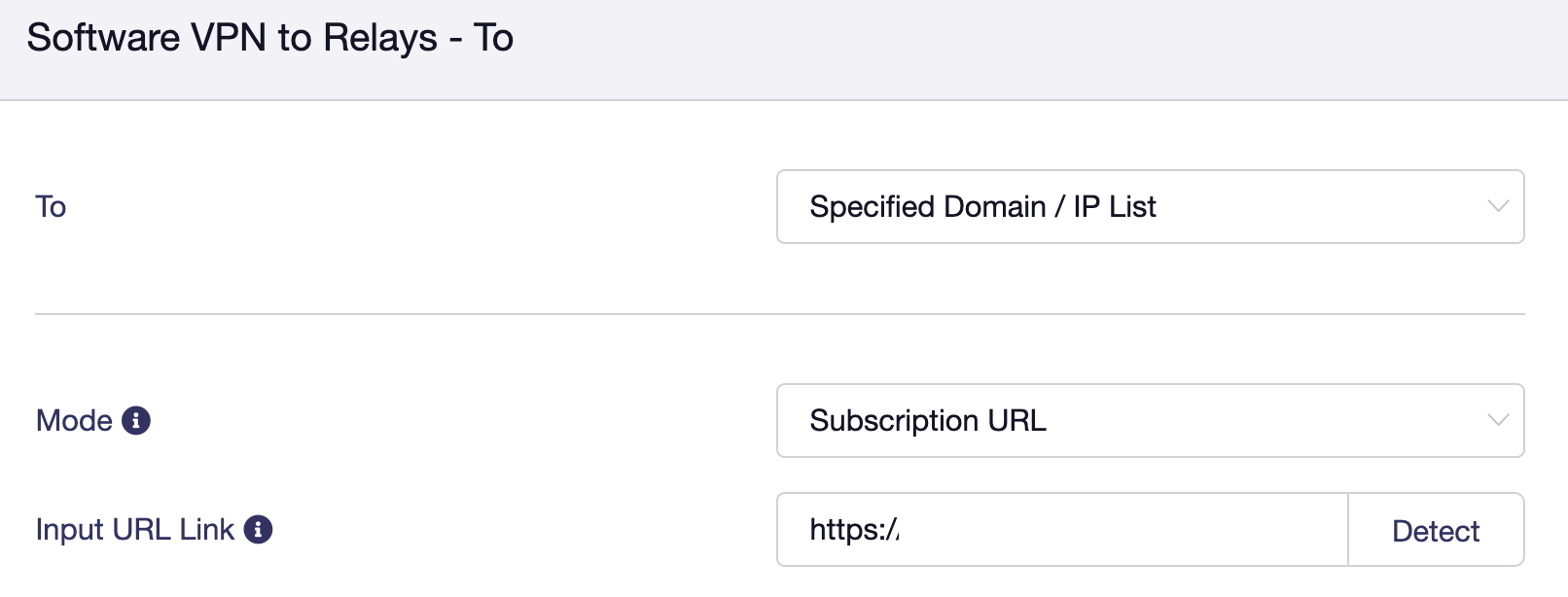
According to your needs the Devices A (Software VPN to relays) do not go to VPN, and combined with the screenshots of Tunnel 1 & 2 above, why not set it like this:
I prefer my approach because it massively reduces the risk of Software VPN leaks ... because the clients can only reach the ~180 Wireguard relays directly, while all other traffic would go through the default VPN on the Flint.
I automatically update the input list of relays multiple times per day, so it should be pretty bullet proof.
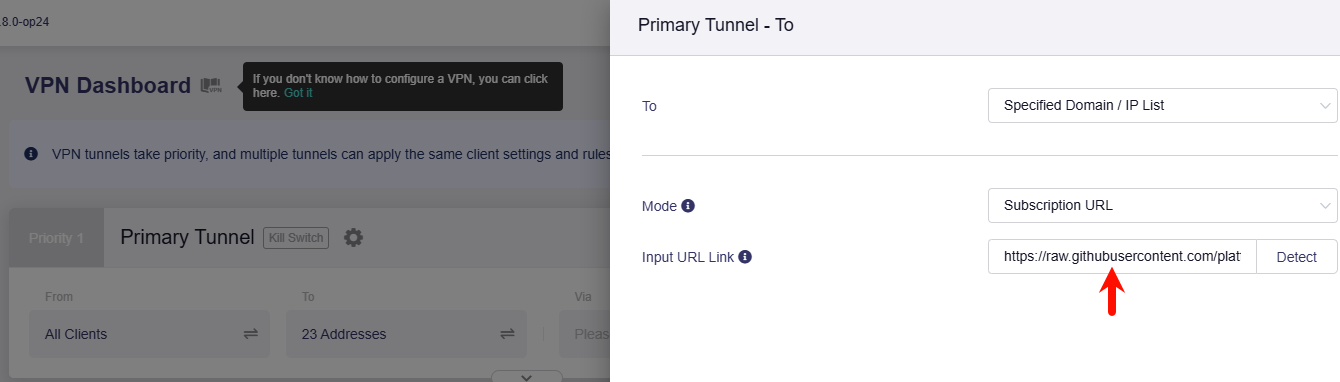
Is there a way to have the Flint load the list of relays ("Input URL link") more than once daily, to catch any potential changes faster? E.g., to avoid scenarios where clients create their own Wireguard tunnel inside the Flint's VPN tunnel, because the Flint hasn't pulled my latest relay list, yet.
Or worse (but unlikely to become a real world issue), that the VPN provider turns off relays and returns the corresponding IPs, which would make them unsafe to connect to directly.
Hi Bruce, I found the script, but it doesn’t seem to execute on 4.8.0-op24 because vpnpolicy.route_policy.proxy_mode is empty? Or am I missing something?
root@GL-MT6000:~# uci get vpnpolicy.route_policy.proxy_mode
uci: Entry not found
root@GL-MT6000:~# cat /etc/init.d/vpnpolicy-apply
cat: can't open '/etc/init.d/vpnpolicy-apply': No such file or directory
If uci is reportting Entry not found that's typically because the underlying conf hasn't yet been set with a variable one way or the other. I'm guessing you've not yet plugged in a feed into the 'Input URL Link'.
If the feed is present then... humm... what's the output of uci get vpnpolicy.route_policy.proxy_mode (note the lack of -q (error suppression))? I'm not terribly familiar with all the custom scripts GL has in place.
... & my Slate AX doesn't have that firmware version. The only other thing I can think of is checking ll /usr/bin/gl*. Other than that apologies for adding to the noise.
My question was more, is it safe to replace [ "$(uci -q get vpnpolicy.route_policy.proxy_mode)" = 3 ] && /etc/init.d/vpnpolicy-apply restart >/dev/null 2>&1 with /usr/bin/update_vpn_domain.sh on 4.8.2-OP24?