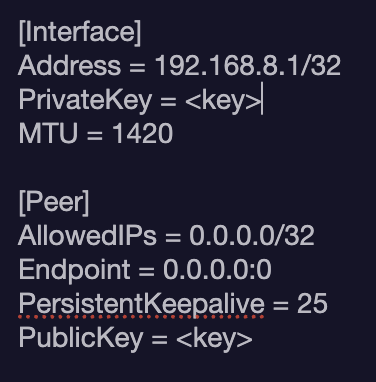
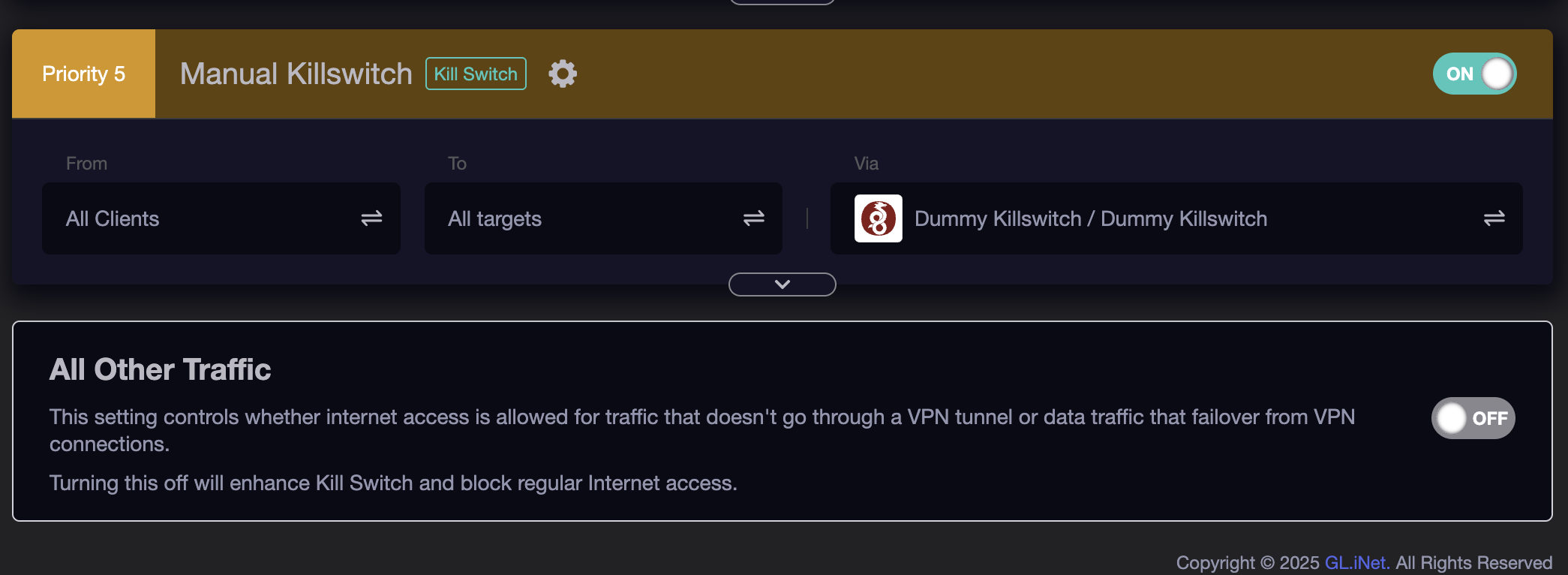
On my beryl router I have setup a VPN policy which has my two wireguard servers at different locations and I have uncheck the option at the bottom to allow other traffic.
This works perfectly EXCEPT when I enable a VPN (in this case proton VPN) on the client. Suddenly, I have internet access that isn't going through any wireguard tunnel.
Any idea how to block this? In the Luci firewall I tried to block all lan traffic that isn't going through wg1 or wg1 or tailscale but this didn't seem to work. It seems my wireguard tunnels don’t seem to even come up as devices.
I also tried downgrading the firmeware to 4.7.* in case this fixed it with ‘Block Non-VPN traffic’ and it didn’t.
If all traffic is blocked, the device shouldn’t be able to establish a VPN connection at all.
I also noticed that clients blocked by the “All Other Traffic” OFF switch suddenly start hitting the Flint AdGuard DNS … why are those blocked clients still allowed to make DNS requests?
OP is looking to ensure everything is tunneled thru WG.
@ bruce: Wasn't there an updated firmware just released in the last 72 hours or so that addresses something like this? I saw the thread & your mention of it but I can't recall where it is ATM. I don't even specifically recall which device(s) it was related.
OP is saying that they can establish a VPN connection on the client even though the Wireguard tunnel on the GL-iNet device is disabled and “All other traffic” is blocked.
Per his screen shot OP has two VPN tunnels. All clients are allowable. Non-VPN traffic is blocked. I'm asking him how he determined the client devices downstream weren't in a WG tunnel.
He hasn't isolated enough variables to make a determination. Further, he may have well mangled the the firewall within LuCI which may compromise the expected defaults used by the GL scripts.
That is correct. I manually disabled both of the tunnels.
Your solution looks interesting. It’s just backstop to prevent it getting to the wan? Very clever! I think that’s worth a try.
What firmware version is this occurring on? You seem to have come across a bug. I seem to recall similar reports but can't recall if it was just on v4.8.x (supposedly 'stable') on the Beryl AX or other devices.
This is with the very latest firmware - 4.8 - However, I tried downgrading to the latest 4.7 and I was encountering the same thing which is why I thought I had configured something wrong.
I don't recall such trouble on v4.7. I'd reflash using the U-boot method to v4.7.x to revert it all back to stock. Then load those aforementioned IP checking domains into your VPN policies to test from your downstream clients. Pull a backup tarball within LuCI. Once that works as expected do the same for v4.8.x. It'd be interesting to see your results.
I just tried this, setting a dummy kill switch, enabling this and disabling my wireguard tunnel… However this doesn’t seem to work. I am still able to access the internet when connected to a VPN on the client
Just noticed that even with the dummy tunnel, a handful of DNS queries still leaked (4 since I enabled it … much better than hundreds, but still not good).
I noticed previously that leaks occur when I toggle rules above the last rule OFF/ON, but seems they can also occur in the absence of user action.