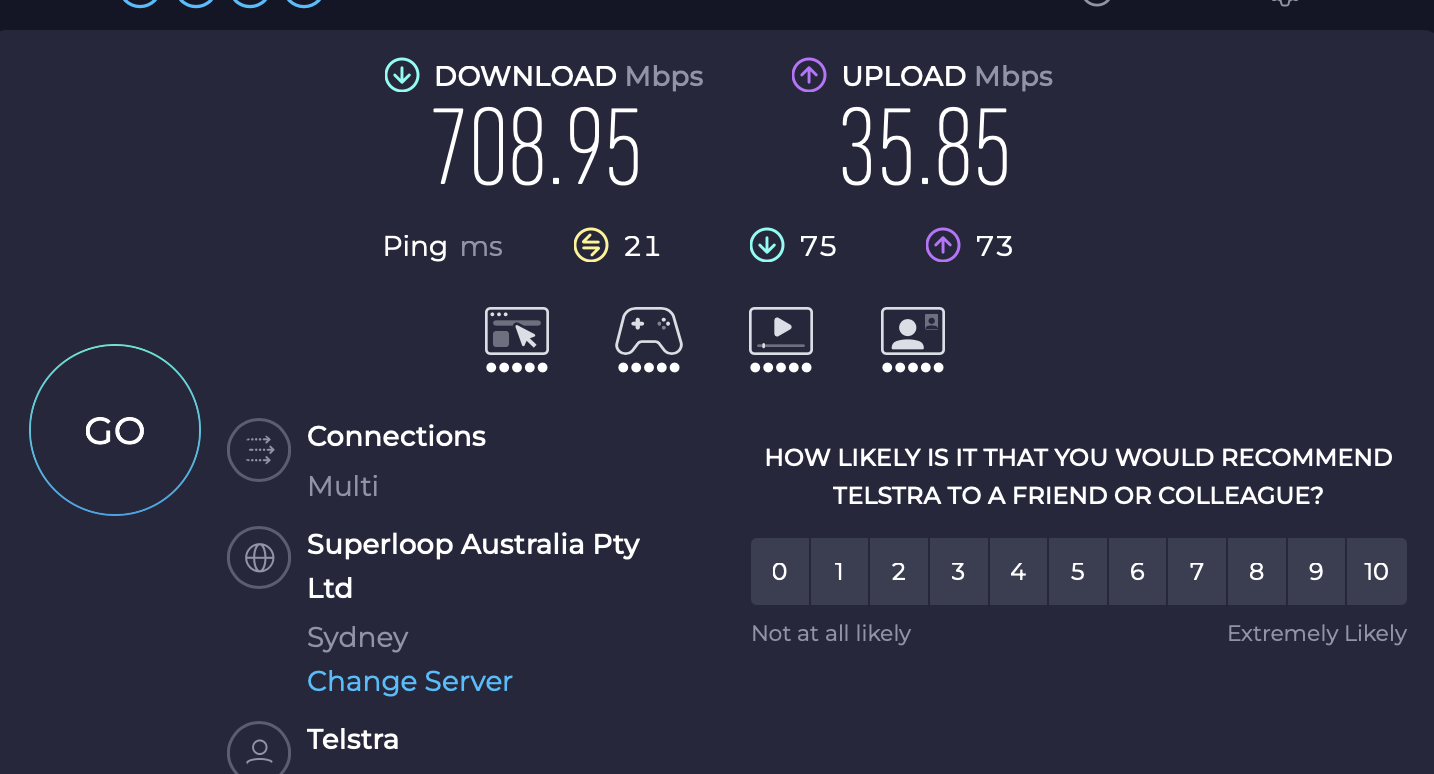
I essentially doubled my download speeds over 5G by enabling cellular band masking, using open mode, and selecting only the 4G and 5G bands that my carrier uses. Unbelievable difference.
Yep, that is a known issue (unfortunately with phones as well, sometimes)
Many carriers don't use real 5G (5G SA) but 5G NSA (which is just 5G technology on 4G) instead. Band masking can help to avoid these issues, but it highly depends on the cell tower next to you. So when you move your location, you might need to re-evaluate the band masking. 
Sometimes it can help to check if your mobile contract contains a "true 5G option" as well.
I was posting it as a positive thing to do rather than a known issue. I previous was using a Netgear Nighthawk M6 Pro and only ever got around 300Mbps at the same location. By using the band masking I now get over 700Mbps 5G on the Mudi 7.

where is that?
On the Mudi 7 admin page, click INTERNET, then scroll down to your cellular service and click SIM Card Settings, then click Enable Band Masking.