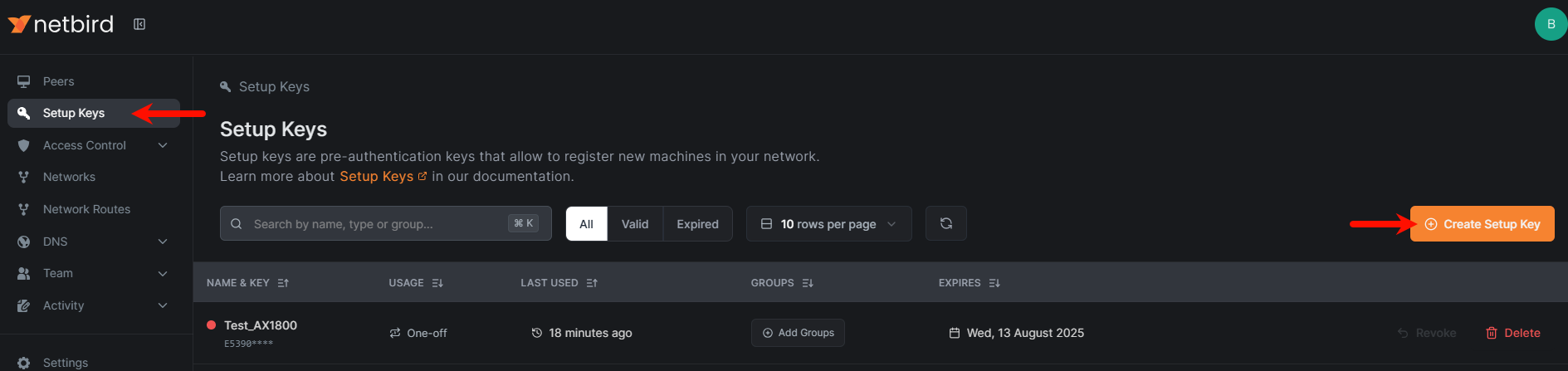
Would like to know how to install the package Testing to determine if you are a bot! I have ordered 12 devices for remote places and installing netbird on those devices would be awesome. (GL-XE300C4 model). OPNWRT version is the right one. but can`t seem to see it in the list. I dont mind doing it via SSH just want to know steps needed to install it correctly.
The commands for installation are pretty easy, but they might or might not break your router.
First you need to find your architecture by using uname -a
Then you need to find the right repository: https://downloads.openwrt.org/snapshots/packages/
Search for your netbird ipk file, copy the URL of it.
Hi, apologies for bringing this one back again, but is there a Netbird package for my unit, was unable to find one that would install from the ones listed here [OpenWrt Wiki] package: netbird
Linux GL-AX1800 4.4.60 #0 SMP PREEMPT Tue Jan 23 11:46:53 2024 armv7l GNU/Linux
arch all 1
arch noarch 1
arch arm_cortex-a7 10
Just got my Flint 1st gen unboxed as well and tried straight away to set up netbird.
I could not manage to get it working sadly.
https://downloads.openwrt.org/snapshots/packages/arm_cortex-a7/packages/ ships netbird_0.26.3-r1_arm_cortex-a7.ipk which installs but gives a lot or errors :
Error relocating /usr/bin/netbird: __dlsym_time64: symbol not found
Error relocating /usr/bin/netbird: __stat_time64: symbol not found
Error relocating /usr/bin/netbird: __utimes_time64: symbol not found
Error relocating /usr/bin/netbird: __fstat_time64: symbol not found
Error relocating /usr/bin/netbird: __time64: symbol not found
Error relocating /usr/bin/netbird: __gettimeofday_time64: symbol not found
Error relocating /usr/bin/netbird: __nanosleep_time64: symbol not found
Error relocating /usr/bin/netbird: __lstat_time64: symbol not found
Error relocating /usr/bin/netbird: __localtime64: symbol not found
I then tried https://downloads.openwrt.org/releases/22.03.6/packages/arm_cortex-a7/packages/ which ships netbird_0.17.0-1_arm_cortex-a7.ipk which again installs but still gives an error :
Error relocating /usr/bin/netbird: __nanosleep_time64: symbol not found
A little digging on those errors pointed at a forum post at OpenWRT saying that it is likely because the firmware has been compiled with the old musl C library 1.1.24 (confirmed by root@GL-AX1800:~# opkg list libc libc - 1.1.24-3 ) whereas the netbird ipk listed above has been likely compiled with newer musl C library >1.2.2 which changed the way time is handed internally from 32bit to 64bit even on 32bit architectures.
Long story short, it looks like, as of now, netbird is a no go on a Flint 1rst gen out of the box
AXT1800 (v4.8.0) is the same as AX1800 (v4.8.0), refer to the above all steps.
MT3000 (op24 firmware) and MT6000 (op24 firmware), since the GL feed has netbird, there is no need to change it, so please start the configuration directly from the third step.
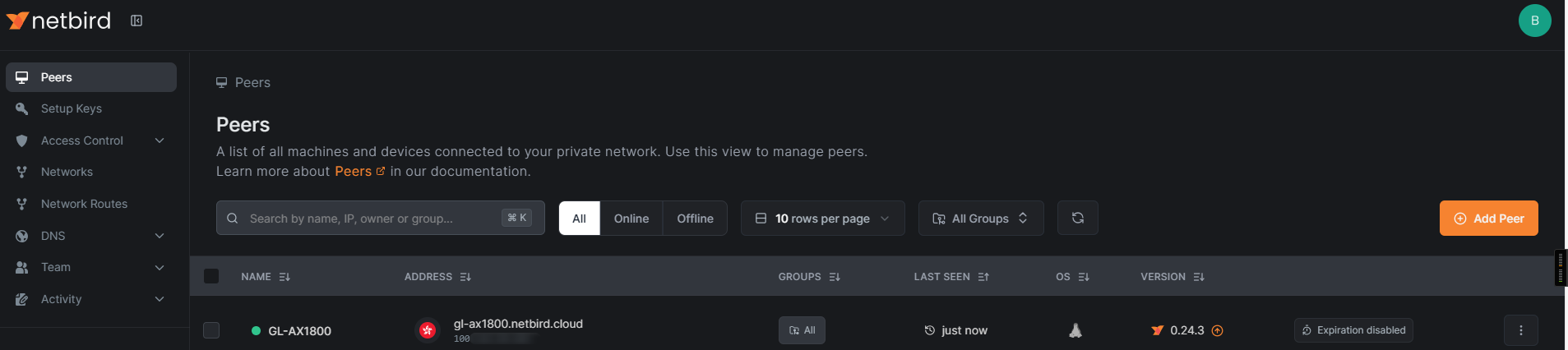
The Exit node feature is available from version 0.27.0, while the netbird package in Openwrt is currently on version 0.24.3. The new Openwrt 24.10 release (expected soon) will bring an update version of Netbird.
2025-01-25
root@null:~# opkg find netbird
netbird - 0.24.3-1 - NetBird is an open-source VPN management platform built on top of WireGuard® making it easy to create
 secure private networks for your organization or home.

 It requires zero configuration effort leaving behind the hassle of opening ports, complex firewall rules, VPN
 gateways, and so forth.