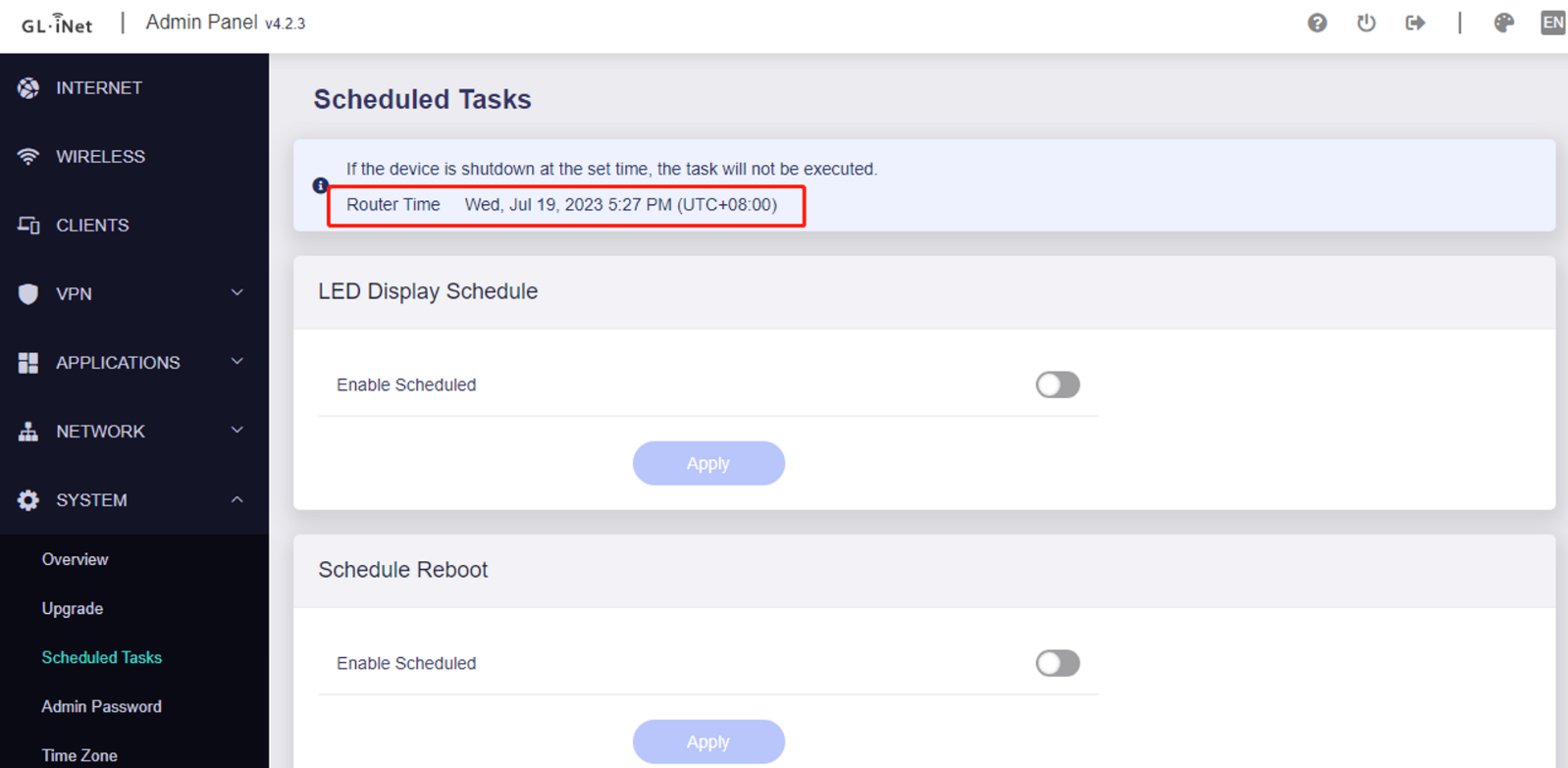
2.Enable LED Schedule, choose the time to turn on/off the LED lights and check on the days to perform it in a week. Then click on the Apply button. Noted that it is time triggered, which means the turn on/off action would only be performed at the set time.
I set up the LED schedule feature on my SFT1200, but I've noticed that in all versions of the firmware since it was introduced it works at first but after a period which varies between a few days or a few weeks it suddenly stops working. Disabling and re-enabling doesn't work once it is in this state. The only solution appears to be to reboot - annoying at 11pm when you want to go to sleep and find the LEDs still on.
Setting an automatic, i.e. scheduled, reboot is certainly possible (though inconvenient, as I have a lot of IoT devices) but it's really a workaround and not a fix. In any case, if the bug is in the scheduler itself, then the reboot may not happen either.