I use CP2102 USB to TTL chip. For testing, I directly loop back TX and RX.
Connect the serial port to comet's USB2.0 interface
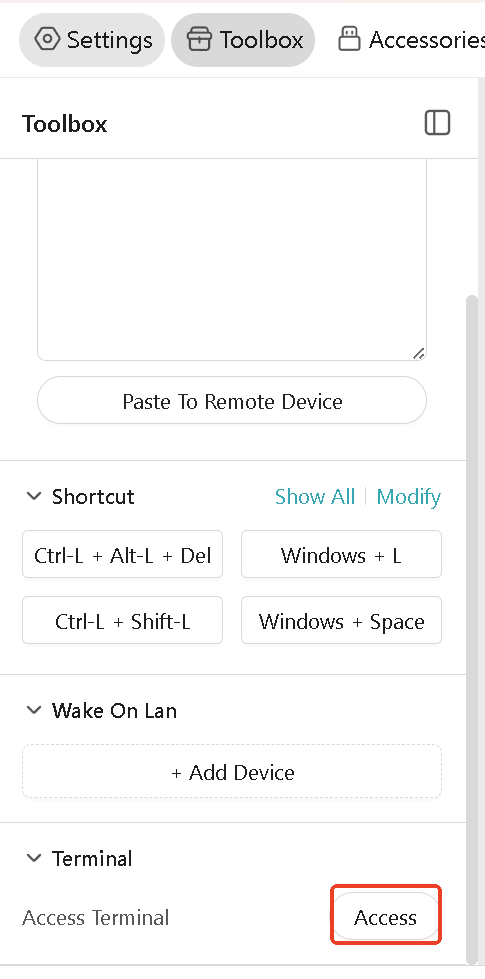
Enter comet's terminal and check the newly added serial port device, which is usually ttyUSBX
Use minicom -s command to make necessary configurations. Usually, you need to modify the device path and flow control configuration. You can find the use and configuration of minicom here .
After the configuration is completed, you can start using the serial port device. Since my TX and RX are looped, the input content will be directly output.
mh33
November 6, 2025, 5:15pm
5
I’m hoping to be able to console into network equipment using this. I’m running into two issues:
I have tried two usb cables I have, and nether one is showing up as ttyUSBx.
TRENDnet TU-S9 (USB to DB9)
USB-to-RJ45 ( Amazon.com: OIKWAN USB Console Cable,USB to RJ45 Console Cable for Cisco Routers/AP Router/Switch Windows, Mac, Linux(1.8m,Blue) : Electronics )
Is anyone aware of a usb network console cable that would be reconized?
minicom is not reconized at the bash command. It is giving the error:
_zhang
November 13, 2025, 8:43am
6
Please try this firmware; I've added the minicom tool based on 1.7.0 release 1.
mh33
November 13, 2025, 4:01pm
7
Thanks! Minicom is working with that firmware update
Now if I can find a USB network console cable that is reconized, this thing would be an awesome “smart hands in a box” for remote sites