I am a very lazy person. I hate to type SSID and WPA passwords…
When I am on an Android phone, I am using Google Lens.
- Just open the admin page, make a screenshot
- Open Google Lens, load the former taken picture
- Select the QR code and read the result
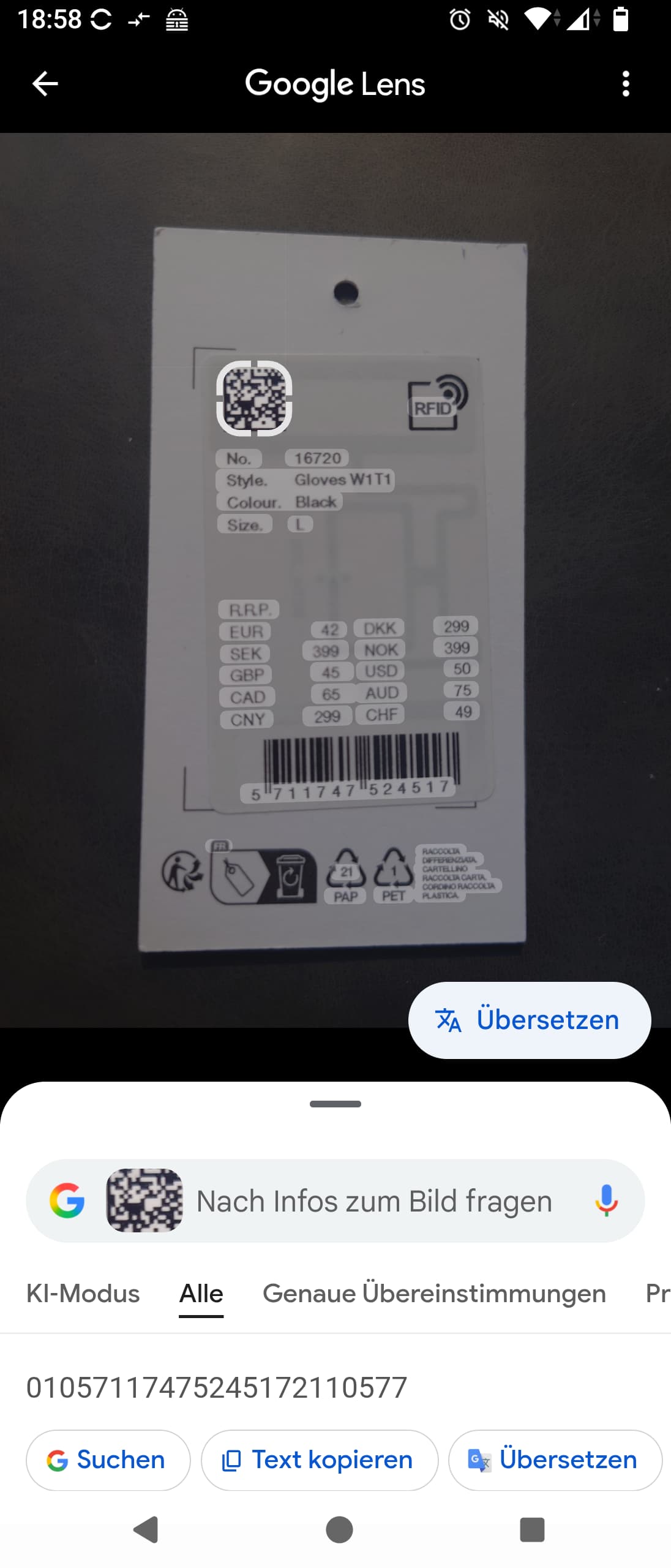
Example at a hand gloves price tag, by just double clicked on the code… and it got decoded below
Important: As we all know, Google does everything process over their servers. If you don't want to save your WLAN credentials on Google, don't do this.