Environment
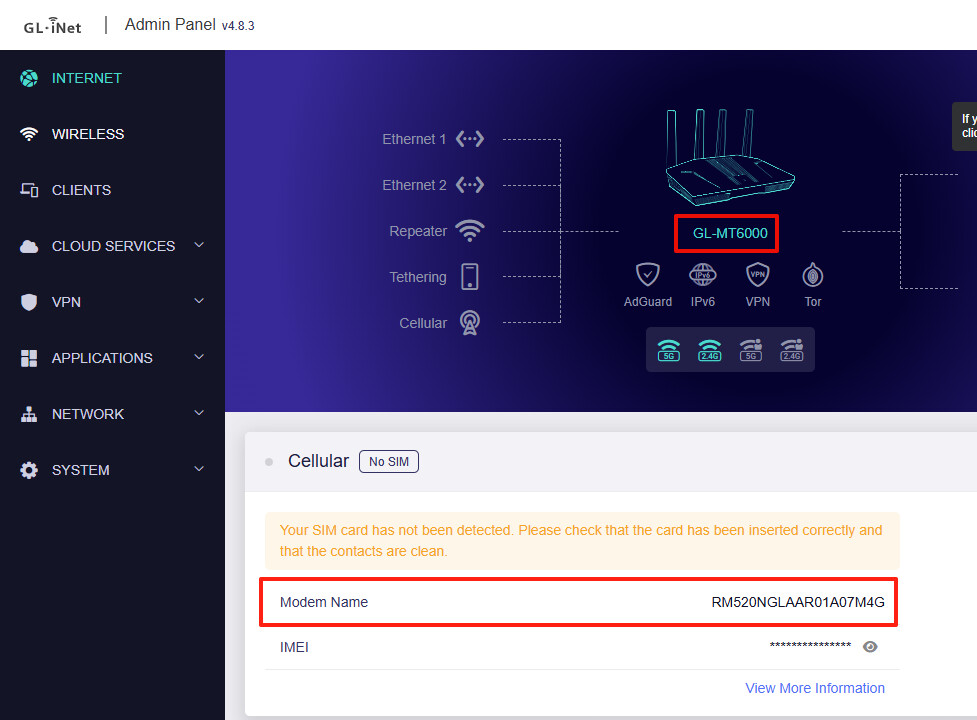
- Router: GL-MT6000 (Flint 2)
- Firmware: OpenWrt / GL.iNet official firmware
- Modem: Quectel RM520N-GL
- Connection: USB 3.0 (M.2 to USB enclosure)
- SIM tested: LINEMO / Rakuten (Japan)
Problem
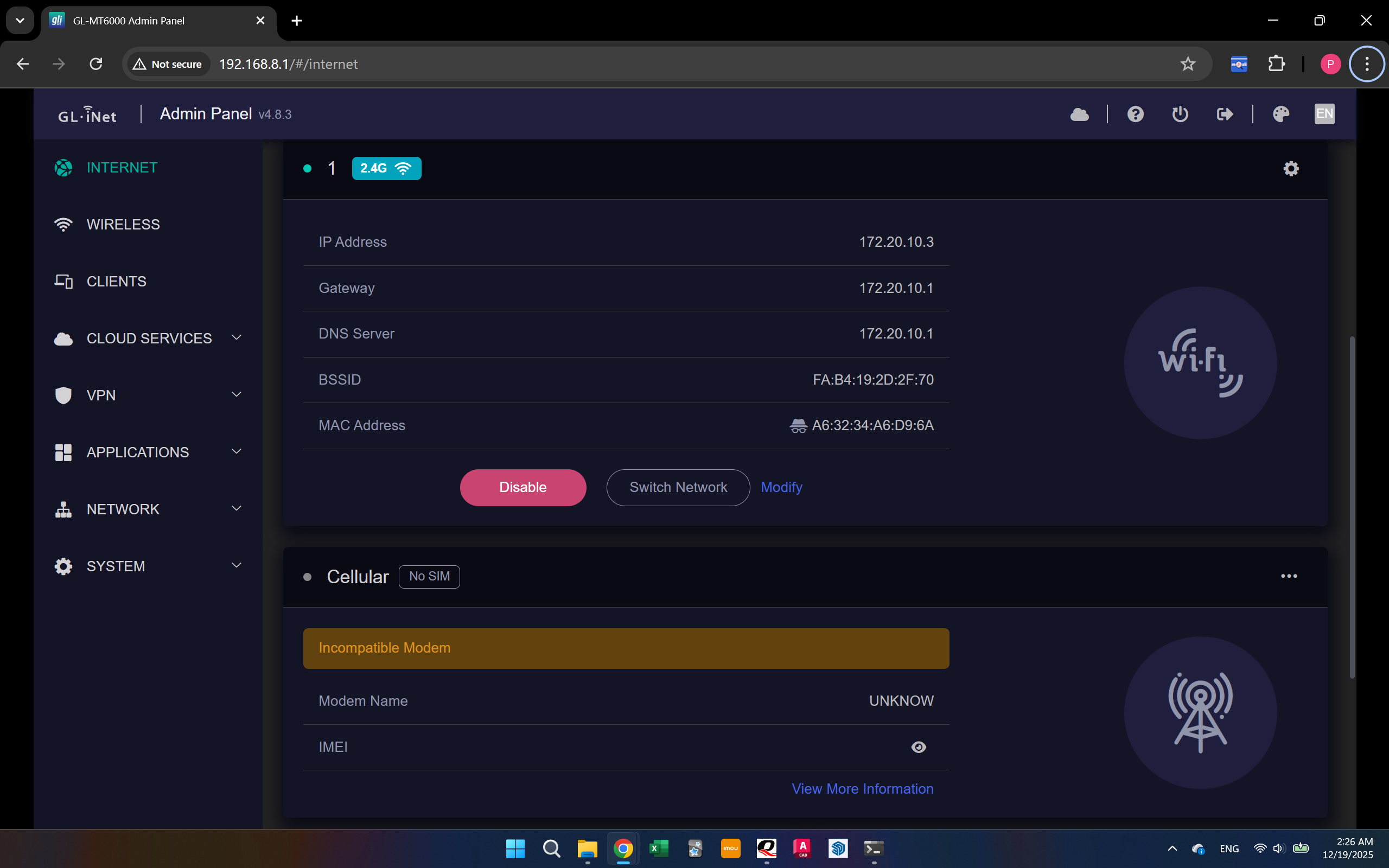
The modem is detected by USB, but no WWAN control device is created.
lsusb
Bus 002 Device 006: ID 2c7c:0800 Quectel RM520N-GL
However:
ls /dev/cdc-wdm*
# No such file or directory
Because of this:
- No QMI / MBIM interface appears
- Cellular page in LuCI keeps loading / spinning
- I cannot create a WWAN interface
What I already tried
- Installed required packages:
usb-modeswitchusbutilskmod-usb-netkmod-usb-net-cdc-ncmkmod-usb-net-qmi-wwankmod-usb-net-cdc-mbim
- Rebooted the router multiple times
- Tested with different USB ports and cables
- Updated the modem firmware to a newer Quectel firmware
- Checked AT commands (the modem responds normally via USB serial)
- Tested the same modem on a Windows PC → also not detected as a Cellular modem
SSH log
I have attached a text file containing SSH logs captured while plugging in the modem and attempting to bring up WWAN.
The log includes:
dmesgoutput after connecting the modemlsusbandlsusb -t/devdevice enumeration (including missing/dev/cdc-wdm*)- Relevant kernel messages related to USB, CDC, QMI, and MBIM
Please let me know if any additional logs or specific debug commands are required.
Questions
- Does GL-MT6000 officially support RM520N-GL?
- Is there a recommended Quectel firmware for OpenWrt / GL.iNet?
- Should
AT+QCFG="usbnet"be set to a specific mode (QMI / MBIM)? - Is this more likely a modem firmware issue or a USB descriptor / driver issue?
- Are there any additional kernel modules required for this modem?
Any guidance or confirmation would be greatly appreciated.
Thank you very much!
log.zip (18.5 KB)