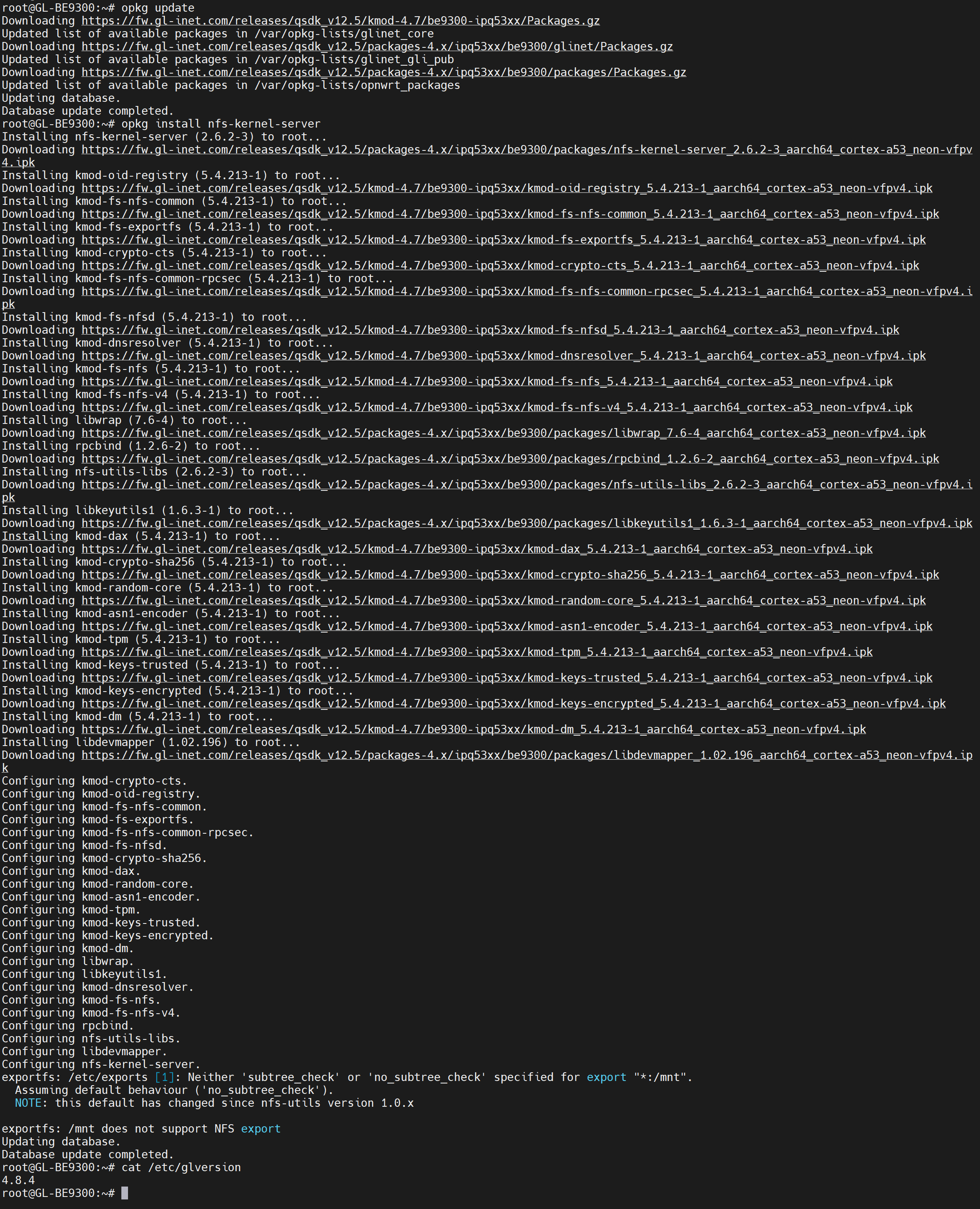
I received today my new Flint 3 router, and I’m configuring multiple things. One of them is the need to have a USB drive shared over NFS. I came from an Asus Router where I can do it easily, but I’m facing some problems in the Flint 3. When I install the plugin nfs-kernel-server I get an error because some packages are not available.
I don’t know why I have an Snapshot version of the Firmware… when I powered on the routers they was updated with this version automatically… can I force to install a release?
Let’s ask the R&D team to check whether these packages can be added to the repository.
The OpenWrt version shows as Snapshot because the Qualcomm SDK we use is built on a Snapshot base.
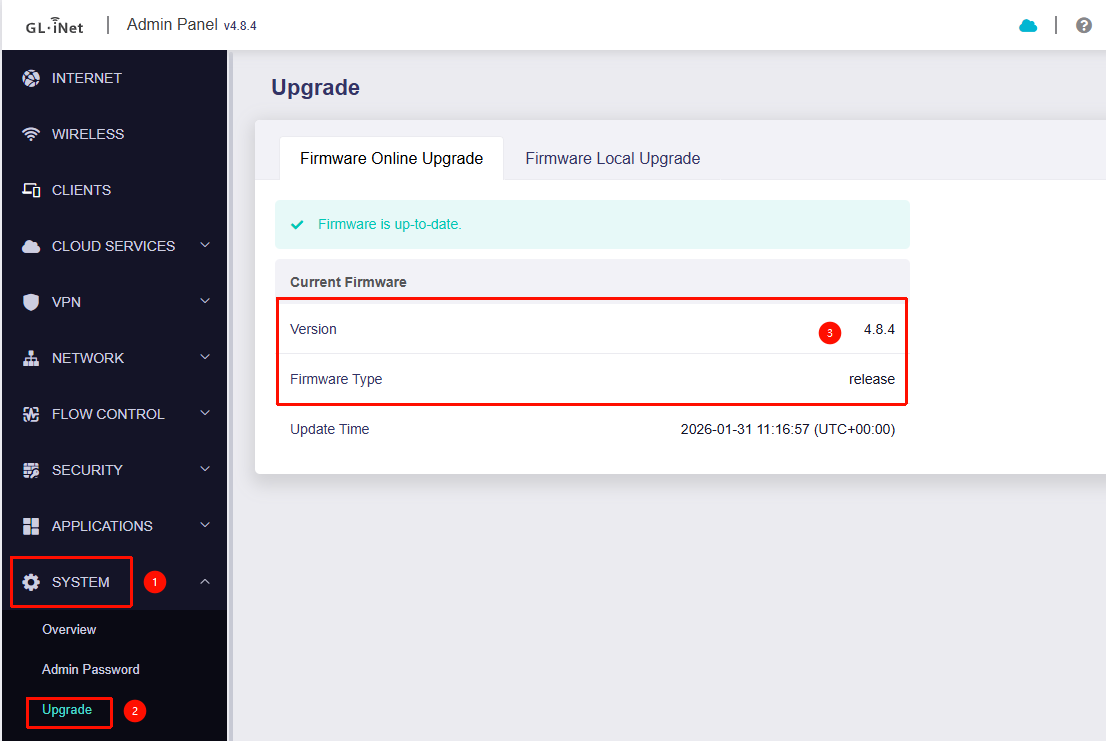
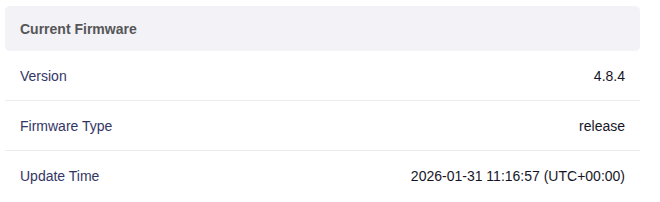
You can find the actual firmware version in Admin Panel → System → Upgrade, which should display either v4.8.x (release version) — not a Snapshot build.
Note that you’ll need to install it on firmware version BE9300 v4.8.4 or later.
Otherwise, you may encounter kernel issues similar to those on the BE3600, which could cause the device to crash and reboot, or require reflashing the firmware via U-Boot.