mdpatel
1
hi, @Cathy @admon @bruce
I am currently using firmware 4.8.3 with IPv6 mode set to Passthrough.
I’m trying to use WireGuard Server for the first time.
The issue is:
 When I connect to WireGuard using Wi-Fi from the GL.iNet router → IPv6 works perfectly.
 But when I connect to WireGuard using mobile data or any other external internet connection → IPv6 does NOT work.
WireGuard connects successfully, internet works, and I can access my router’s LAN (192.168.x.x).
Only IPv6 connectivity is missing.
So WireGuard + external network = No IPv6,
but WireGuard + GL.iNet Wi-Fi = IPv6 works fine.
I want IPv6 to work on WireGuard from any network.
Can someone guide me on how to fix this?
——-
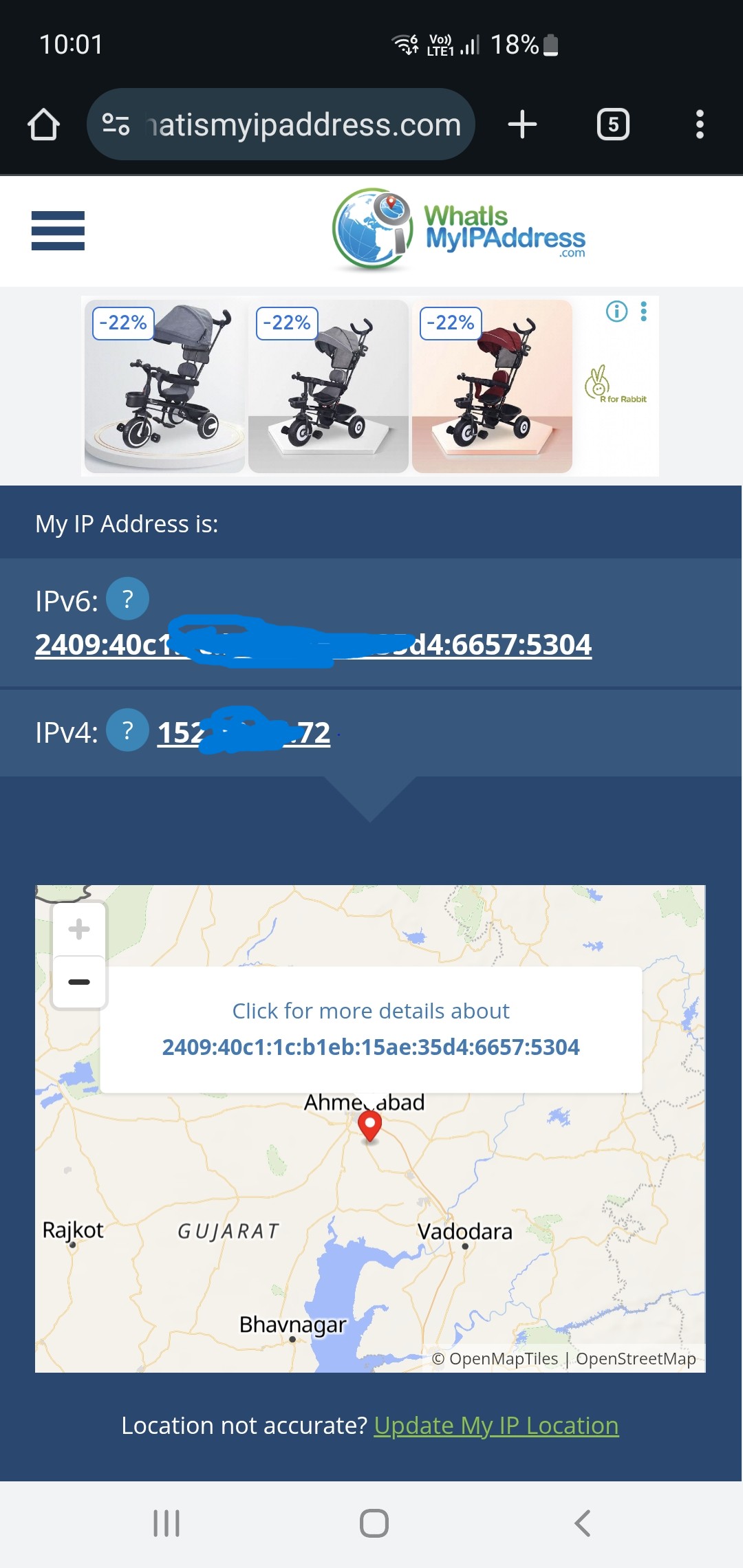
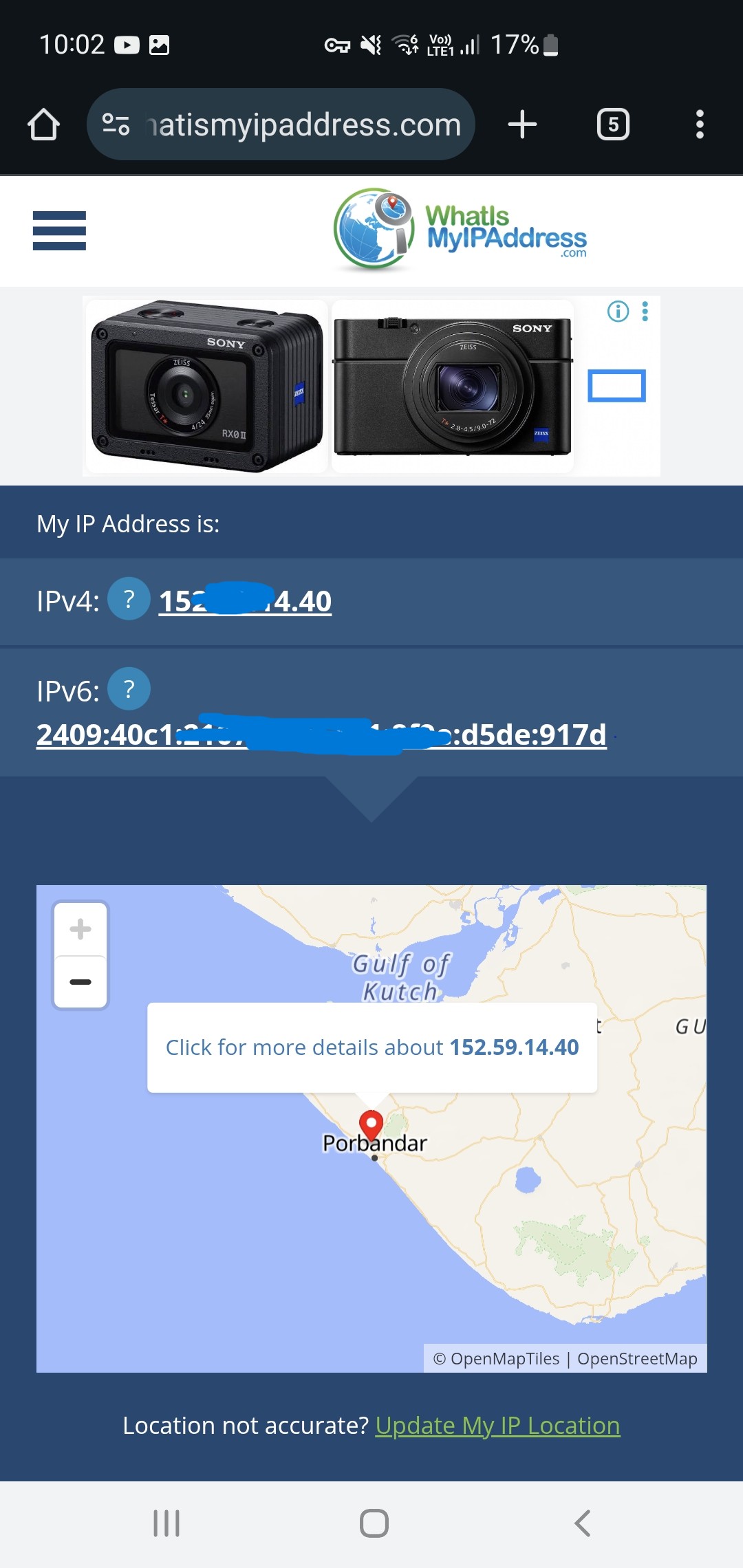
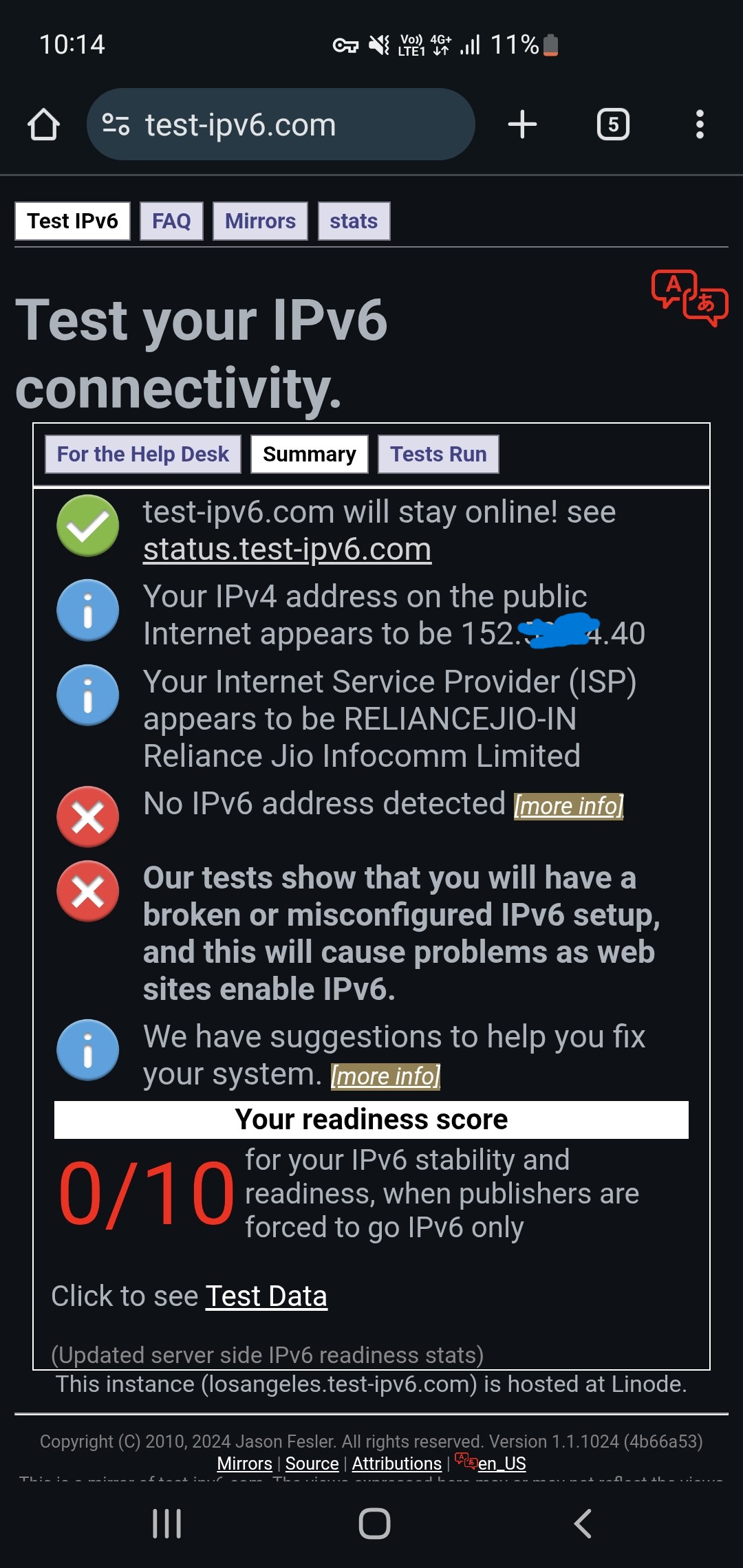
* Connect via GL.inet wifi only (IPv6 Working)
* Connect via GL.inet Wifi + WireGuard (IPV6 Working)
* Connect Mobile Data + WireGuard (IPv6 not working)
How to solve this issue? Thanks…
Hi
I'm assuming you're using the X3000 with firmware v4.8.3. If not, please let us know your exact device model.
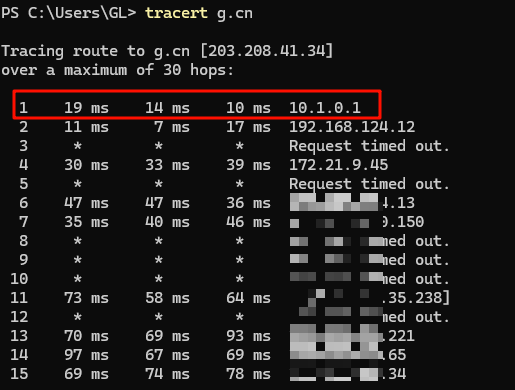
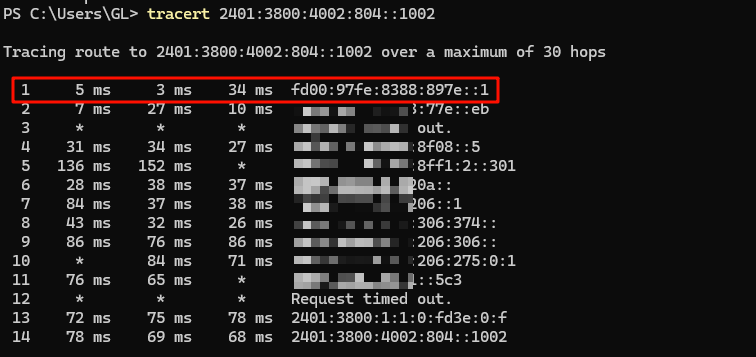
We tested the same model and firmware version locally, and both IPv4 and IPv6 over WireGuard worked as expected.
Configuration used:
-
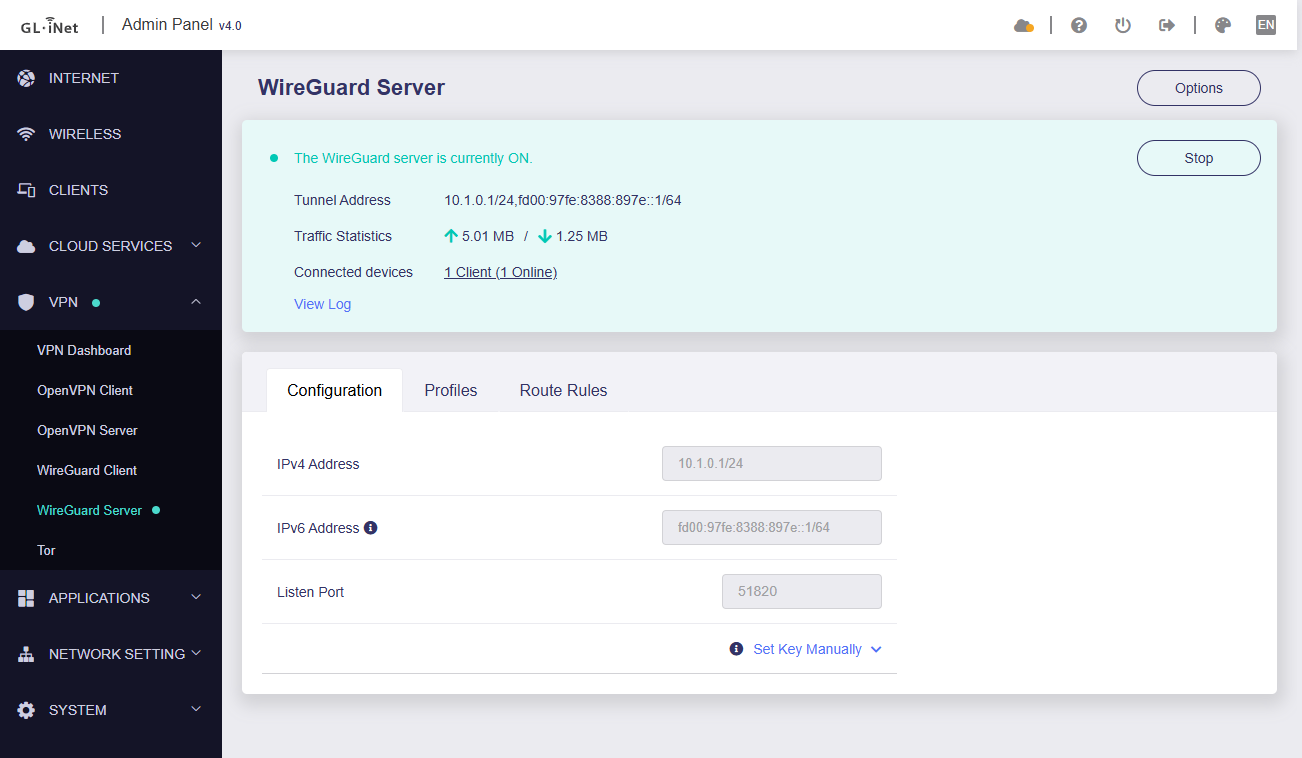
VPN - WireGuard Server:
-
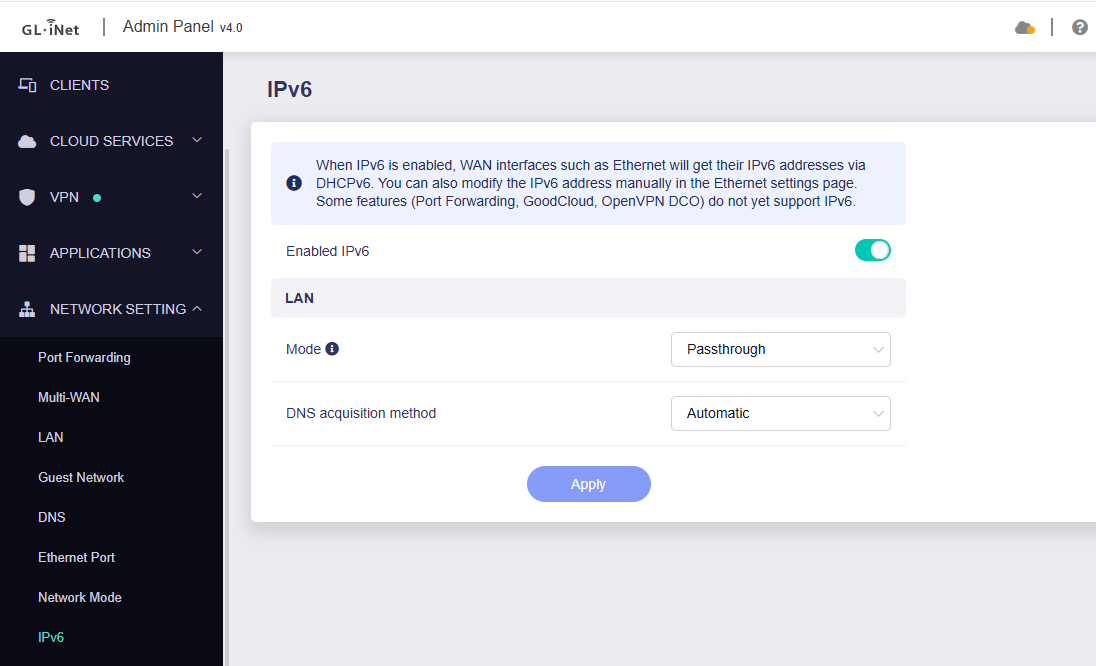
Network - IPv6:
Both IPv4 and IPv6 traffic were transmitted correctly during testing.
Please ensure that your WireGuard client configuration file include:
AllowedIPs = 0.0.0.0/0,::/0
This entry ensures that IPv6 traffic is routed through the VPN.
[Interface]
Address = xxx
PrivateKey = xxx
DNS = xxx
MTU = 1420

[Peer]
AllowedIPs = 0.0.0.0/0,::/0  # <-- Here should have ::/0
Endpoint = xxx
PersistentKeepalive = 25
PublicKey = xxx
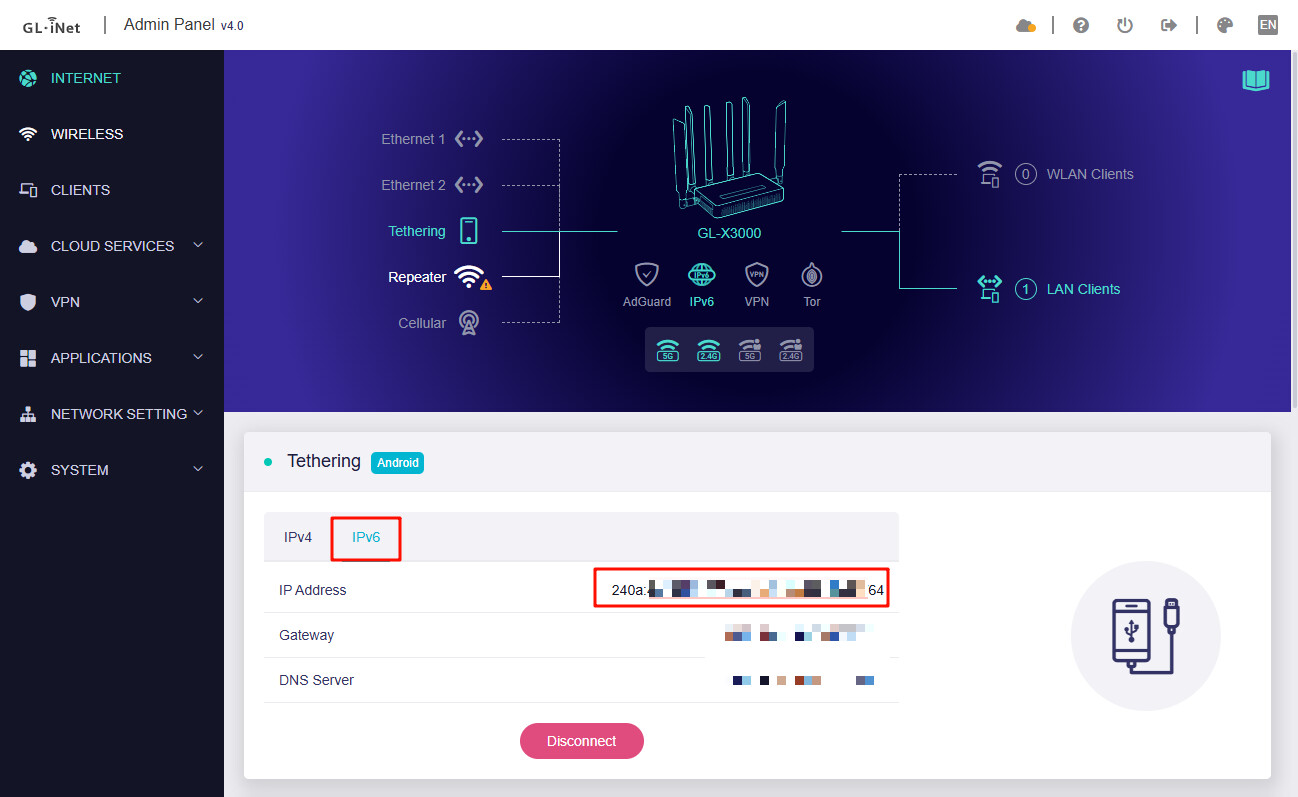
And check whether the upstream ISP provides IPv6; otherwise, IPv6 traffic will work within the tunnel but not reach external IPv6 destinations.
mdpatel
4
now ipv6 working.. but speed is very slow when connect wireguard vpn..
mdpatel
5
Solved..
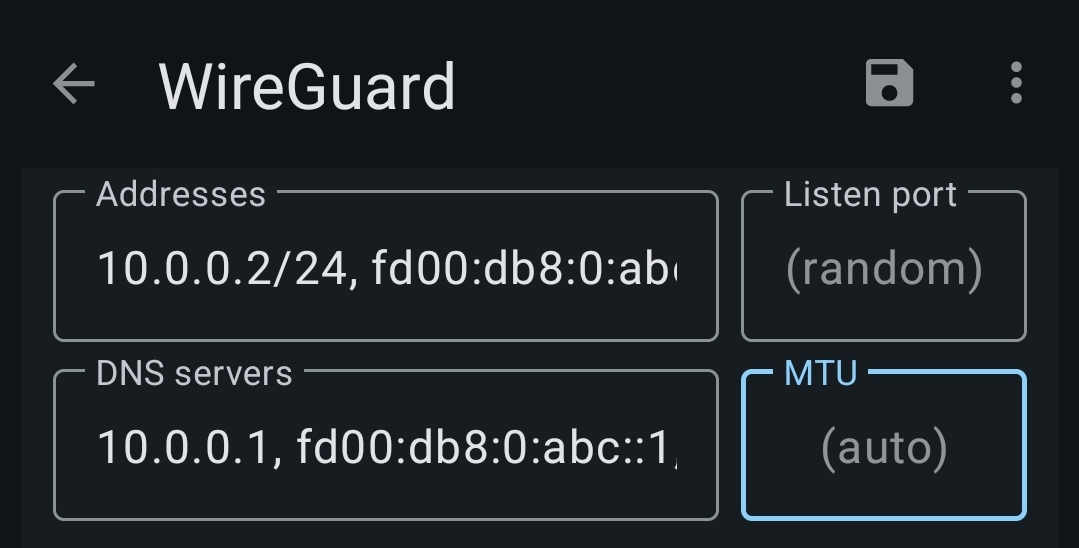
Problem with MTU. after remove MTU from config working fine.
2 Likes