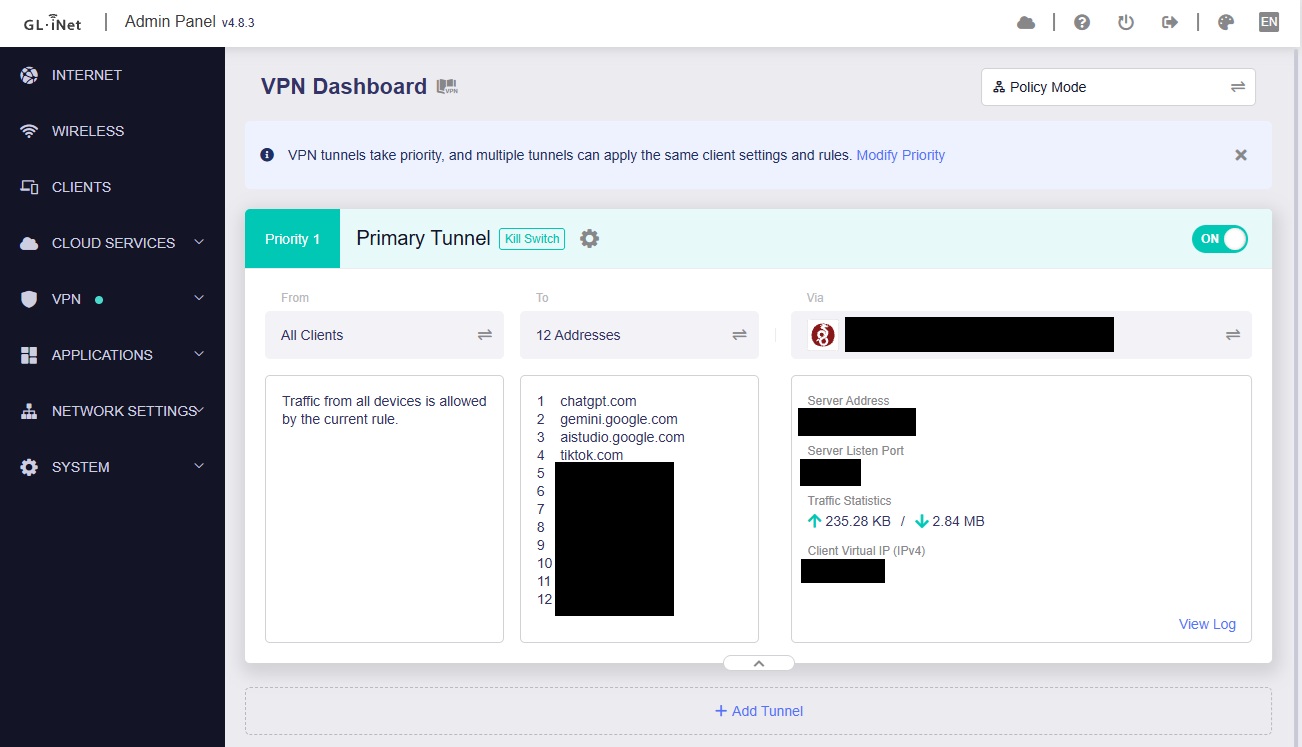
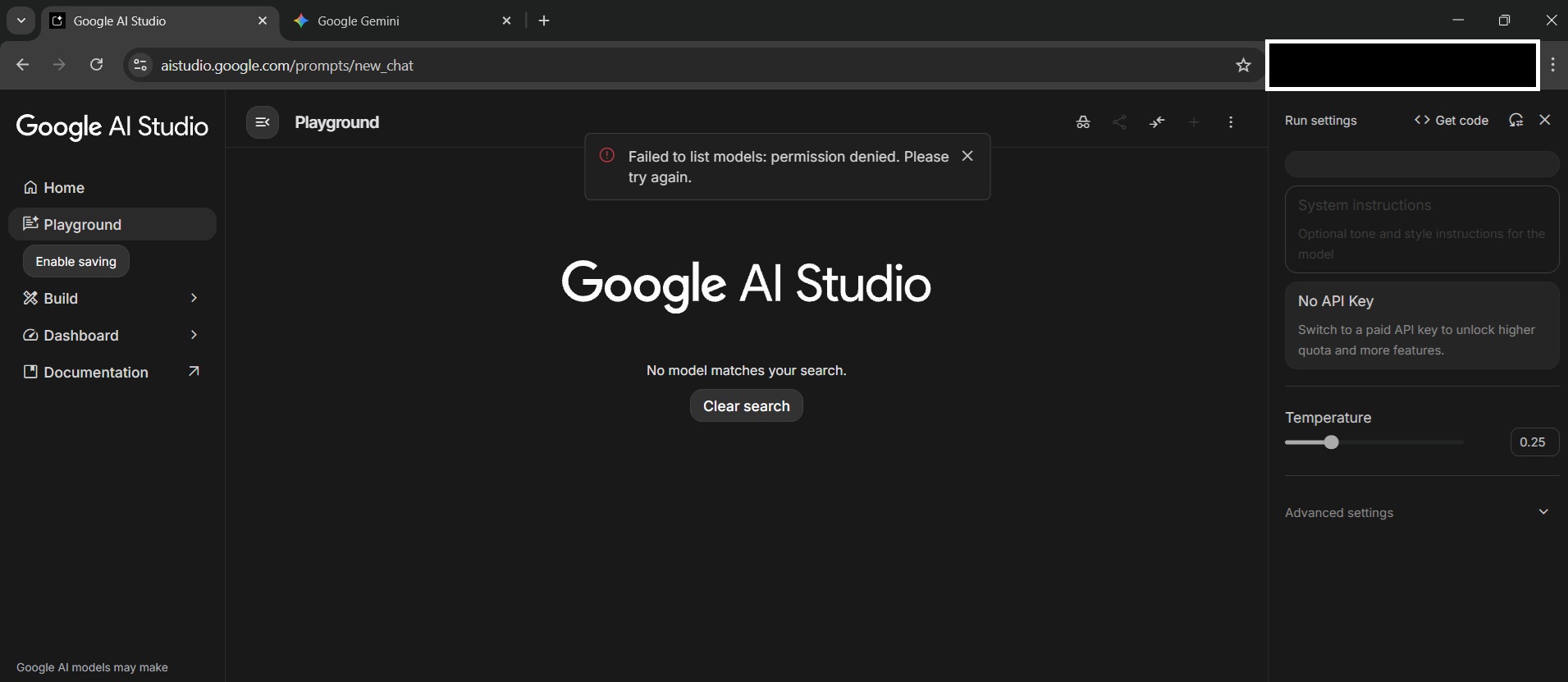
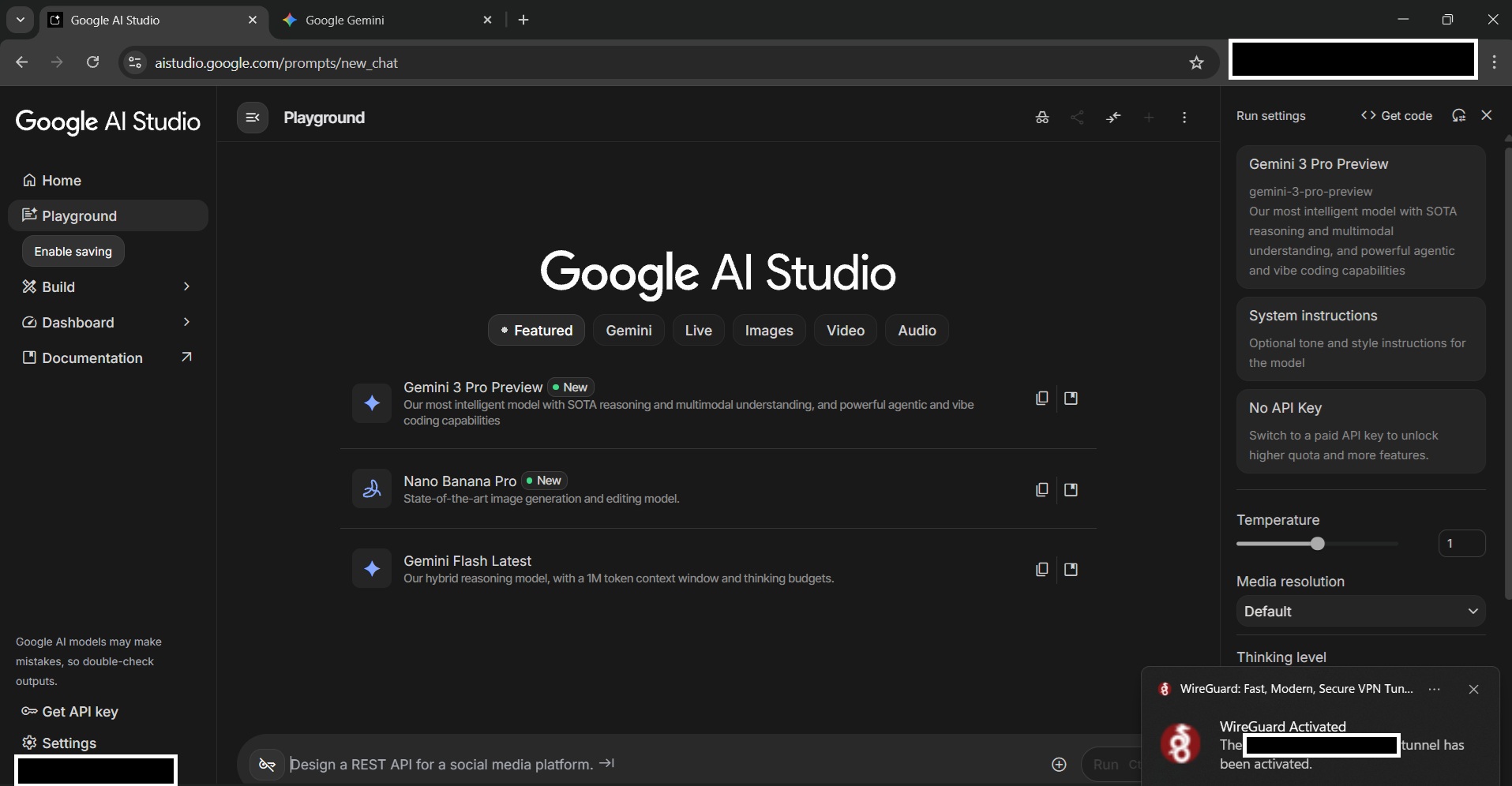
As my region is not supported by certain services, I use a VPN to access them. Normally, I can successfully connect to three services or websites without any issue.
Google is tricky one, also other cloud based ones.
The problem is that under normal circumstances when you resolve a domain from the policy list it adds the ip addresses and put it in a ipset.
However when the routing rule is in work, it is not aware of the domain name it just follows what is in the list.
These sites often rotate the same ip addresses which then result into leaking behaviour.
The only misconfiguration you could make is that iptables automaticly wildcards the domain names to, so if you put google.com it does it for all sub domains aswell.
Also because it is google here, they might as well use other sophisticated tracking like fingerprinting, account data (happens to me lol).