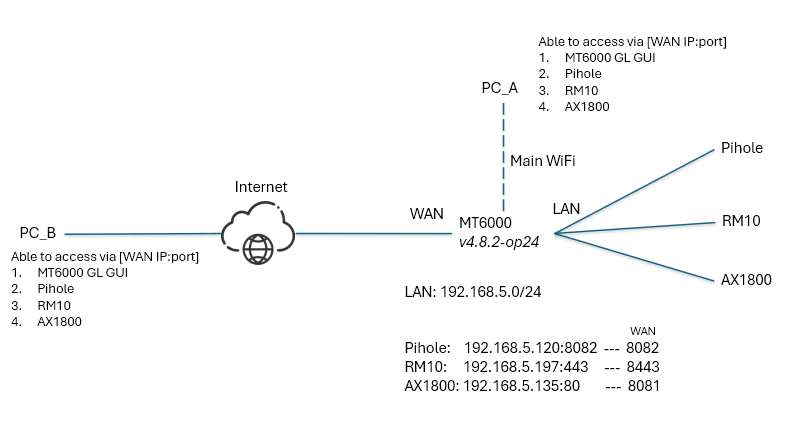
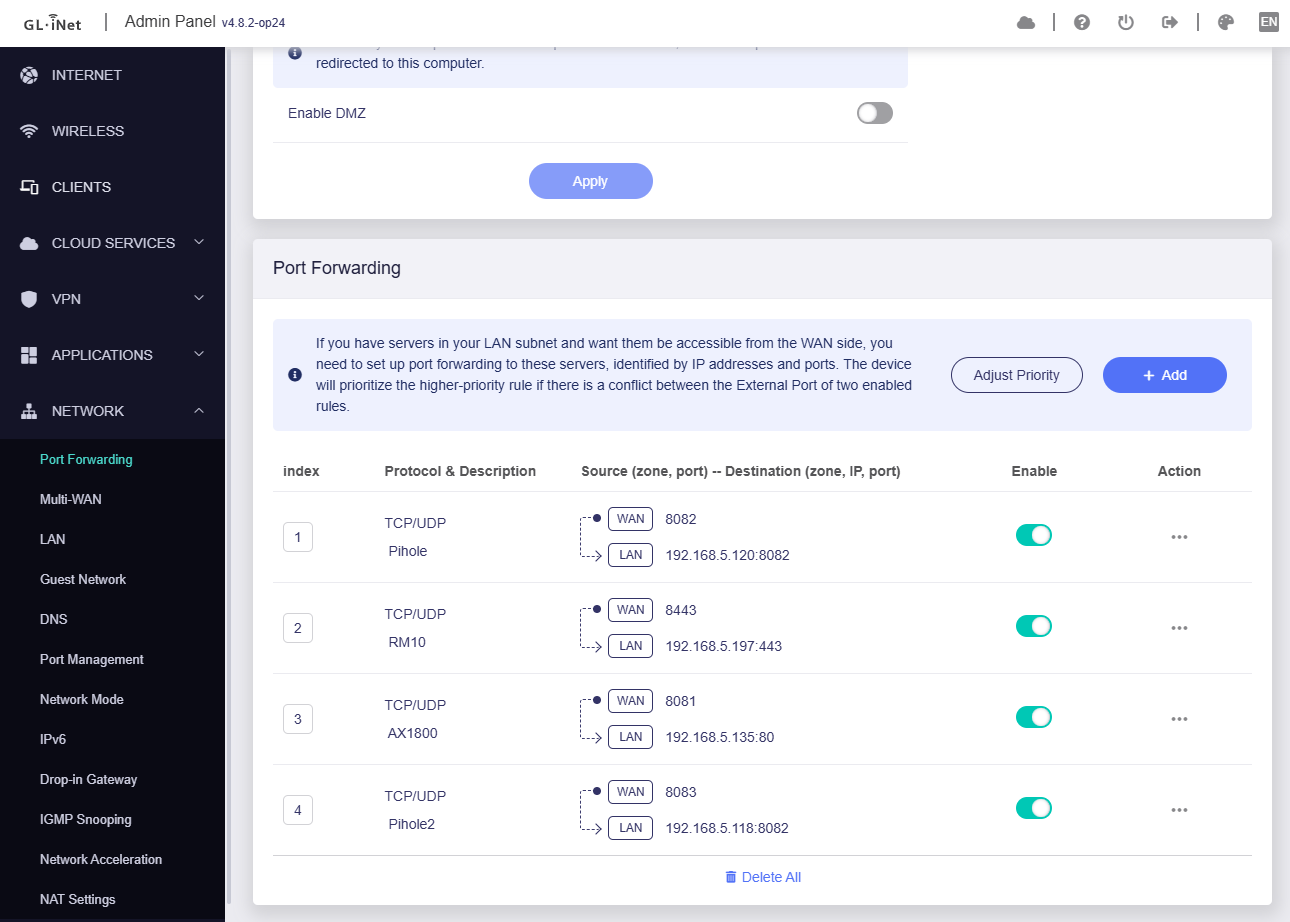
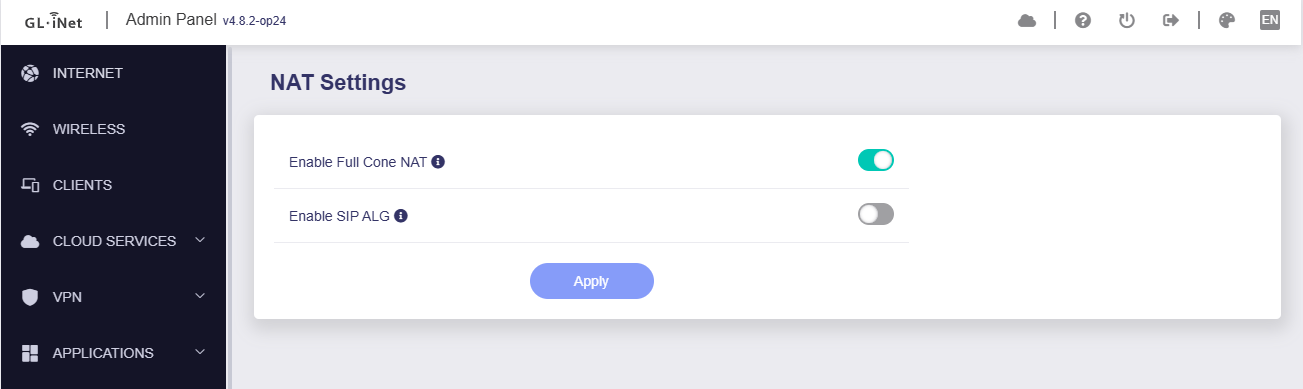
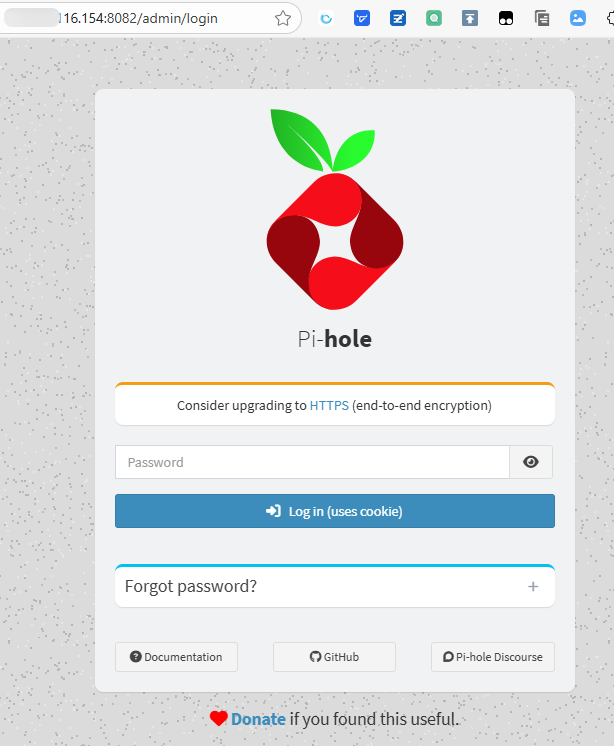
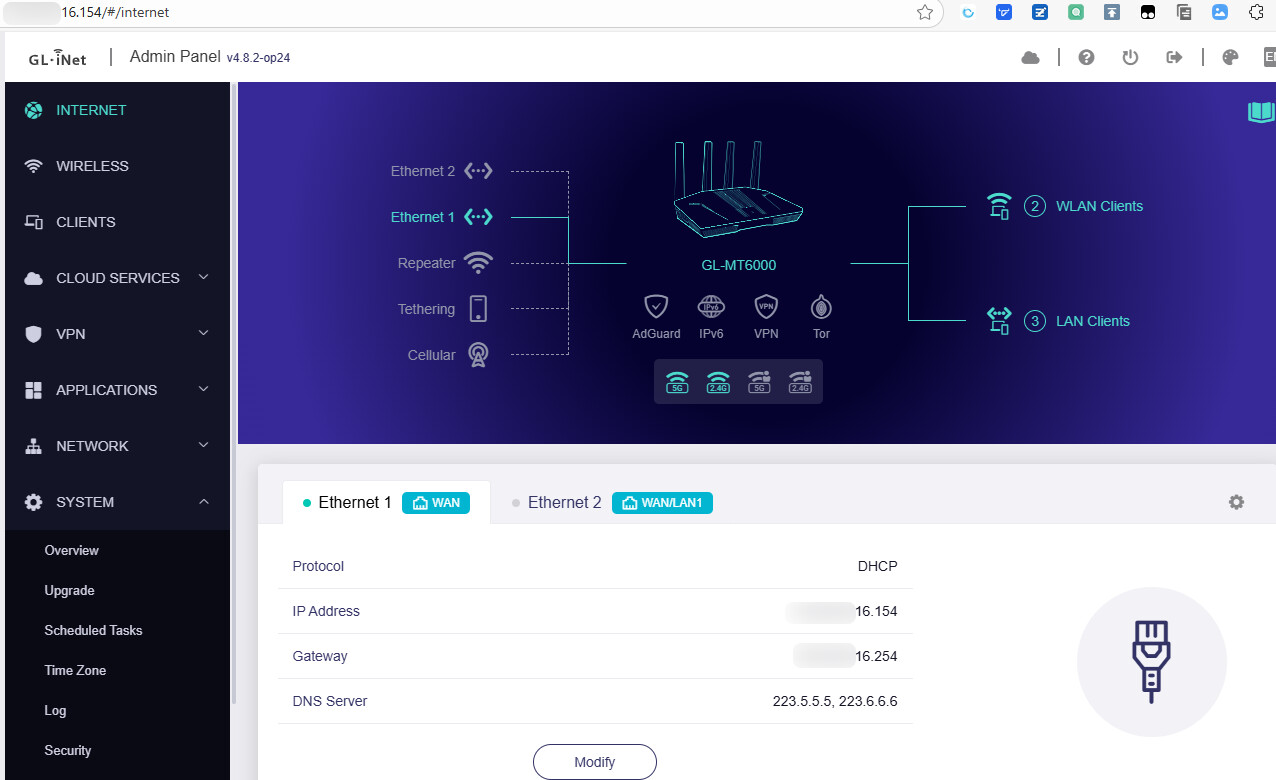
I am currently using the Flint 2 (GL-MT6000) router and have encountered an issue related to NAT loopback functionality.
Issue Description:
When attempting to access an internal server using the public IP address from within the same LAN (i.e., when connected to the Flint 2’s Wi-Fi), the connection fails.
However, when I access the same server using mobile data (external network), the connection works as expected. This suggests that the port forwarding configuration and public IP routing are working correctly from outside the LAN.
Verified Configuration:
Luci > Firewall > Port Forwards > [Edit Rule] > Advanced Settings
→ "Enable NAT Loopback" is checked
Port forwarding is set up correctly and confirmed working from external connections.
Additional Observation:
Interestingly, I tested creating a new wireless network (SSID) via Luci > Network > Wireless, and after connecting my iPhone to this new network, I was able to access the internal server via public IP without issues.
This suggests that NAT loopback is not functioning correctly on the default Wi-Fi SSID, but it does work on a newly created wireless interface.
Please reset firmware and try to re-configure.
Every time you did a configuration, and check [WAN IP:port] to see which configuration occurs exception.
Thanks for your advice. After resetting the firmware and testing again as you suggested, everything worked well. It's a bit of a hassle to start the configuration from scratch, but I'm glad the issue is resolved. Appreciate your help!
I ran into the same NAT loopback issue again while reconfiguring everything, but this time I was able to pinpoint the exact cause.
It turns out that the problem was caused by installing Docker via the OpenWRT plugin/software manager.
After removing Docker, NAT loopback started working correctly again.
So if anyone else is having similar issues, especially after installing additional plugins, I recommend checking if Docker (or other network-affecting services) is interfering with NAT behavior.