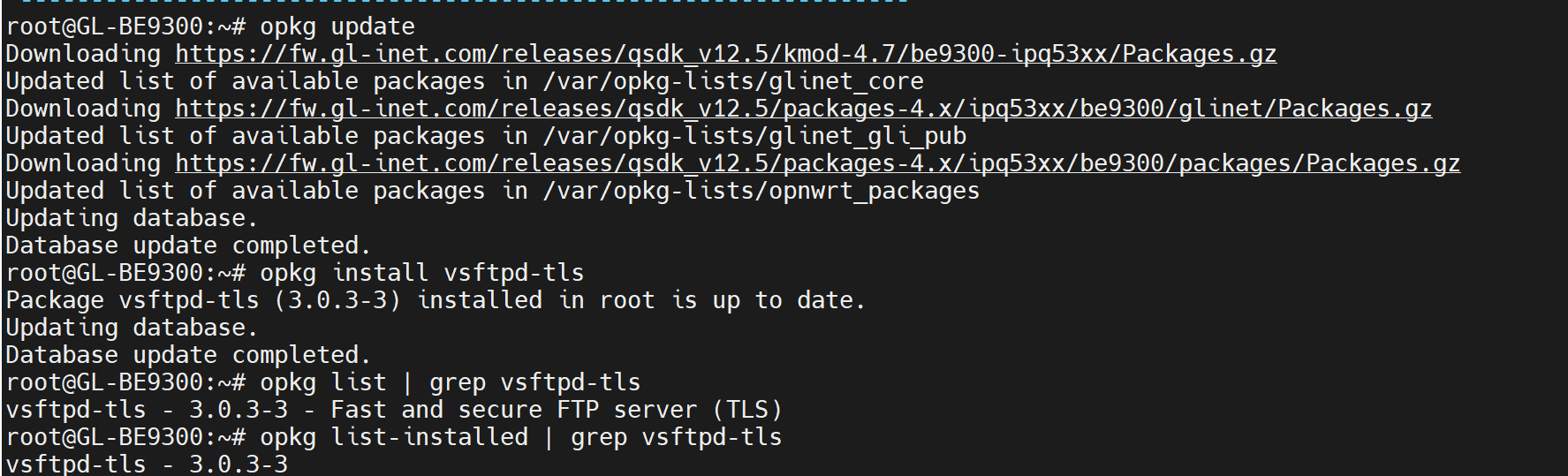
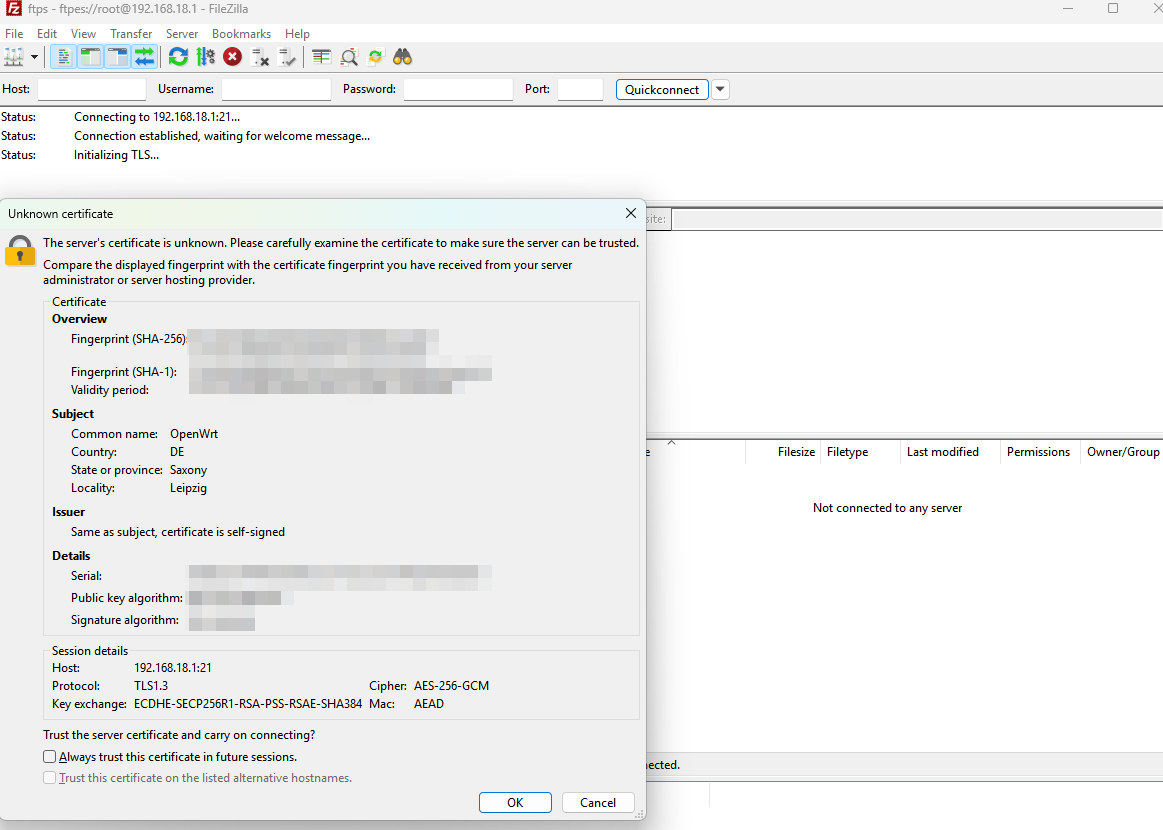
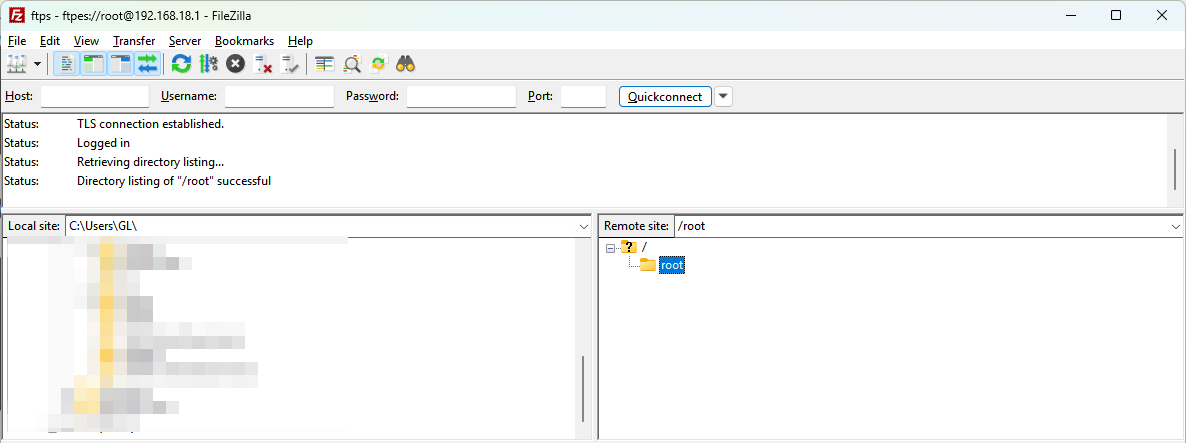
I tried setting up an FTP on my flint3 using vsftpd-tls. It crashed my router repeatedly. Below I have the logs. Is there a compatibility issue here? Should I use a different package?
This is from the logs: Wed Feb 25 23:40:37 2026 kern.warn kernel: [ 2158.859945] nft_reject_inet nft_reject nft_redir nft_quota nft_objref nft_numgen nft_nat nft_masq nft_log nft_limit nft_hash nft_fwd_netdev nft_flow_offload nft_fib_ipv6 nft_fib_ipv4 nft_fib nft_dup_netdev nft_ct nft_counter nft_compat nft_chain_nat nf_tproxy_ipv6 nf_tproxy_ipv4 nf_tables_set nf_tables nf_socket_ipv6 nf_socket_ipv4 nf_reject_ipv4 nf_nat_tftp nf_nat_snmp_basic nf_nat_rtsp nf_nat_pptp nf_nat_irc nf_nat_h323 nf_nat_ftp nf_nat_amanda nf_log_ipv6 nf_log_ipv4 nf_log_common nf_flow_table nf_dup_netdev nf_conntrack_tftp nf_conntrack_snmp nf_conntrack_rtsp nf_conntrack_rtcache nf_conntrack_pptp nf_conntrack_netlink nf_conntrack_irc nf_conntrack_h323 nf_conntrack_ftp nf_conntrack_broadcast ts_kmp nf_conntrack_amanda macvlan ipt_ah ipt_ECN ipheth ip6_tables ip_tables cdc_wdm cdc_acm arptable_filter arpt_mangle arp_tables act_police act_ipt phy_qca_uniphy phy_qca_m31 dwc3 dwc3_qcom fuse sch_teql sch_sfq sch_multiq sch_gred sch_fq sch_codel em_text em_nbyte em_meta em_cmp act_simple
Wed Feb 25 23:40:37 2026 kern.warn kernel: [ 2159.192805] CPU: 1 PID: 21704 Comm: vsftpd Tainted: P WC 5.4.213 #0
Wed Feb 25 23:40:38 2026 kern.warn kernel: [ 2160.833656] CPU: 2 PID: 21737 Comm: vsftpd Tainted: P WC 5.4.213 #0
Wed Feb 25 23:40:38 2026 kern.warn kernel: [ 2160.855884] Hardware name: GL.iNet BE9300, Inc. IPQ5332/AP-MI01.6 (DT)
Wed Feb 25 23:40:38 2026 kern.warn kernel: [ 2160.863350] pstate: 60400005 (nZCv daif +PAN -UAO)
Wed Feb 25 23:40:38 2026 kern.warn kernel: [ 2160.869774] pc : proc_register+0xc8/0x100
Wed Feb 25 23:40:38 2026 kern.warn kernel: [ 2160.874543] lr : proc_register+0xc8/0x100
Wed Feb 25 23:40:38 2026 kern.warn kernel: [ 2160.878621] sp : ffffff801690fad0
Wed Feb 25 23:40:38 2026 kern.warn kernel: [ 2160.882615] x29: ffffff801690fad0 x28: ffffff8016901d80
Wed Feb 25 23:40:38 2026 kern.warn kernel: [ 2160.885915] x27: 0000000100200000 x26: ffffffc010b08824
Wed Feb 25 23:40:38 2026 kern.warn kernel: [ 2160.891297] x25: ffffff8016901980 x24: ffffffc010a9e4f8
Wed Feb 25 23:40:38 2026 kern.warn kernel: [ 2160.896592] x23: ffffff801095b8eb x22: ffffff80358c7c88
Wed Feb 25 23:40:38 2026 kern.warn kernel: [ 2160.901888] x21: ffffffc010b37e3c x20: ffffffc010a9e478
Wed Feb 25 23:40:38 2026 kern.warn kernel: [ 2160.907182] x19: ffffff801095b840 x18: 0000000000000000
Wed Feb 25 23:40:38 2026 kern.warn kernel: [ 2160.912478] x17: 0000000000000000 x16: 0000000000000000
Wed Feb 25 23:40:38 2026 kern.warn kernel: [ 2160.917772] x15: 0000000000000000 x14: 00000000000780d3
Wed Feb 25 23:40:38 2026 kern.warn kernel: [ 2160.923067] x13: 000000000000000a x12: ffffff809690f807
Wed Feb 25 23:40:38 2026 kern.warn kernel: [ 2160.928363] x11: 0000000000000006 x10: 0000000000000010
Wed Feb 25 23:40:38 2026 kern.warn kernel: [ 2160.933658] x9 : ffffff801690f815 x8 : 000000000000000d
Wed Feb 25 23:40:38 2026 kern.warn kernel: [ 2160.938953] x7 : 0000000000000000 x6 : 0000000000000007
Wed Feb 25 23:40:38 2026 kern.warn kernel: [ 2160.944248] x5 : ffffff803f680788 x4 : 0000000000000001
Wed Feb 25 23:40:38 2026 kern.warn kernel: [ 2160.949543] x3 : 0000000000000007 x2 : 0000000000000000
Wed Feb 25 23:40:38 2026 kern.warn kernel: [ 2160.954839] x1 : 0000000000000000 x0 : ffffff8016900cc0