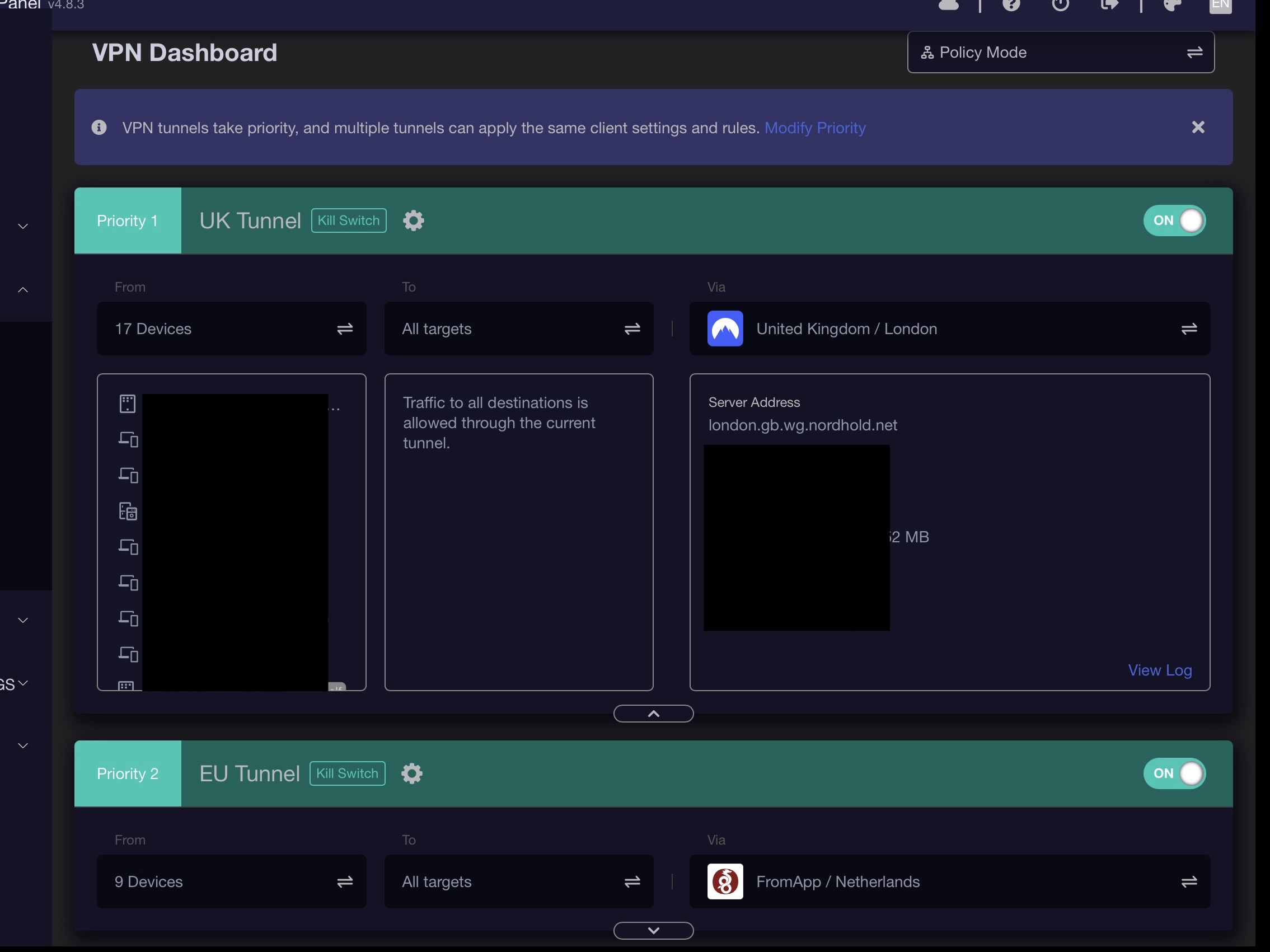
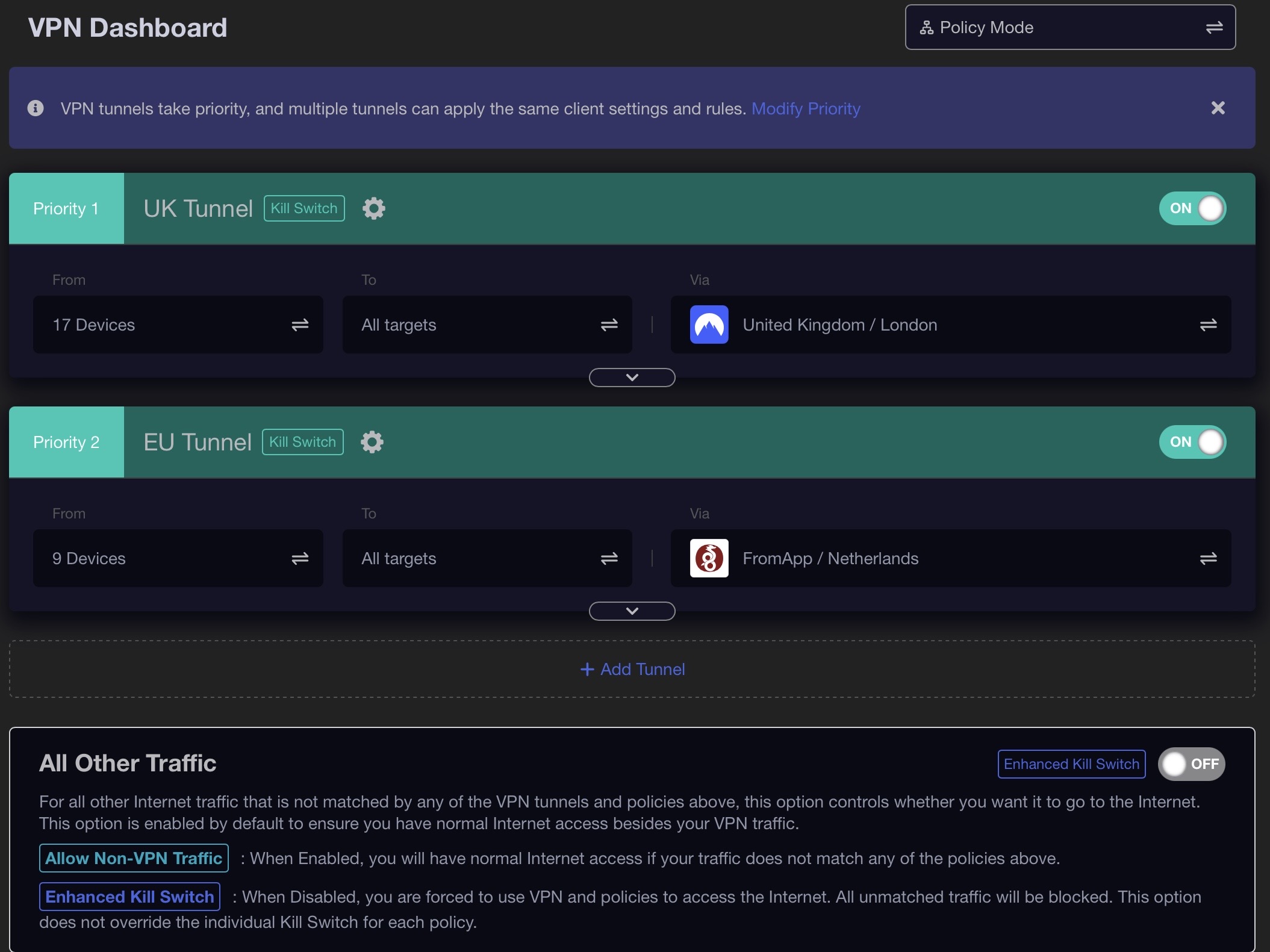
This is by design. When "To" or "From" is configured, detailed information will be expanded in the first time.
When users need to debug the network, it makes these information easier to detect, such as knowing faster why google.com cannot be accessed (configured google.com go to tunnel 1, tunnel 1 killswitch is enabled, but disconnected).
May I know why you need to hide tunnel network information by default?
The latest version supports persistent states for hidden/expanded. The GL GUI will remember whether sections were hidden or expanded, if the Tunnel 1 was hidden in the previous session, it will remain hidden state on subsequent logins.
Thanks Bruce it’s just cosmetic not a technical issue, but the second tunnel remains closed, so I would prefer both closed myself don’t take a second to expand the details, if you only have one tunnel it’s fine to see all the details.
Also change the subject a bit why is The Services from GL.iNet Use VPN, available when you have more than one tunnel, I assume that if you have two tunnels and it ticked on both it will default to the main tunnel.