🚀 Mesh Beta Test Recruitment: Seamlessly Extend Your Home Network Anywhere!

Hi all,

I have updated both my Flint 3 to the latest beta2 firmware.

One acting as main router and one as a node.

I am still having an issue where the node will shortly drop to offline status, but it's GUI will still remain accessible when connecting via IP, but no visibility of any connected clients through the main router.

This issue was occuring in beta1 too but was hoping the latest update would fix this. Signal strength to the main router is good (-39db).

Any info please?

A restart of the node will temporarily show it as online but shortly after it will go to offline status again, even though any connected devices in that time will stay connected and working.

Thank you

1 Like

Are there any plans to allow using AstroMesh and AstroWarp/AstroLink/GoodPAS at the same time?

I was able to fix this, but it took quite a bit of troubleshooting. I’m share details below.

(I used AI to help me compile these notes)

Original Symptom

gl-cloud daemon on the GL-BE9300 repeatedly failed to connect to GoodCloud, showing "network unreachable" in the Cloud log. The device appeared offline in the GoodCloud dashboard. Other local devices on the same network — including a GL.iNet Slate 7 — were able to resolve GoodCloud domains and bind successfully with no issues, confirming the problem was isolated to the BE9300's local DNS/resolution path rather than an upstream or ISP-side problem.

Root Causes (3 separate issues compounding)

# Issue Why it caused failure
1 /etc/resolv.conf contained ::1 (IPv6 loopback) gl-cloud tried to send DNS queries to ::1:53, but IPv6 was disabled at the kernel level → "Address not available"
2 filter_aaaa was enabled on dnsmasq Broke the CNAME chain for gslb-eu.goodcloud.xyz, causing dnsmasq to time out forwarding the query → "timeout"
3 Router clock was ~15 minutes behind TLS certificate validation failed on the HTTPS request to GoodCloud → "Timestamp Invalid"

All three had to be fixed for GoodCloud to connect.


Troubleshooting Steps (in order)

  1. Checked Cloud logfetch server fail: network unreachable

  2. Checked region (US vs EU) → not the issue

  3. Tested basic connectivityping 8.8.8.8 worked, router had a valid public IP and DHCP lease

  4. Tested DNS resolutionnslookup gslb-eu.goodcloud.xyz failed with "Network unreachable"

  5. Isolated to router → other devices (including another GL.iNet) resolved the domain fine

  6. Checked WAN DNS → pointed to user's external DNS server (via AdGuard Home at 127.0.0.1)

  7. Changed dnsmasq upstream to 8.8.8.8 → still failed

  8. Discovered 127.0.0.1 was still in the server list → removed it, only 8.8.8.8 remained → still failed

  9. Forced IPv6 off at kernel level (sysctl) → nslookup -type=A ... 8.8.8.8 worked, but plain nslookup still failed

  10. Enabled filter_aaaa → didn't help (bypassed when specifying 8.8.8.8 directly)

  11. Stopped AdGuard Homenslookup google.com now worked through dnsmasq

  12. nslookup gslb-eu.goodcloud.xyz → "Address not available" (no A record returned)

  13. nslookup gslb-eu.goodcloud.xyz 8.8.8.8 → worked (returned an IP)

  14. Restarted gl-cloud → log showed sendto "::1:53" fail: Address not available

  15. Fixed /etc/resolv.confecho 'nameserver 127.0.0.1' > /etc/resolv.conf

  16. Restarted gl-cloud → log showed recv from "127.0.0.1:53" fail: timeout

  17. Disabled filter_aaaa → dnsmasq could now forward the GoodCloud domain

  18. Restarted gl-cloud → log showed fetch server fail: Timestamp Invalid

  19. Fixed system time (NTP sync) → gl-cloud connected successfully

Luci on node is back! Thankyou

1 Like

Yes, I too missed that on Beta 1. I can now once again use docker / containers on my NODE FLINT 3, along with all the other useful info LUCI has.

A few things loogs better in Beta2 but the overall stability of the mesh is still at an alpha stage, and not ready for beta testing.

I see tons of messages like:
wlan: ieee80211_recv_asreq: assoc req from dms not-supported sta
Those probably explain why most smart devices, like my Nest Hub ones, keep dropping after the DMA association is not handled by the Qualcomm drivers (my best guess).

…and:
wlan: wlan_cfg80211_set_wificonfiguration: Command is not allowed on wds ext vap

Which probably explains why the Main node keeps showing one, the other, or both of my other Flint 3 nodes offline.
Also, simple tasks, like renaming an SSID, or adding/removing the 2.4G channel on the MLO SSID don’t propagate from the Main node to the other 2 nodes.

Also, devices get frequently stranded, in what appears to be issues with continuouls link-state flapping on the virtual bridge interfaces. Logs show that every few seconds, ports like eth0.4002 and eth0.4003 are cycling through blocking, disabled, and forwarding states. I guess the TCP connections and local DNS resolution gets severed mid-stream, and trap traffic in limbo.

Any manual ways to mitigate those and make the mesh somewhat useful until Beta3 comes out (something better than toggling the virtial AP interfaces off/on/off or ssh into the nodes to run network restart) ?

PS. Decided to flash all 3 nodes and start over. Right off the gate on the main node, I see a lot of
daemon.err eco[31624]: /files/mesh_shared/wld/wld.lua:2252: failed to connect AMX runtime
daemon.err eco[31624]: stack traceback:
daemon.err eco[31624]: [C]: in function 'assert'
daemon.err eco[31624]: /files/mesh_shared/wld/wld.lua:2252: in local 'run'
daemon.err eco[31624]: /files/mesh_shared/wld/wld.lua:2306: in main chunk

Also, adding the first wired node no longer syncs the SSIDs and I spotted errors like cm_wifi_plugin: Unknown symbol ecm_front_end_fse_callbacks_unregister (err -2) followed by failed to insert /lib/modules/5.4.213/ecm-wifi-plugin.ko; and osifp_create_wlan_vap: mlo_mbssid disabled in lower band radios
what is the suggested best practice to update the firmware, should I wipe everything for a clean setup or its enough to just update main router and the nodes, and at what order if that the case

Hi,

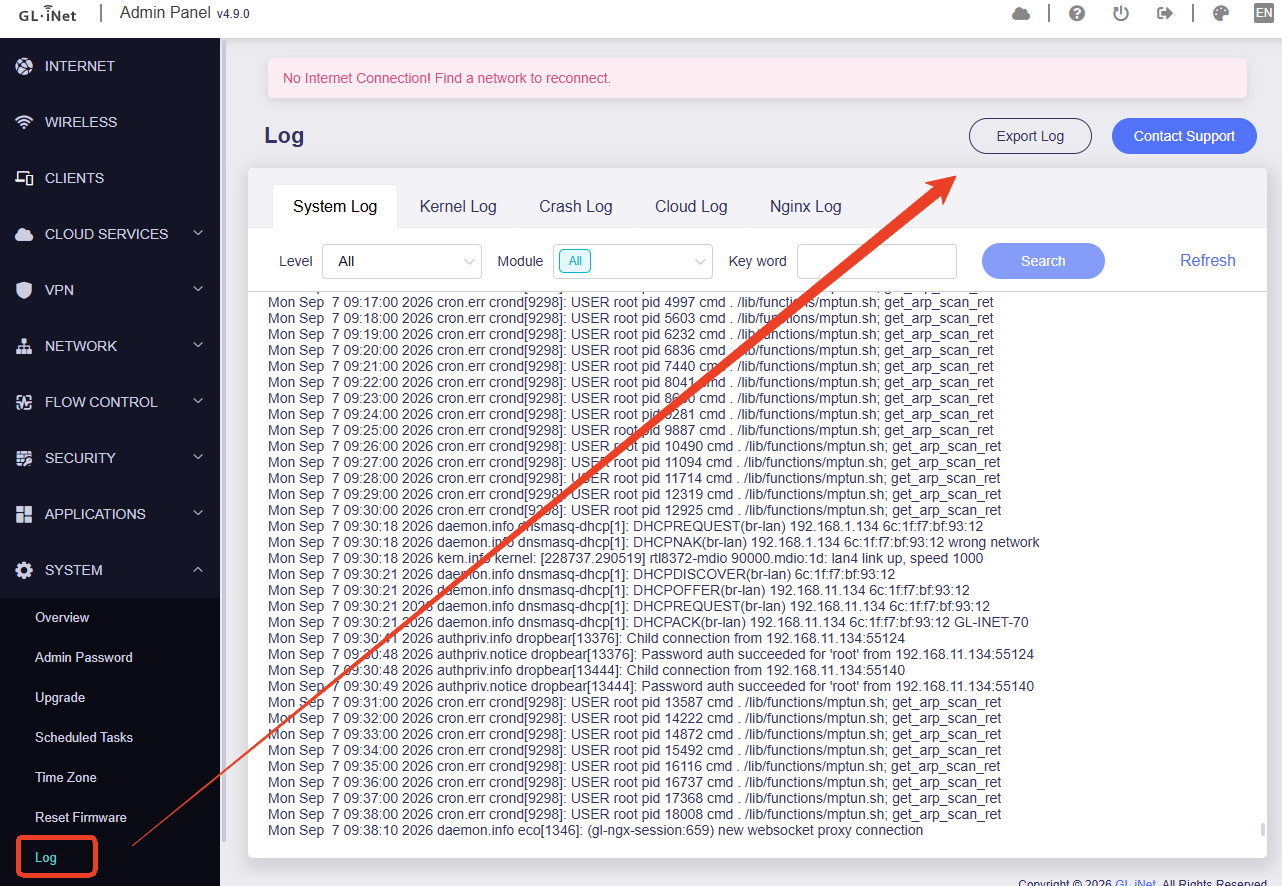
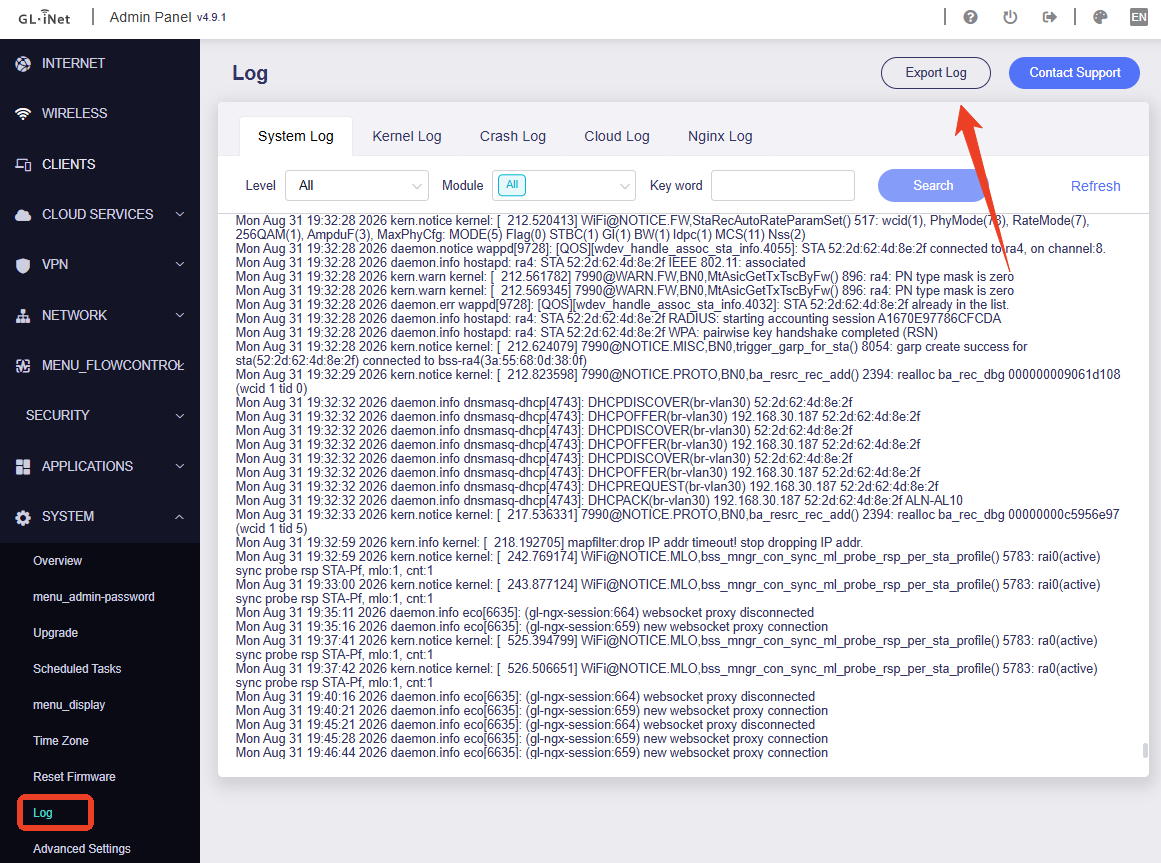
Please provide us with a complete log file for review.

You can PM me and provide the log file.

After adding nodes to my Mesh network, I can still change the names of other nodes using the main node's WiFi SSID.

I will PM you and investigate further with you.

Thanks! I replied. Happy to do screen sharing and show you as most examples are very trivial, i.e. start with TestMesh-MLO and select 2.4+5+6, then TestMesh-24, TestMesh-5G, TestMesh-6G, and TestMesh-Guest-24, lastly TestMesh-IoT-24.

Now wire a freshly reset Flint3 WAN port to the first Flint3 LAN port and add node. Not sure what it is but many times that works, and also several times not all of the 6 SSIDs would propagate to that second node. When you get them all to work on the first node, wire another Flint3 to the first Flint3 and add that one as a mesh node. Again, it’s a hit and miss in my tests.

If you are ready with those 3 nodes (Flint3-main, Flint3-1, Flint3-2) start testing, i.e.

  • remove the 2.4GHz on the MLO and see if it’d populate in the other nodes
  • add TestMesh-Guest-5G and again check the other 2 nodes
  • if it hasn’t failed yet, add TestMesh-IoT-5G - I’m 99% sure that something would have failed by that time. Some times all the the IoT SSIDs would dissapear from one of both of the mesh nodes. Some times also the Guest one/s would disappear.
  • rename, let’s say TestMesh-IoT-24 to just TestMesh-IoT - check on the leaf nodes
  • change the subnet on the Main VLAN network. it’s not doing much yet and you need to change all the DHCP reservations retyping the IPs for every one of my 300 devices one by one…. or just sed /etc/config/dhcp with old subnets to new (I use /23) ones as GUI will take days to do. if it’s on the IoT or Guest networks, then the GUI doesn’t even let you reserve DHCP entries and that’s where I need good 200 IoT devices to be pinned to static IPs
  • rename the Guest network from TestMesh-Guest-24 to TestMesh-Guest

With beta1 it was easier to watch which SSIDs propaged through which nodes on the goodcloud but now the binding is gone after the node is added to the mesh, and if I try to bind the node after resetting, I saw some notes that it has to be done from goodcloud - but when I do it, it’s added as a broken link and it says “Please visit the router's local admin panel to complete the binding.“… only that there is nowhere on the local mesh node’s admin pannel to complete the binding.

Thank you but I think the issue is resolved now, the latest update must have fixed it but it took a little time after updating.

The mesh node hasn't shown as offline since so all is good :grin:

Got it, thank you. I'll ask the guys to update it.

You can keep the settings. After you upgrade the firmware, the mesh shall still connected. But features related to Astro Node would be removed.

Either upgrade the Main Node or Mesh Nodes firstly is fine, no order required.

Sorry for all your waiting!

We have updated the Mesh firmware (beta) for Flint2 and Beryl AX. This build is based on SDK v4.11, so alongside Mesh, we’ve also introduced several other new features. You can download the firmware from the links below to upgrade and test.

Flint2 / GL-MT6000
Beryl AX / GL-MT3000

Additionally:

  1. The stable firmware is currently undergoing its final round of testing. We will release it as soon as testing is complete.
  2. Mesh support for Flint 4 (GL-BE14000) and Slate 7 Pro (GL-BE10000) are actively in development and adaptation, supposed to be available within a month.