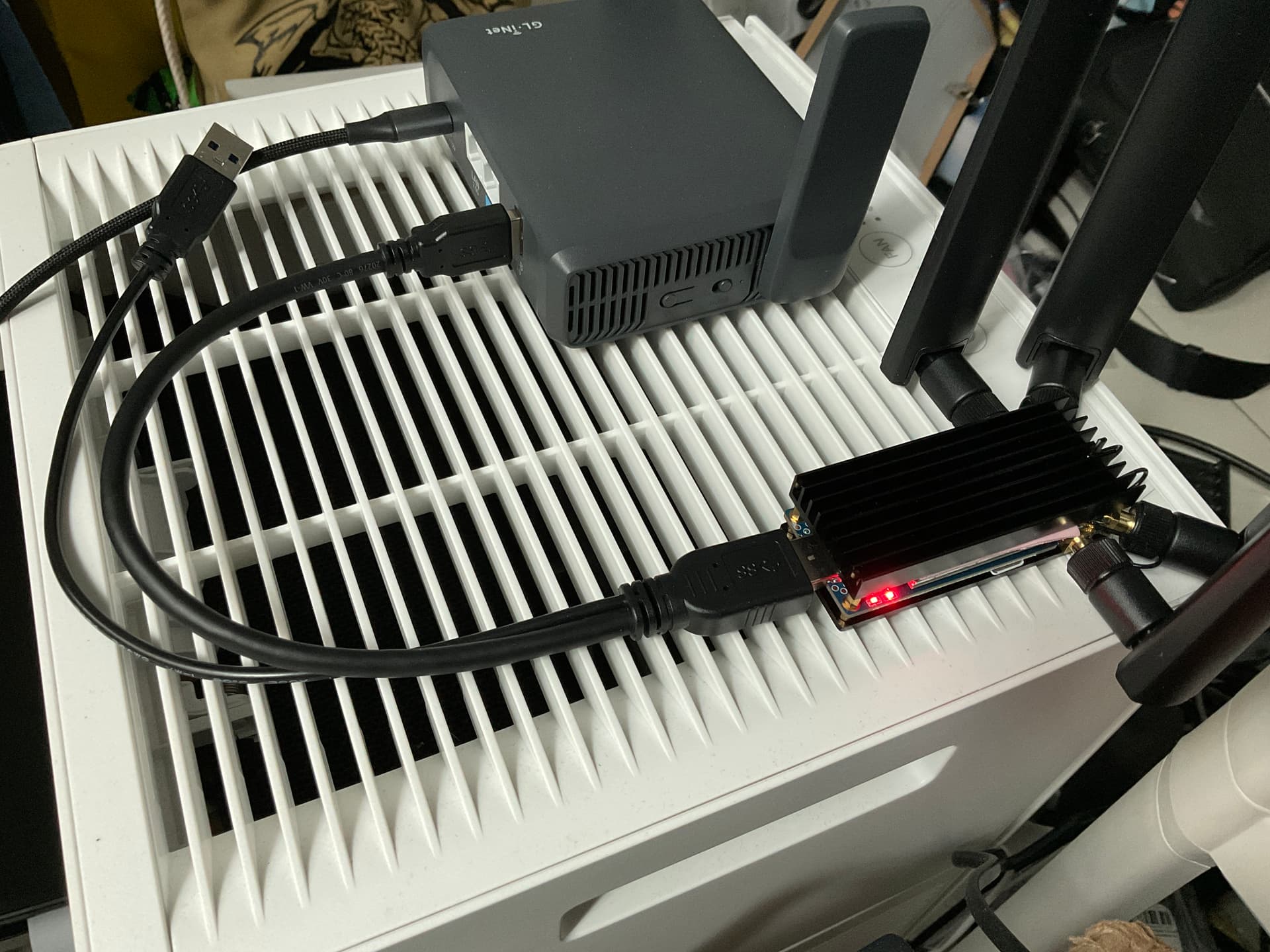
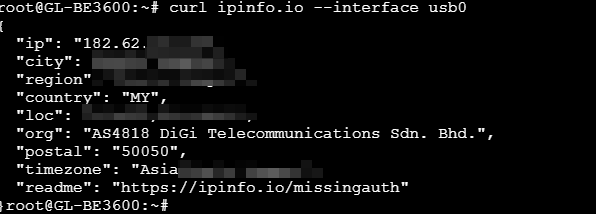
I had already installed kmod-usb-net-qmi-wwan before connecting this modem but it dosen’t work.
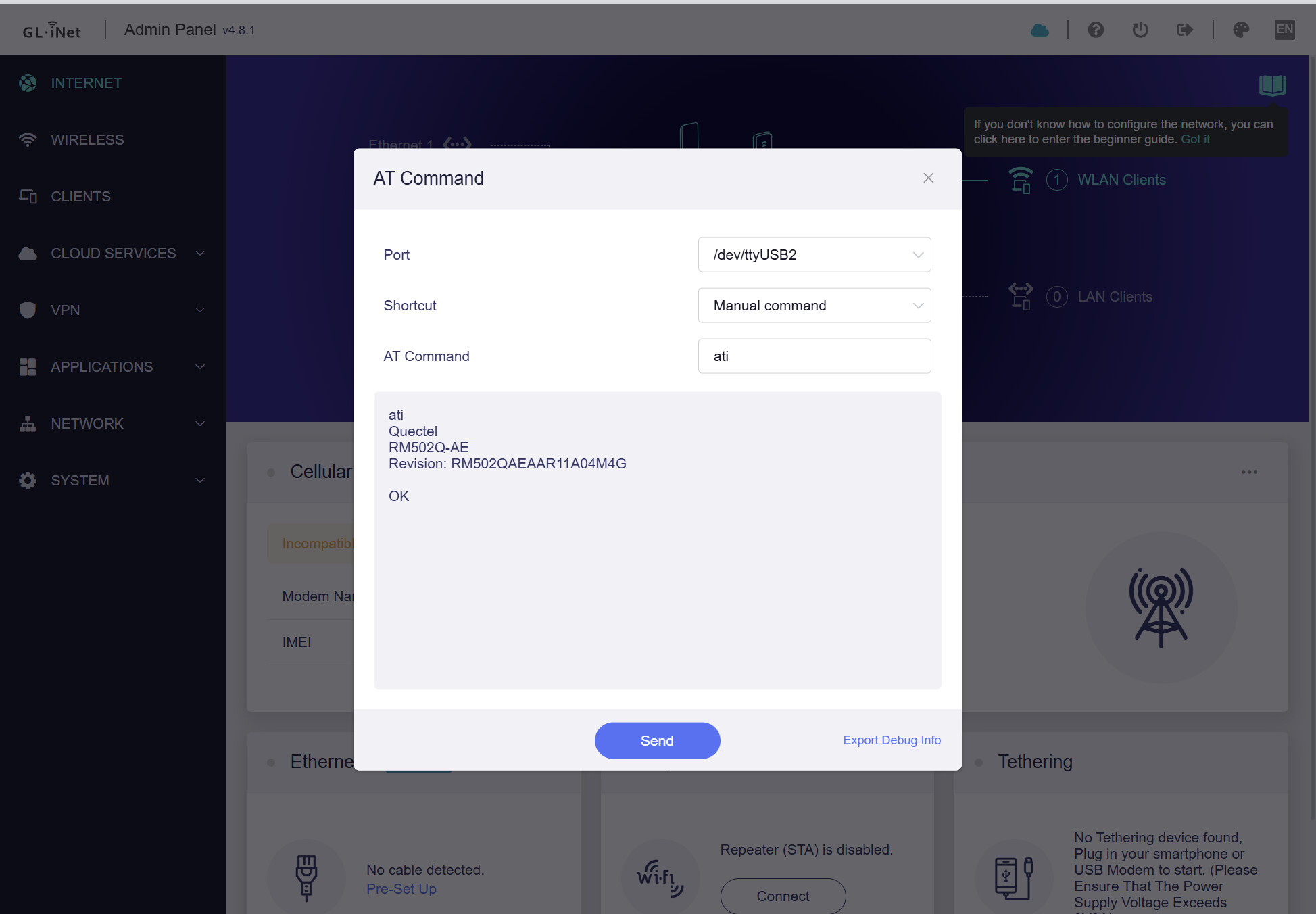
I could sent AT command over the GL panel.
I cannot connect to cellular in GL router,when I plug in the modem into a Windows computer,it will work,but not on the GL.inet router
Please run the command AT+QCCID to check if the cellular module correctly returns the SIM card's ICCID, and verify whether its length is 19 or 20 digits.
If it is only 19 digits long, this may be a compatibility issue. We may need to either wait for a fix in the next release or switch to a different SIM card that has a 20-digit ICCID.
Do you have another internet source available? If so, please connect the BE3600 to the internet and follow the tutorial below to share your device via GoodCloud for remote inspection. Technical Support via GoodCloud - GL.iNet Router Docs 4
Please remember to send your MAC address and Admin Panel password via private message so that we can access it.
We have completed our investigation and found that some compatibility issues are preventing it from working normally.
Since this specific modem is not currently on our officially supported list and we have received very few reports about it, this issue is currently categorized as low priority for a permanent fix.
In the meantime, you can use ECM mode and connect via Tethering by running the following command: