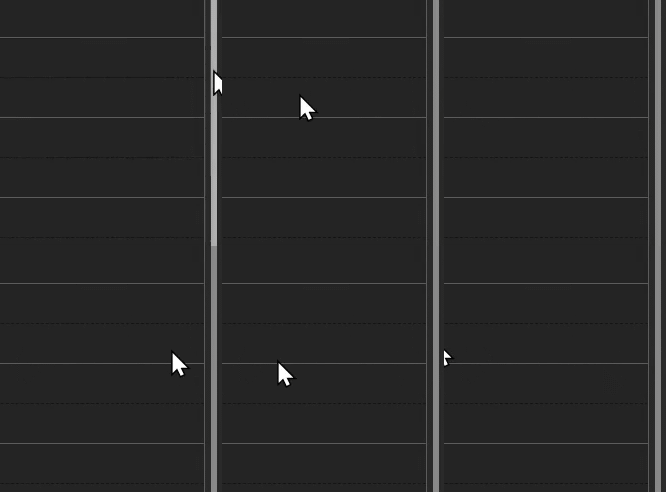
Hi, when I'm in fullscreen mode my cursor often gets "jammed" ~10-20 pixels away from the edge. I've noticed that if I move my cursor very slowly I can get the mouse arbitrarily close to the edge, but with normal mouse movements it gets stuck. I think this is because the mouse's position stops being recorded once the client OS's mouse reaches the edge of the screen.
Windows host machine; Windows client machine. Using the GLKVM web client in Chrome.
Hi, thanks for the GIF. The browser will merge some coordinate updates when the mouse moves quickly, which may cause the cursor not to reach the edge of the screen.
We suggest that you slow down the mouse movement when approaching the edge, or try exiting full-screen mode. If you need to click precisely on the edge, you can also try switching to the relative mouse mode. We'll continue to optimize mouse coordinate mapping in future updates.
Yes this is what I am currently doing as a workaround, but it's not a great solution. I very often have apps full screen that have their scrollbar on the very right and I'm quite used to moving my mouse cursor full speed to the right and relying on the edge of the screen to catch it. I suspect this is a great many people who do the same thing.
Maybe you guys can extrapolate slightly further with your mouse motion model?
Also, relative mouse does not work at all for me (the cursor does not move whatsoever in relative mode), only absolute, so relative is not an option.