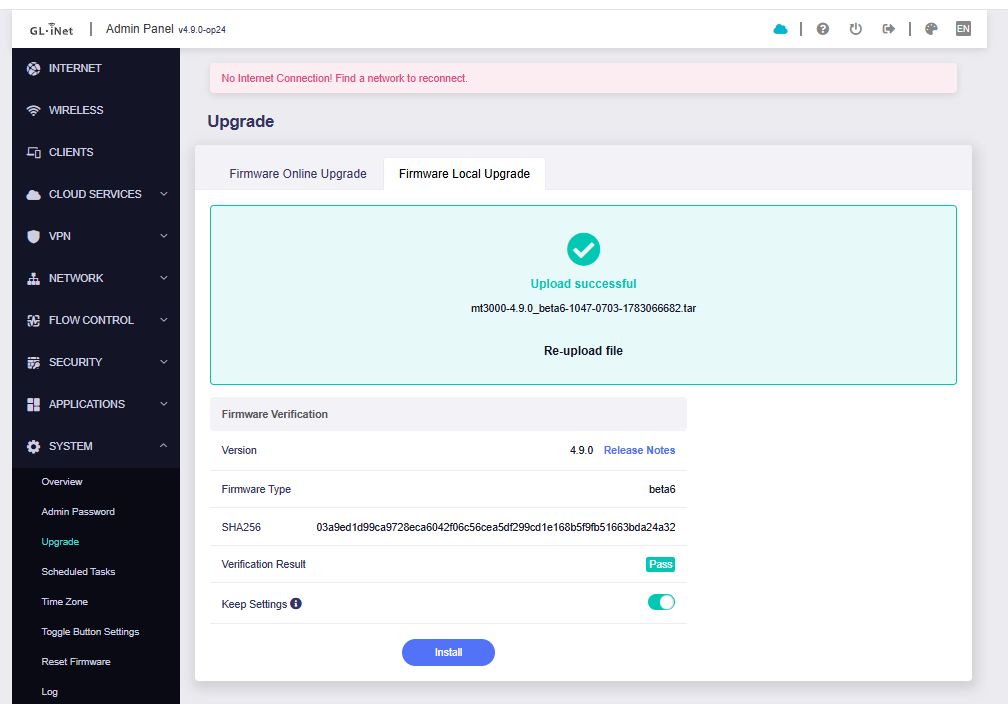
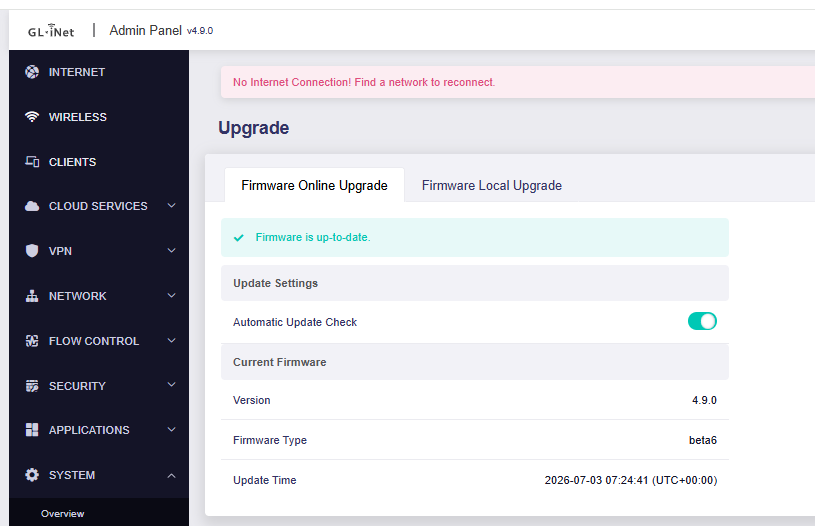
MT3000 4.9 beta6 can only be updated via u-boot, and resetting will fail; it can only be reflashed through u-boot again
The previous 4.9 betas worked normally. Is it a firmware issue or a hardware issue?
MT3000 4.9 beta6 can only be updated via u-boot, and resetting will fail; it can only be reflashed through u-boot again
The previous 4.9 betas worked normally. Is it a firmware issue or a hardware issue?
Hello,
We tested locally using the MT3000 v4.9.0 beta6 firmware. At present, upgrading to beta6 via the Web Admin Panel and performing a Firmware Reset both complete normally, so we are temporarily unable to reproduce the issue you encountered.
To further pinpoint the issue, could you please confirm the following information:
Thank you for your assistance.
Currently 4.9 beta6, flashed via uboot
Imported normally, upgrade failed
Blue light, blinking, unable to detect mt3000’s WiFi
Hello,
Thank you for your reply.
Since the device can still enter U-Boot and can be flashed with beta6 via U-Boot, the device is still usable for now.
To confirm whether this issue occurs only in 4.9 beta6, could you please help perform the following tests:
Thank you for your understanding and cooperation.
The official version 4.9.0 released today can now be upgraded to normally.
Additionally, I’d like to ask:
Since VPN-related features cannot be used in the Chinese version due to domestic policies, could you make a streamlined firmware?