MT3000 (Beryl AX) — Captive Portal Login Page Not Loading in Public Hotspot Mode

Hello GL.iNet Support,

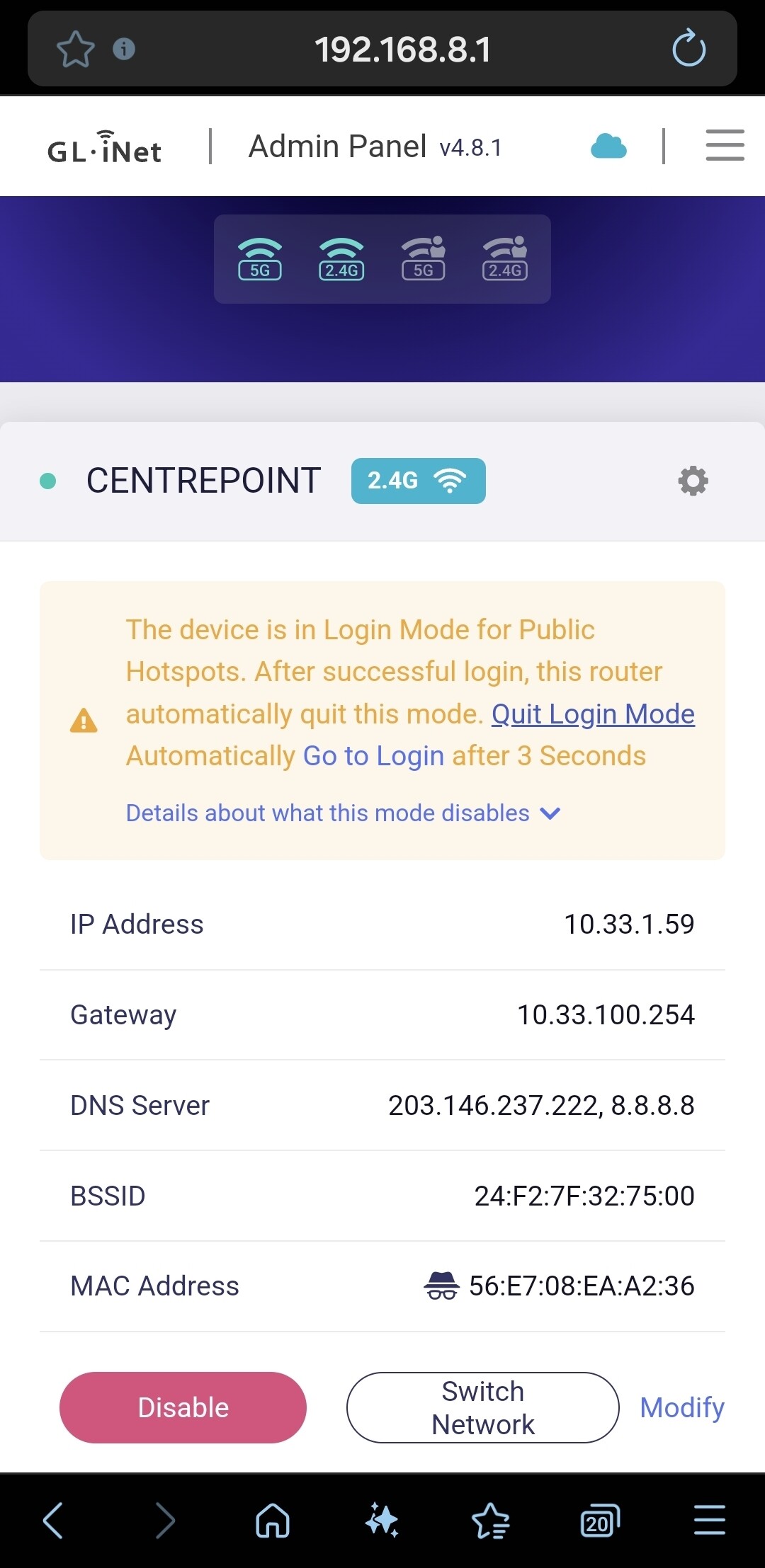
I'm currently using the MT3000 (Beryl AX) router while staying at a hotel that uses a captive portal system for internet access (Centre Point Hotel, SSID: CENTREPOINT). The router successfully connects to the hotel's Wi-Fi network in Repeater (WISP) mode, and it receives a valid IP address from the hotel’s DHCP server, but the captive portal login page never appears.

The router enters "Login Mode for Public Hotspots" as expected, and I’ve tried both clicking “Go to Login” in the admin panel and manually navigating to HTTP sites like http://neverssl.com, but still no portal is shown. Client devices connected to the router cannot access the internet.

Here’s what I’ve already tried:

  • Disabled DNS Rebinding Attack Protection

  • Disabled VPNs and AdGuard

  • Tried MAC cloning using a device that already logged in directly to the hotel Wi-Fi

  • Switched between 2.4GHz and 5GHz bands

  • Rebooted both the router and client devices

  • Tested with different browsers (mobile and desktop)

Device Info:

  • Model: GL.iNet MT3000 (Beryl AX)

  • Firmware Version: 4.8.1

  • Hotel Wi-Fi SSID: CENTREPOINT

  • Issue: Captive portal login page not appearing, no internet access for clients

It was working before on the same network but an older Firmware version.

Please advise how I can force the captive portal to appear, or whether there are firmware updates, debug tools, or workarounds specific to the MT3000 to resolve this issue.

Thank you for your help!

Best regards,

-V

1 Like

Hello VTURM,

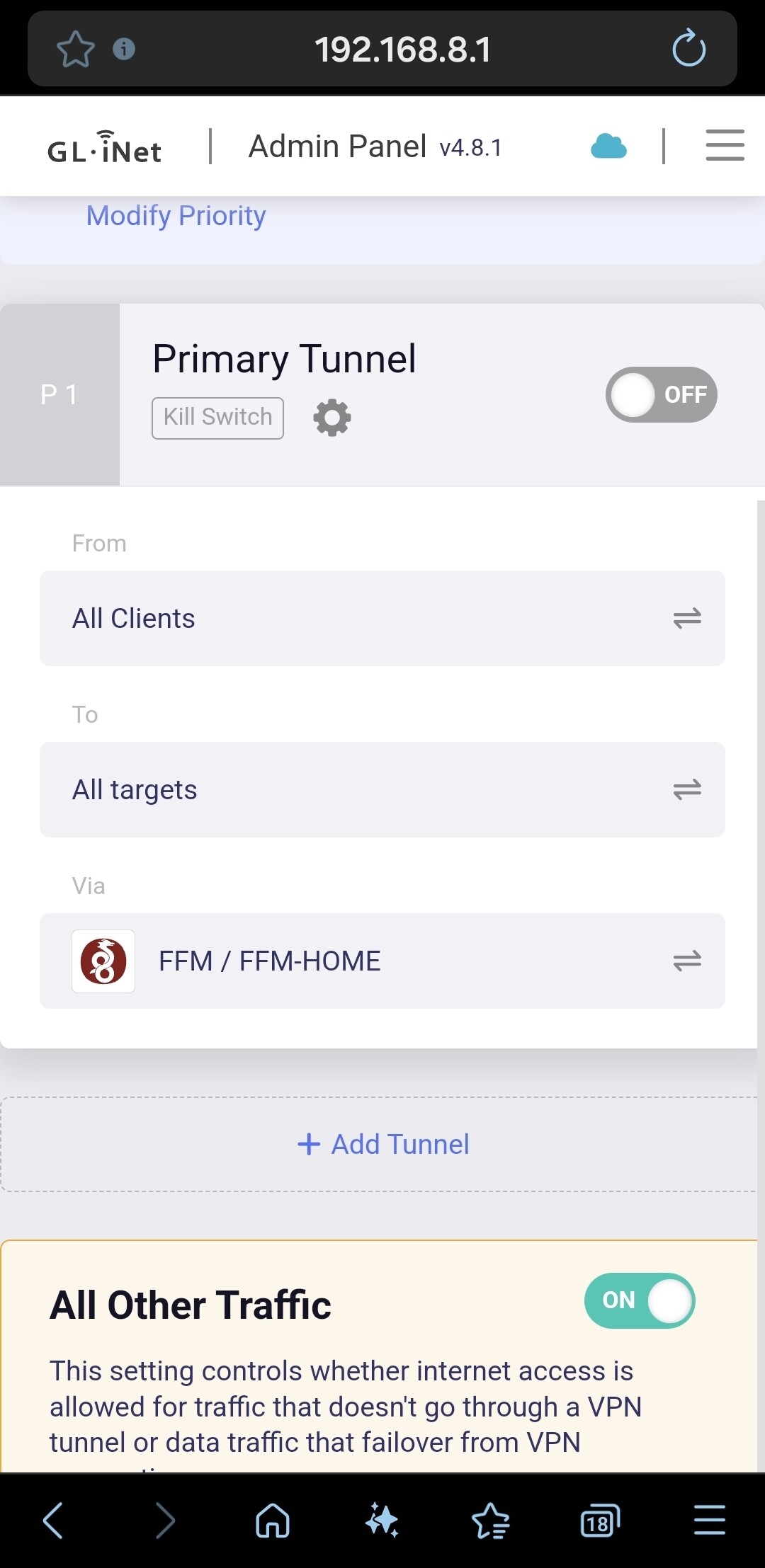
maybe you can try to allow “All Other Traffic” in die VPN Dashboard.

Best regards,

Routinator

1 Like

Hi,

  1. as Routinator mentioned, please try to enable the All Other Traffic” in the VPN Dashboard first.

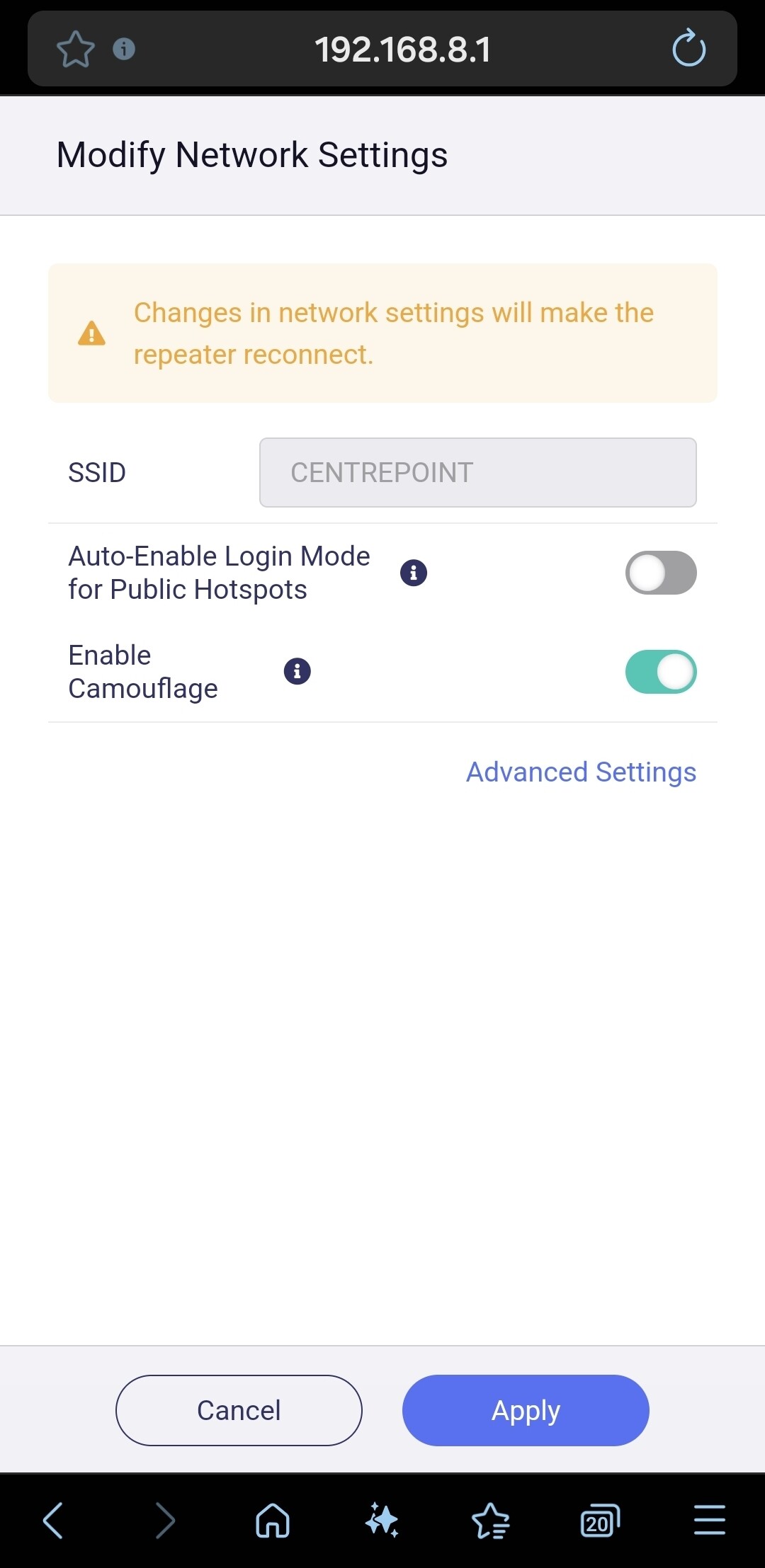
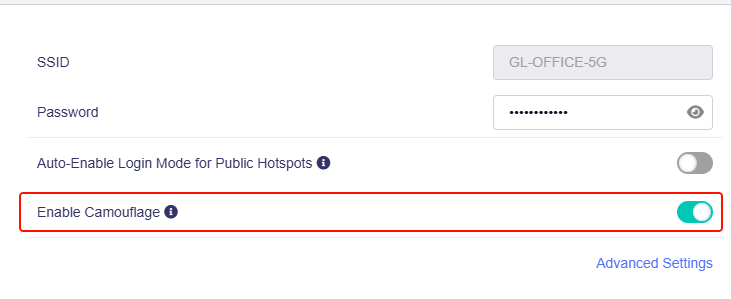
  2. please enable Camouflage option in repeater:


  3. if no luck, please execute this in your client laptop and the router SSH terminal, copy the result back here:

curl -v www.google.com
curl -v neverssl.com
  1. please PM me the issue syslog.

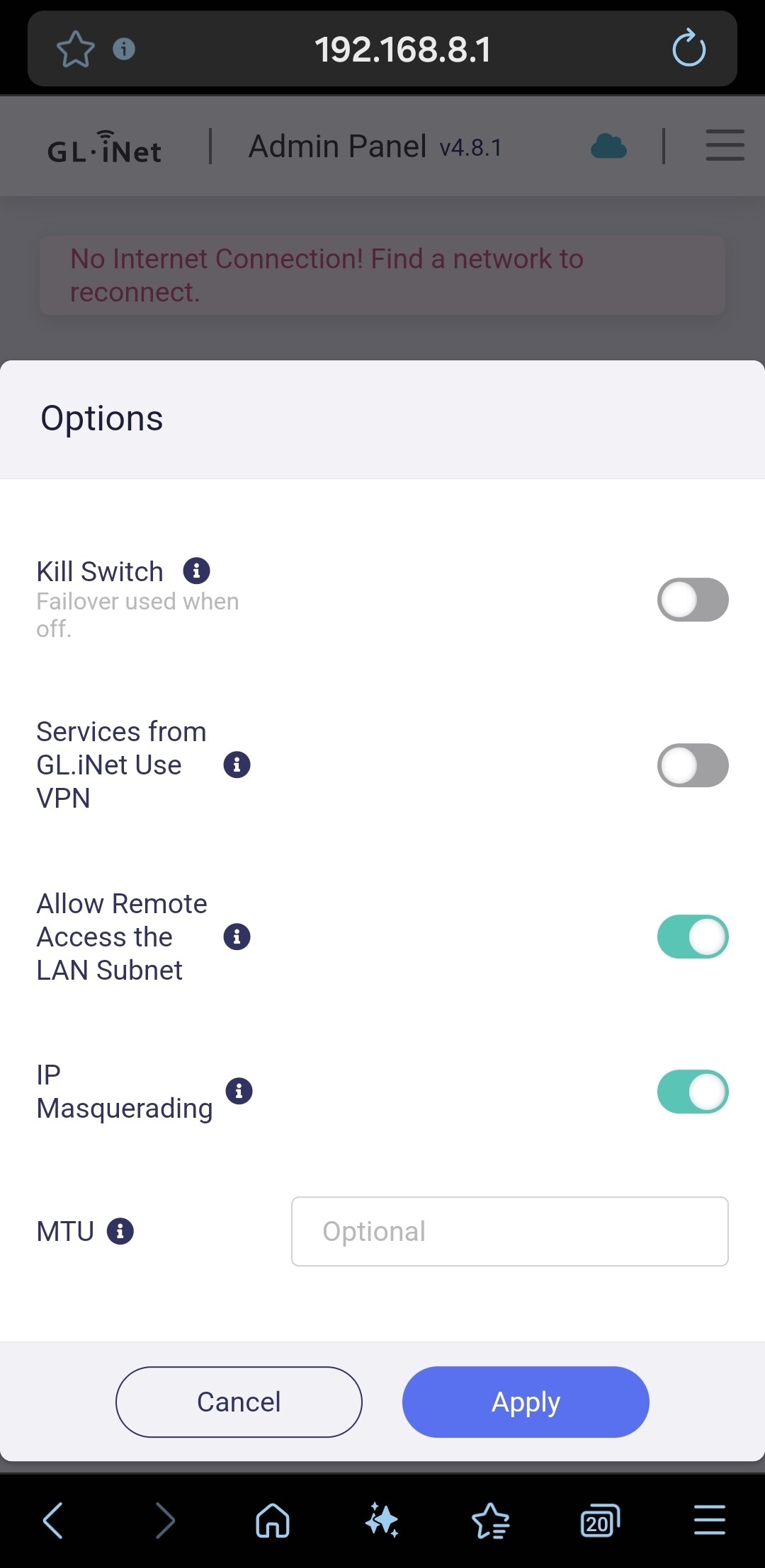
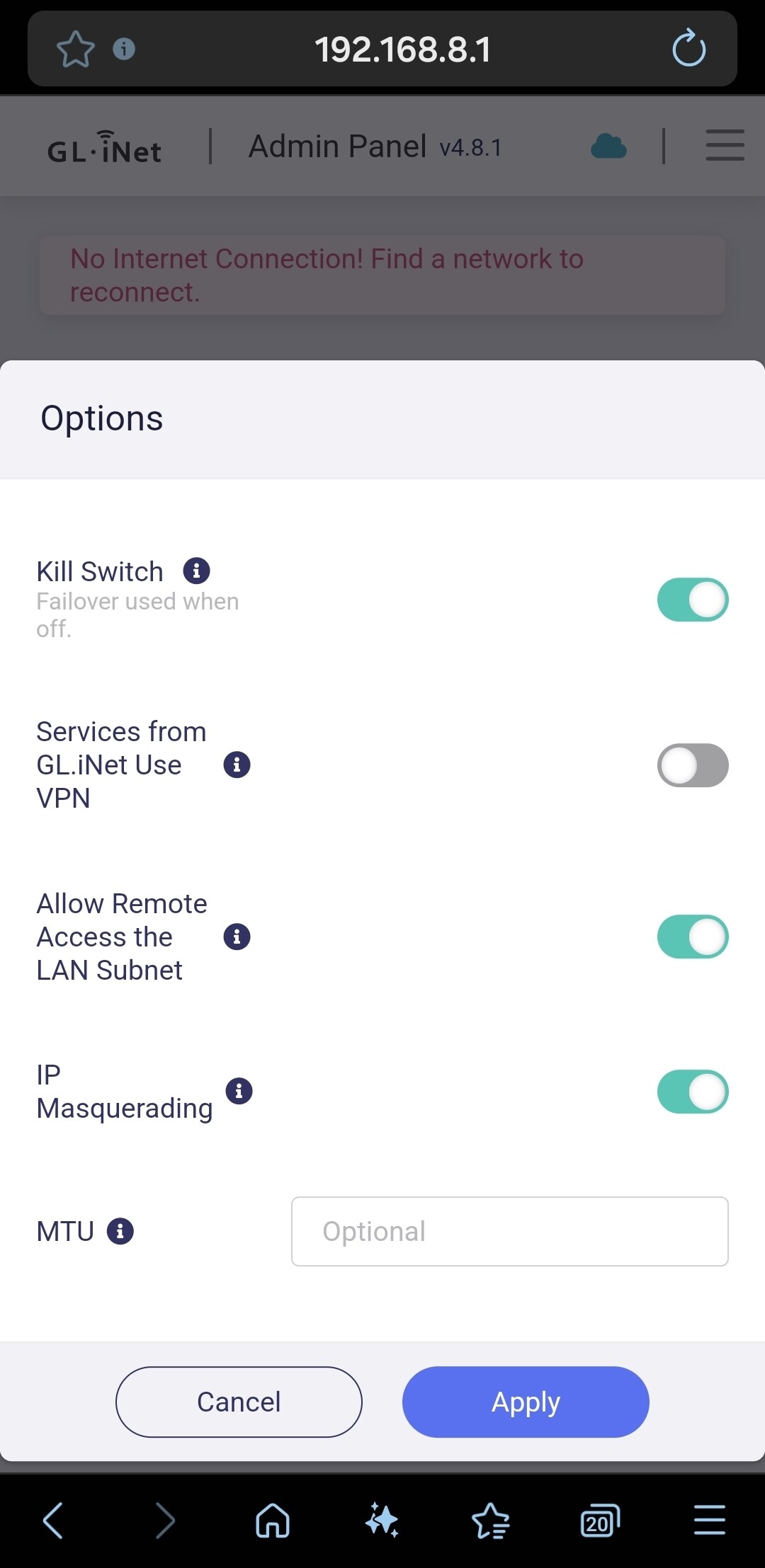
I've tried the above but unfortunately did not help. Please see tge attached screenshots.

PS C:\Users\VV\work> curl -v www.google.com
VERBOSE: GET with 0-byte payload
curl : Unable to connect to the remote server
At line:1 char:1

  • curl -v www.google.com
  •   + CategoryInfo          : InvalidOperation: (System.Net.HttpWebRequest:HttpWebRequest) [Invoke-WebRequest], WebException
      + FullyQualifiedErrorId : WebCmdletWebResponseException,Microsoft.PowerShell.Commands.InvokeWebRequestCommand


PS C:\Users\VV\work> curl -v neverssl.com
VERBOSE: GET with 0-byte payload
curl : Unable to connect to the remote server
At line:1 char:1

  • curl -v neverssl.com
  •   + CategoryInfo          : InvalidOperation: (System.Net.HttpWebRequest:HttpWebRequest) [Invoke-WebRequest], WebException
      + FullyQualifiedErrorId : WebCmdletWebResponseException,Microsoft.PowerShell.Commands.InvokeWebRequestCommand


PS C:\Users\VV\work> ssh [email protected]
[email protected]'s password:

BusyBox v1.33.2 (2025-08-19 14:33:21 UTC) built-in shell (ash)


| |.-----.-----.-----.| | | |.----.| |_

| - || _ | -| || | | || || |
|
_____|| |
||||___||| |____|
|| W I R E L E S S F R E E D O M

OpenWrt 21.02-SNAPSHOT,

root@network:~# curl -v www.google.com

GET / HTTP/1.1
Host: www.google.com
User-Agent: curl/7.83.1
Accept: /

< HTTP/1.1 200 OK
< Content-Length: 134
< Connection: close
< Cache-Control: no-cache
< Content-Type: text/html
< X-Frame-Options: SAMEORIGIN
<

root@network:~# root@network:~# curl -v neverssl.com > GET / HTTP/1.1 > Host: neverssl.com > User-Agent: curl/7.83.1 > Accept: */* > < HTTP/1.1 200 OK < Content-Length: 134 < Connection: close < Cache-Control: no-cache < Content-Type: text/html < X-Frame-Options: SAMEORIGIN < root@network:~# root@network:~#
1 Like

Hello VTURM,

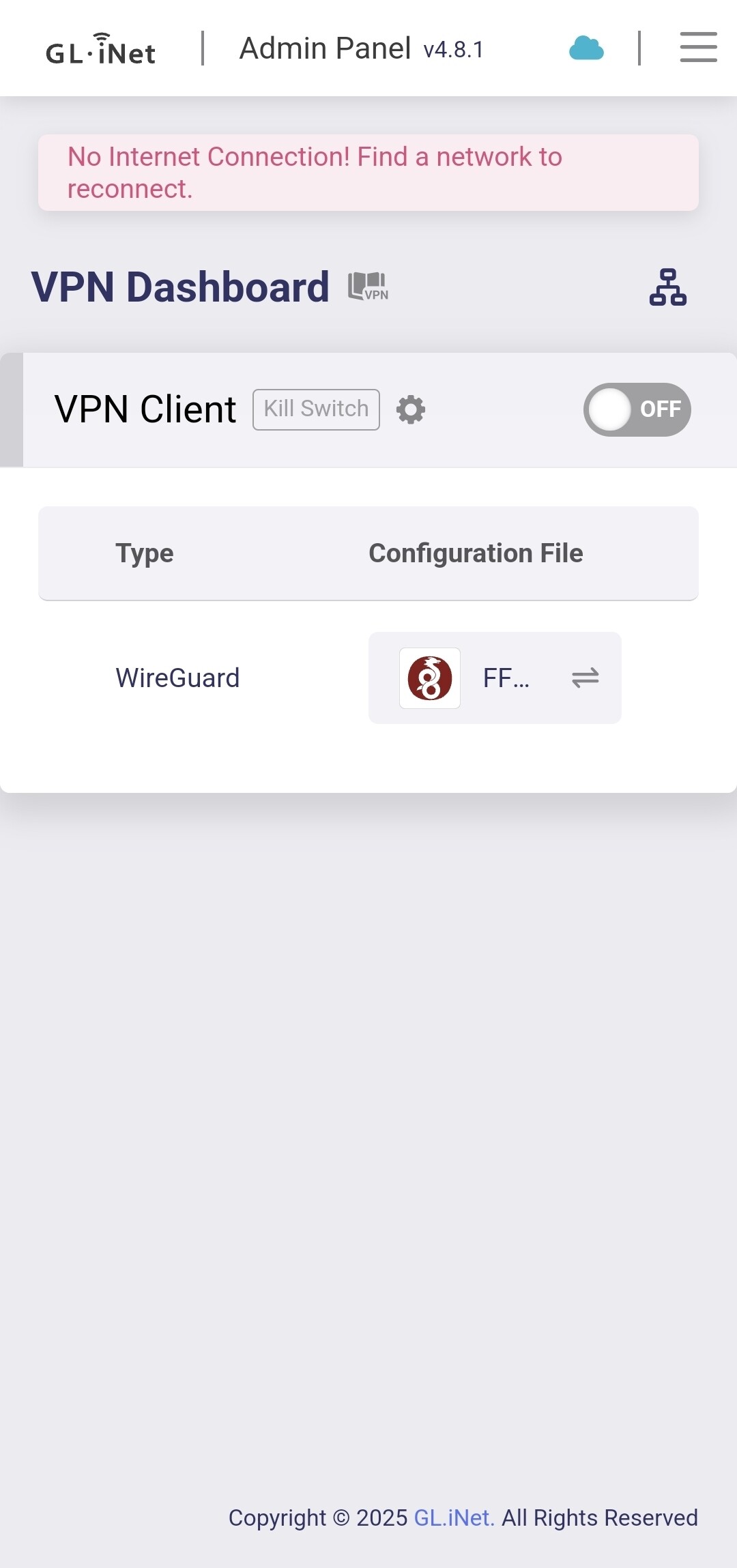
as I can see in your screenshots, you´ve changed the kill switch at the VPN Dashboard. This is not what we´ve meant. At the bottom of the Dashboard there´s an option “All Other Traffic”. Please disable all VPNs and enable this option.

Best regards,

routinator

Hey,

Im sorry, but probably I'm looking in tge wrong place, but I couldn't find this option. I tried the APP and also the web browser.

V

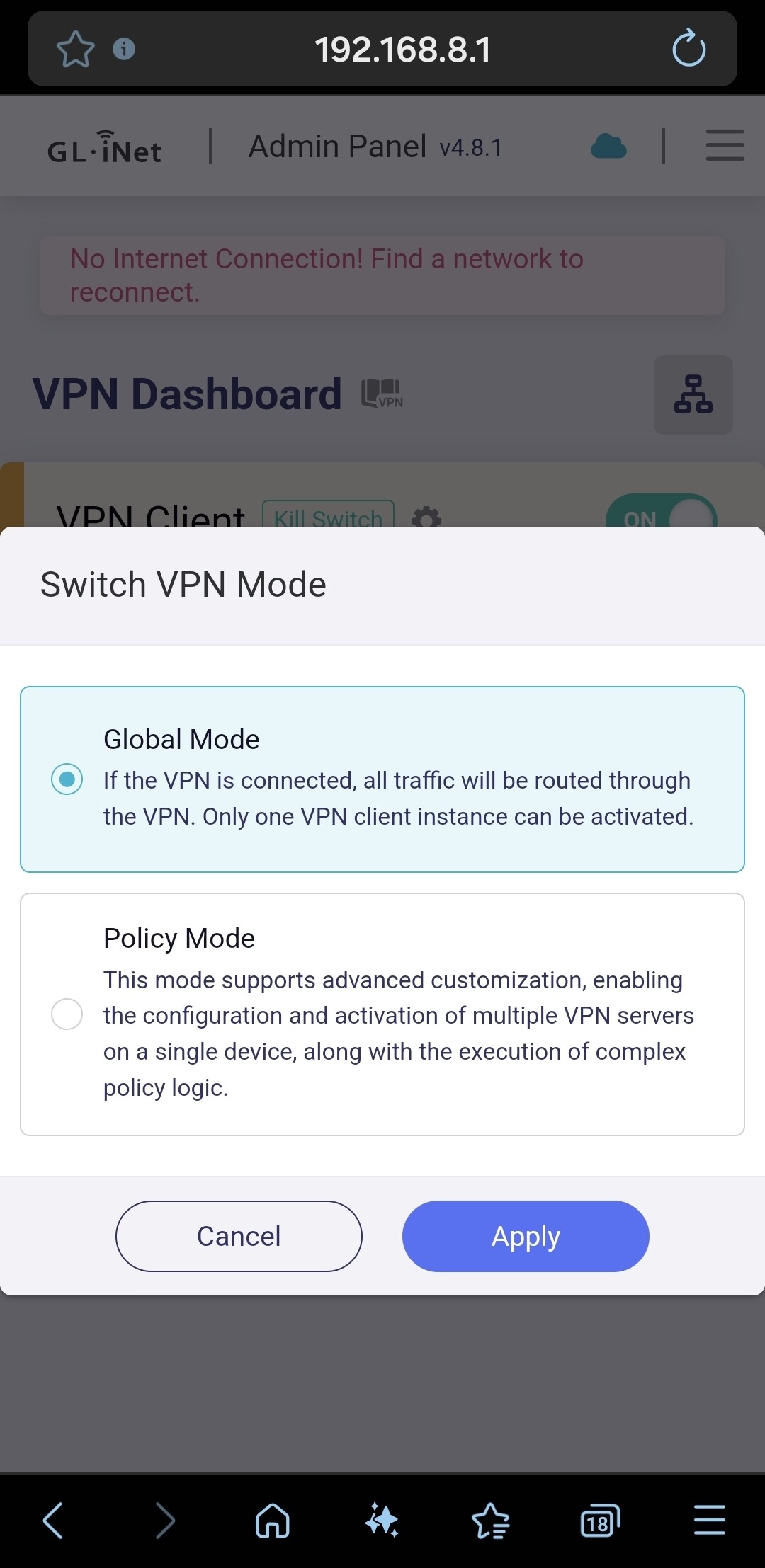
Ah, ok…. My router works in policy mode. Please, can you change to from global mode to policy mode?

I tried but it didn't help.

Well, you´ve written in your first post, that it worked with an older firmware (4.7.4?). Is it important for you to get quick access to that hotspot? If yes, you can make a backup of your current config (via LuCi) and downgrade the MT3000 to the old firmware. I know that this will take some time to do this because you would have to configure the whole router.

If this works, we can exclude a problem with a new firmware of the hotel AP. And it would be a hint for GL.Inet support for a problem with the 4.8.1. It´s only a suggestion of me.

1 Like

Its not urgent, but I thought it might be a good chance to debug such issues as long as we could reproduce it.

1 Like

Good idea! We can all benefit from this.

Maybe the wrong place to say this. I haven't faced a captive portal in several years, and my Beryl AX is set up for four rules with two VPN tunnels: Any client trying to reach this net, rule 1; Any client trying to reach this other net, rule 2; These particular clients trying to reach anything, rule 3; anything else, rule 4. Works fine.

I've now used the Beryl in three places with captive portals (not requiring payment), and the captive portal function has worked kind of magically. I thought I was going to have to do the same kind of steps as my Mango.
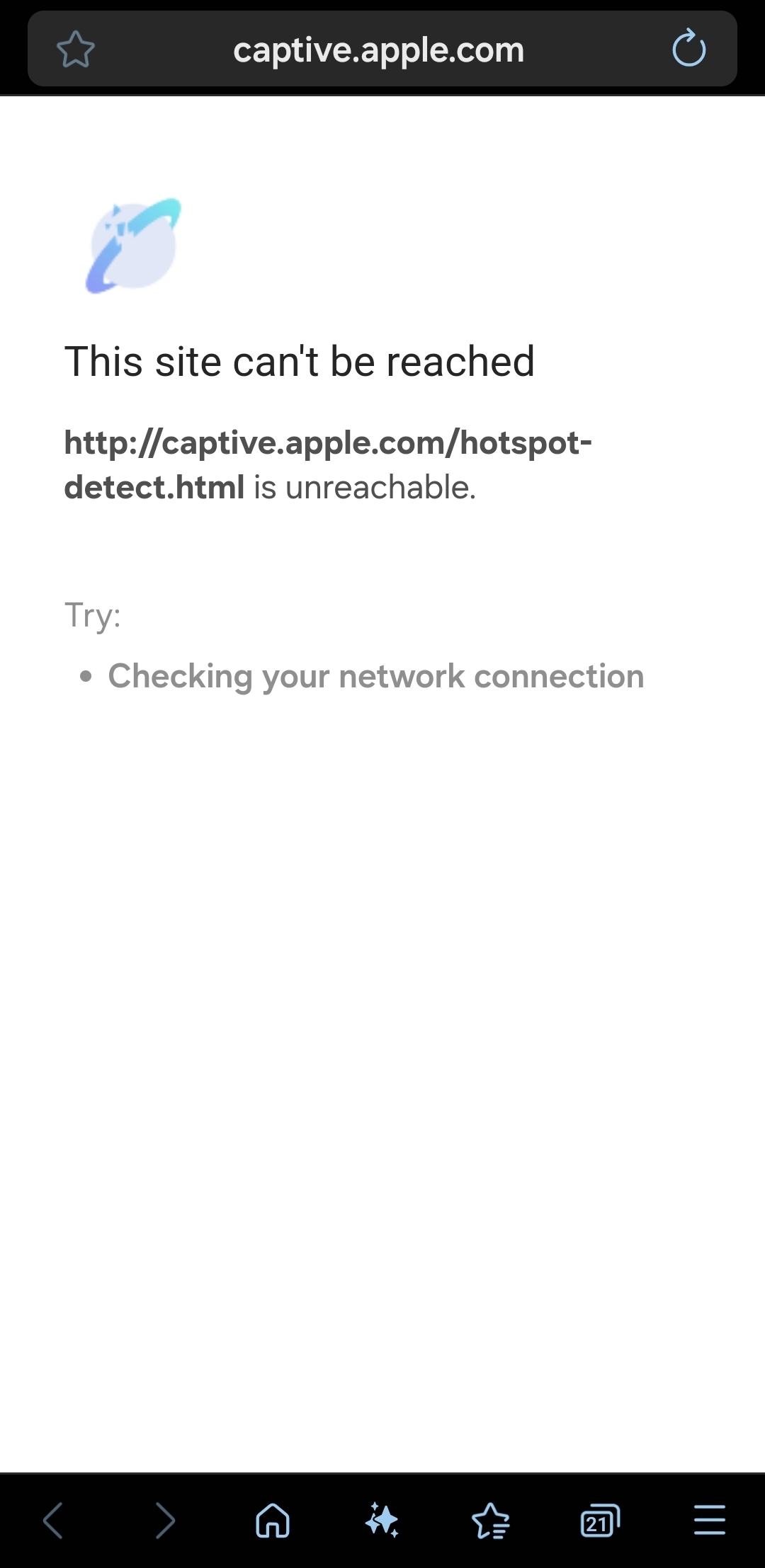
Hello,

Please try downgrading the firmware and check:

  1. After downgrading, and SSH
curl -v 'http://captive.apple.com/hotspot-detect.html'
  1. After upgrading v4.8.1, and SSH
curl -v 'http://captive.apple.com/hotspot-detect.html'

May I know which previous one firmware version works fine?