Hello,
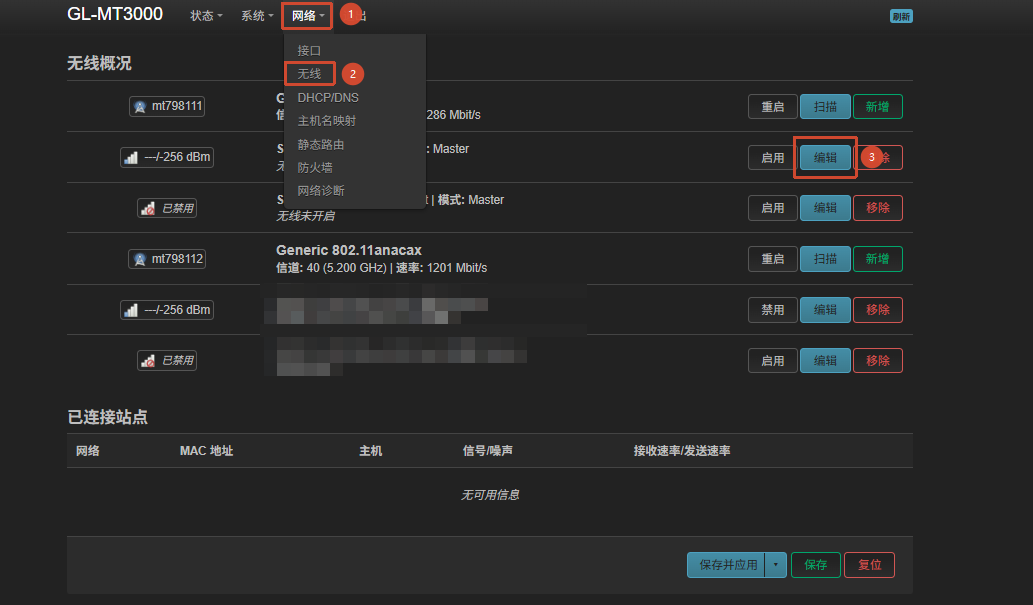
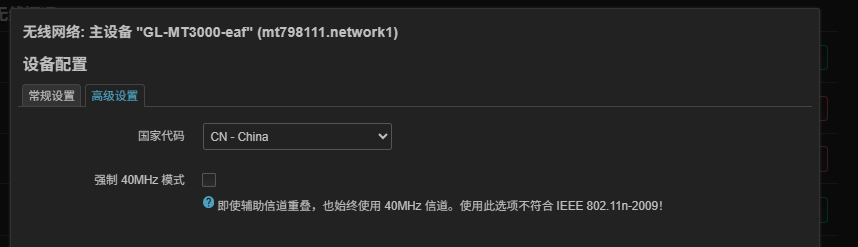
I am seeking assistance for my MT3000 router, currently configured in Repeater Mode. The goal is a seamless handoff when the upstream router switchs its broadcasting channel, but I have encountered a peculiar sensitivity issue specifically regarding Channel 13.
The network topology in my case is like this:
(Upstream router: 2.4G Wifi, ch1~13) -> (2.4G Wifi: MT3000 repeater: 5G Wifi)->(5G Wifi: Client)
Core Phenomenon:
-
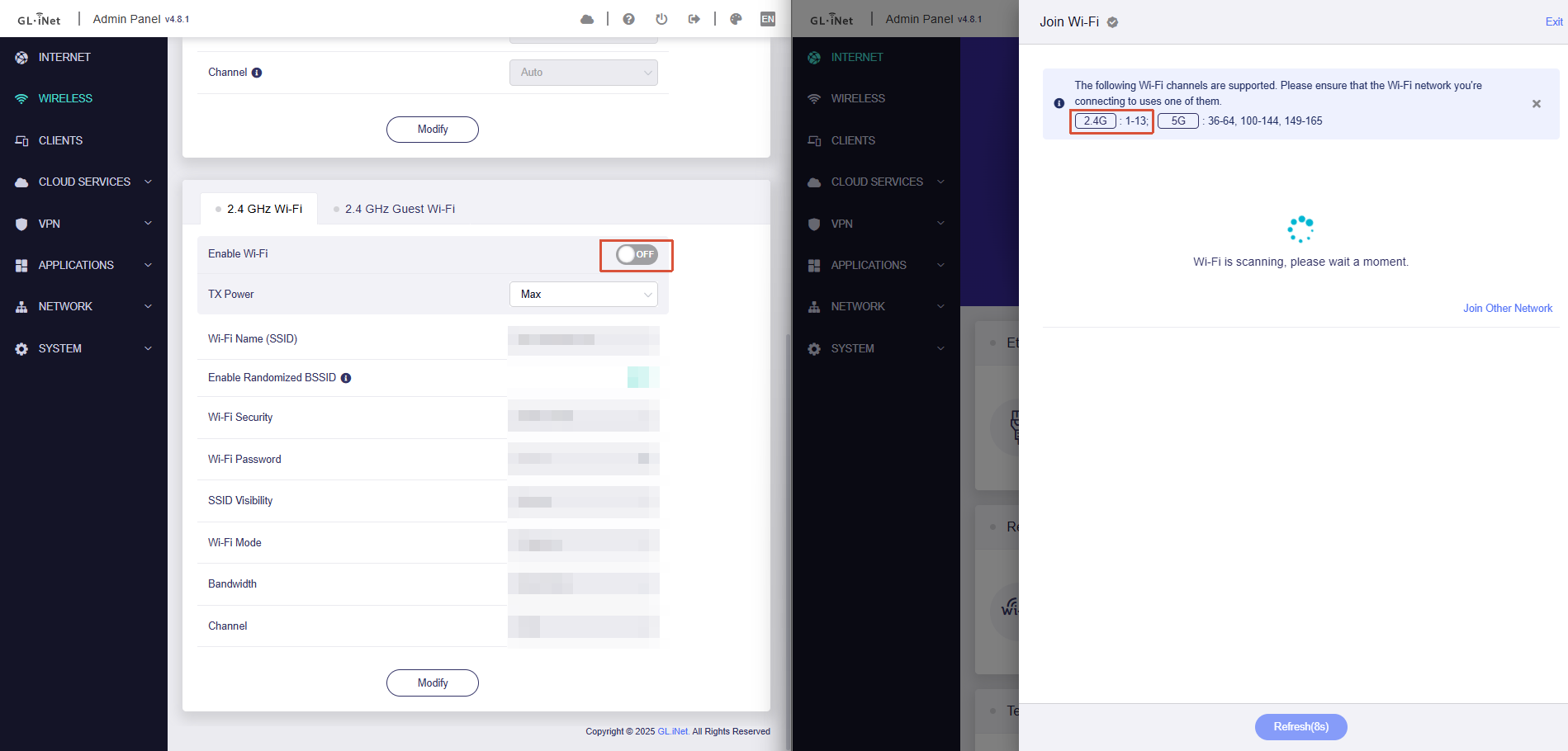
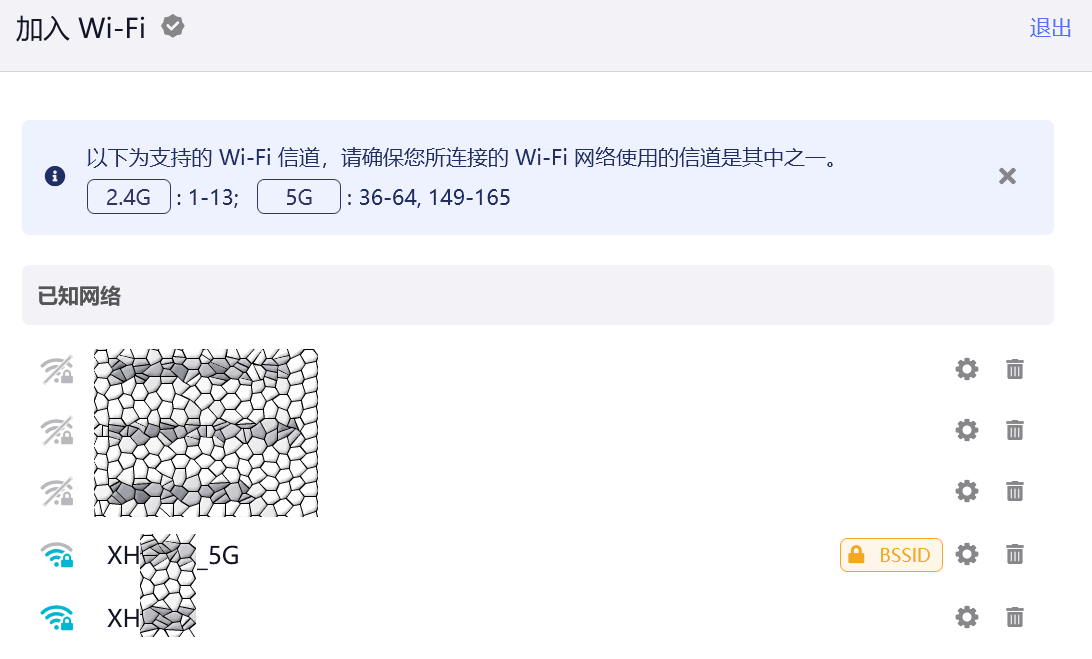
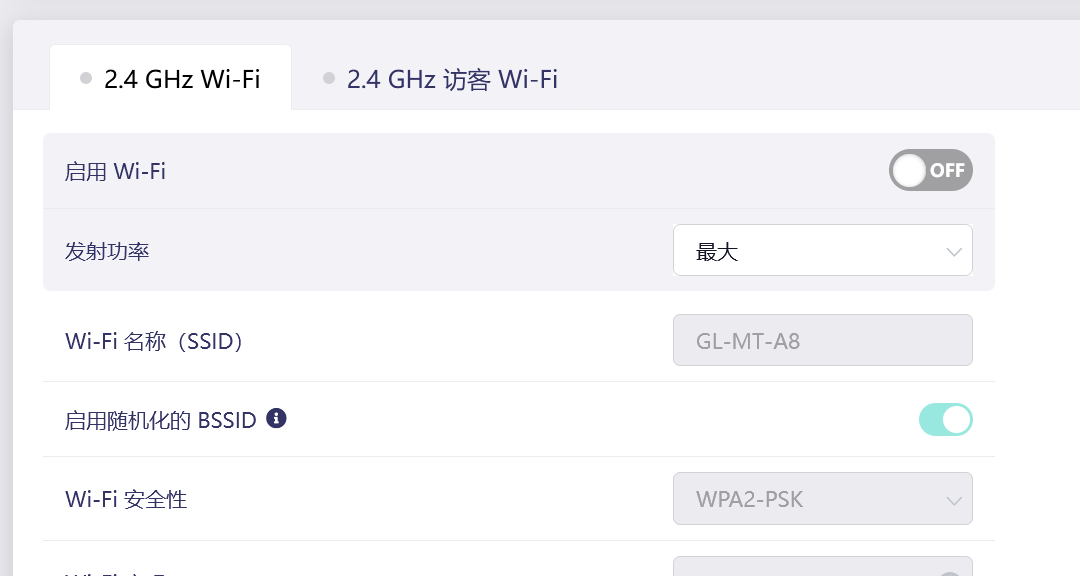
When the MT3000 Router's WIRELESS 2.4GHz setting is OFF (5GHz Only):
-
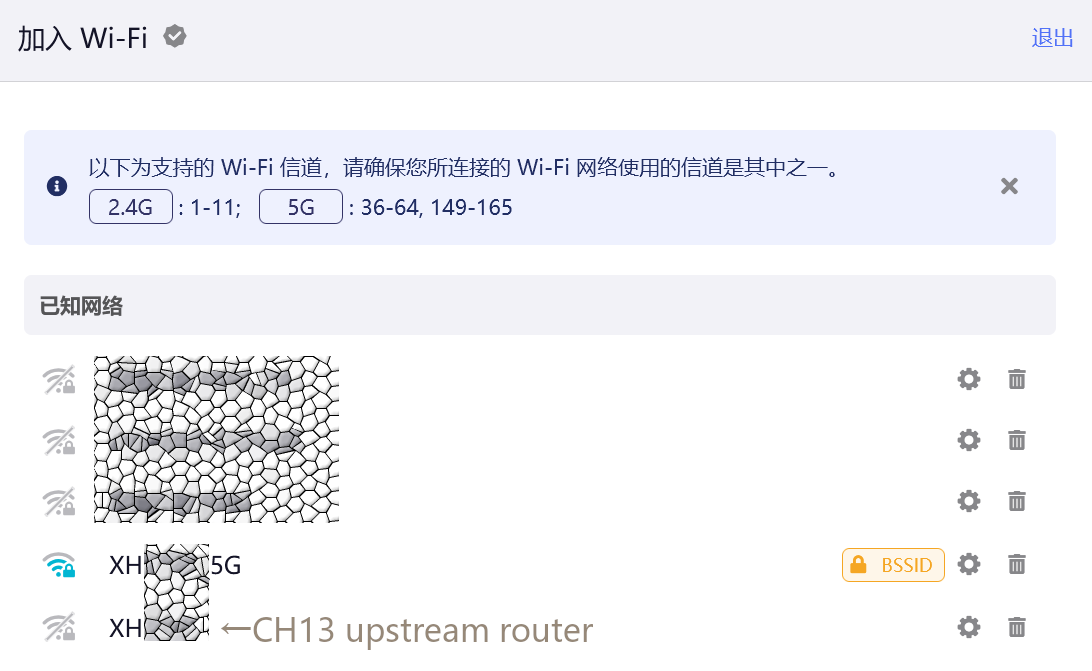
In repeater scan mode, the MT3000 only "sees" 2.4G signals from Channel 1 to Channel 11.
-
Once the upstream router switches to Channel 13, the MT3000 struggles to lock onto it, making connections drop and disappear from the scanning result.
-
-
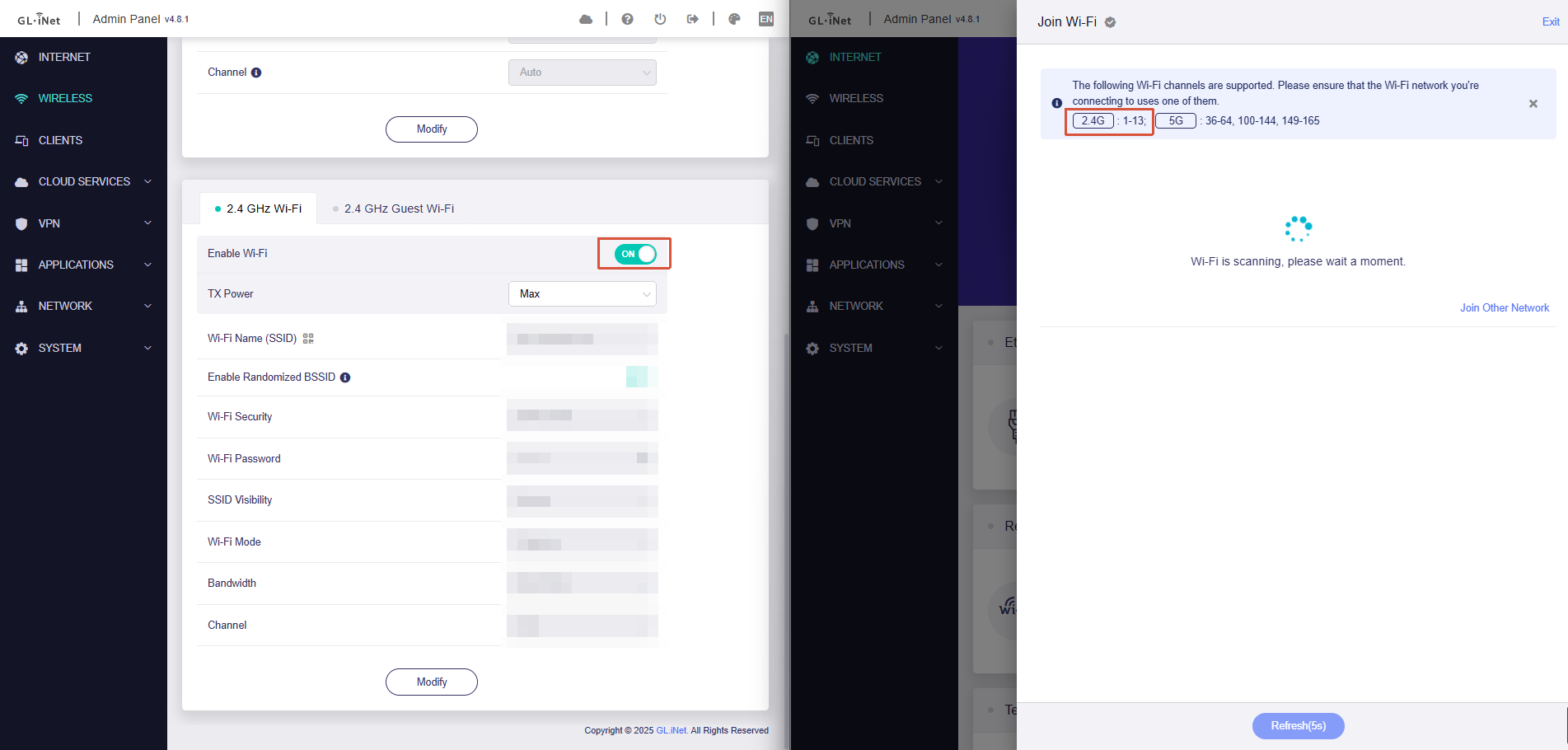
When the MT3000 Router's WIRELESS 2.4GHz setting is ON (Dual-Band Active):
-
Miraculously, the MT3000 can clearly detect Channel 13 and establish a stable connection.
-
Manually turning off the WIRELESS 2.4GHz afterwards will not break the established connection, but the connection will drop when the upstream router swichs to another channel (won’t drop at this point) and back to the Ch13 again.
-
It appears that the setting of the WIRELESS 2.4GHz signal somehow improves the MT3000's perception in repeater scan mode, allowing it to successfully identify the Channel 13 signal.
-
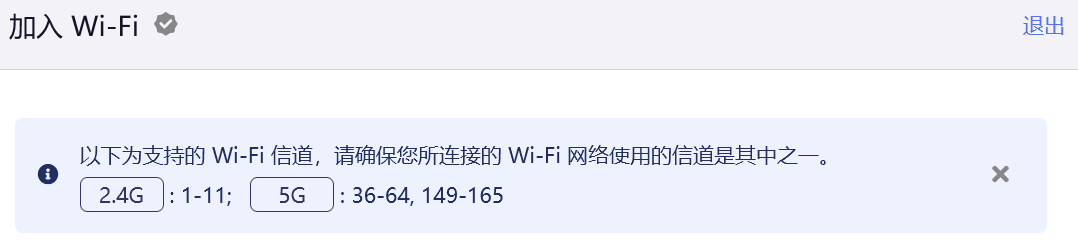

The "Chain Reaction" in Daily Usage:
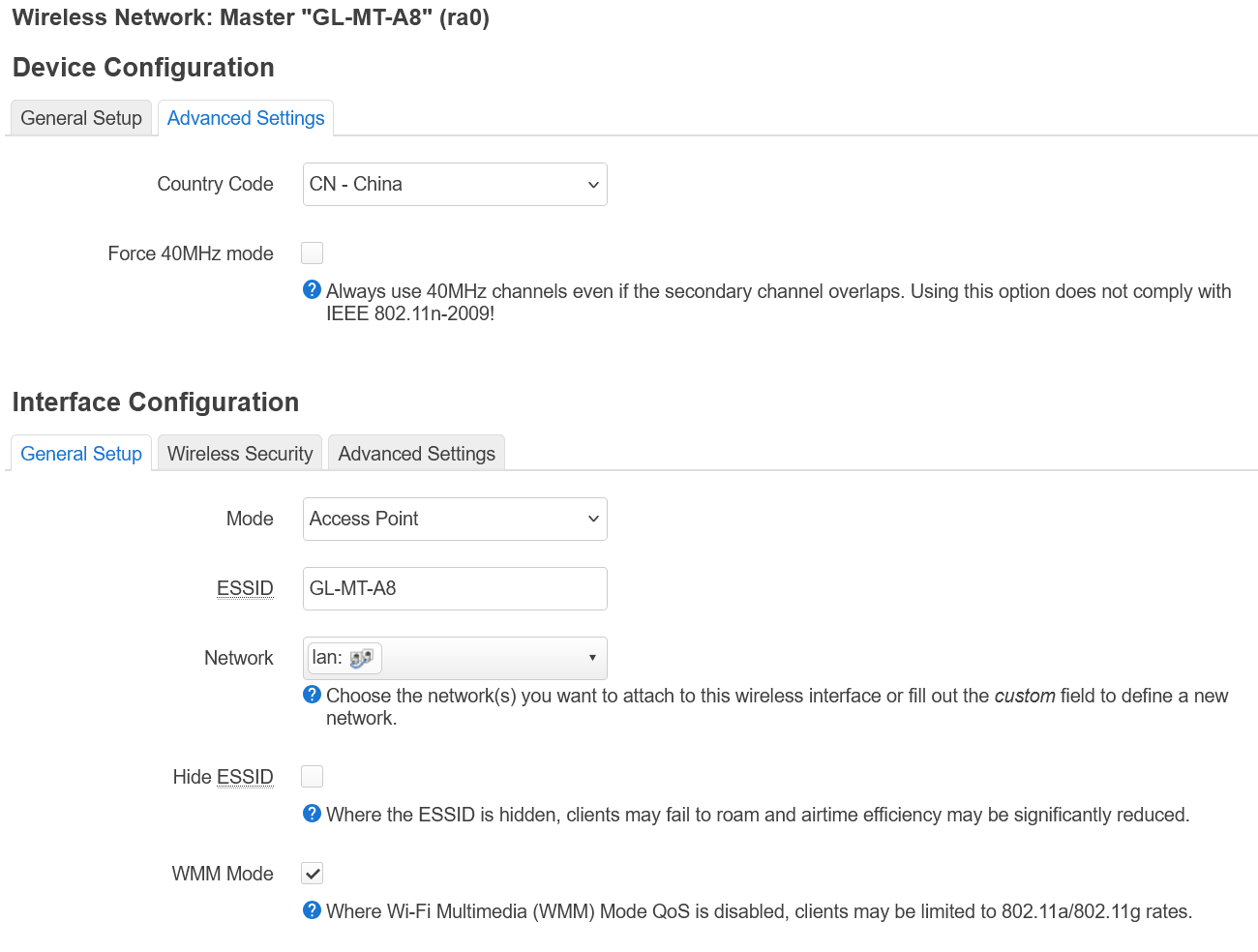
My preferred setup is to keep the MT3000's 2.4GHz broadcasting off to use a pure 5GHz local network. However, when the upstream router decides to switch to Channel 13, the MT3000 loses its "lock" on Channel 13 and fails to auto-reconnect immediately.
The Current Workaround:
To achieve stability on Channel 13, I have to adopt a specific ritual:
-
Turn ON the MT3000 router's 2.4GHz network (instantly activating the MT3000's perception);
-
Activate the MT3000 repeater mode and connect to the upstream router;
-
Turn OFF the MT3000's 2.4GHz;
-
Do this again when the upstream connection is dropped.
Is this situation a bug or are there any workarounds to avoid the manual setting? Any insights would be greatly appreciated.
Thanks in advance.