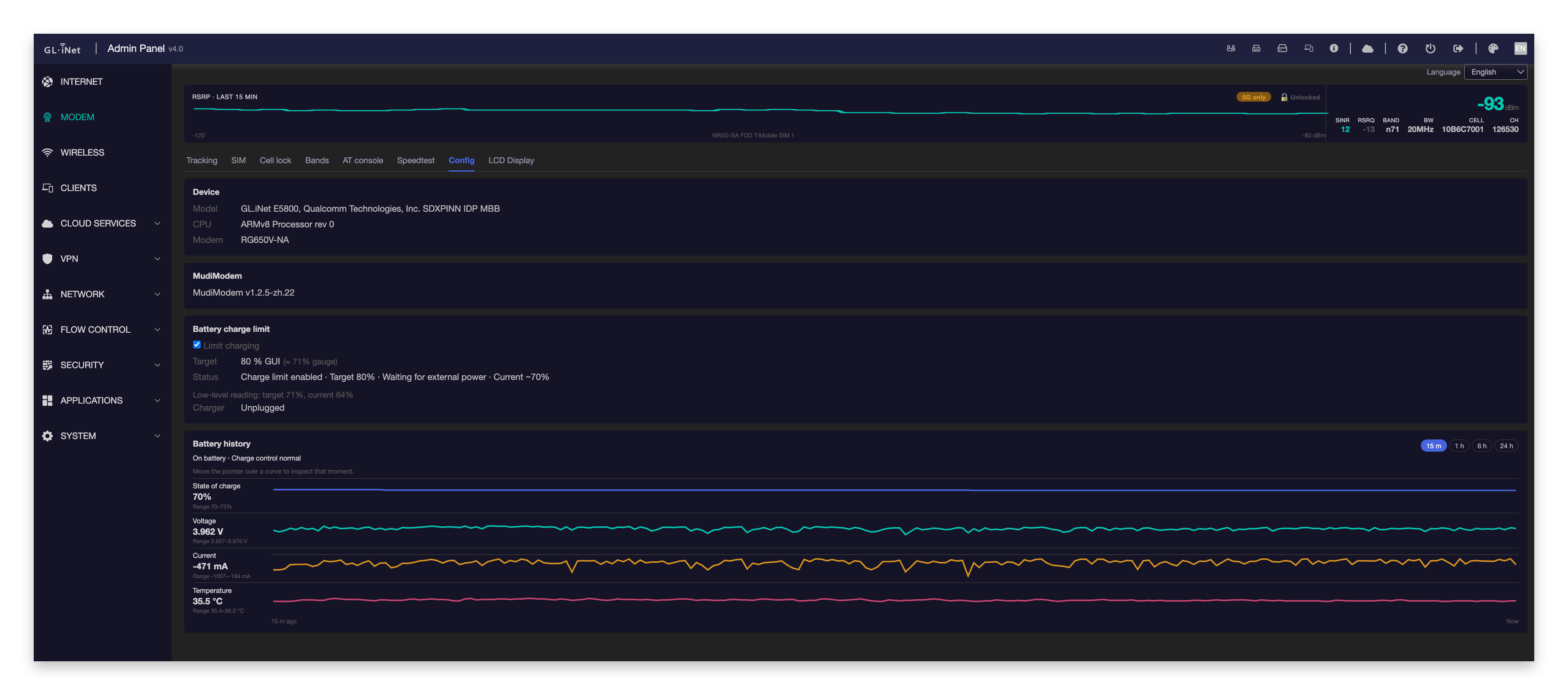
For the past few weeks I’ve been working on vibe coding a modem control panel and signal tracker for the Mudi 7. I thought I might share it with everyone. I’ve only tested it on my modem so if you do try it out and find issues give me some feedback.
I have been working on a very similar project too! If you want more data for the 5G measurements you can run AT+QNWCFG=”ssb_beam_id" This command will return the SSB Index for the tower you are currently locked to and any neighbors on the same arfcn. I run that and AT+QNWCFG=”nr5g_meas_info” one after the other. The first gives me the SSB indexes with rsrp rsrq and pci while the other gives you the arfcn for those measurements. The response string for both is as follows +QNWCFG: "ssb_beam_id",1,0,<ssb_index>,<rsrp>,<rsrq>,<pci> and +QNWCFG: "nr5g_meas_info",1,<arfcn>,<pci>,<rsrp>,<rsrq>. You can see how many ssb_indexes a cell is broadcasting from its SIB1.
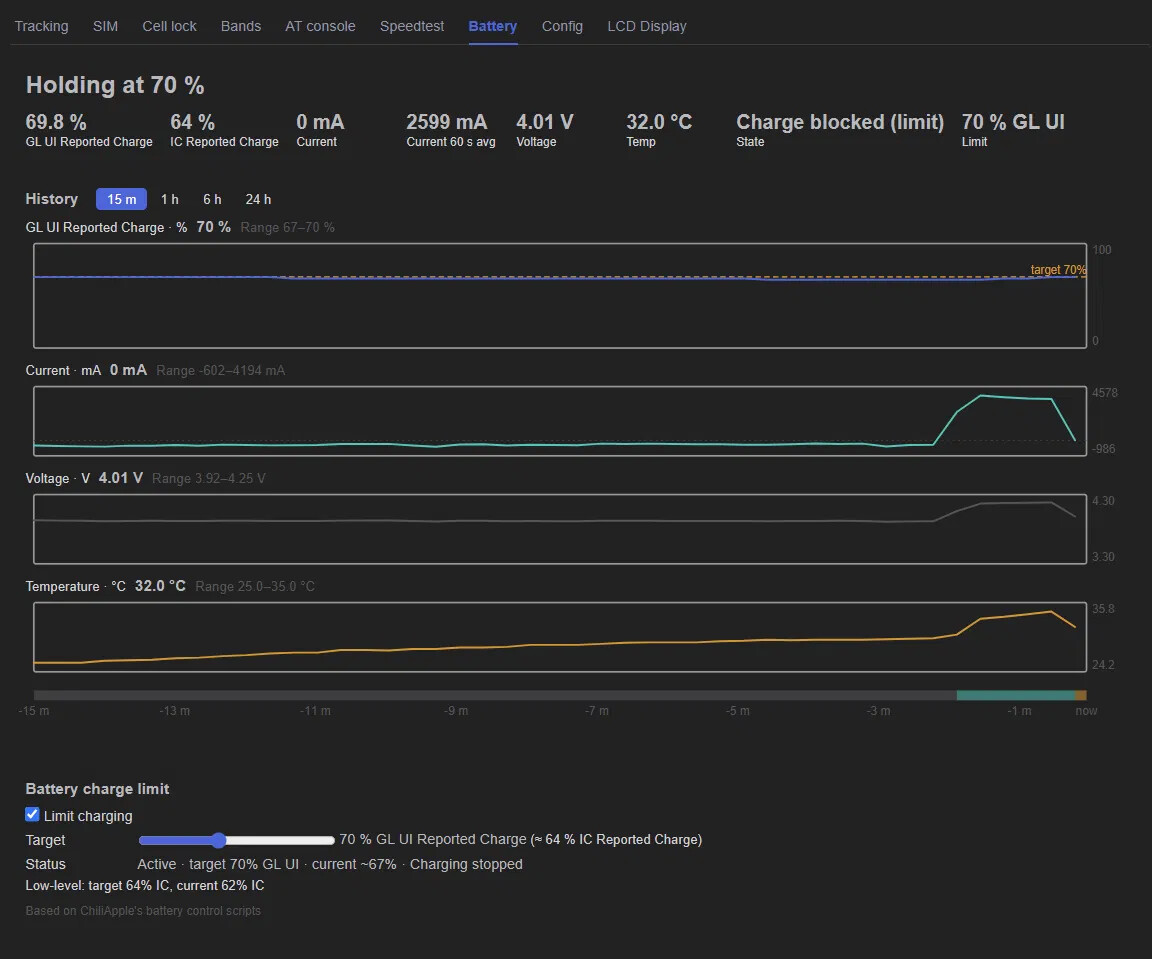
Hi daijie198, I also added a battery graph, but I like the look of yours better. Can you send it as a pull request or seperate branch so I can incorporate your graph?
GitHub - jayck88/MudiModem at jayck88-patch-1 · GitHub Hi Kevin — I put my battery-chart implementation and related reliability fixes on this separate branch. The patch file is jayck88-battery-chart-reference.patch; feel free to cherry-pick or adapt any parts you like.
@daijie198 I incorporated your graph into the battery graph page, and it’s wired to the background data collection daemon. I tried to replicate as faithfully as I could, take a look. BTW, how did you get a dark background in the GL UI?
@manderss99 there was a bug where a fresh install was missing a file, run the install script again and see if it works for you.
This turned out really well, Kevin. The tracking view and the battery chart in particular are exactly the kind of thing the stock UI is missing. Thanks for pulling it all together and for being so quick on the fixes.