🥭 My Mango Story — Share Your Mango Experience

:mango: My Mango Story — Share Your Mango Experience
Still using the Mango (GL-MT300N-V2), or have a memorable story from your time with it?

We’re inviting Mango users to share their real experiences with the GL.iNet community. Show us your travel setup, desk or network setup, creative use case, helpful tip, or simply a favorite memory featuring your Mango.

:wrapped_gift: Prize: 50 × Mango 2
:sparkles: Make It Yours: Optional personalized text customization available
:date: Ends: September 13, 2026
:megaphone: Winners announced via email on September 14, 2026

How to Join
:one: Create a post sharing your Mango experience.
:two: Publish it on your social media account or in the GL.iNet community with #MyMangoStory
:three: Submit your post link through the form: GL.iNet My Mango Story Survry
*Not available in the U.S. until further notice.

Your story could inspire the next Mango setup, and your next adventure could begin with a personalized Mango 2. Share your story and submit your post today! :mango:

:mango: My Mango Story — or hopefully the start of one! #MyMangoStory

I’ll start with a confession: I’ve never actually owned a GL.iNet Mango.

So technically, I don’t have a Mango story… yet. But I know exactly what I’d use one for if I won a Mango 2.

I already use a GL.iNet Flint 2 at home and really like the amount of control GL.iNet gives you over your network. The problem is, the Flint 2 isn’t exactly something I’m going to throw in my suitcase every time I go away. :joy:

That’s where the Mango would come in.

My main use would be travelling and staying in hotels. Instead of connecting every phone, tablet and other device separately to hotel Wi-Fi, I’d connect the Mango once and create my own private Wi-Fi network for everything else.

I’d have my own familiar network wherever I went, with my devices connecting automatically rather than having to set everything up again in every hotel.

I’d also use it for things like VPN access and DNS filtering, particularly when using hotel or other public Wi-Fi. There’s something reassuring about having a little bit more control over your connection when the Wi-Fi network you’re using definitely isn’t yours.

And because it’s tiny, it’s the sort of router you could permanently leave in your travel bag rather than remembering it halfway down the motorway.

So my Mango story hasn’t actually started yet.

But give me a Mango 2 and I’ll happily take it on a few holidays, connect it to some questionable hotel Wi-Fi and give it one. :mango::joy:

#MyMangoStory #GLiNet #TravelRouter #OpenWrt

1 Like

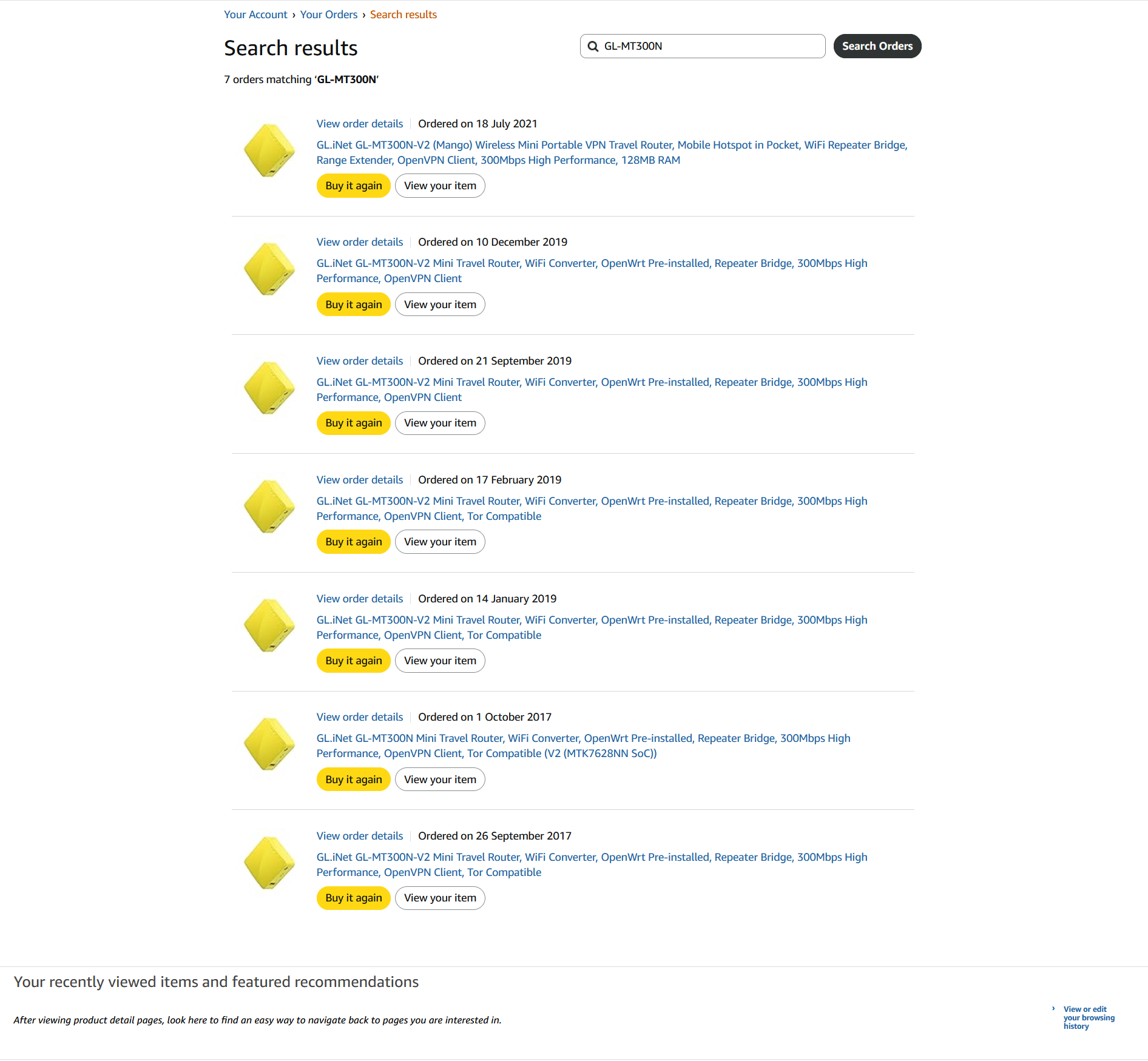
I got my Mango in 2020. We travel a fair bit with iPads, phones and laptops, and I was looking for something portable that I could use to set up wifi once for all of those devices, and at the same time use VPN for accessing my home network and geolocate streaming, and do adblocking. I’d never used a travel router before, and the highly portable $19 Mango seemed just the ticket.

I wasn’t super pleased with the speed–a WISP uplink to wifi, then shared by wifi again to devices, takes a toll, and the OpenVPN userspace builds in place then limited throughput. I moved to Wireguard, which helped a good deal, but was still limited by single core.

Our travel then usually took us to an AirBnB in Europe for two weeks or a month, which made it worthwhile to upgrade to a BerylAX. A huge increase in throughput, but also in size and weight. Worth it for those extended stays.

We’ve since acquired a second home in Europe, which meant two VPN tunnels to each home; the BerylAX with 4.9 firmware made managing those tunnels very easy. We now use that home as a base for shorter trips. For those trips size and weight now come back into the picture.

So I went back to the Mango. One of the features of the GL-iNet software is its base in OpenWRT, so I experimented a bit with vanilla OpenWRT. The learning curve is not insignificant, but I was able to get rid of a lot of software capabilities I didn’t need, like OpenVPN, and add in some of the features of the 4.9 firmware I liked (such as managing the VPN tunnels). So now I have the Mango back in the mix with travelmate (to manage connecting to APs), the Wireguard tunnels set to start after the uplink is made, pbr to manage policy based routing for the VPN tunnels, adblock, vnstat2. It is much slower to set up in a new location than the native firmware, but once setup the speeds are more than satisfactory. I’m using about 2/3ds of the available memory, half of which is cache, and have about 4mb of the 16mb of flash free. If there isn’t a reliabie AP I tether to my phone, which has an unlimited 5G dataplan. I’m still limited by the single core, so I can’t take advantage of Wireguard’s multithreaded support, and while the flash is fast memory that single core still takes a beating on boot.

In many of the AirBnBs we stay at, the wifi router is readily accessible, and it is easy to use a USB port on the router to power the Mango and use an available ethernet port, tucking everything away. That improves the speed, cutting out one wifi leg, in a place where all the available outlets are already in use.

It is also becoming increasingly necessary to geolocate some devices in the US. Many websites now seem to have geoblocks in place. Some are utilities (Duke Power, Spectrum). Some are government websites, and some are informational. They either return errors or a message that says you are not authorized. For folks traveling for business or vacation, that can be a real problem, and using policy based routing with a travel router can be a help if not a necessity.

I can see in the Mango 2 distinct improvements: the required inclusion of USB-C power over the micro plug means I don’t need a USB-A micro cable at all; more flash means more packages can be installed even if I don’t use them, but allowing 4.9 or 4.10 firmware capabilities; 5v 1a power means I will still be able to use the router USB, probably; the second core will obviously speed up boot and wireguard; and I really like the smooth clamshell form factor for portability. Thankfully still mango color so I am less likely to leave it behind.

Is this the right place?

#MyMangoStory

2 Likes

This takes me back a few years. It was quite interesting looking at my first review of a GL.iNET product on Amazon.co.uk — the Mango, back in early 2019. It remained one of the top reviews for the product for a good couple of years afterwards.

I still have five Mangos dotted around the place! One is always in my travel bag for emergencies (my networking Swiss Army knife), while a couple are being used around the house as Wi-Fi bridges and access points in dead spots.

I still believe they have the best Wi-Fi radio and range for the size of the device, and I really hope the successor will be just as impressive for the modern day.

I might still even hold the record for number of Mangos purchased from Amazon for home and family use!

2 Likes

my first purchase from the GL-iNet brand was the mango.

Though it was bought from a unkown reseller on aliexpress unfortunately it is too long ago that it still has a receipt history, the boxing was non dyed carton with a black mango icon, and from what I learned is that the models being sold by GL-iNet directly had a yellow carton boxing maybe that has been changed in the future?

It came with gl firmware before 4.0, and I think also before 3.0 (or well renamed versioning since then), it had 2 web design revisions lower, and basically I have seen the transition of them all :slight_smile: , from blue, to green and back to blue (current), the old green theme still resembles the theme a little from the first design revision.

It was a nice router because I was hyped about this when comming from tp-links and linksys with alot of OpenWrt issues mostly due to qualcomm aswell but back then I did not understand this, and this felt like a complete kit and for 23 eur back then I bought it, it made me decide to buy the Flint 1.

And while the Flint 1 was nice, this finally learned me about the problems around getting full OpenWrt support with qualcomm socs, it took some while and then they started using wlan-ap by telecominfraproject which was really fine, The Flint 2 remained the best one.

Then I revisited the Mango again for a printserver and actually this worked very well, but because the printer broke and the new printer was different it made me quit using it, also my last visit on it had alot of space problems which explained for me this device was going to be EOL soon, I readed recently that cups is no longer available on upstream OpenWrt only p910nd so yeah...

I still think this small size is very practical for small print servers, you can just let it sit and hang on stiff utp cables and you have no idea the router sits there, theres no space obstructed or extra weight.

I noticed the newer mango is a bit bigger, I hope not that the weight/size removes that practical use as from the old mango.

I also still am a big fan of my little Mango.

It accompanies me on all my travels and always just works since I bought it shortly after release..

There are so many scenarios that it wil fit in that I never get disappointed.

Of course there are more powerful options and it makes you consider upgrading but so far I am pretty happy.

The Mango 2 might just be the right step for me.

mango v2 was my first glinet product

early usage being as wisp at cafes with wireguard connection back to my home broadband

i then paired mango v2 with huawei lte dongles to make it a data hotspot for my devices when out of home. its low power use and small size are its greatest strength.

dns-o-tls and nextdns was used when added into newer software

i had brought the mango to numerous trips far from home and served its purpose

needing wireless ac i later moved on to shadow and later on a refurbished slate for data hotspot

mango then became a wireless access unit for some of my pc that did not have wireless hardware

mango v2 has served me well throughout the years, its now a back up unit for any of the above purpose as i gotten more glinet products.

mango 2 seem to be the long awaited replacement to my failing slate

My Mango story is that of a family who has used the Mango multiple times to save money in hotels and cruise ships by sharing the wifi. As our kids grew we would often find ourselves needing more wifi connections on a cruise or a hotel room that would be provided.

I started travelling with the Mango as it was super light, super small, easy to power anywhere with standard (then) microusb cable and even ran for a day+ off a power bank.

Over time this has led to us buying a number of travel routers including our latest Slate 7 but the Mango is still the go to travel device due to its size, weight, and ability to run forever off a power bank. In most scenarios even today its 20Mbps or so bandwidth is plenty for on the go use.

As dual US/UK citizens now living in London we also use the Mango at home to provide a “USA Wifi Hotspot” in order to do our banking and access USA Gov and news web sites that we need.

The Mango has been one of the best tech purchases we have ever made. A real bargain for what it has saved us in wifi fees!

The Smallest Member of My Camera Crew

My Mango story actually started before I had one, while experimenting with my Opal 1200.

I originally got the Opal for the usual travel router stuff: connecting safely to hotel WiFi and keeping my devices on the same network. But after playing around with it, I found a completely different use for it.

When I travel alone with my Sony Alpha camera, I connect my phone directly to it via WiFi to check the framing, adjust the settings, start recording, and even get myself in the shot.

The problem is range. Once I position the camera and walk into the frame, the connection can drop, especially if my body comes between the phone and the camera or I turn my back to it.

So I tried putting the Opal in the middle by connecting both the camera and my phone to its WiFi network. The difference was huge. I tested it from over 100 meters away and could still control the camera from my phone.

I could leave the camera on a tripod, walk into the scene, check the live view, and take the photo or start recording when I was ready. No running back and forth to beat a timer and no asking someone else to operate the camera.

That is what immediately made Mango 2 interesting to me. The Opal works really well, but it takes up valuable space in a small camera bag. Mango 2 looks small enough to live in there permanently, next to my batteries and memory cards, or perhaps even stay inside the bag while I am shooting.

Once I get back to the hotel, I could use the same little device to connect my devices safely to the hotel WiFi. One small router would solve two real problems I have when traveling.

A travel router is not something most photographers would naturally consider part of their camera kit. I hope that sharing something I have actually tested inspires others to integrate Mango 2 into their workflow and discover their own uses for it.

Mango 2 may be a travel router, but in my bag it could become the smallest member of my camera crew.

Because in the end, it is not about the technology. It is about what you do with it.

#MyMangoStory

1 Like

Going to set up mango router v2 and USB 5G modem at my driveway gate. I'll be using a blink camera sync module and camera. Basically it will be a mango LTE wildlife camera. Waiting for a box to keep it in.