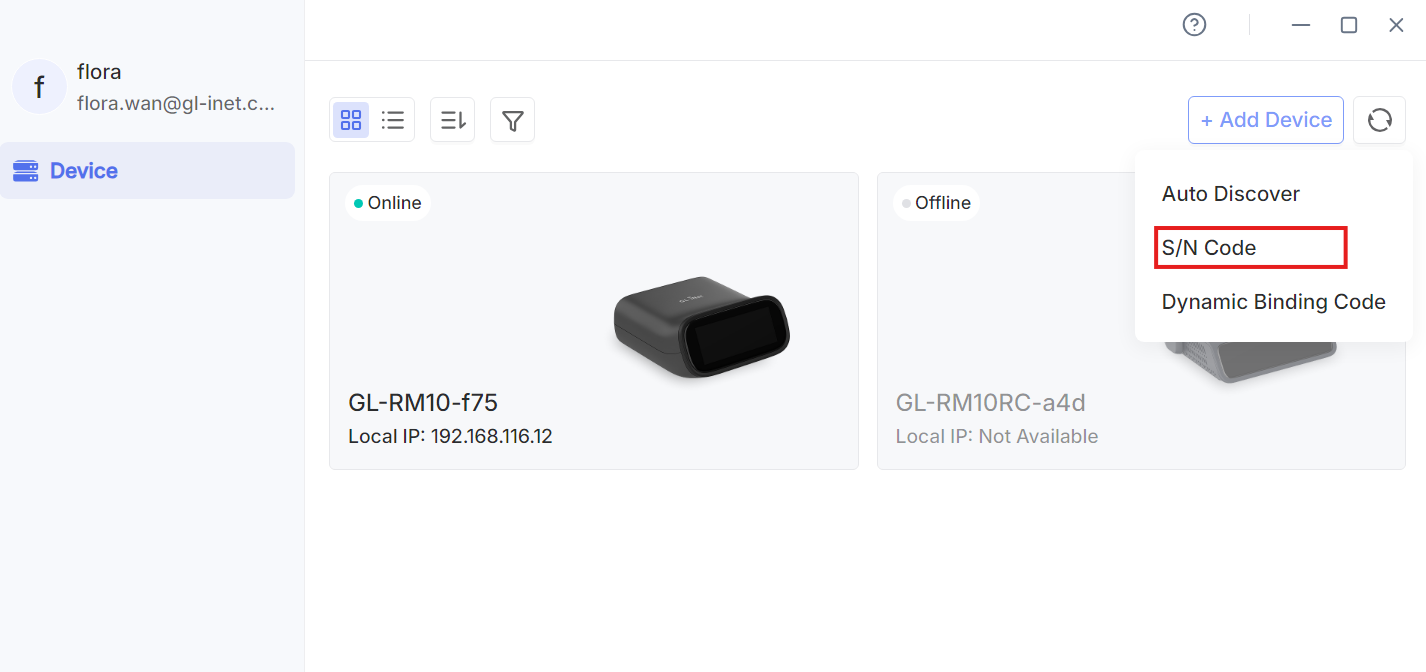
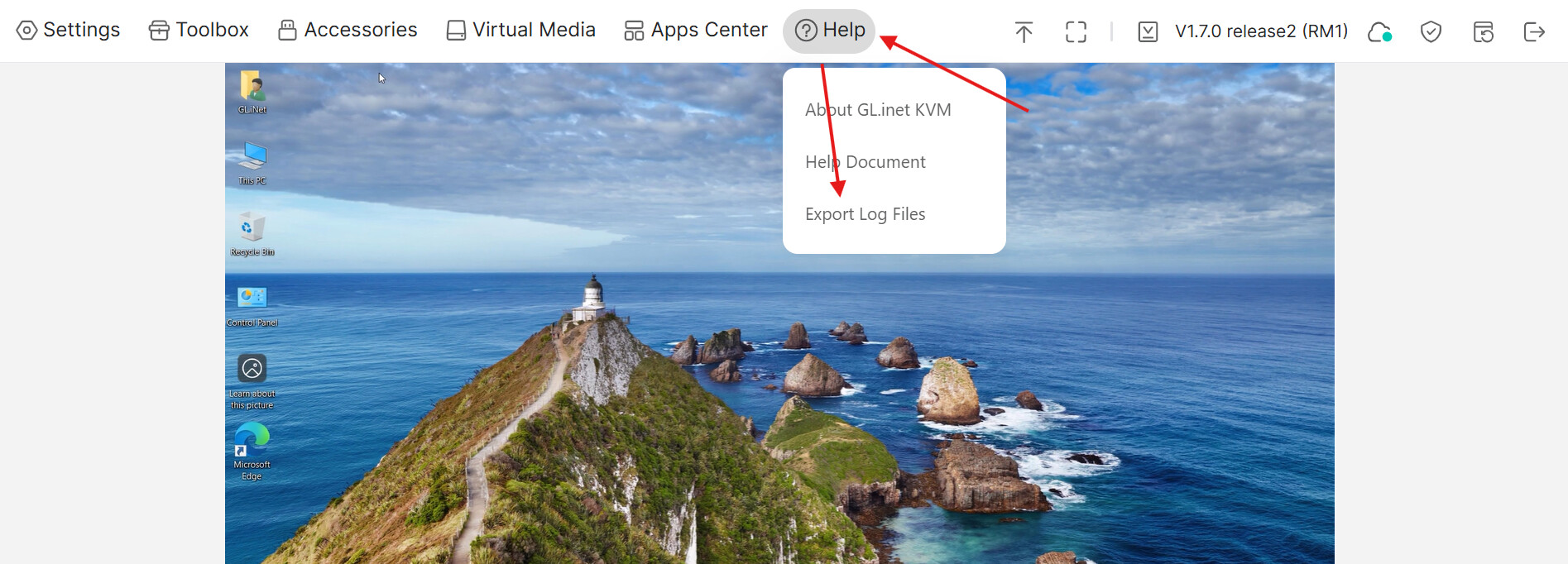
Setting up a new GL-RM10 / Comet Pro, and I’m stuck trying to enable Cloud Service to bind it.
I successfully cabled the Comet Pro to a PC to manage, and accessed the console locally via browser connection (both ethernet and wifi addresses). But when trying to set up the Cloud Service I am getting errors:
Bind to KVM Cloud: Access KVMCloud failed
Bind with Code: Generate dynamic code failed, please try again later.
On the Comet Pro’s screen I have tried toggling Cloud Service (even after a reboot of the Comet Pro) and see:
Checking cloud service status…
Network connection timed out. Please check your network connection and try again.
My router has IPv6 disabled.
I did begin the setup process starting only with the Comet Pro screen… once all cables and wifi were set up I then shifted to web console. Got stuck as above so I updated the firmware. I found it odd that I had the “Save config” (something like that) checked, but after flashing/rebooting I had to go through some of the setup again on the Comet Pro screen. It may have remembered the wifi password; not sure.
At the Comet Pro’s terminal I have DNS working/internet reachable (i.e. ‘ping google.com’ gives responses with IPv4 addresses).
What to try next?