Is 4.7.0 based on OpenWRT 23.05?
I can imagine that something about the configuration structure changed with 4.8.0 and therefore settings from previous versions are not compatible anymore.
Or are there any special characters in your client names?
Is 4.7.0 based on OpenWRT 23.05?
I can imagine that something about the configuration structure changed with 4.8.0 and therefore settings from previous versions are not compatible anymore.
Or are there any special characters in your client names?
No special characters. But I "kind of" figured out what was causing the issue and now the error is gone.
Clients and waited there for about 1 min to see if it truly is gone like I reported earlier. It was.Address Reservation and added two machines that were up. Just changed the name (IP and MAC were populated)Clients and the error was there.So the important step here was for me to turn off WiFi (Win11) and turn it back on and the problem did go away.
I can try to restore full 4.7.0 settings and try this again and see if this fixes itself. It must of been some issue with that device trying to get on WiFi automatically. Do you want me try restoring the backup settings, turn off the WiFi again on that machine and see if it goes away?
It feels like a conflict between the new "Reserved IP" in 4.8 and your previous backup upgrade in 4.7.
Ok, which router do you use?
I'll write it down and let the test engineer test it.
I think it's 21.02 of OpenWRT.
May I know what the router model is?
gl-axt1800
I also noticed if I add on firmware 4.8 IP addresses in the CIDR format to the VPN exclude list (Wireguard is active) it will stop all of the internet traffic until I remove the CIDR entries. Single IPs are working fine.
Additionally I noticed if I enable wireguard (AirVPN or ProtonVPN, it does not make a difference) the DNS resolution does not work over the Guest WiFi.
It's the MT6000.
Are you using the beta version?
https://play.google.com/apps/testing/xyz.goodcloud.glinet
Hi, I couldn't reproduce this issue. Could you export and send me the logs generated when the problem occurred?
Is this something I can currently adjust/fix in the UI? Or export backup and manually check some files in a backup? Anything I can look for to make sure it is it? logs entries?
Yes, please help check if there are any abnormal logs generated in the Log -> Nginx Log.
I did PM @bruce and will send him config in a couple of days when I am back from a trip.
Hi,
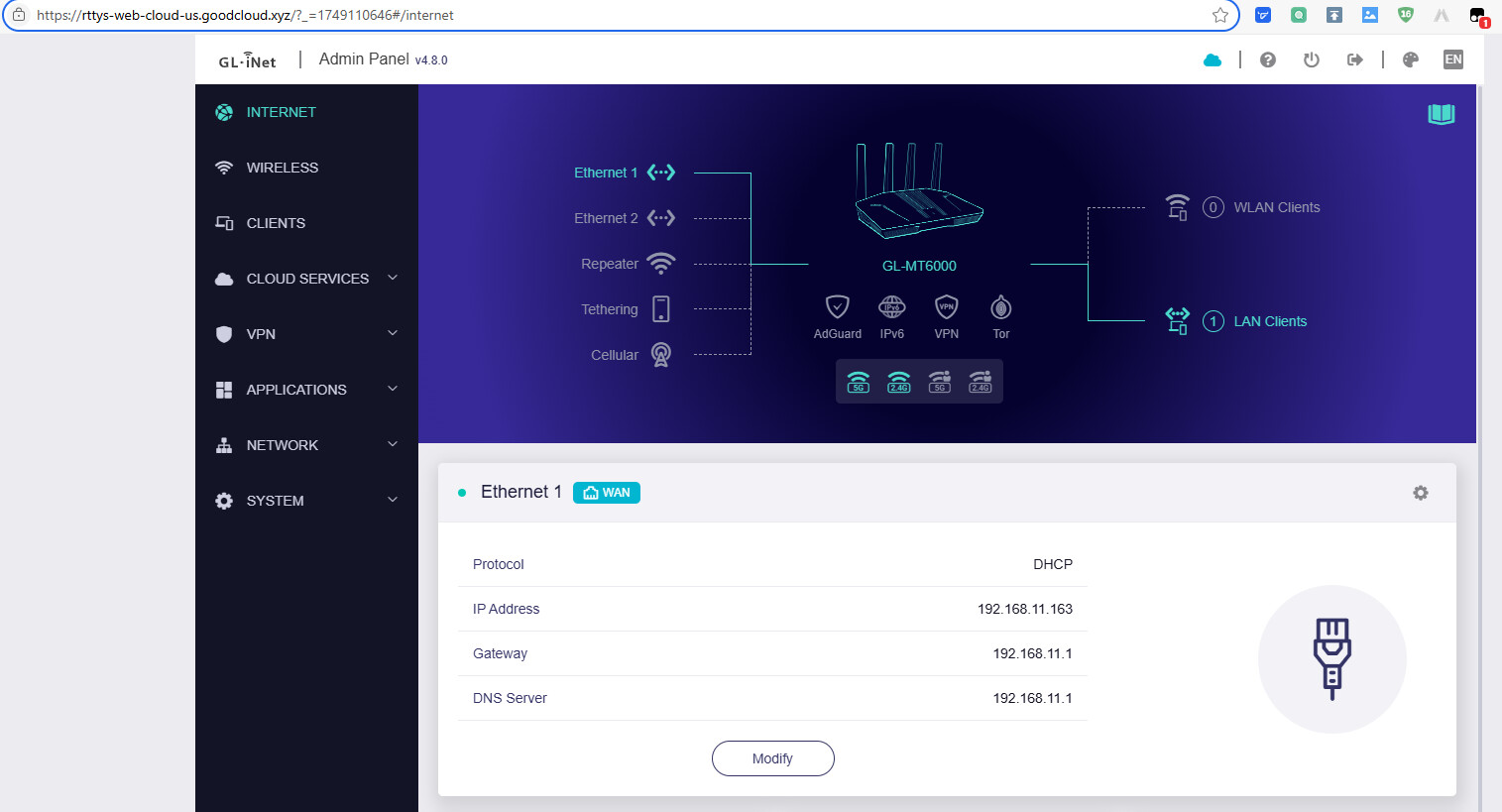
I did not reproduce this issue in my MT6000, it is using the v4.8.0 (2025-06-05) firmware.
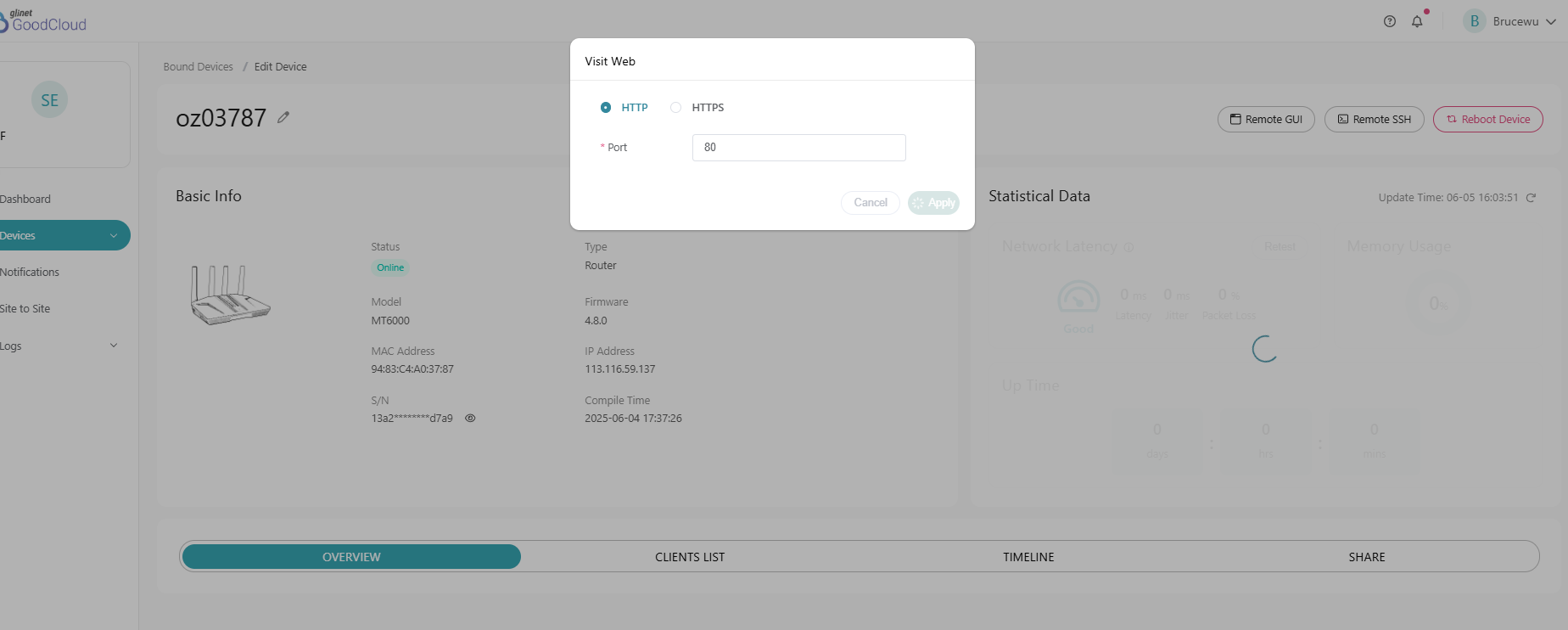
Please try to disable the GoodCloud in router, and unbind the router in GoodCloud, reboot the router and enable/rebind the GoodCloud one more time.
If no luck, please PM me the GoodCloud log.
The new cellular counter goes out of sync when powered off/on. On mobile only in a RV. limit set to 50GB on sim 1. When I arrive at destination there is no service as the new amount is 300+ GB on counter, see image. I then reset ‘actual’ to say 30 and connect and it’s ok. It has done this twice since upgrade 4 days ago.
Splitz 3000
Somehow, without doing anything, it started working this morning.
Hi Lun,
I was told below feature request would be part of v4.8 but from your comment it seems maybe not? I only just noticed v4.8 beta for Flint 1 was released yesterday so not installed it yet, if this feature is missing then there's no point me installing it.
As a recap request was for a very easy to understand quick way to use a different openvpn connection per LAN port so that any device(s) connected to each LAN port would route to that VPN connection. This is a feature many users would immediately find useful but it needs to be easy to understand for the average non technical user, no-one wants a mensa puzzle of hoops to jump through, just something ultra easy to understand like the example mock up images I attached.
Example (3x separate OpenVPN connections from same VPN provider):
PIA OpenVPN (Chicago): LAN port 1 (ANY device connected to LAN 1 routes to PIA Chicago)
PIA OpenVPN (France): LAN port 2 (ANY device connected to LAN 2 routes to PIA France)
PIA OpenVPN (UK): LAN ports 3+4 (ANY device connected to either LAN 3 or LAN 4 routes to PIA UK)
Or second example (4x separate OpenVPN connections from a mix of VPN providers):
PIA OpenVPN (Chicago): LAN port 1 (ANY device connected to LAN 1 routes to PIA Chicago)
PIA OpenVPN (New York): LAN port 2 (ANY device connected to LAN 2 routes to PIA New York)
NordVPN OpenVPN (UK): LAN port 3 (ANY device connected to LAN 3 routes to NordVPN UK)
ExpressVPN OpenVPN (France): LAN port 4 (ANY device connected to LAN 4 routes to ExpressVPN France)
Note: VPN kill switch ENABLED for each obviously so NO internet on that particular LAN port if their VPN connection drops for any reason but the other LAN ports would continue to work for their VPN connection.
Thanks
hello
If you have enabled traffic restrictions, power off/on will save data, so used traffic will not be cleared. Also, does the display of used data reaching 300+G match your actual usage situation?
If doesn't, can you execute this AT and provide me with feedback on the results? AT+QGDCNT?;+QGDNRCNT? Thank you very much
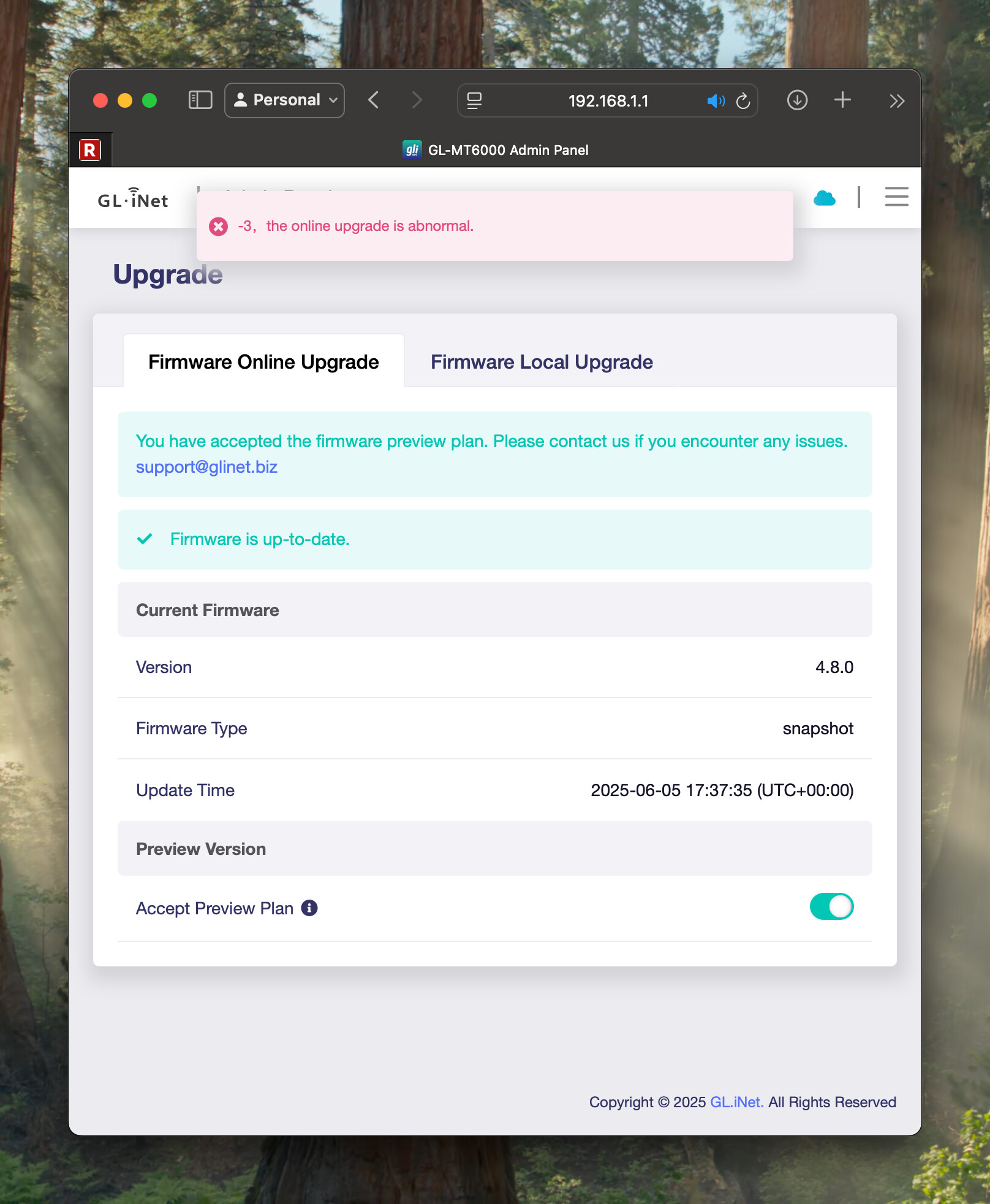
I own 2 GL-MT6000 Flint 2 and running 4.8.0 on both without any serious issues. There's just one thing occurring in one of them. When entering the Web GUI and then the "Upgrade" screen I am getting an error "-3, the online upgrade is abnormal":
I fired up the js console and saw this error:
I have adguard enabled, but the same rules and filters on both Flint 2 (the other router does not reproduce this issue). On the router that shows this error, I have this VPN configuration:
On the router that does not do this error, I have similar setup apart from the "Guests Tunnel" (which is disabled on the router that has the issue)
Again travelling from france to spain in my RV I lost connection. Same happened from Germany to France. I had to re-enter the PIN for my SIM in the Webbrowser frontend to reactivate internet connectivity. Firmware 4.8.0 on X3000. Vodafone SIM.