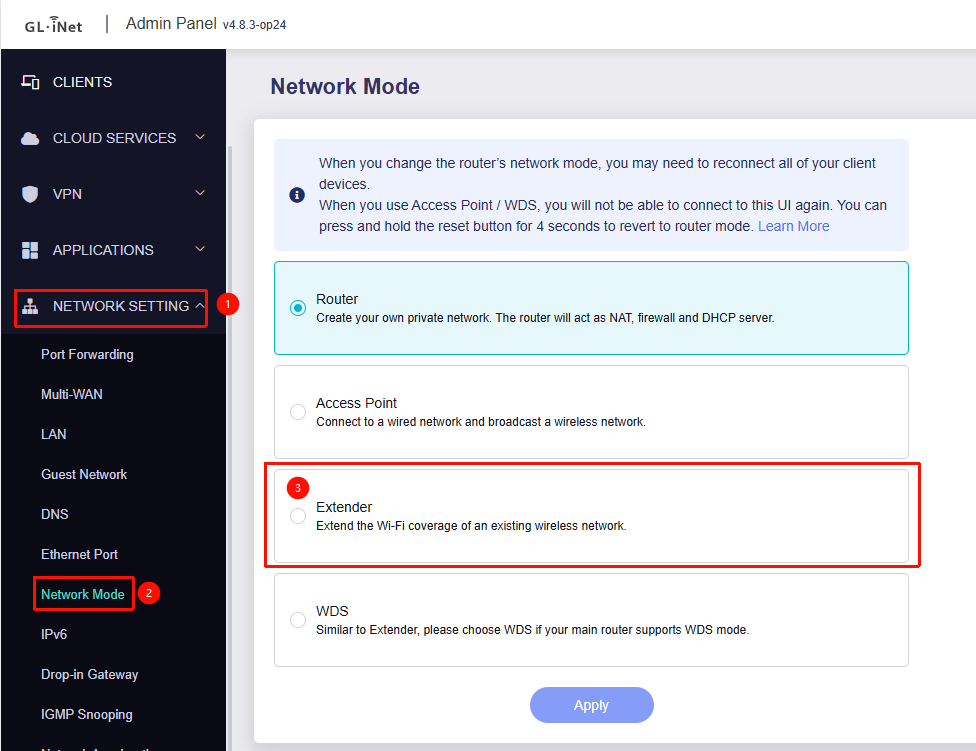
Having issues trying to setup my second flint 2 as an extender. Trying to have a bigger WiFi footprint in the house setting my second router as an extender. I want all my devices to be able to talk to each other on the same network. It seems as though it was a different subset ip range therefore I won't be able to allow all my devices to connect to the printer. Any help would be greatly appreciated on if and how there is a solution.
Cheers
Not sure if this can be accomplished within the gl firmware.
Here is what I would do via luci:
First I connect my cable to lan2, lan1 is also possible but it can cause some issues maybe thus why I suggest lan2.
From here you go to advanced settings and use luci.
I navigate to network -> interfaces.
(It can give a first time message about DSA migration, just continue).
I remove wan, then navigate to network -> firewall and remove the zone there aswell.
I do not click save and apply, clicking save is fine and I keep clicking save and do not apply until I mess with lan.
back on network->interfaces, I click on devices tab, and click on edit on br-lan
On bridged ports I remove lan5 from the bridge as recovery/maintenance port this will be a different interface.
I add eth1 to bridge ports, previously eth1 was owned by wan now it becomes a lan port.
I click back on the interfaces tab next to the devices tab, I scroll down and click on add there I choose a name I call it mgmt and click on static protocol, and I give it a ip of 192.168.2.1 with subnet of 255.255.255.0, I leave gateway empty, the device should be lan5
now I click also on advanced settings and uncheck default gateway, I want to ensure that mgmt is not treathen as default gateway at all times, then I go to dhcp and click on create dhcp server and leave it as is, I click on save, but do not save and apply.
Now comes the final moment, lets edit interface lan, change protocol to unmanaged, why unmanaged and not dhcp client ?, because of multicast if you want the full L2 benefit with arp and multicast on the same stack you choose this above the dhcp client protocol.
Now best is to reinsert your cable on your pc unless it already tells its identifying the network.
It can be very tricky this is why I also suggested to use lan2 port, as lan1 and eth1 are kind of bond with each other, they still can put you disconnected, when it works you have 2 2.5g ports aswell.
Finally at system -> startup you can disable the firewall.
Edit
I noticed you try to extend via wireless thats fine to, just add the device from wwan in br-lan, it should be the same.
Thanks for the info. I am a network dummy. Im assuming all of this has to be done through the repeater router? And the primary router ip is 192.168.8.1. Im assuming i will need to change that ip?
This depends, if you decide to follow my mini tutorial then no, basicly your extended router becomes an client of your current lan, you could from the upstream router give the extended router a fixed ip then you can access it remotely.
But you need to make sure you don't use mac randomization in the repeater setting.
If for some reason you are locked out, you can use port 5 (lan5) for recovery purposes this gives you a different network now, I left out the ability to use vlan since that adds more complexity than it should but if your intention is to also use port 5 this can be archieved with vlans assumming you can use a pc which supports vlan tagging you could in theory fill in the vlan tag inside the driver, for now this is beyond scope.
In my opinion it is the best way to extend a network but it surely add some configuration complexity, I have no experience with the gl version of the extending mode, maybe it works similar.
The correct name for this configuration is called dumbap, basiclly a dumb access point
Also a tip I can give is, you have 60-90 seconds to refresh or the setting get rolled back, you may do this directly on port 5 or you can take the ip directly from upstream router , you can also force save and apply if you are 100% certain it is correct saving the lan.
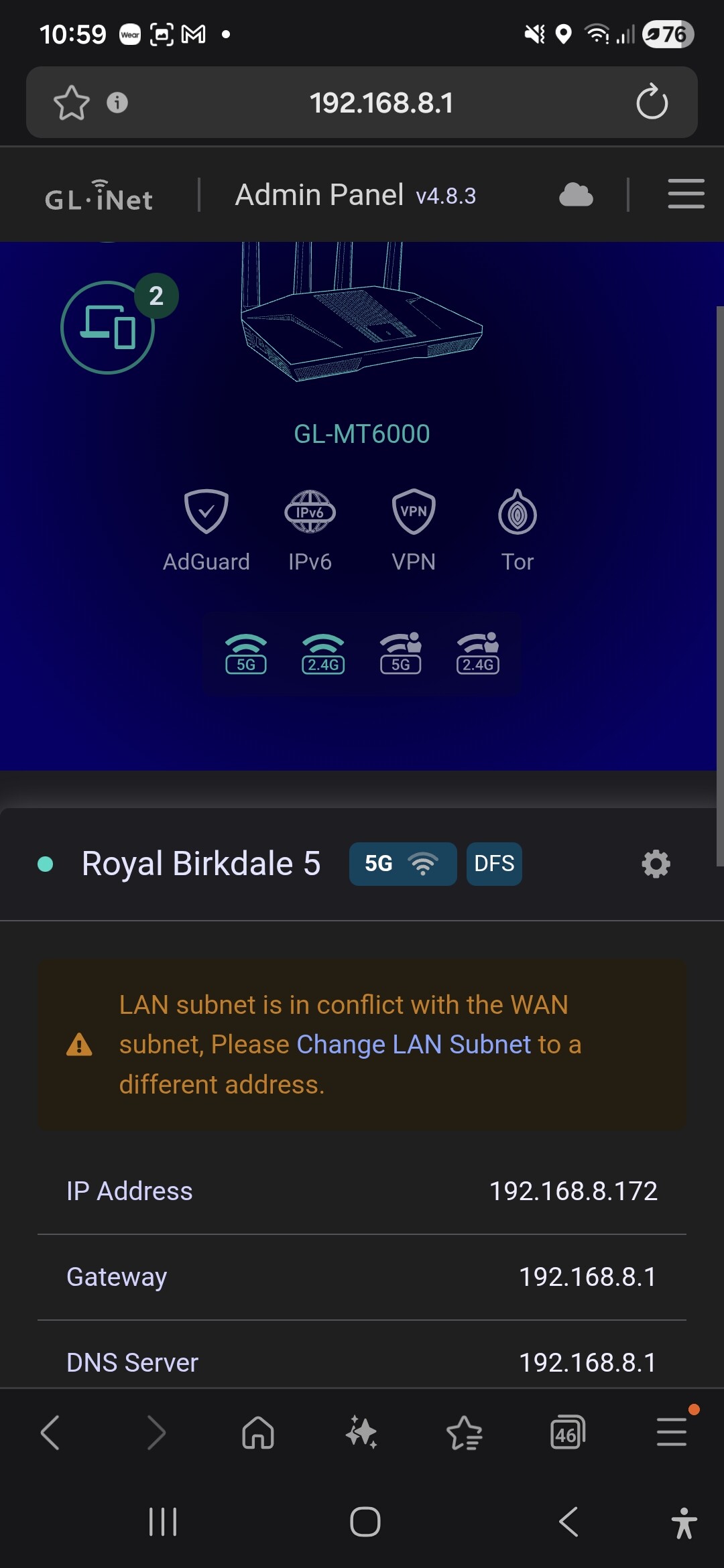

 , you can also force save and apply if you are 100% certain it is correct saving the lan.