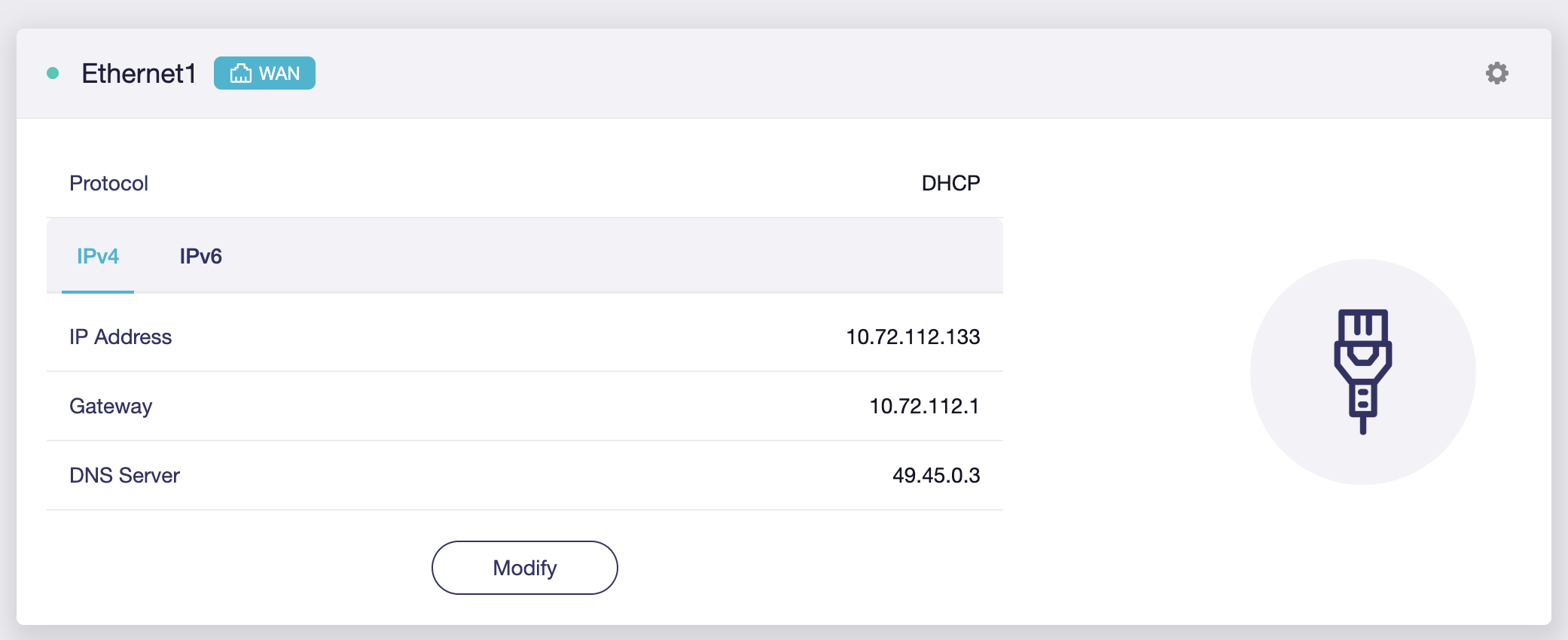
Recently, I purchased Flint 2 Router to replace with my Archer AX10 router.
So in my current situation I have a HSGQ SFP with my PON fiber cable attached to a TP-Link Media Convertor which is connected with my Archer AX10 which is working fine.
I have setup & updated the Flint 2 to latest stable version.
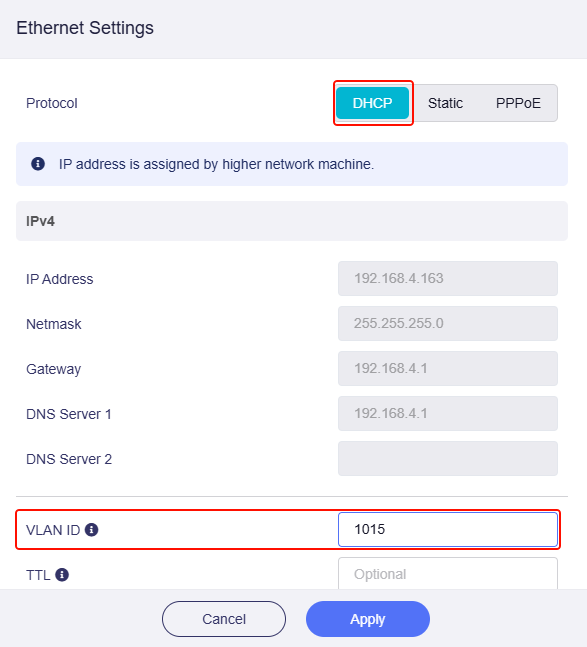
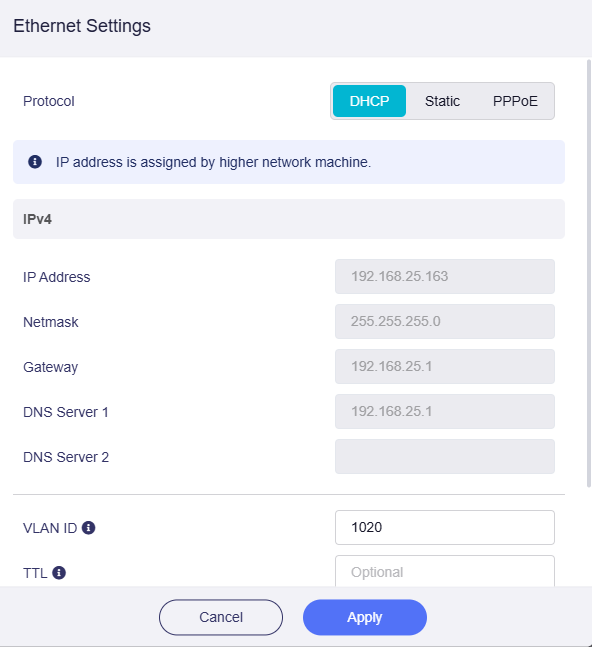
Now when I'm trying to replace it with Flint 2, by cloning my ISP router's MAC address, I’m seeing only the Connecting, it's not able to connect to the internet. Even tried configuring with and without VLAN ID from Luci still not be able to connect to internet.
Hi @bruce, I have even tried that just setting the VLAN ID to 1015 & cloning the Mac address, still it won't able to connect.
Tried with delay of about 10-15 mins switching off the modem & Router also, whereas with TP-Link it gets connect to internet immediately within 30 secs.
What logs would be better to capture & share it over here if needed?
My ISP is Jio in India. How it's internet works with custom ONT, is been shown in this below video link, if that helps.
Setting up the configuration on ONT: https://youtu.be/haoB71U7hbA?t=273
The main configuration in Router (the person using UniFi, I have TPLink's which is working, but I want Flint 2 to be my main router) is done in this below link, as you can see in the video he's just setting up the VLAN ID & cloning MAC address to his Router & internet is getting connected within some minutes.
But in my scenario, when I add VLAN ID & cloned the MAC address, it's not going through.
Maybe the MAC address is not being sent to the OLT properly, I don't know what's the problem.
Checked the syslog, it can be found that Flint2's WAN interface can already send discover broadcast, trying to find the DHCP server. It seems that the VLAN configuration should be correct, and Flint2 is actively looking for IP. This is normal behavior.
But Flint2 started replying sending select for 10.72.112.10, but the ONT DHCP server immediately responded with DHCP NAK, which is not normal behavior.
As for the reason why the ONT DHCP server responded with a NAK message, you may need to contact your ISP to confirm.
Before communicating with the ISP, you can first confirm on the ONT:
Is this IP address (10.72.112.10) already occupied by other devices?
Confirm that the MAC address of the Flint2 WAN interface has been cloned from the MAC address of the WAN port of the old router TP-Link.
When you connect Flint2 to the ONT, must disconnect the TP-Link first and restart the ONT.
As I’m using a custom ONT to connect over internet without using ISP’s provided ONT, they won’t help me regarding this issue.
Regarding the questions you mentioned:
The IP address (10.72.112.10) might be occupied to some other person. Since I’m always getting connected to (10.72.112.88) from my TPLink router upon multiple restart even with some delays.
Yes, the MAC address is cloned to the Flint2 WAN interface from the ONT provided by ISP. The same MAC address is already cloned to TPLink also. (Screenshots are attached in the links above)
Yes, I’m disconnecting the TPLink router, then connecting the Flint2 by replacing it.
Since I’m getting connected to IP (10.72.112.88), Should I try that using Static IP or just leave it on DHCP?
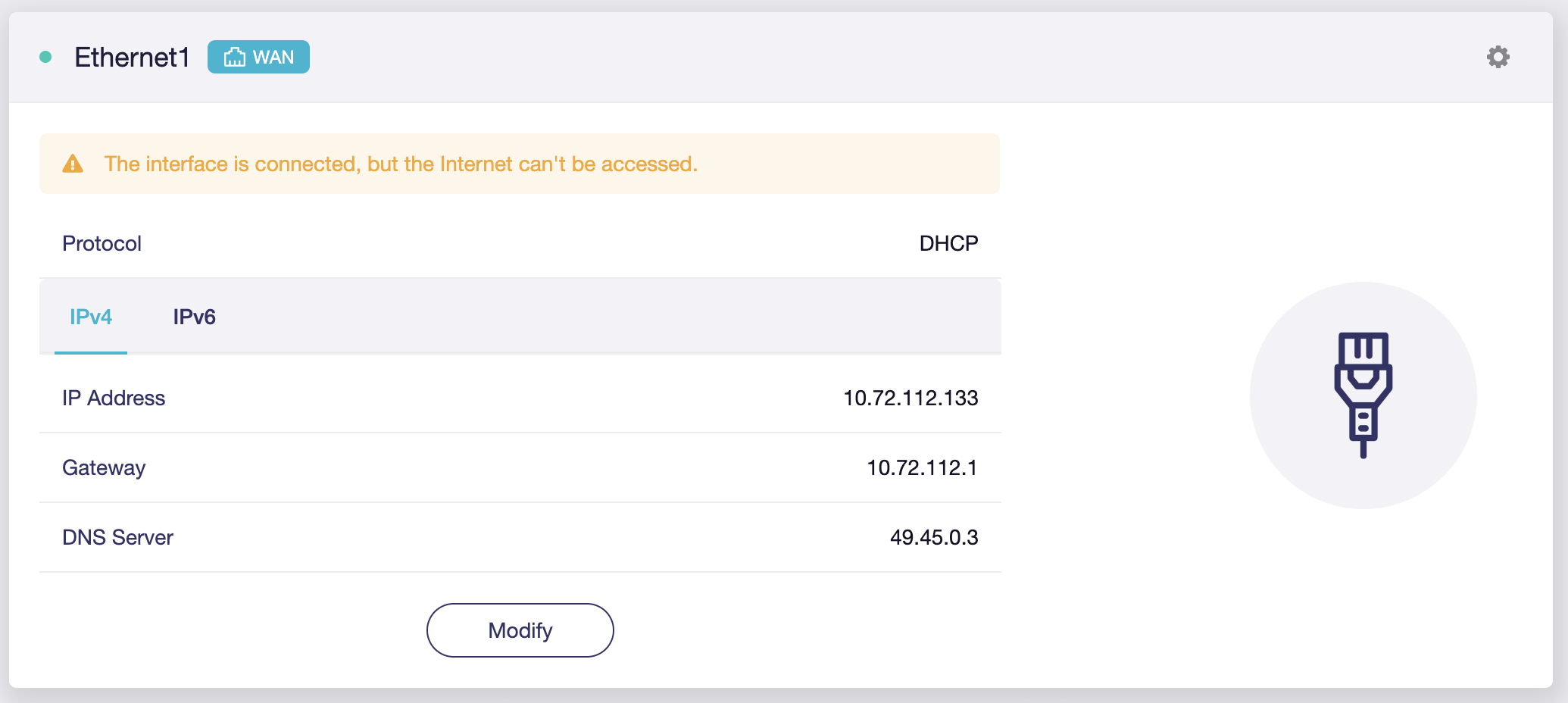
If the client's Internet is normal, you can ignore that prompt.
You can also go to GL GUI > Network > Multi-WAN > Ethernet 1 Status Track, toggle off to disable.
Anyway, good to know it works ok now!
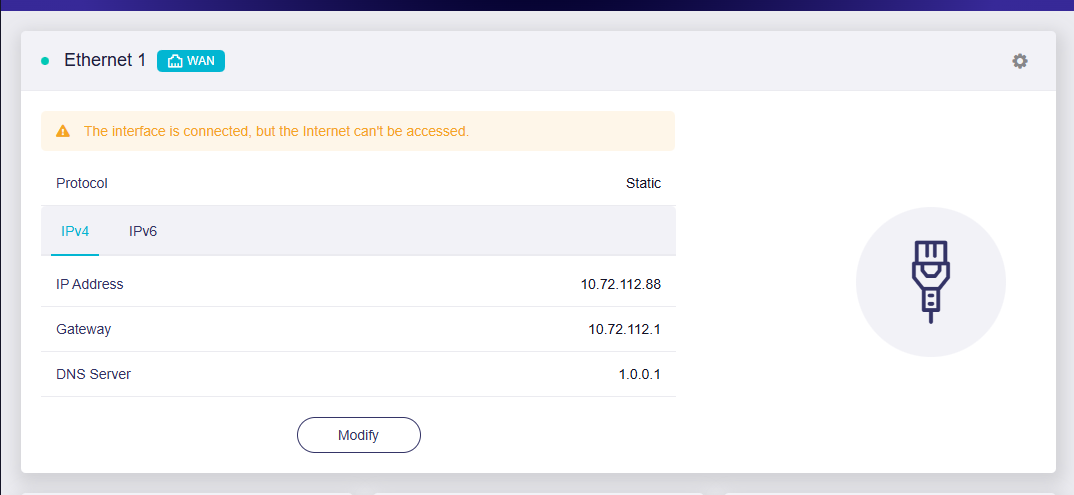
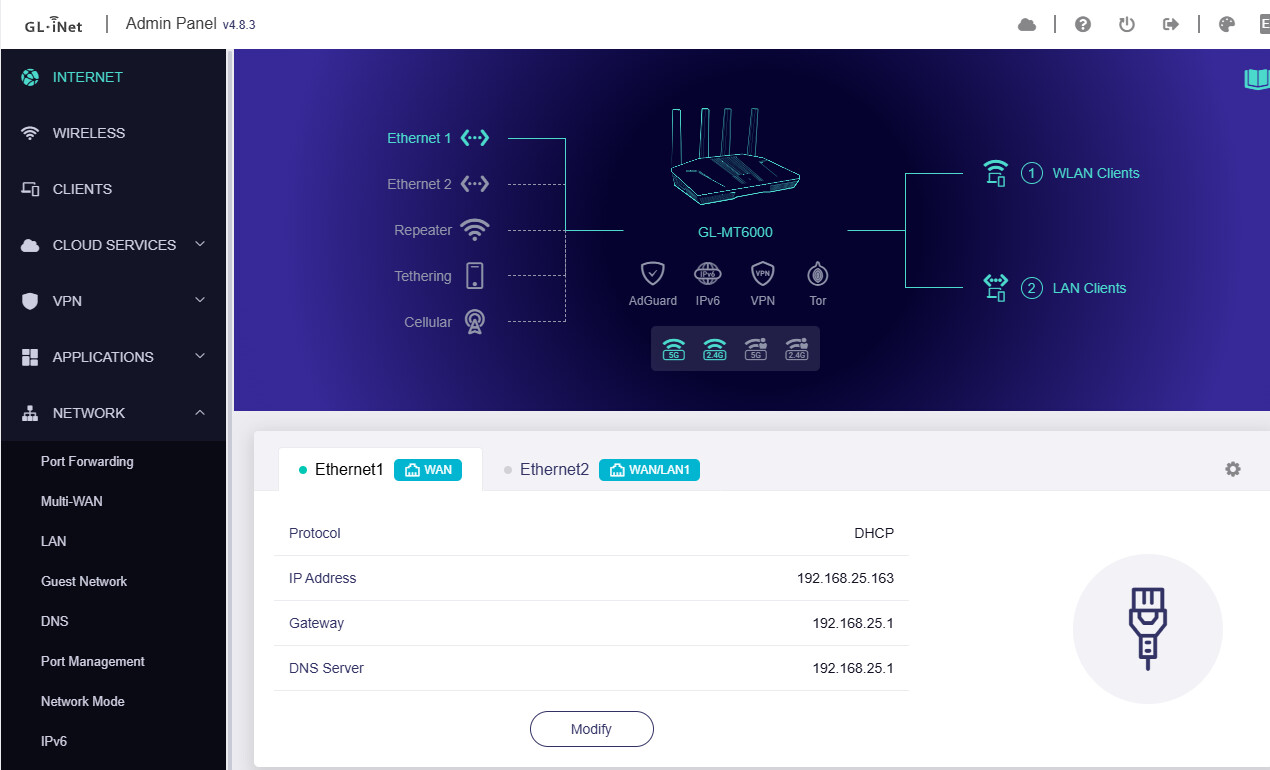
Why is the WAN protocol static for the first screenshot?
If you upgrade to v4.8.3 firmware, does it still work fine?
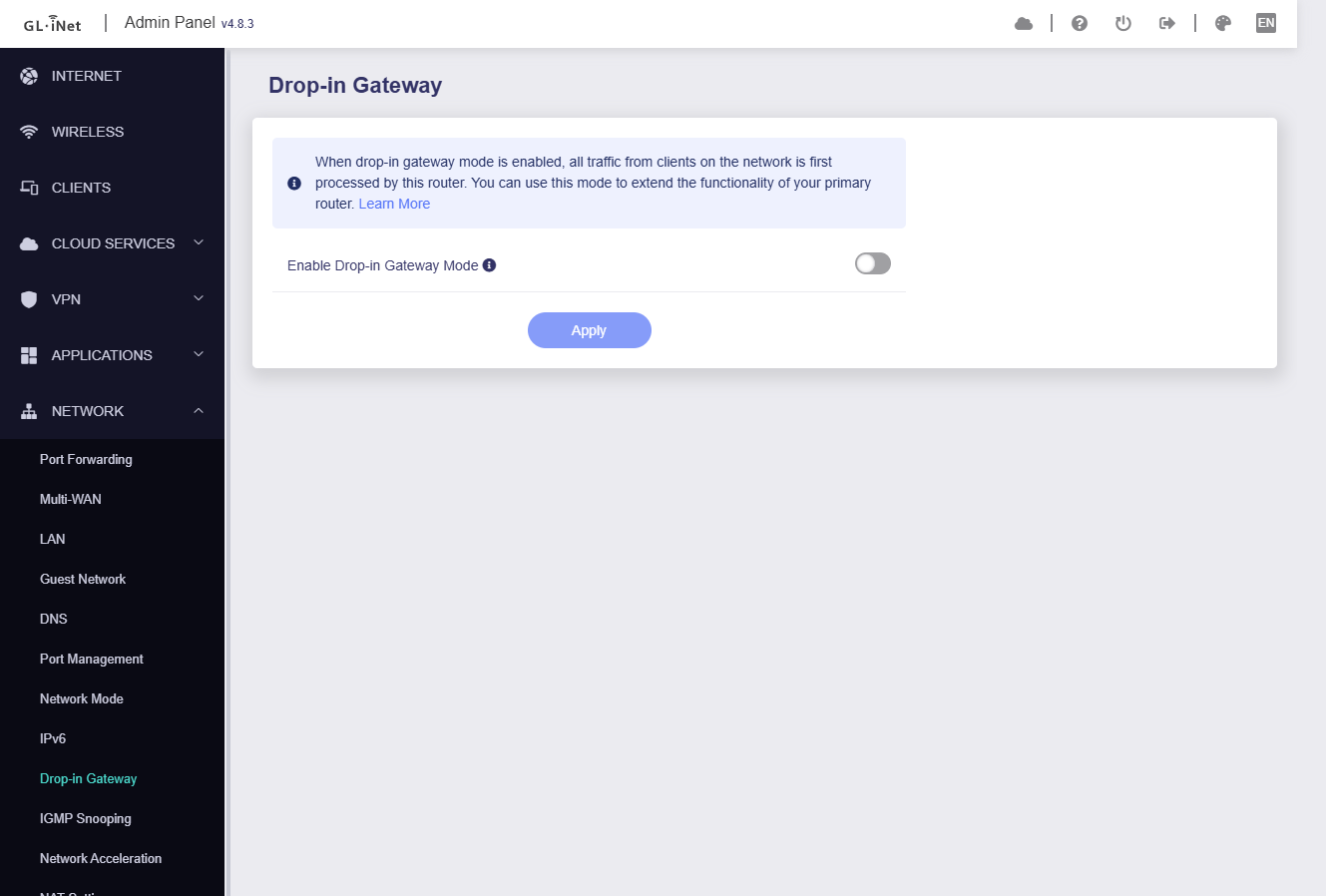
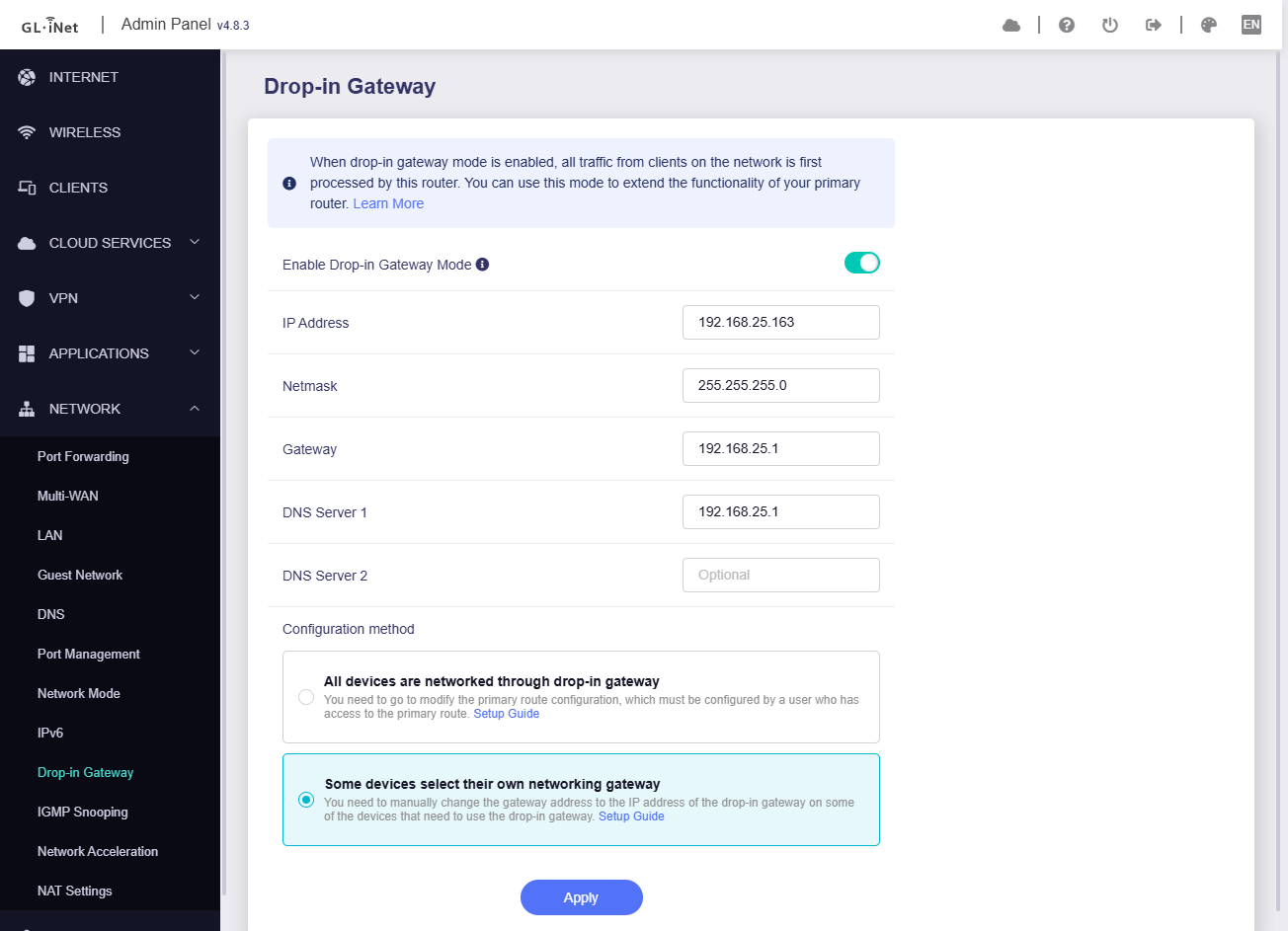
I need to then physically remove & attach the ethernet cable to WAN, to make internet working again. This is the only thing that is bugging me, although I’m not using the Drop-in Gateway for now.
As it was not connecting to internet at first time, I just set Static IP from my TPLink router to check if it’s able to connect or not. That made the Interface to connect, but internet can’t be accessed.
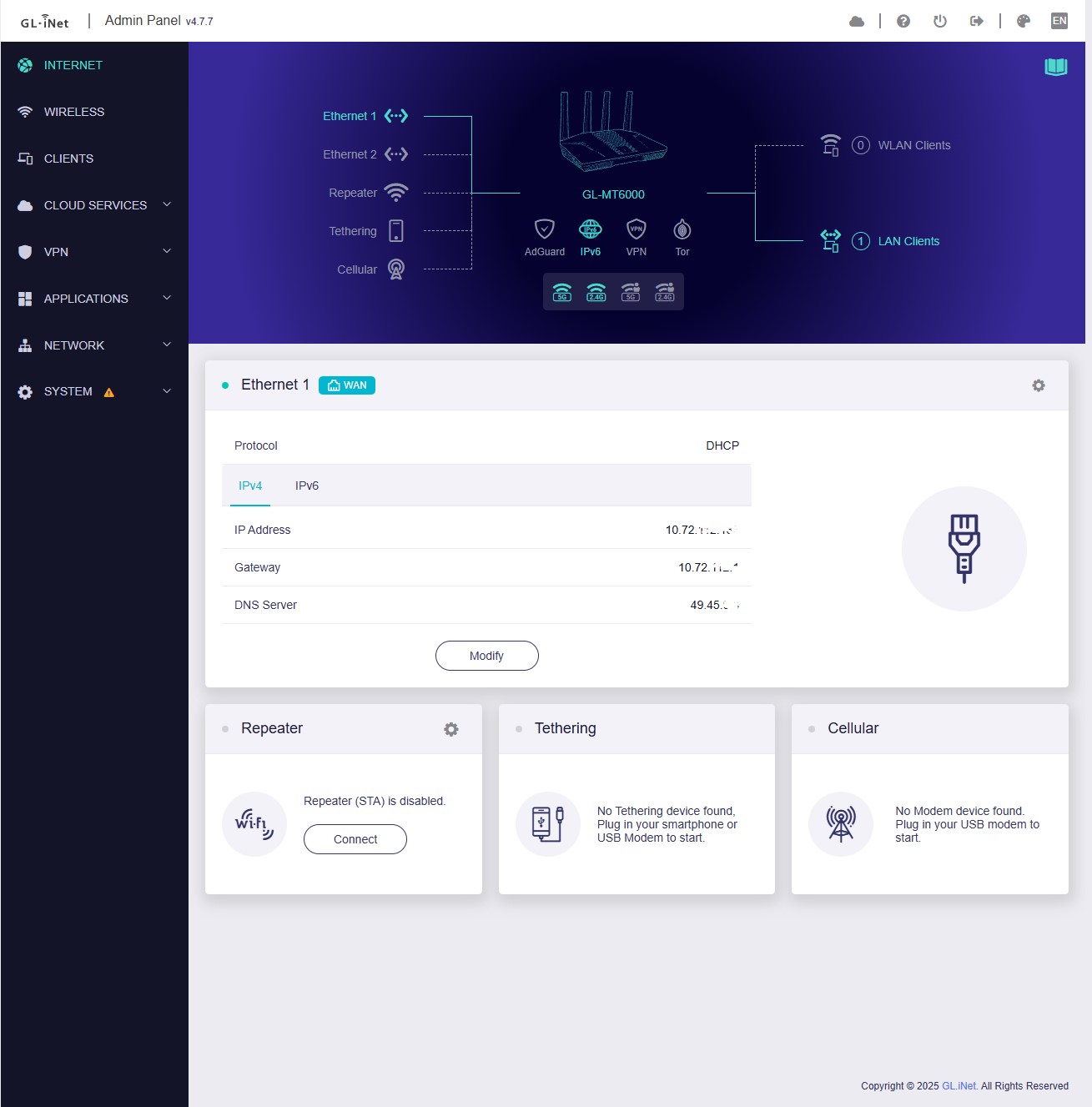
Then I moved to DHCP & it made internet connection properly. Now on reboot it connects to internet, excepts for that Drop-in Gateway issue.
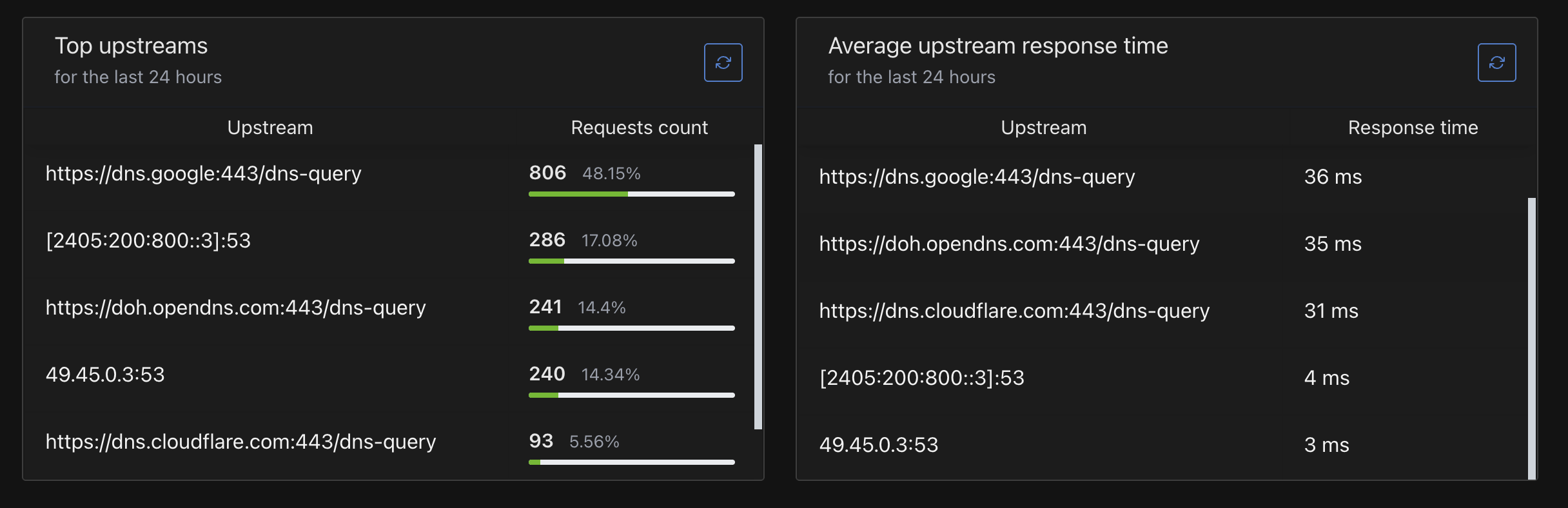
Anyway to disable the ISP DNS server in DHCP mode? I want to get rid of them. Applied some DoH on Adguard Home, but still some times the ISP DNS is being used.