I was hoping if anyone can help me out on creating an Obfuscated VPN Server through a manual or conjunction with a VPN Service. If anyone can share some insights would be much appreciated.
From my research a Obfuscated Server, is to conceal that I am using a VPN and my EMPLOYER will not know that I am using a VPN and they cannot trace my location too. In addition, I wanted anyones input that if I use a dedicated IP address through VPN services like (SurfShark, NordVPN, etc...) would my IT department know that I am using a VPN IP Dedicated internet? or would it still be concealed due to the fact that it is in conjunction with an Obfuscated Server?
This is my first time setting up an Obfuscated Server so please bear with me and forgive me for any novice questions.
I also read others used wireguard, etc.. so was wondering what is better to use.
Any suggestions or approach is highly appreciative and if anyone has any recommendation please let me know. Also, I am trying to integrate a kill switch where if my IP changes than a "KILL SWITCH" occurs where my internet turns off until my Obfuscated VPN server is back up.
WTH is a Obfuscated VPN Server? Are you referring to AmneziaWG? It's not currently supported by GL.iNet devices. You'd have to do a non-trivial bit of development to get it manually integrated.
Long story short: using any commercial VPN provider, like the ones you've listed, can be identified as their massive collections of IPs they hand out to their connecting clients are easy to look up & trace back to the VPN server you're connecting thru. This applies regardless if using WireGuard or OpenVPN. This is why less & less streaming services like Netflix work with commerical/consumer VPN providers; there's complied lists of all their available IPs.
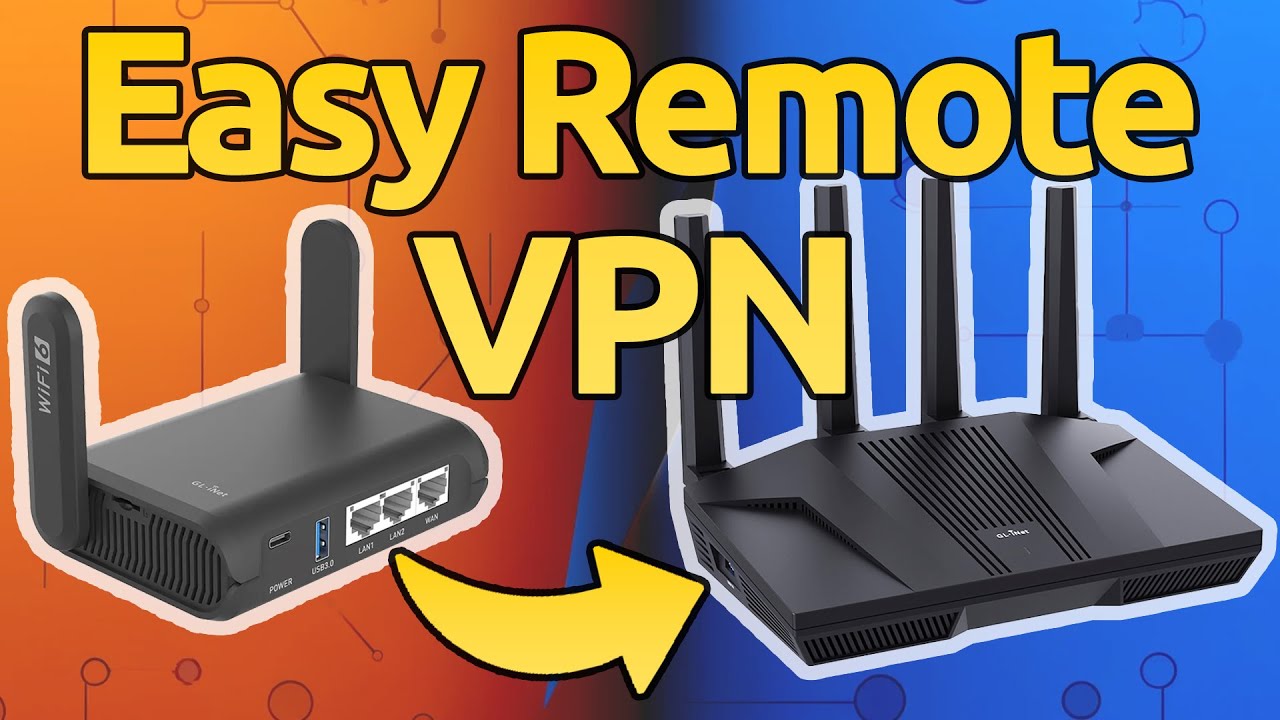
If you're looking to travel while working remotely you'd want a VPN server in the same area/city as your home or other location 'known' to your employer. One of GL.iNet's home routers can act as the VPN server you connect to from one of their travel routers. That way your employer will see your IP is connecting from your 'home' location while you're using the travel router to tunnel your hotel connection back to your 'home' VPN server.
Note this is a very basic overview of the set up. There's many, many methods a well funded IT department can use to detect VPN usage regardless of the router manufacturer, VPN technology. It's mostly a problem of what your OS is 'leaking' &/or what employer software is loaded onto the connecting computers.
That is already a toggle-able feature in the GL GUI -> VPN Dashboard -> Global Mode on the current stable firmware verison. See below:
None of the vpn software will work, even if you would put it on port 80, 443, because vpns are recognizable, and have recognisable patterns.
For example http is raw traffic, so it is a weird pattern to see strange encrypted garbage, 443 always communicates with handshakes and what not it is wrong to see udp
You rather want to look into a socks proxy preferely over 443, and you may want it to setup in such manner that only some things go over 443, because most devices still have also normal http, it would be strange to see only https to one server constantly.
And from there you can use a vpn but that is not necessary, there are things like shadowsocks, v2ray, xray although these things are often not so well documentated.
So I have done some research and are we able to incorporate features like Shadowsocks, Stunnel, Wstunnel, Changing the Port 443 for HTTPS or 80 for HTTP.
Do you guys have any experience in setting this up using the GL router as a VPN server for your home?
if you have discord let me know too! very kind of you to both help out!
OpenVPN to your home over TCP 443 would be hard to track but frankly, what is it with people trying to “work” on a holiday. Take leave and go on a trip.
I work for a Fortune 100 company and they're not actively checking where I login from. They care way more about blocking malicious links and malware that might infect their network.
I use the WireGuard setup in the above post when I travel. Never had an issue. AstroWarp seems like a good solution. I haven't try it (no need).
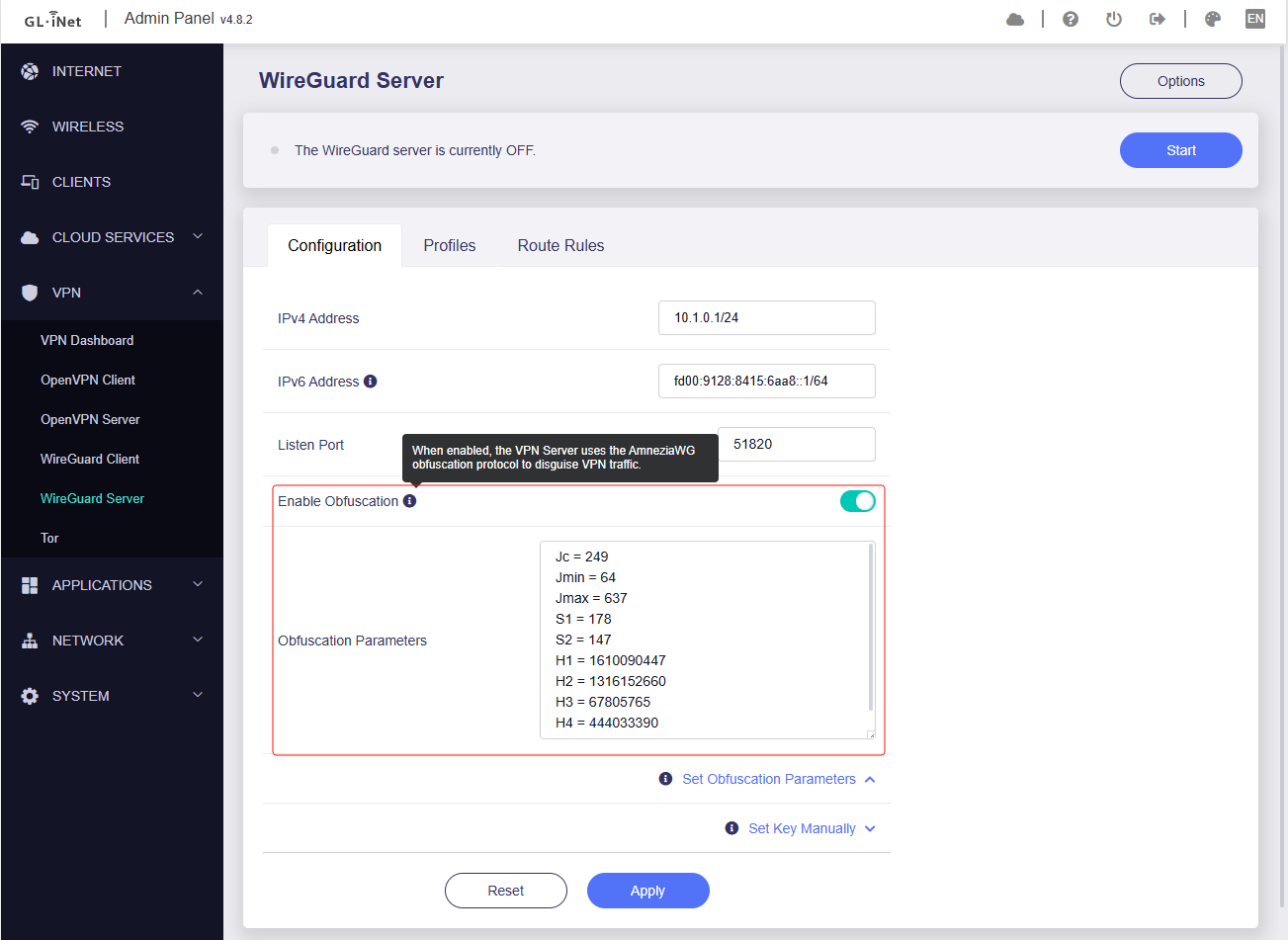
We released a beta firmware to test the new feature AmneziaWG in a small range, currently available for the Beryl AX/MT3000.
Warm reminder: as it is a test firmware, there may be some instability, please do not use it in the working environment.
Now you can use AmneziaWG to make your VPN connection more robust using AmneziaWG!
Please obtain the test firmware and report the issue from following thread:
You can manually export profiles with obfuscation protocols in AmneziaWG and upload them to your router manually.
If you have two Beryl AX/MT3000s (one for WG server and one for WG client), you can enable "Obfuscation" on the WG server router and generate a new profile with Obfuscation Parameters, and import to WG client router to experience this advanced feature: