I use GLKVM devices to remotely recover computers, including Intel Macs. Booting an Intel Mac into macOS Recovery requires holding Cmd+R (sent as Win/Meta+R over USB HID) continuously from power-on until the Apple logo appears. Other startup combos have the same requirement: Cmd+Option+R (Internet Recovery), Option (startup manager), Shift (safe mode), D (diagnostics).
Today there is no way to do this from the GLKVM interface:
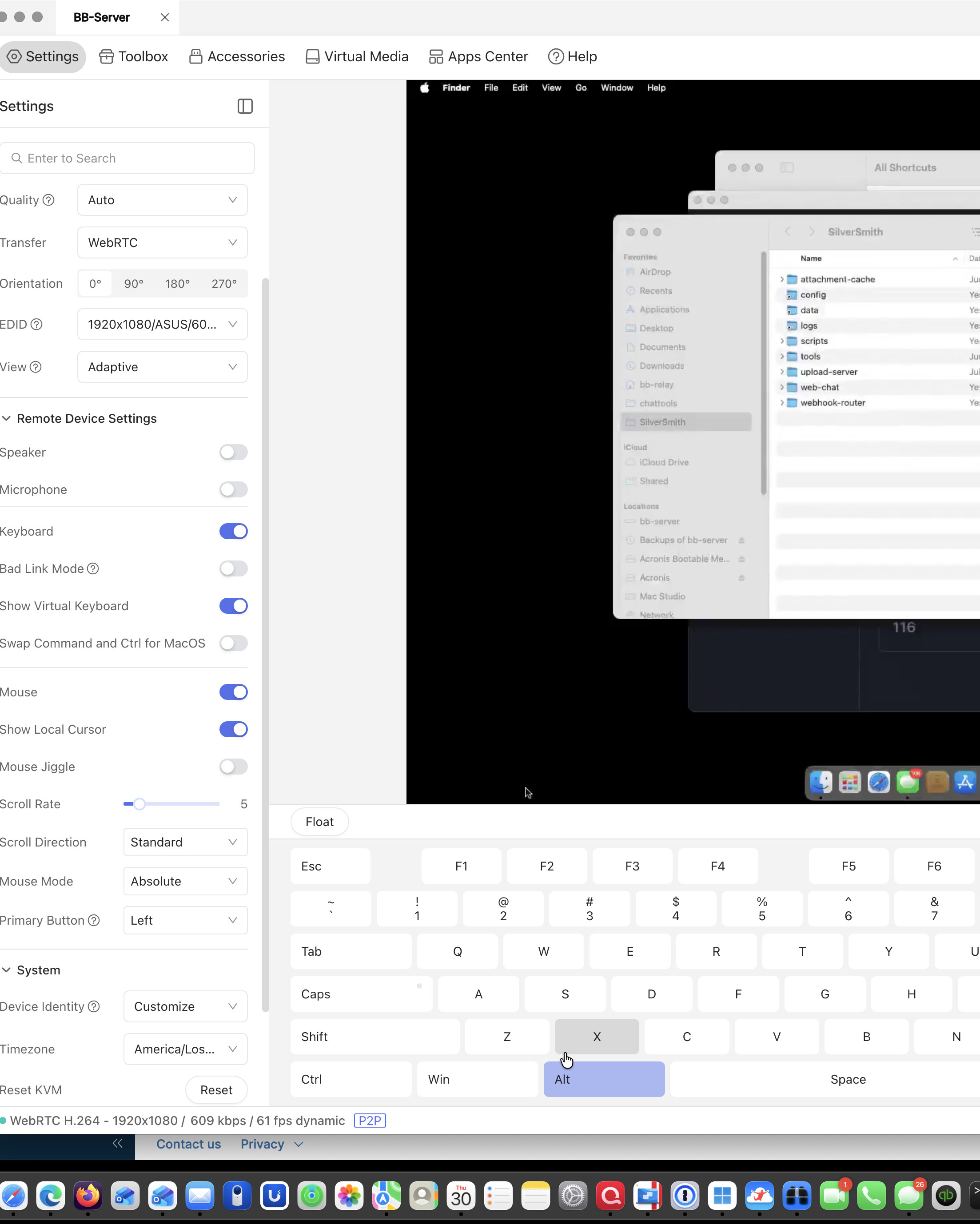
The on-screen virtual keyboard sends every click as a quick press-and-release. Clicking Win or Alt shows the key depress and immediately release — modifiers cannot be latched or held.
The shortcut tool sends momentary combos only, which boot firmware often misses.
Holding keys on a physical keyboard through the browser console is unreliable because the client OS/browser intercepts combos like Cmd+R (page refresh).
This means a device designed for remote recovery cannot perform one of the most common recovery operations on a Mac without someone physically present.
How do I hold down Command-R? It doesn't seem like you can hold down two keys at the same time. Even holding down just the option key doesn't give me a boot menu
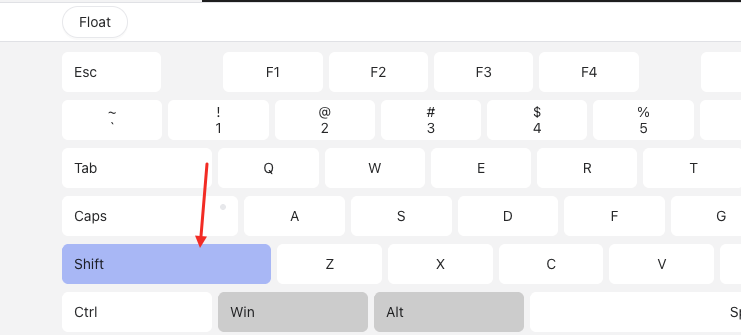
You cant press down the Win key until it turning to blue background color(Comet Brand Color like the image in last reply), and then turn your mouse up; you can see the Win key is pressed down. and now you can press down the R key and hold on.
But what I prefer is that you can use the chrome browser and click the fullscreen button on the right top of our web page, then you can use the win key or otther modifiers which would not be interrupt by your computer.
Even a simple single key doesn't work. I hold down the Option key until it turns dark blue, then reboot the computer. It still doesn't go to the boot drive menu as it does do when I'm using a physical keyboard.
I think it's best that you add a Mac keyboard, then you would have all the keyboards complete; you'd have a Windows keyboard and a Mac keyboard
I still recommend that you use Chrome, click the full-screen button to enter full-screen mode and operate with a physical keyboard. We will evaluate your suggestion to add a virtual keyboard for Mac.
Good to know! While I've been lucky with my "Alt-SysRq-" combos for recovering Linux machines, I sometimes have to get into the BIOS and that requires an "ESC" to be held down and it's been hit-or-miss