I am getting an error "Paste Failed" in the gui.
I have tried restarting the GLKVM, and changing the device identity, but no luck. I have also restarted the computer.
I have downloaded the logs and can share them if requested by a staff member.
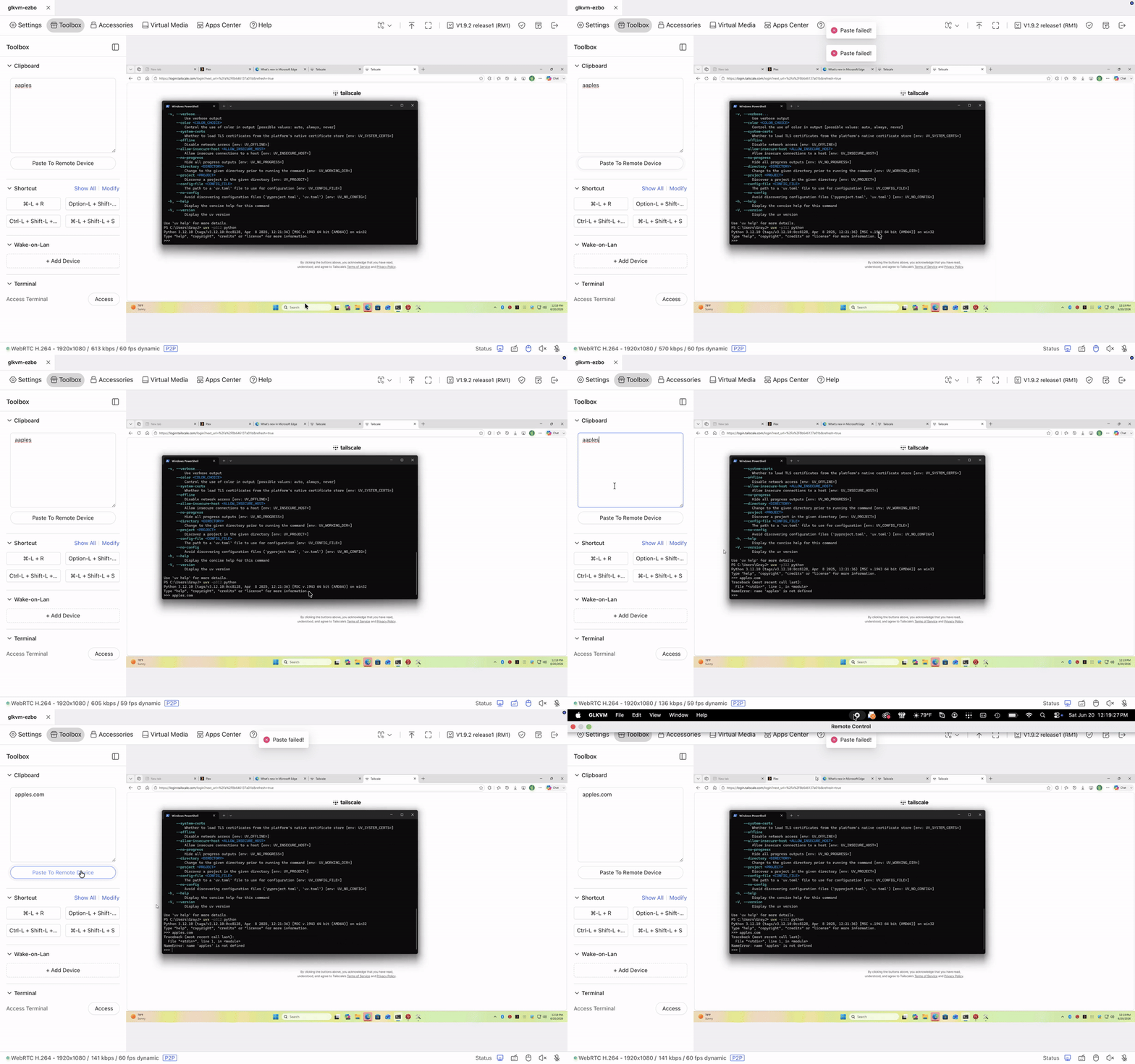
I am getting an error "Paste Failed" in the gui.
I have tried restarting the GLKVM, and changing the device identity, but no luck. I have also restarted the computer.
I have downloaded the logs and can share them if requested by a staff member.
Have you used the mobile app? If so, please update the mobile app to version 1.2.2, then re-access the remote page using the mobile app, and then re-access the web page. This should resolve the "Paste failed" error message.
no I am using the desktop app. it is the same on windows, macos, and in the safari and edge browser.
Have you used a mobile app before?
I miss-read the initial instructions. I have followed the instructions and the clipboard now works from the macos app. But it does not seem like it works from mobile now.
Previously I would use system keyboard and press the paste button and it would paste in the text. Is this a known issue?
Clipboard functionality is not supported on mobile devices for the time being
Hi,
Could you please share the syslog with us? This will help us investigate exactly what is causing the "Paste Failed" error in the GUI.
Which device do you want my logs from? My iPad or my Mac?
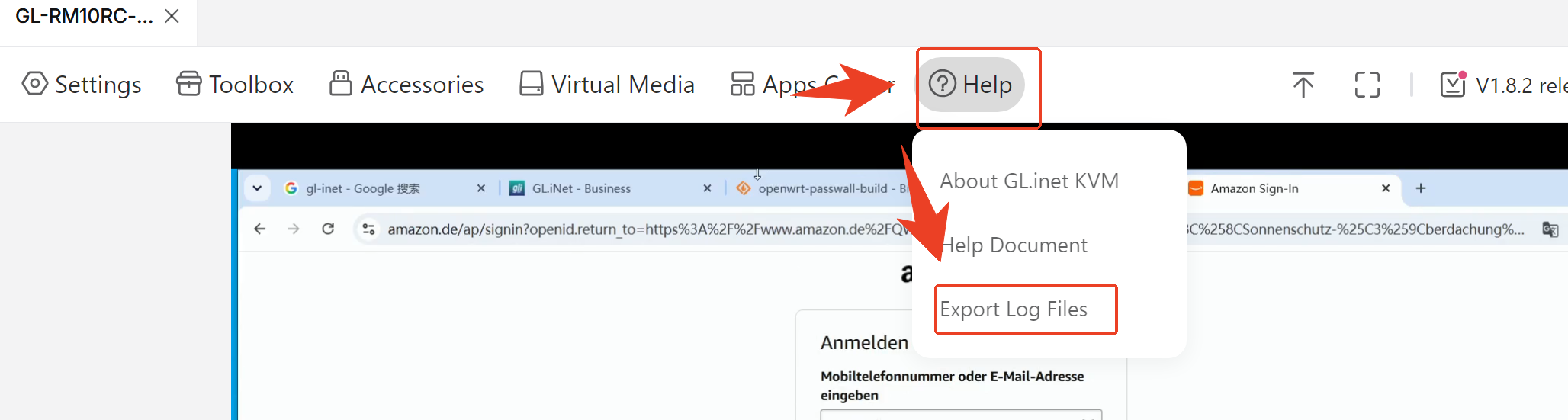
We need the syslog from the KVM device itself. You can export it by going to Help -> Export Log Files.
I have DMed you my logs just incase there is anything identifying in the logs