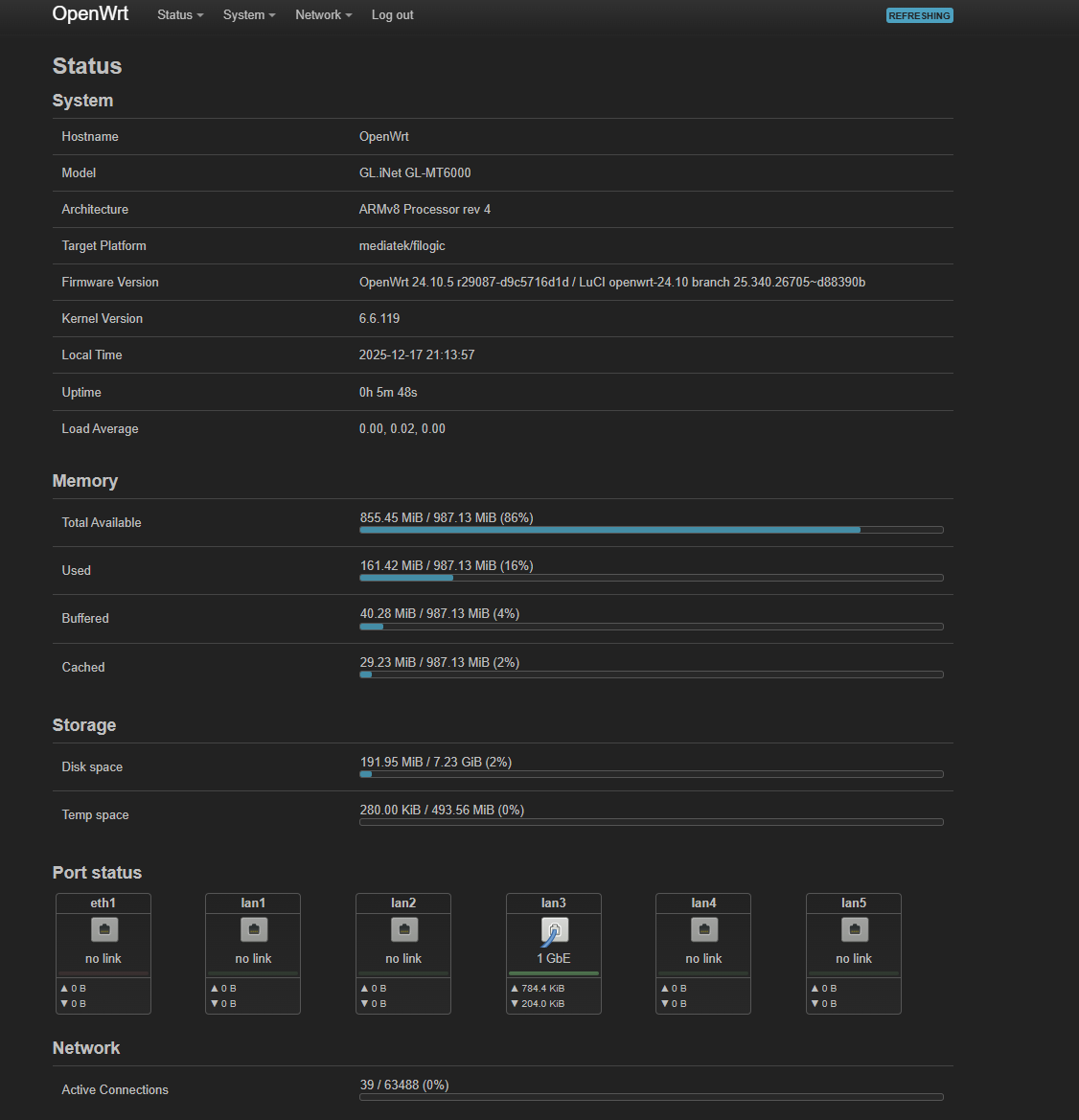
I have a Flint 2 router. In Luci, I don’t see the Port Status section that I’m used to seeing. Gemini suggested I remove the package swconfig but when I did that, the port status did indeed appear but broke the native Gl.inet admin interface.
Has anyone figured out how to make that section appear?
Both the stock firmware and the op24 firmware use swconfig to handle port-related configuration. As a result, Port Status is not shown under LuCI → Status → Overview.
If you need to view port status, you may consider installing native OpenWrt, which provides this functionality. You can download it from: https://firmware-selector.openwrt.org/
Please be aware that native OpenWrt is not maintained or supported by us, so further assistance would need to come from the OpenWrt community.