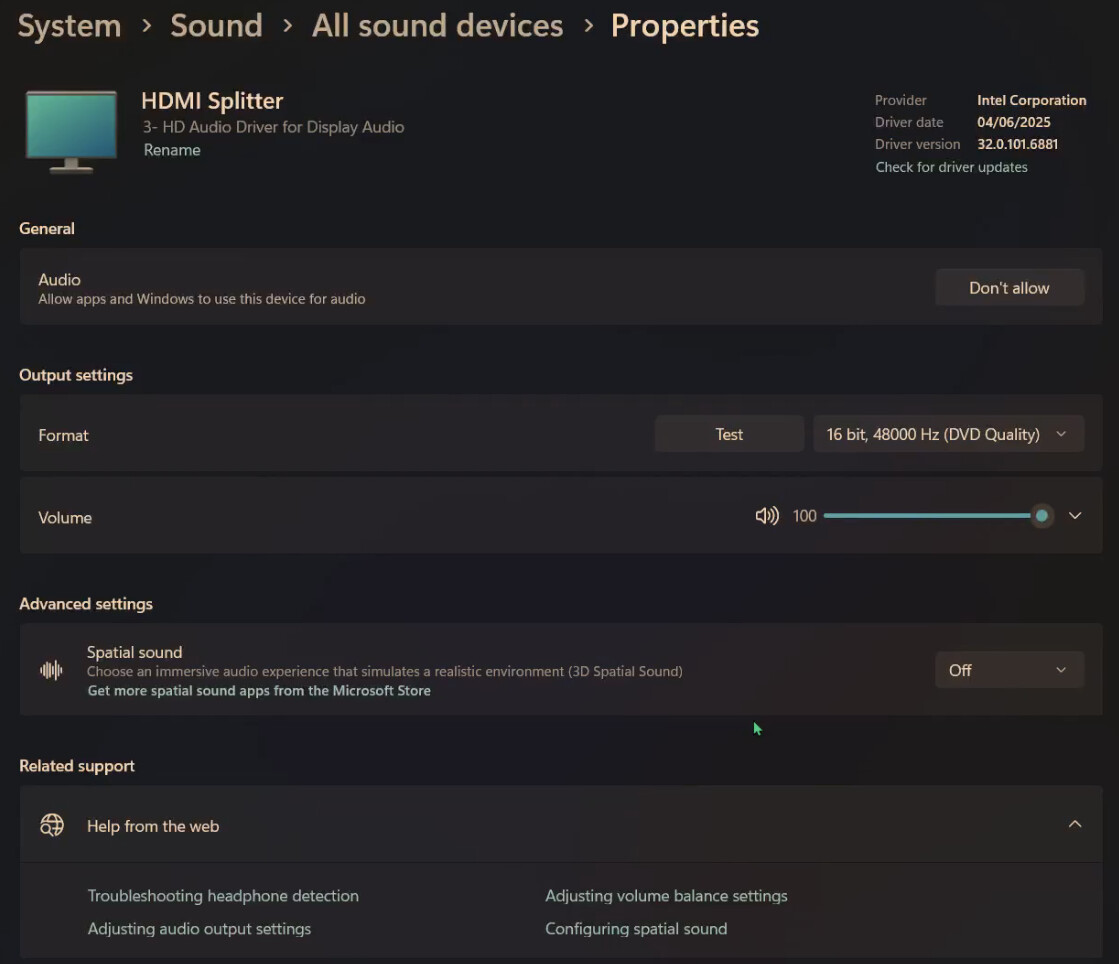
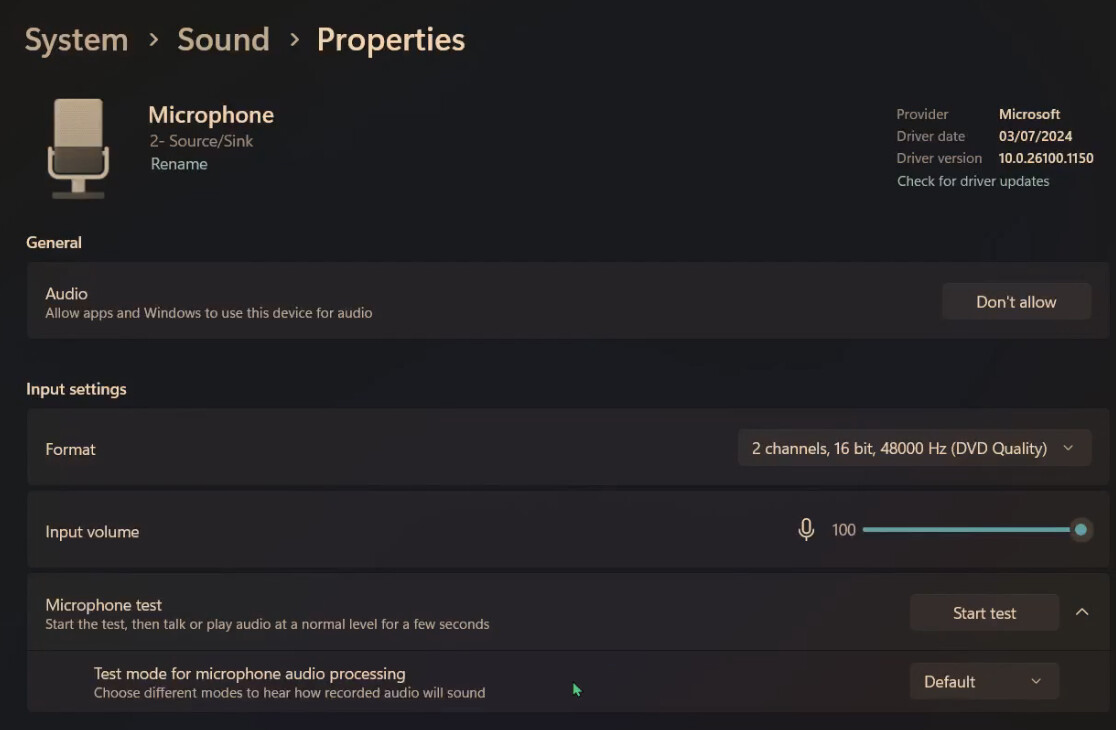
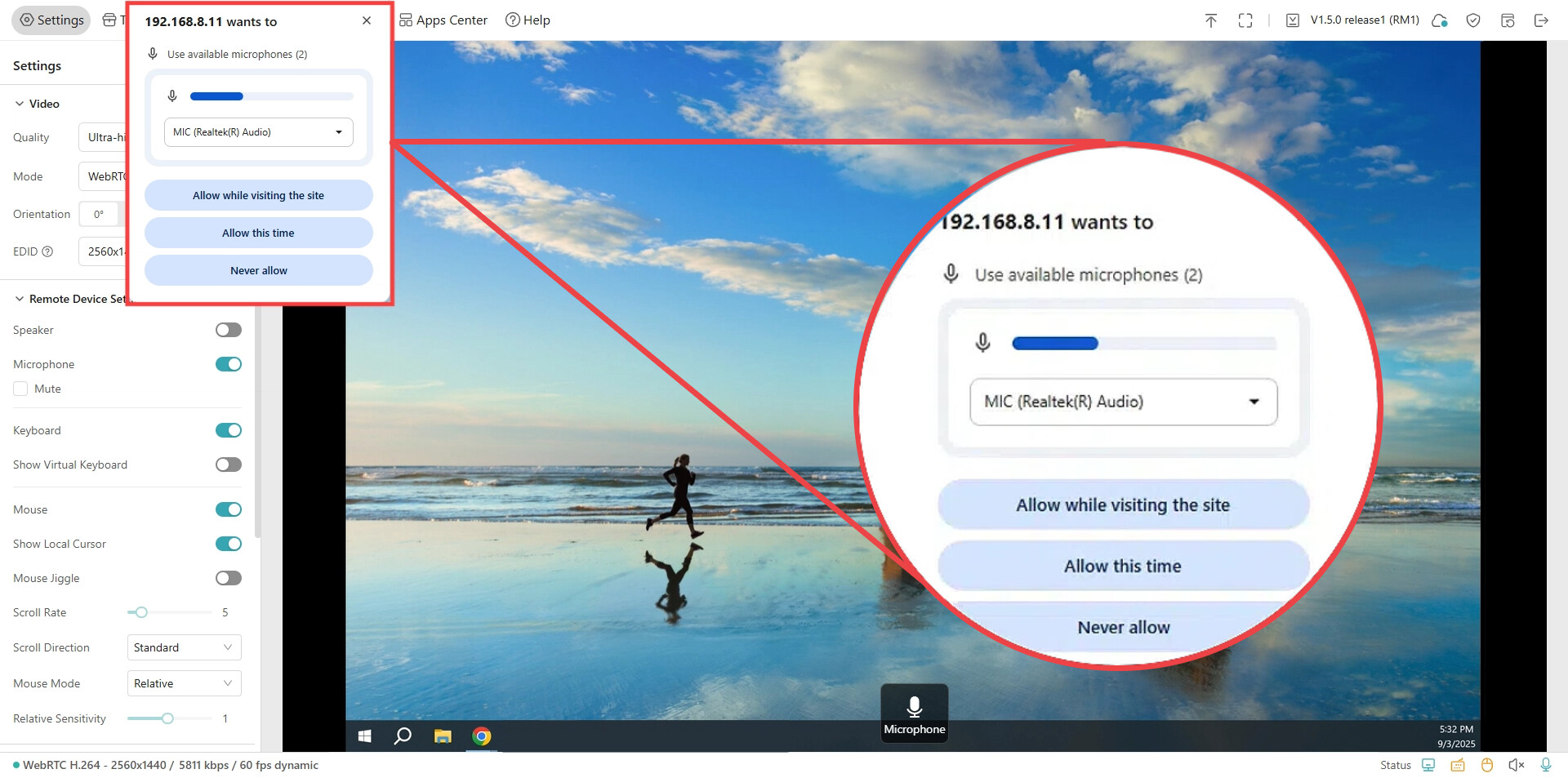
I have set up the Comet Pro and the KVM is working fine and accessible via the web. However, the sound is not coming through from the computer I am trying to remote into, neither is the mic. Both are essential for my use case. It is a Windows computer, and the machine I am accessing it with is a Mac. I’m not sure this matters much as it should simply be sound being transmitted via the KVM application.
I can confirm that the sound and mic options are enabled from within the application. I have tried selecting different options from the Windows machine but no success.
I have fixed the issue. It will not work with VPN. Whilst my VPN was enabled, it did not allow audio of any kind, or access to my local computer’s clipboard. Also connecting to the machine did not work unless it was disabled initially. This might help someone in future - please check your VPN if you have one running whilst in a remote session.