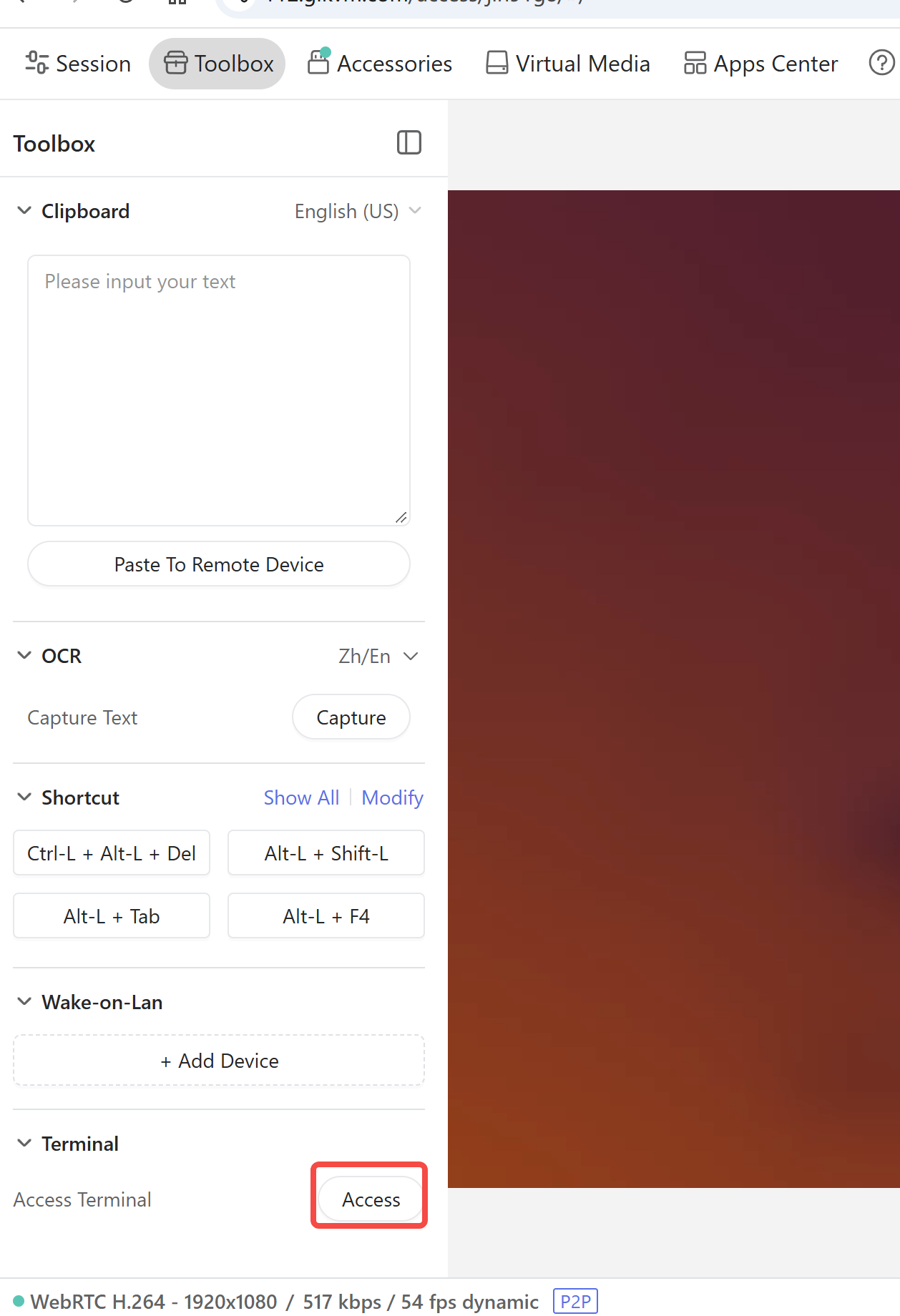
If the output contains crond -i /tmp/.log, the device is under attack.
If there is no output or the output is otherwise displayed, it means your device is secure and you can still use it with confidence, as external attack paths have been completely blocked.
If the device is found to be under attack, you can choose to upgrade to the latest firmware or reset the device.
Latest firmware download:
RM10 (1.10.3 or later) RM10RC (1.10.3 beta or later)
If your self-check confirms that your device has been attacked, please use the beta firmware in my link first. If your device is healthy, no firmware upgrade is needed.
For what it's worth, I would recommend not selecting "Keep saved configuration" when upgrading a device that has tested positive for compromise, since preserving the configuration could also preserve malicious files or persistence mechanisms.
I upgraded my infected GL-RM10 to the new V1.10.2 beta without keeping the configuration. The four previously detected gl-helper malware files and the suspicious rc.local entry are now gone.
However, I initially lost remote access to the device. After troubleshooting through a Raspberry Pi on the same LAN, I discovered a Tailscale subnet-routing conflict that was preventing local connections. The RM10 itself was reachable and its web interface was functioning.
I was able to regain access through an SSH tunnel, but the RM10 still appears offline in the GLKVM cloud portal. The logs show that the MQTT connection is accepted, but the cloud agent reports Token Invalid and bind:false.
Is this expected behavior after upgrading without preserving the configuration? Does the device need to be rebound to the GLKVM account, or is there another procedure to restore cloud access remotely?
If you find your KVM has been attacked, and it was attached to any sensitive system - such as a corporate laptop with a logged-in session - then turn your KVM OFF and preserve it for evidence. If this device was used to parlay a breach into a corporate system, this KVM will be the only evidence to demonstrate it was not YOU personally, and potentially keep you out of jail.
This is not a joke or hypothetical. You do not destroy infected device evidence until you have the full context.
@robotluo - that is extremely reckless guidance to anyone in the USA (and I suspect EU).
# Put your custom commands here that should be executed once
# the system init finished. By default this file does nothing.

. /lib/functions/gl_util.sh
remount_ubifs

exit 0
Thanks for sharing. I don't see anything inherently malicious in the rc.ocal contents you posted.
I suspect the community diagnostic may be flagging rc.local because its contents differ from an expected baseline, rather than because it identified a malicious command.
For example, all of our partner's (RemoteToHome) Signature VPN customers have intentionally modified rc.local files, so a modification alone certainly doesn't establish compromise.
On a related note: it seems after removing a router from GoodCloud through the website, the router initially disconnected but then reconnected to the GoodCloud server. Only after you disable GoodCloud locally on the router will it stop. Same on my RM10, the cloud agent still established an MQTT connection (conack: 0 connection accepted), even after receiving Token Invalid from the device authentication endpoint.
What prevents an unbound device from receiving or executing cloud commands, and does removing a device from an account immediately revoke its authorization?
Given the recent security incident, I think it's important to clarify whether cloud connectivity is independent of account binding and how authorization is enforced for devices that are no longer bound to an account.
I noticed the exact same thing and posted about it elsewhere. I would like to know the answers as well.
Even after unbinding a device from goodcloud and restarting the device, Goodcloud continues running on the device. Why does unbinding not turn off Goodcloud on the device?
GoodCloud: on (gl-sdk4-cloud git-2025.221.26985-238a59d-1), bound to an account: off
In order to fully turn off Goodcloud on the device the user needs to run:
/etc/init.d/gl-cloud stop; uci set 'gl-cloud.@cloud[0].enable=0'; uci commit gl-cloud; /etc/init.d/gl-cloud disable
That command that Glinet keeps telling everyone to run is not sufficient. There are 3 different types of malware that have been found running on devices and that command only finds 1 of them in very specific situations. If you want a much more comprehensive check, run Admon's script. It checks for dozens of indicators of compromise: