We’re excited to introduce GLKVM-Cloud, an open-source project designed for individuals and small businesses who want a fast, secure, and private way to access their KVM devices remotely.
Key Features
Device Management – Monitor online KVM devices in real time
Script Deployment – Add devices conveniently via scripts
Remote SSH – Web-based SSH connections from your browser
Remote Control – Remote desktop control over the web
Batch Operations – Execute commands on multiple devices at once
Rapid Deployment – One-line installation, no complex setup
Data Security – Fully self-hosted, you own your data
Dedicated Bandwidth – Self-deployment means no shared bandwidth, performance is under your control
Lightweight Design – Optimized for small businesses and individual users
We currently provide an installation script that deploys everything via Docker in a one-step process, with CDN support for faster downloads. At this stage, we haven’t published an official image to Docker Hub, since the existing method is already quite straightforward. That said, if there’s strong demand for an official Docker Hub image, we’re happy to add it to our roadmap.
It makes things easier to add it to my current Docker Compose setup, but I tend to use SOCKS over SSH rather than needing a web interface. That said, I may need to play with it for software update management.
Maintaining an official Docker image is indeed a good idea, and we will consider doing so to better meet different customer needs. That said, I think there may be a slight misunderstanding: the main focus of GLKVM Cloud is not just providing remote access to the GLKVM device itself, but enabling remote control and display of the host connected to the KVM device. For this reason, the solution relies heavily on a web interface.
That’s what I figured (although I haven’t had time to play myself), popping that into my NGINX setup would let me easily enable some of my security frameworks like MTLS to make it accessible from the outside world. That said, my setup is pretty trivial.
We’ve now published an official Docker image on Docker Hub to support manual installation. You’re welcome to try it out, and we’d greatly appreciate any feedback to help us improve. For detailed usage instructions, please refer to the documentation here: docker-compose/README.md.
The link to Remote Control doesn’t work if using domain name instead of IP (Remote SSH is correct). It replaces the subdomain name with the Device ID: DeviceID.mydomain.com:10443/?sid=………………``.
If I replace it with the real domain name, it works: test.mydomain.com:10443/?sid=………………``.
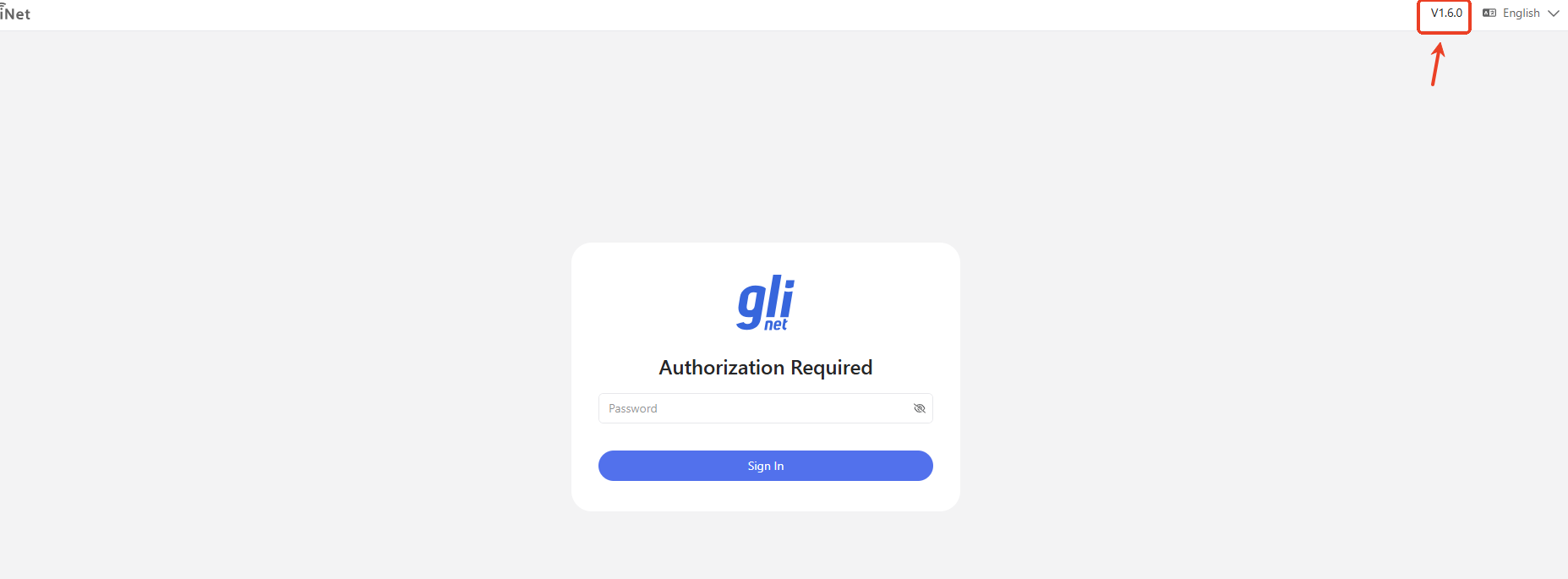
Also, please show the installed version in the GUI.
When accessing GLKVM Cloud via a domain name, the system uses device-specific subdomains to allow simultaneous access to multiple devices without conflicts. Each device is accessed through its own subdomain (for example, DEVICE_ID.yourdomain.com).
Regarding the version information, we plan to add the installed version display to the GUI in an upcoming release to make it easier to identify the currently running version.
I’m not sure if I like this behavior. For a large scale rollout with a dedicated domainname and multiple different users, this probably makes sense. If I want to use my existing domain for just a few devices, I want to use a subdomain and don’t want to have all typos end up at the KVM login screen. This behavior seems unnecesarily unsafe to me. But thanks anyway for the effort and making it possible at all.
Correct, I can use a subdomain. My concern is the need to use *.example.com. I want unknown subdomains to go to a dedicated ‘unknown’ page and not the KVM cloud plattform.
 Quick Start