Repeater mode - can we lock to a specific BSSID?

I have a couple of Opal models, and have also just bought a Slate 7 and Slate AX which I am awaiting delivery on.

On the Opal models, if I set the router to use the Repeater mode, it allows me to select an SSID and shows me a list of the network names, but, I can see no option to lock to a specific BSSID.

I have seen an option to lock the BSSID when using another
Here is my situation:

I have two buildings, which I will call 'Building A' and 'Building B'.

'Building A' has an Opal router, and a WAN connection connected to it via ethernet.
'Building B' has a network switch, and several devices connected to that switch - no link exists between the two networks.

Both buildings have multiple AP's, all broadcasting the same SSID. I used to have a wireless link between the two buildings, which I have now removed and am replacing equipment with the GL.iNet hardware.

The issue I have, is when I put an Opal in 'Building B' using the 'Repeater' mode to connect to the WiFi in 'Building A', it appears to be trying to connect to the nearest AP in Building B, and as such, does not connect to any equipment in 'Building A'.

If I were able to tell the Opal to connect to a specific AP, and also locked to a specific BSSID, it should stop it connecting to the AP's which are closest (and which have no internet connection).

The only workaround I have found, is to change the SSID of the Opal in 'Building A', to something unique, and have the other Opal in 'Building B' connect to this SSID using the repeater mode.
However, I want everything to have the same SSID

When joining a network for Repeater, if I click on Advanced Options, there is no "Lock BSSID" option....although I have seen this elsewhere on the admin UI, but cannot remember where exactly off the top of my head right now...
I am using the latest v4 firmware that was available on this model this week.

I'm hoping it is just an oversight, or that the Opal will not allow this, and that one of the Slate models I have ordered will allow me to do this.
Hi

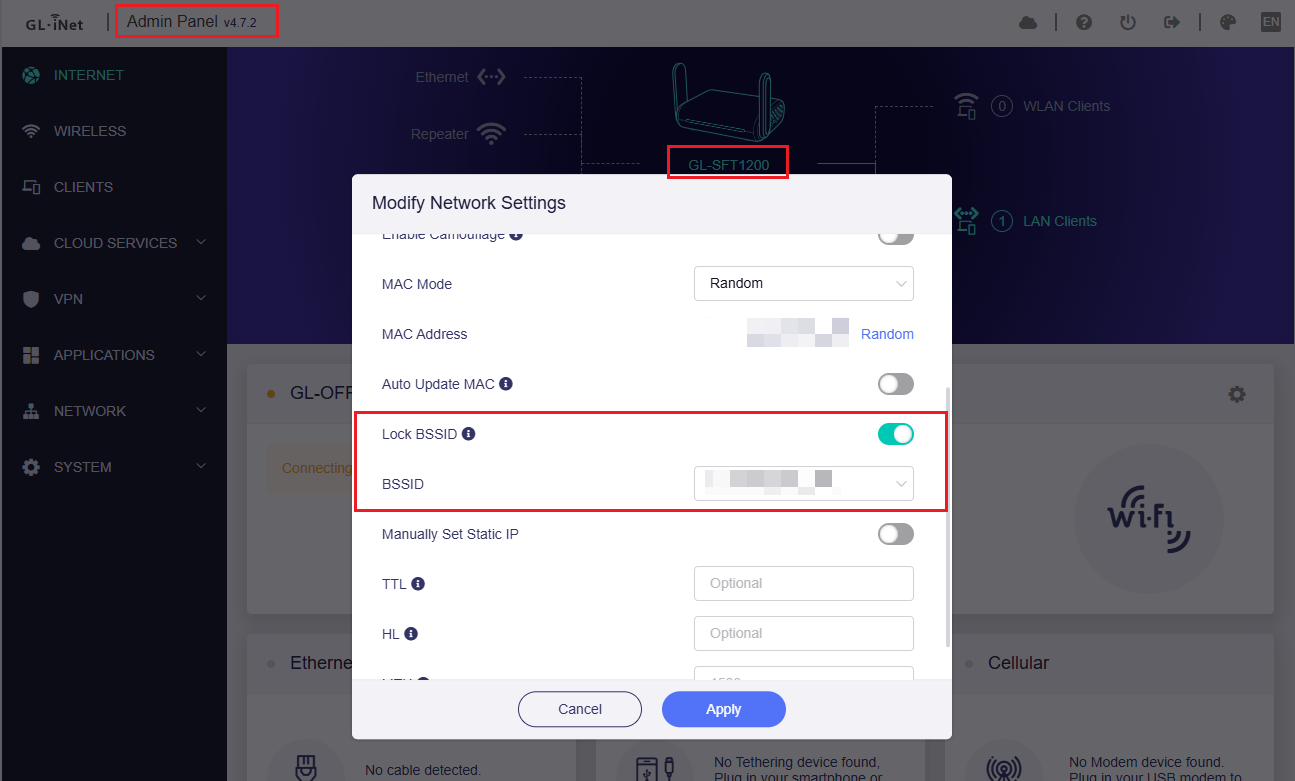
Please try Opal's 4.7.2 beta firmware, which supports the 'Lock BSSID' function.
You can download it here and upgrade it as this guide shows.

1 Like

How exactly are you bringing up that "Modify Network Settings" dialog?
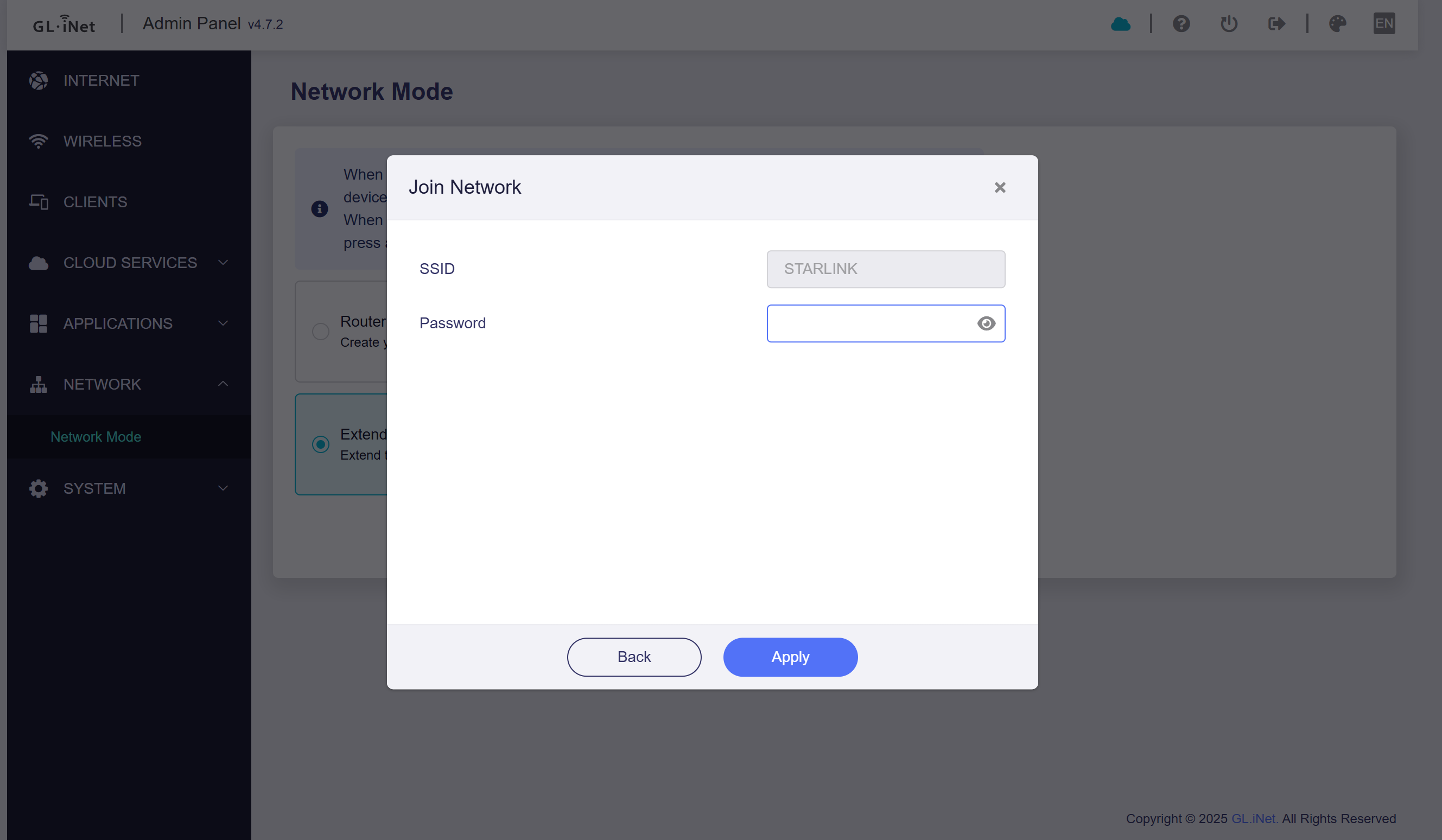
Only thing I can find, is to go to Network, Repeater, and scan for the network again, which then only allows me to enter a password, and no other advanced options

Is your current firmware version 4.7.2 beta?
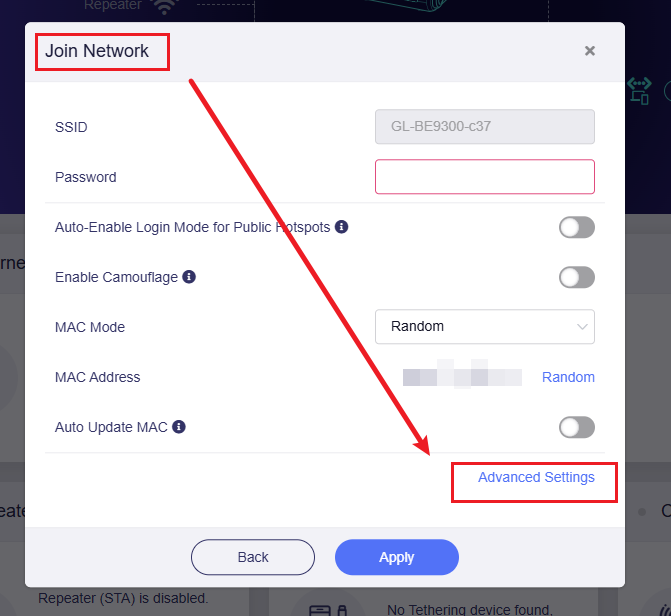
If yes, you should be able to find this option either by clicking Admin Panel - Internet - Repeater - Connect - SSID - Advanced Settings

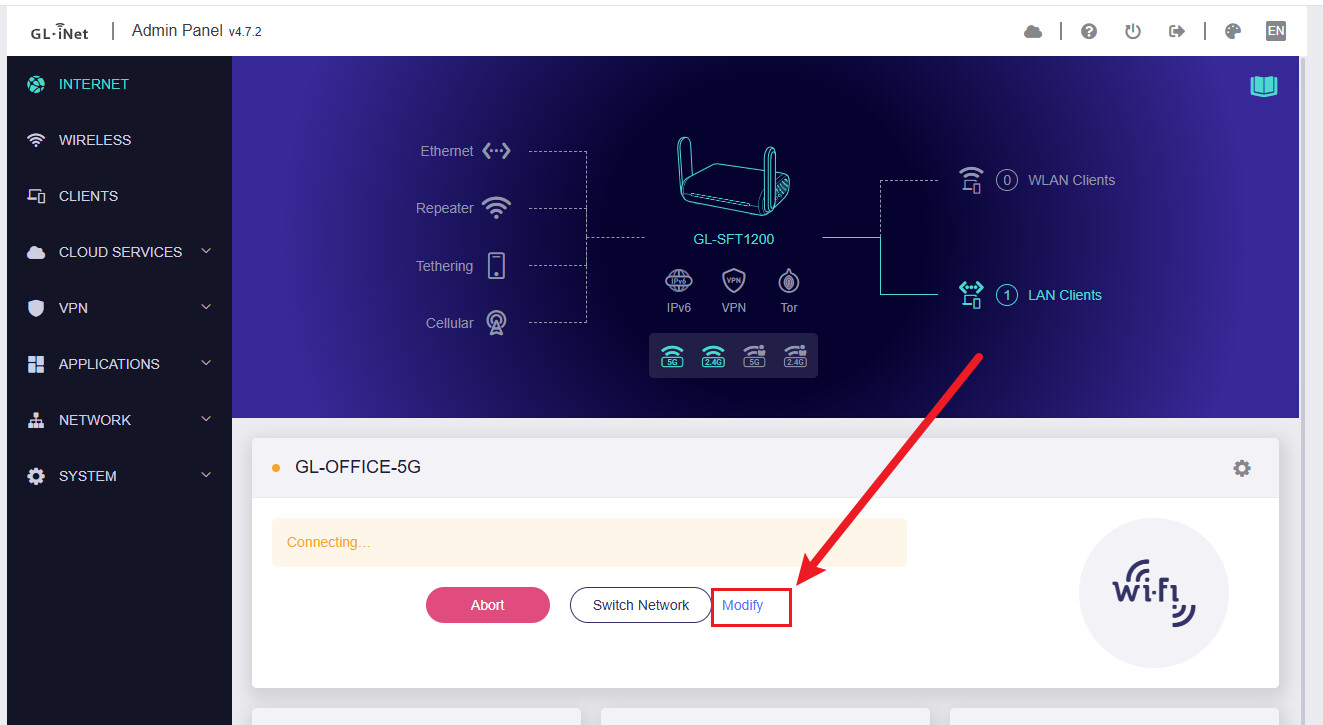
Or by after connecting and then clicking the Modify button - Advanced Settings on the Admin Panel - Internet - SSID.


I may have mis-spoke when I said 'Repeater'.

What I meant to say was 'Extender'.

When selecting 'Extender' as 'Network Mode', I have no 'Advanced Options' available, and unable to lock to a specific BSSID.

And yes, I am using v4.7.2 beta

When in 'Extender' mode, the 'Lock BSSID' function is unavailable on GL UI.

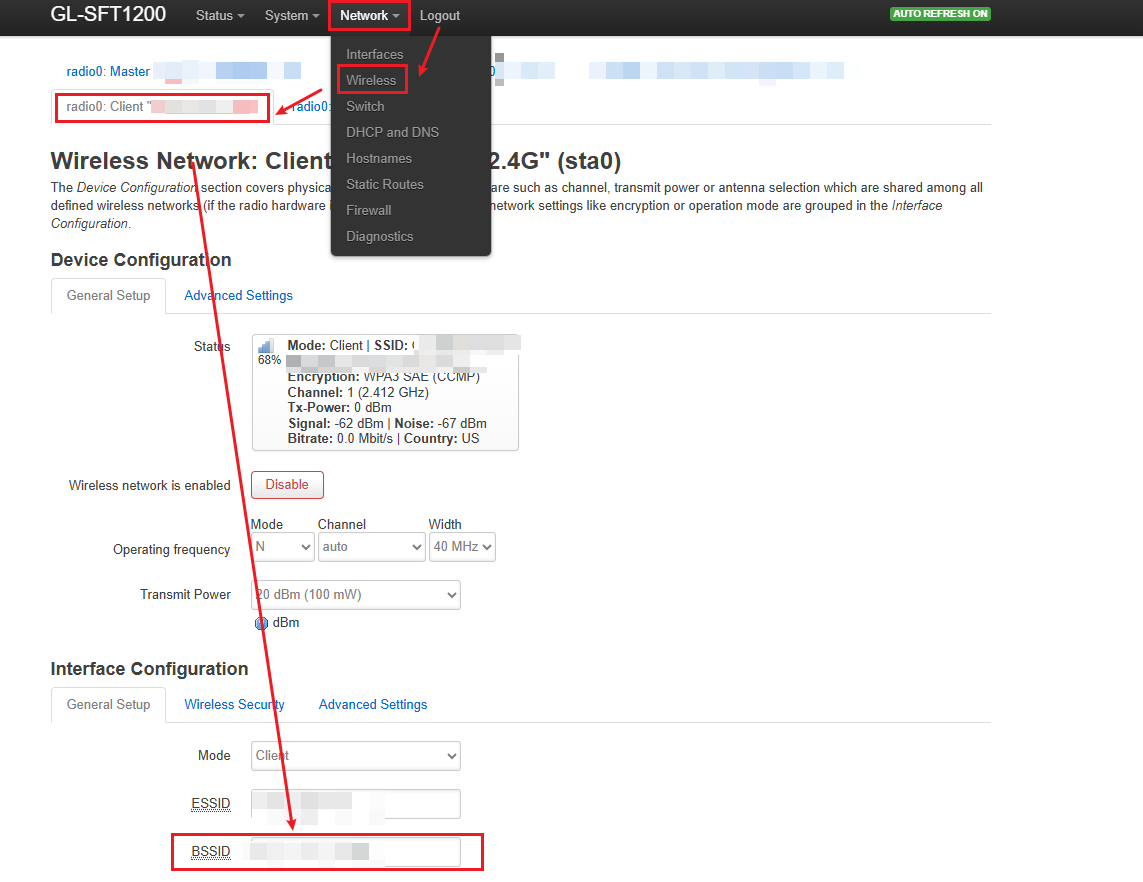
But we can go to Luci - Network - Wireless - click the corresponding SSID page - enter the BSSID of the AP you want to bind in the BSSID row - Click the save & apply button.

I tried that, and the correct BSSID was already showing in that box, but I can see that it still trying to connect to different AP's with a different BSSID, resulting in lots of dropouts.

The only way I have been able to get around it, which is not ideal, is to set the Guest network on the 'main' router to have a different ESSID, and changed from the Guest Network in Luci, to the LAN network.

Not ideal, and still looking for a way to fix it, but may have to return the Gl.Inet routers and go for something else, possibly something which natively supports mesh standards

We tested this again and realized we had missed a step in the previous procedure.
Could you please try the following method again?

  1. Change the LAN address of Opal to one that is different from the upstream network.
  2. Enable Extender mode, and wait until it connects.
  3. SSH into the device and run the following commands to stop the GL Wi-Fi–related service and prevent it from changing the Wi-Fi settings:
/etc/init.d/repeater disable
/etc/init.d/repeater stop
  1. Access LuCI and lock the BSSID as previously described.