EDID Compatibility Expansion: Added two EDID configurations for 1600x900 and 1080P@120Hz to enhance compatibility with display devices.
High Refresh Rate Support: All models now support up to 1080P@120Hz.
Bug Fixes
Resolution Compatibility Fix: Added support for 1680x1050 resolution. For devices that do not support 1680x1050, the system will automatically reset to 1680x1048.
Audio Quality Optimization: Fixed the issue of poor microphone audio quality.
Screen Flickering Fix: Resolved occasional screen flickering or slight scrambling on RM1PE/RM10/RM10RC when switching resolutions.
Time Synchronization Fix: Fixed a bug where RM1/RM1PE could not actively trigger NTP time synchronization after Ethernet port hot-plug.
Startup Speed Optimization: Fixed slow service startup in a network-free environment, reducing startup time.
Performance Improvements
Adapter Compatibility Enhancement: Improved compatibility with VGA to HDMI adapters due to the increased maximum frame rate.
Algorithm Upgrade: Upgraded image processing logic in Smart Mode to TSVC4 (on RM1PE/RM10) to improve experience under packet loss conditions.
Just upgraded my RM1 from the 1.8.0 beta 2 (successful update over tailscale because I like to live dangerously). Will let you know how it goes testing wise
Curious is there any kind of documentation on the different video settings so I can play around with them and make some changes based on use case. I see there is a ? by each section but literally doesnt provide any kind of useful info
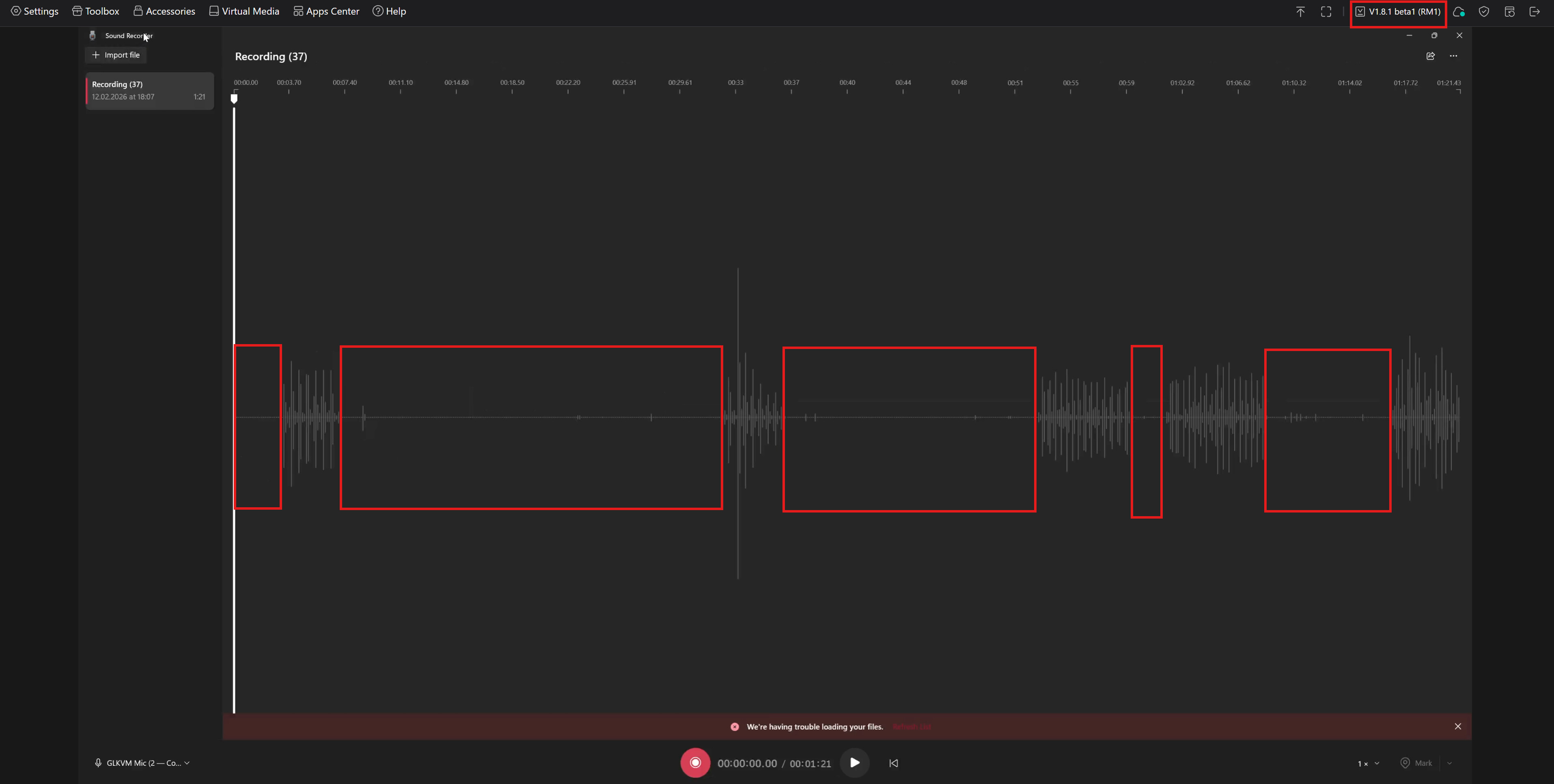
No improvement so far after updating to 1.8.1 beta1 release. Microphone interruptions highlighted on red color. Microphone is capturing less than 50% of conversation. I am connected over LAN.
Tested on both internal and external microphones.
@sullyjman thanks for your response. This does not work. On the comet pro there is wg-quick and wireguard already installed but there is missing some other binaries.
Just upgraded to 1.8.1 Beta1 and noticed the following things:
The DNS-Server, that the KVM (in my case the Comet Pro) gets via DHCP, isnt used. Instead, the default-gateway is being used.
→ see cat /etc/resolv.conf
The overriding of the pre-defined STUN-Server (“stun[.]l[.]google[.]com”) by adjusting the “/etc/kvmd/override.yaml” as explained in this post, doesnt seem to work anymore.
Instead, even if a custom STUN-Server is set, there are still DNS-Requests to “stun[.]l[.]google[.]com”.
I did not notice this with the previous firmware.
Nice, sounds like a smooth upgrade! Updating over Tailscale definitely adds a bit of thrill to the process, but it’s great to hear it went through successfully. The RM1 updates can sometimes be a little unpredictable, so taking it slow and testing things out is smart. Keep an eye on any quirks in performance or connectivity since beta updates can still have small bugs. Looking forward to hearing how your testing goes—especially if any new features or fixes in 1.8.0 beta 2 make a noticeable difference in daily use.
Yeah, doing it over Tailscale definitely made it feel a bit risky, not going to lie. I was half expecting it to freeze mid-update, but thankfully it went through without any drama. So far everything boots fine and basic stuff seems stable, but I’m still poking around to see if anything behaves differently.
I’ll keep an eye on connectivity and sync since that’s usually where weird beta quirks show up. Performance feels about the same for now, maybe slightly snappier when switching between pages, but it’s early. I’m curious to see if 1.8.0 beta 2 brings any subtle workflow improvements once I use it for a few days straight.